


Charlie Ngo
•
Last updated: 23 October, 2026
Shopify Smart Collections: Setup, Conditions & 8 Examples (2026 Updated)
Shopify smart collections add and remove products for you based on rules, such as a tag, a price, or...
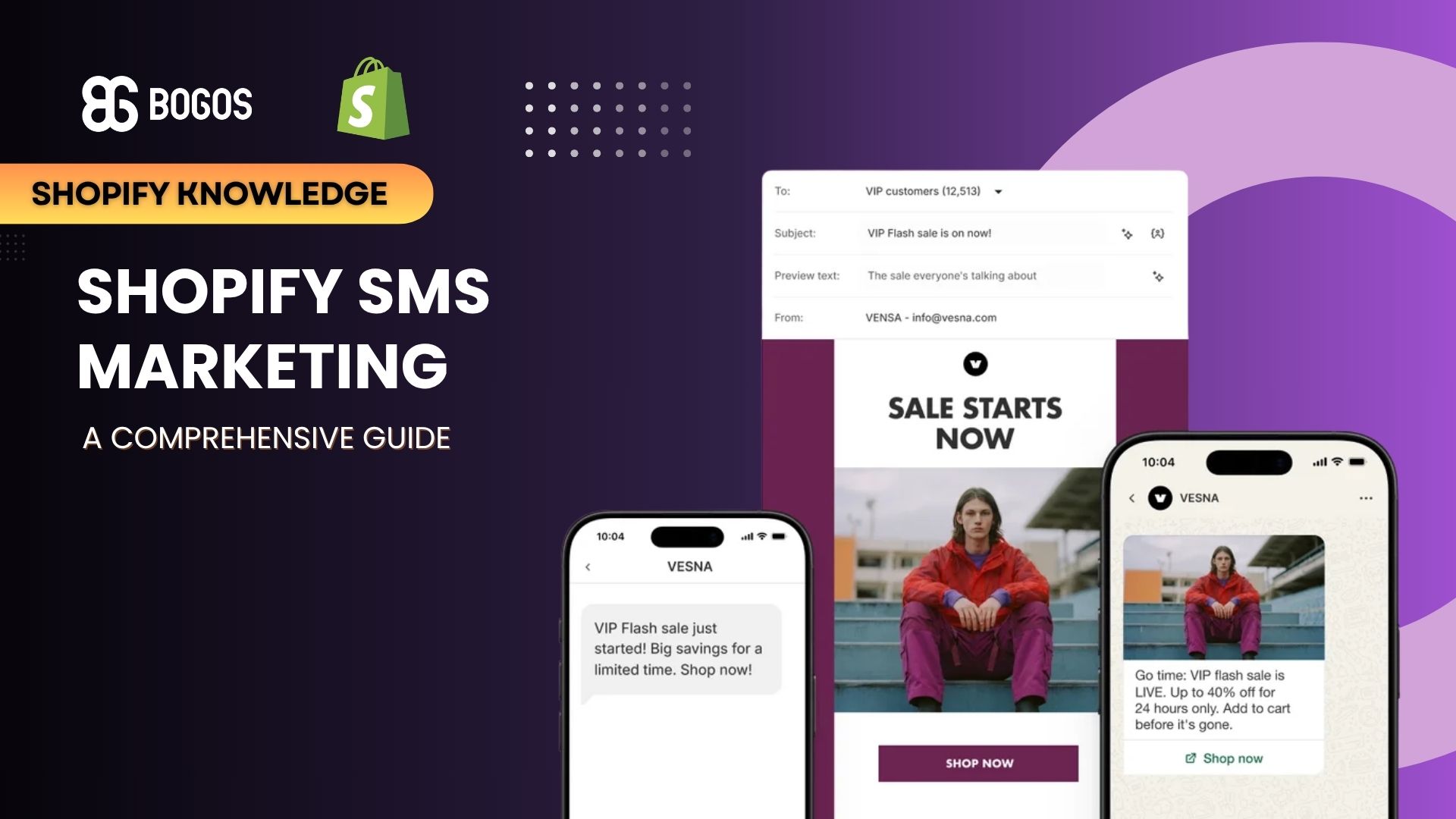
How to Do Shopify SMS Marketing (2026 guide)

Marketing Manager
Summarize this post with AI
I wrote this guide because most Shopify merchants know SMS works but stall on three things: whether it pays off, how to stay legal, and how to set it up without annoying customers. This article answers all three, with real benchmarks, the current US consent rules, a step-by-step Shopify setup, the automations that make money, and a clear look at when Shopify’s native tools are enough and when a dedicated conversational SMS platform earns its place. I am Charlie Ngo, Marketing Manager at BOGOS, and I work with Shopify merchants on offers and promotions every week.
Shopify SMS marketing is the practice of sending text messages to customers who have opted in, to promote products, recover sales, and share updates. SMS stands for short message service, the standard text format on every mobile phone.
Text messages differ from email in three ways. They arrive directly on the phone, they get read within minutes, and they leave room for only a line or two.
SMS marketing splits into two message types:
Both types can be promotional or transactional. Promotional texts sell something. Transactional texts confirm an order or a shipment, and they usually do not need marketing consent.
SMS marketing is worth it for most Shopify stores because it earns high engagement from a list that asked to hear from you. Shopify’s own merchant data shows the gap between SMS and email clearly. Shopify reports that its merchant Bushbalm runs an automated welcome series that regularly sees click-through rates above 50%, while the same brand gets about 25% open rates and 2% click rates on its marketing emails.
Read that number in context. Welcome messages are among the highest-performing SMS you can send, so 50% is a best case rather than a store-wide average. It still shows the pattern: a text to an opted-in subscriber pulls far more clicks than an email to the same person.
SMS is also a first-party channel you control. Shopify describes it as an owned channel, where you hold the full list of phone numbers and no algorithm sits between you and the customer. That makes it a reliable way to increase sales on Shopify without renting attention from ad platforms.
One caveat on open rates: texts are read within minutes, but standard SMS gives no dependable open-rate metric the way email does. Judge SMS by delivery rate, click-through rate, conversion rate, revenue per recipient, reply rate, and opt-out rate instead.
Shopify recommends using SMS and email for different jobs and running both.
Keep the two channels from doing the same job on the same day. When most of your email list is also on your SMS list, sending an identical message twice wastes budget. Both channels support a stronger conversion rate on Shopify when each plays to its strength.
You must get written consent before you send a marketing text, or you risk real legal exposure. Text marketing in the US falls under the Telephone Consumer Protection Act (TCPA) and the CAN-SPAM Act.
The penalties are severe and add up fast. The TCPA sets statutory damages of $500 per unlawful message, rising to $1,500 when the violation is willful, and it treats each text as a separate violation. A single non-compliant campaign to a large list can create six-figure exposure.
Follow these rules to stay compliant:
Consent protects more than your legal position. A list built on real permission stays engaged, which lifts every metric that follows.
Shopify Messaging is Shopify’s built-in marketing tool, and it lets you create, send, and track SMS campaigns from your admin without a third-party app. You reach it under Apps > Messaging, and it handles email campaigns from the same place.
Get three things in order first, or Shopify will block your setup:
It also helps to read Shopify’s SMS requirements and content guidelines and check its pricing before you start, since Shopify Messaging bills per message.
Before you can send, you must set the countries you want to market to, because the requirements differ by region. For the United States and Canada, you complete a toll-free registration that takes about 2 to 5 business days, and the assigned number is for delivery only, so customers cannot reply to it. For the United Kingdom and the European Union, you set an alpha-numeric sender name and can send right away.
Once your countries are set, sending a campaign takes a few steps:
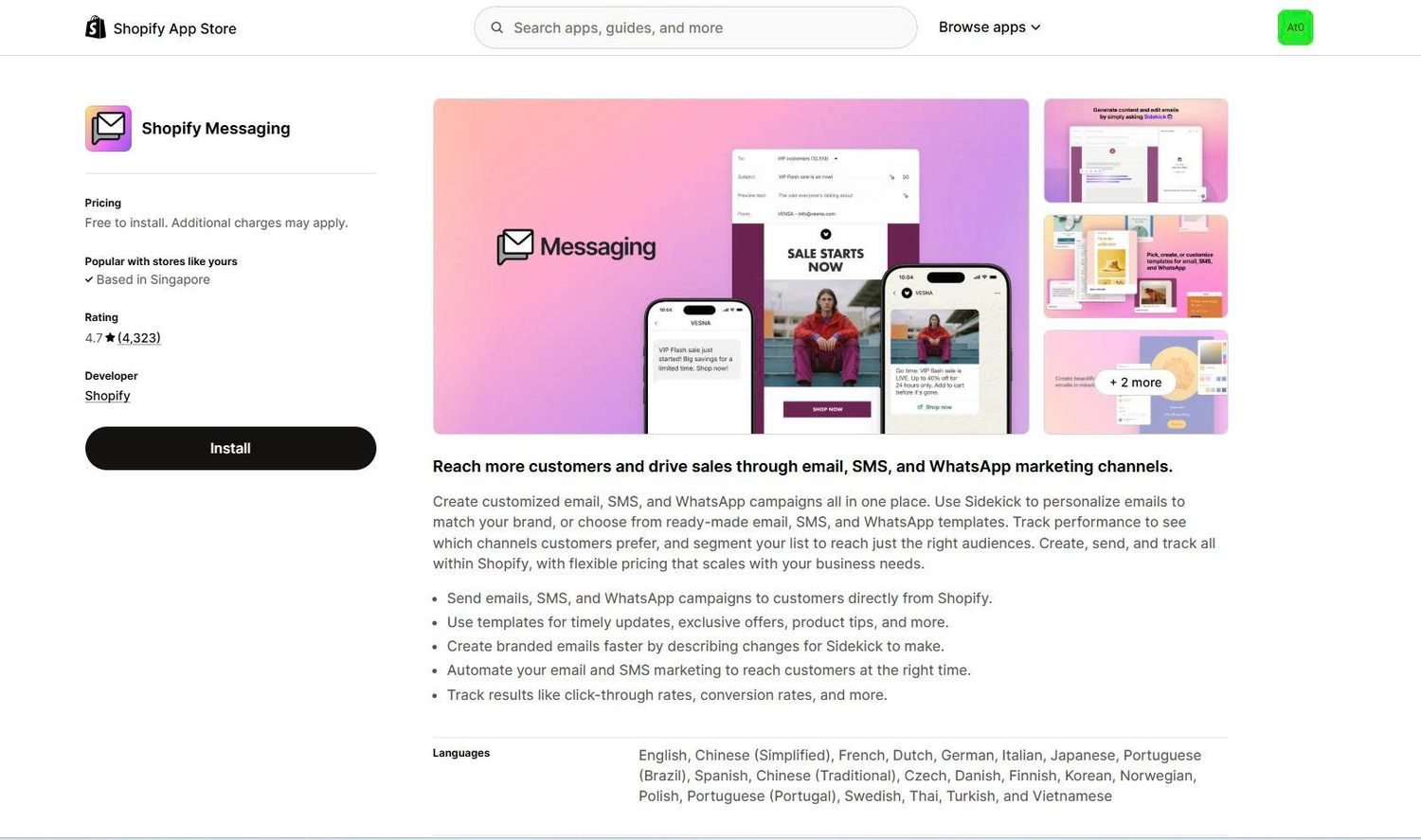
You have two realistic ways to run SMS on Shopify: the native Shopify Messaging tool, or a dedicated conversational SMS platform. The right choice depends on how far you want to take the channel, not on your store’s size.
Native Shopify Messaging is enough when you mostly send scheduled, one-way campaigns and want no extra subscription. It handles templates, segments, and a limited set of browse, cart, and checkout recovery automations from your admin.
Its main limit is conversation. The US and Canada toll-free number is send-only, so shoppers cannot reply, and behavior-triggered flows are basic. When you want two-way replies and deeper automation, you outgrow it.
A dedicated platform fits when you want shoppers to reply and keep buying, not just receive blasts. TxtCart is an AI-native conversational SMS platform for Shopify brands. Its AI Agent handles two-way shopper conversations, while the platform also supports cart recovery, flows, campaigns, popups, segmentation, and analytics.
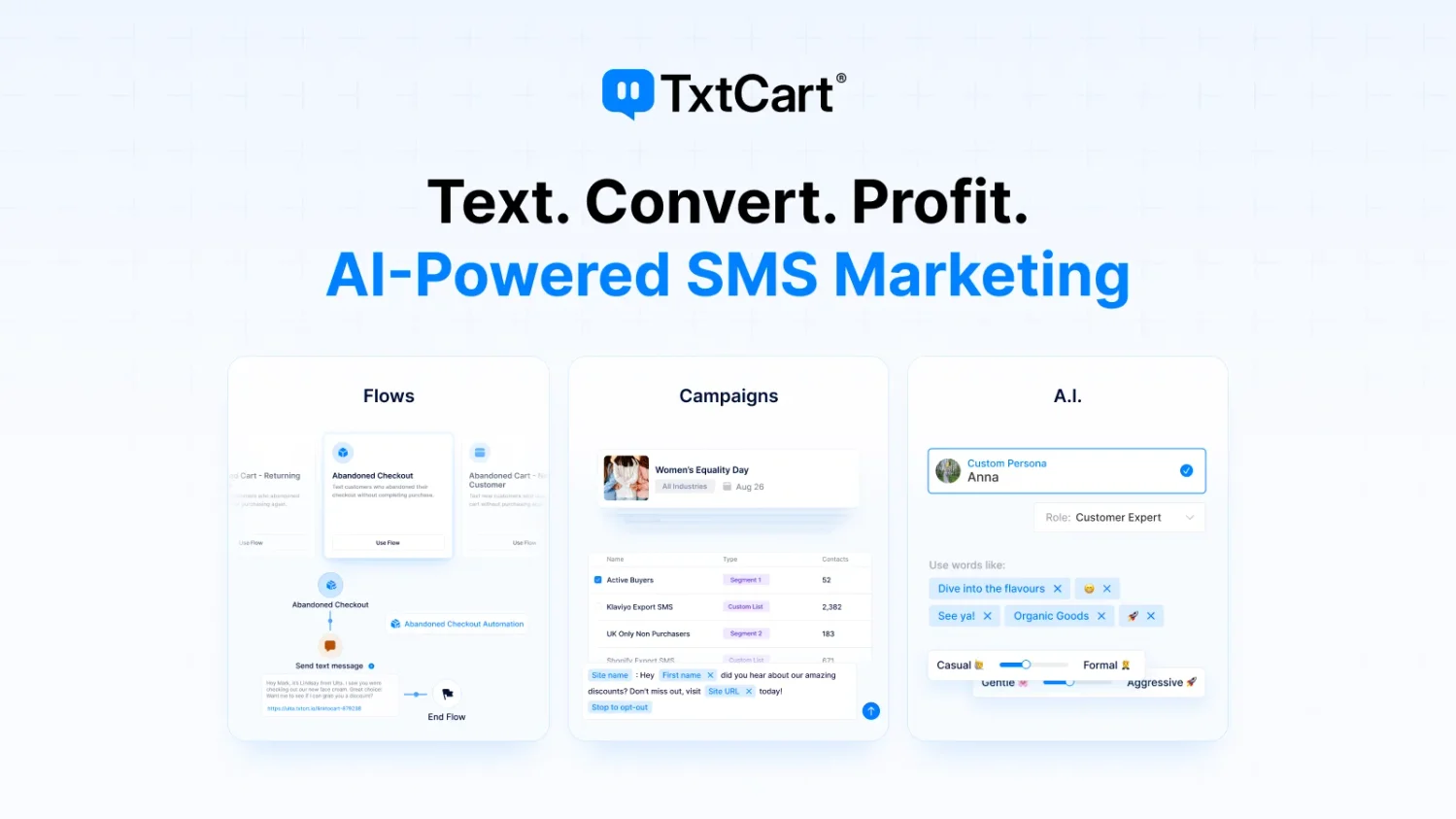
TxtCart gives lean teams a fuller SMS program without more manual work or a larger retention team, and it supports growing and established brands as well as smaller stores. It also handles the technical setup for you, including 10DLC or toll-free registration and built-in compliance tools. You still need your policies published and your opt-in consent collected, the same as the native path.
Plans start at $29 per month, plus SMS and MMS usage and carrier fees, with a 14-day free trial and no contracts. Choose TxtCart when you want shoppers to reply, get answers, and continue buying while campaigns and automated flows run from the same platform.
Whichever route you pick, check four things in any SMS platform:
Grow your list by giving people a clear reason to hand over their number at every touchpoint. Use these methods:
The incentive matters most. Discounts and early access rank among the top reasons people subscribe, and research suggests a 10% discount is enough to capture most sign-ups. The athleisure brand Alo Yoga, for example, offers new visitors a discount in exchange for joining its list.
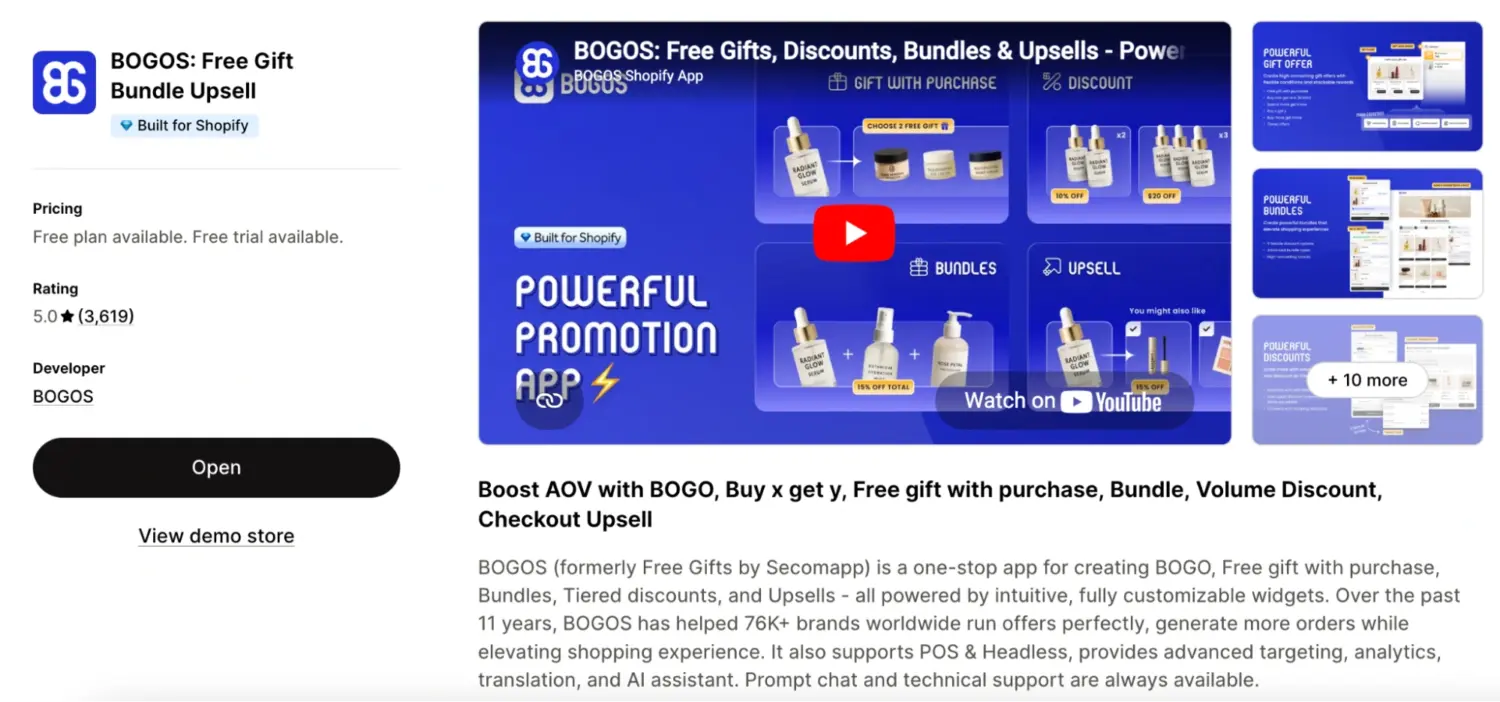
A free gift can work even better than a flat discount, because it feels like a reward rather than a price cut. You can automate the whole reward with a tag. Set up a flow that automatically tags every customer who subscribes to your list, then use an offer engine like BOGOS to attach a free gift with purchase or discount to that tag. The reward then applies on its own the next time those tagged shoppers visit and buy. BOGOS is not an SMS tool, but it runs the reward side: you can cap how many times each customer redeems the offer to protect your margin, and combine it with other discounts like free shipping. What to do: pick one clear incentive, tag subscribers on opt-in, and let the offer apply automatically.
Automations drive most SMS revenue, so build these first, then layer campaigns on top. Each one below includes a short example you can adapt.
A welcome text greets new subscribers and delivers the incentive you promised. Send it the instant someone opts in, and include your discount code plus a link.
Welcome flows convert because they reach people at peak interest. According to Shopify, merchant Bushbalm runs an automated welcome series that regularly sees click rates above 50%, against 25% opens and 2% clicks on its marketing emails. What to do: put your strongest offer in the first text, since attention is highest right after sign-up.
Example: “Welcome to [Brand]! Here’s 10% off your first order: SAVE10. Shop now: [link]. Reply STOP to opt out.”
An abandoned cart text reminds shoppers who added items but did not check out. Send it within an hour or two, and consider a small incentive to close the gap.
Two-way, conversational recovery can lift results because many carts stall on one unanswered question. In TxtCart’s Organi case study, Organi Grow Hair reported more than $1.2 million in SMS-attributed revenue at 16.9x ROI, alongside 118,839 conversations and a 32.79% reply rate. These are results from one brand, not general SMS benchmarks. What to do: answer common objections such as sizing or shipping while the shopper still has buying intent.
Example: “Still thinking it over? Your cart is saved. Complete your order and get free shipping: [link].”
Three more automations round out a strong program:
Post-purchase is also your best moment to lift order value. A follow-up text can suggest a matching product or a discounted product bundle, and a well-timed upsell in Shopify turns one sale into a larger one. This is the second natural fit for BOGOS: it builds the on-site bundle or gift-with-purchase offer that the SMS points to, so the text drives the click and the offer engine handles the reward. Pairing SMS with the right offer is a direct way to raise your average order value.
Campaigns are scheduled sends to a segment or your whole list. The best-performing ones share a reason to act now:
Click rates climb sharply into peak season. Omnisend recorded campaign click rates rising from 3.47% in January to 23.92% in December, driven by holiday demand. Plan those peak-season sends alongside our Shopify Black Friday checklist.
Strong SMS results come from a few disciplined habits. Follow these SMS marketing tips on every send:
Track a small set of metrics to know whether your SMS program works. These seven cover the full picture:
Compare your numbers against healthy ranges, then fix what drifts. Klaviyo considers a click rate of 14.5% or higher strong, and an unsubscribe rate of 0.6% to 1.4% acceptable, with anything above 2% needing urgent attention. A rising opt-out rate usually signals you are sending too often or missing the mark on relevance.
Shopify SMS marketing gives you a fast, high-attention line to customers who asked to hear from you. It reaches people in minutes, clicks far above email, and grows your store when you use it with care.
Get three things right, and the channel pays off. Collect real consent, lean on automations rather than blasts, and pair SMS with email so each does the job it does best. Then measure your metrics against healthy ranges, and adjust as you go.
Start small. Turn on checkout opt-in, launch a welcome and an abandoned-cart flow, and build from there as your list and your Shopify sales grow.
SMS marketing is legal when you get prior express written consent before sending promotional texts. US text marketing is governed by the TCPA and the CAN-SPAM Act, and you must give every subscriber an easy way to opt out.
Most SMS apps charge a monthly fee plus a per-message rate. Monthly fees range from free to several hundred dollars, and US per-message rates typically run from under a cent to a couple of cents, with carrier fees on top. Native Shopify Messaging avoids an extra app subscription, though you still pay to send.
You can start with native Shopify Messaging for scheduled campaigns and a limited set of browse, cart and checkout recovery automations. Choose a dedicated platform when you need two-way shopper conversations, broader flows, advanced segmentation, deeper reporting, and an SMS program designed to operate beyond one-way sends.

Shopify smart collections add and remove products for you based on rules, such as a tag, a price, or...

Shopify collections decide how shoppers find your products, yet many guides still describe a setup Shopify is now replacing....

A Shopify announcement bar is the thin strip at the top of your store that tells shoppers about shipping,...
