



Charlie Ngo
•
Last updated: 23 October, 2026
Shopify Smart Collections: Setup, Conditions & 8 Examples (2026 Updated)
Shopify smart collections add and remove products for you based on rules, such as a tag, a price, or...
Shopify Product Configurator: 2D vs 3D, Best Apps & Costs (2026)

Marketing Manager
Summarize this post with AI
Shoppers hesitate to buy a $1,200 sofa or a custom ring when they can’t see the exact version they’re choosing. A Shopify product configurator shows that exact version, in 2D or 3D, with the price updating at every step. I’m Charlie Ngo, Marketing Manager at BOGOS, and in this guide I cover what Shopify can do on its own, when to choose 2D or 3D, the best apps, and what they really cost. I read the 9 top-ranking guides on this topic, checked every app price on the Shopify App Store in October 2026, and tested each claim against Shopify’s own documentation.
A Shopify product configurator is a tool that lets shoppers choose parts, materials, colors, and sizes from rules you set, then see the product and its price update in real time. It comes in 3 types: 2D, 3D, and 3D with augmented reality (AR).
Configurators are built for configure-to-order and made-to-order products. A sofa with 4 frames, 30 fabrics, and 3 leg finishes has 360 possible builds. A configurator shows each one without you photographing all 360.
A 2D product configurator stacks flat image layers and swaps one layer each time the shopper picks an option. Choosing “walnut legs” replaces the leg layer with a walnut image.
2D loads fast, costs less, and needs only images. The trade-off is that shoppers see the product from fixed angles.
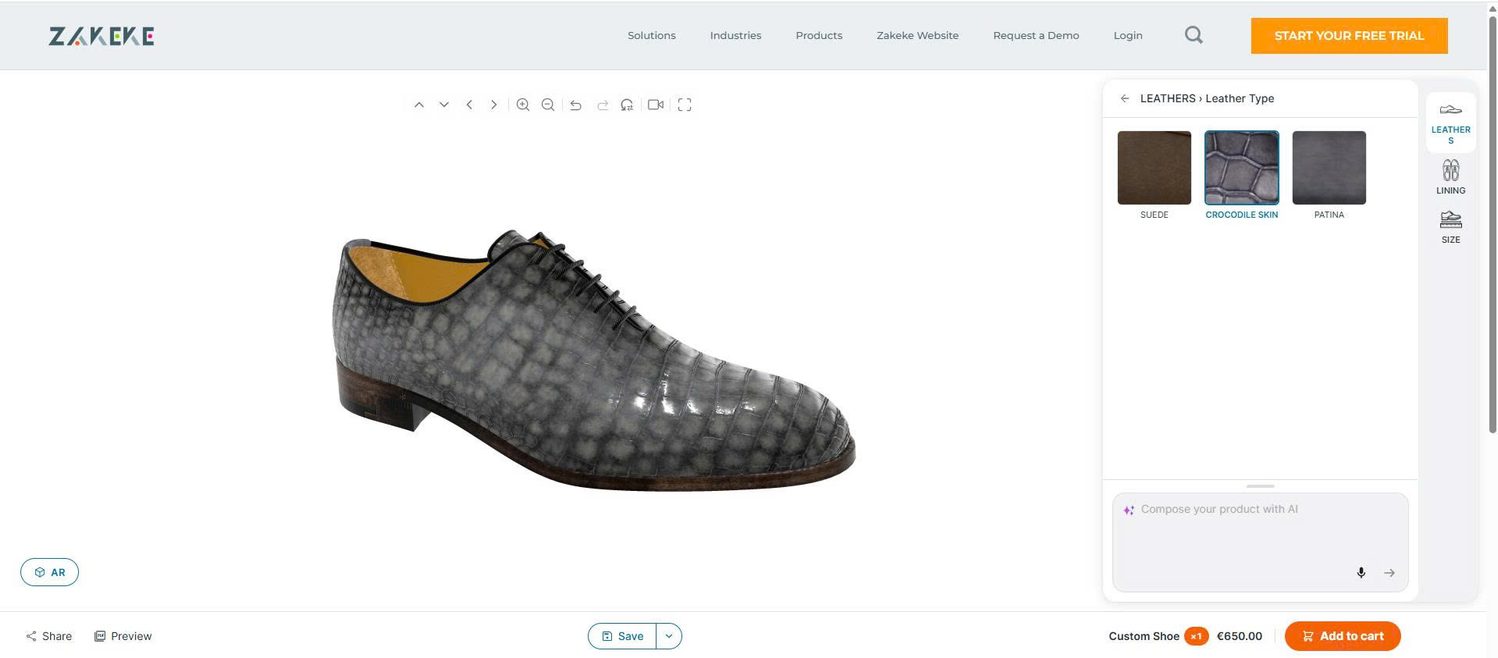
A 3D product configurator uses one 3D model with swappable parts and materials. Shoppers rotate and zoom the exact build they chose. It needs a 3D file for each product and for every part that changes.
AR adds one more step: shoppers place the configured product in their own room through their phone camera. At Rebecca Minkoff, shoppers who viewed a product in AR were 65% more likely to buy, according to Shopify’s case study.
| 2D configurator | 3D configurator | 3D + AR | |
|---|---|---|---|
| How it shows the product | Swaps flat image layers | Changes a 3D model shoppers can rotate | Places the 3D model in the shopper’s room |
| What you need | Layered product images | A 3D model for each product and changing part | The same 3D models, shown in AR on phones |
| Page speed | Fast | Slower, depends on file size | Same as 3D |
| Best for | Watches, apparel colors, signage, simple accessories | Furniture, bikes, jewelry, equipment | Furniture, decor, large items |
| Starting app price (Oct 2026) | $9.99/month (Zepto) | $39/month (Angle 3D) | $39/month (Angle 3D) |
Use this rule to choose the right type:
A configurator changes the product itself by rules, a product customizer adds the shopper’s own text or images, and a 3D viewer lets shoppers rotate a fixed model. Picking a fabric for a sofa is configuration. Engraving a name on a ring is customization, and spinning a chair to see its back is viewing.
Many apps do 2 or all 3 jobs. Zakeke, for example, combines a 2D customizer, a 3D configurator, and an AR viewer in one app.
Shopify has no built-in product configurator. What Shopify does offer is a 3D viewer: you upload a 3D model of your product, and shoppers can rotate it, zoom in, and see it in their own room with AR, as Shopify’s changelog explains.
The viewer shows a fixed model. Shoppers can’t change its color, material, or parts, so it works as a 3D product view, not as a configurator.
You can upload more than one model to a product, such as one model for each color. Shoppers then switch between fixed versions instead of building their own.
To add a model, open the product in your Shopify admin, click “Add media” in the Media section, and upload the file. Shopify accepts GLB and USDZ files up to 500 MB and automatically shrinks files above 15 MB, according to Shopify, and most current Shopify themes display 3D models without extra setup.
A developer can also build a configurator from scratch with custom code. This gives you full control over the design and rules, but it costs more than an app and needs ongoing upkeep whenever Shopify or your theme changes.
A configurator increases sales by answering the shopper’s key question before checkout: “What will my version look like, and what will it cost?” That answer lifts your Shopify conversion rate most on high-ticket and made-to-order products, which shoppers can’t see in a store first.
Merchants who add 3D content to their stores see a 94% conversion lift on average, according to Shopify. This figure covers 3D content in general, not only configurators.
Rebecca Minkoff shows the effect on a single brand. After the brand added 3D models to more than 50 products, shoppers who interacted with a model were 44% more likely to add the item to cart and 27% more likely to place an order, according to Shopify’s case study.
Visuals matter from the first second on a product page. Baymard Institute’s testing found that 56% of users explore product images as their first action on a product page.
Shoppers who want custom products accept higher prices. In a 2015 Deloitte survey of 1,560 UK adults, 36% were interested in personalized products, and 1 in 5 of those would pay a 20% premium.
The same survey found that 42% of interested shoppers prefer choosing from options the brand offers over designing from scratch. A configurator works in exactly this way. Premium materials and paid upgrades also raise your Shopify average order value with every build.
An estimated 19.3% of US online sales were expected to be returned in 2025, according to NRF and Happy Returns. A configurator targets one cause of returns: a product that arrives looking different from what the shopper pictured.
The shopper sees the exact build before paying. That makes the delivered product match the preview.
3D adds the most value when it sits beside real photos. In Baymard’s testing, 83% of users never tried the 360° view where it was available, and 59% skipped product videos.
Keep a full photo gallery on every configurable product. Then use the configurator as the main tool for choosing options.
Products need a 3D configurator when they are high-priced, have many parts, and depend on shape, size, or fit. These 6 categories fit best:
Furniture brand Arhaus shows how this works. Its sectional builder lets shoppers add pieces in 3D, and plus signs appear only where a piece can connect. The price and stock levels update with every change, according to Shopify’s write-up.
Arhaus built the tool with Shopify Partner agency Domaine and 3D software company 3D Source. Its senior vice president of ecommerce told Shopify that furniture is “the third largest purchase you’re gonna make in your life,” after a house and a car. High prices are why visual confidence matters so much in this category.
Swiss bottle brand Sigg is a smaller example. Shoppers personalize their bottles and view them in 3D and AR, powered by Zakeke.
The 8 features that matter most are live preview, rules, pricing, variant sync, cart details, production output, page speed, and the app’s pricing model.
The 5 best Shopify product configurator apps for 2D and 3D are Zakeke, Angle 3D Configurator, ShapeDiver, Kickflip, and Zepto Product Personalizer. A custom build with a Shopify Partner is the 6th option for unique products. I checked every price below on the Shopify App Store in October 2026.
| App | Type | Starting price | Transaction fee | Best for |
|---|---|---|---|---|
| Zakeke | 2D + 3D + AR | $79.90/month | 1.9% per sold item (Starter plan) | Configuration and personalization in one app |
| Angle 3D Configurator | 3D + AR | $39/month | None listed | Shopify stores starting with 3D |
| ShapeDiver (by New Branch) | Shape-changing 3D + AR | $169/month + ShapeDiver plan | None listed | Products whose size and shape change |
| Kickflip | 2D layers | $59/month | 1.95% to 0% per custom sale | Multi-part products with live pricing |
| Zepto Product Personalizer | 2D preview | $9.99/month | None listed | Small catalogs and simple visual options |
The monthly price is only 1 of 4 costs. Transaction fees add up fast: a 1.9% fee on a $1,200 configured sofa costs $22.80 per order. A 3D configurator also needs a 3D model for each product, and complex builds may need an agency for setup, so compare total cost per order before you choose.
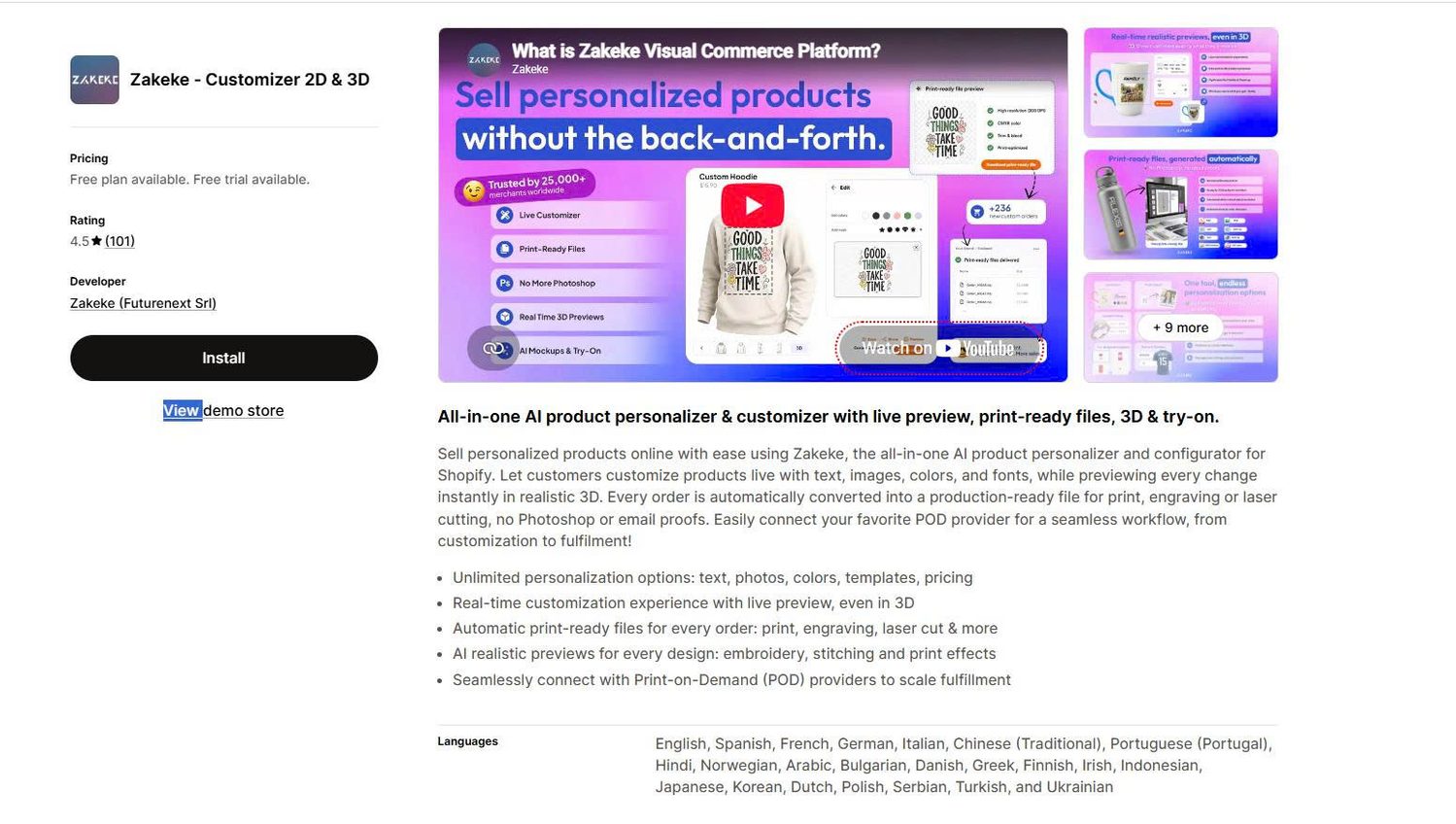
Zakeke is the best all-in-one option because it combines a 2D customizer, a 3D configurator, and an AR viewer in one app. Plans start at $79.90/month with a 1.9% fee on products sold through the app, and higher plans lower the fee to 1.7% and 1.5%.
Zakeke fits brands that sell both configured and personalized products, such as Sigg’s bottles. Its listing also includes virtual try-on that runs in the shopper’s browser with no extra app to download.
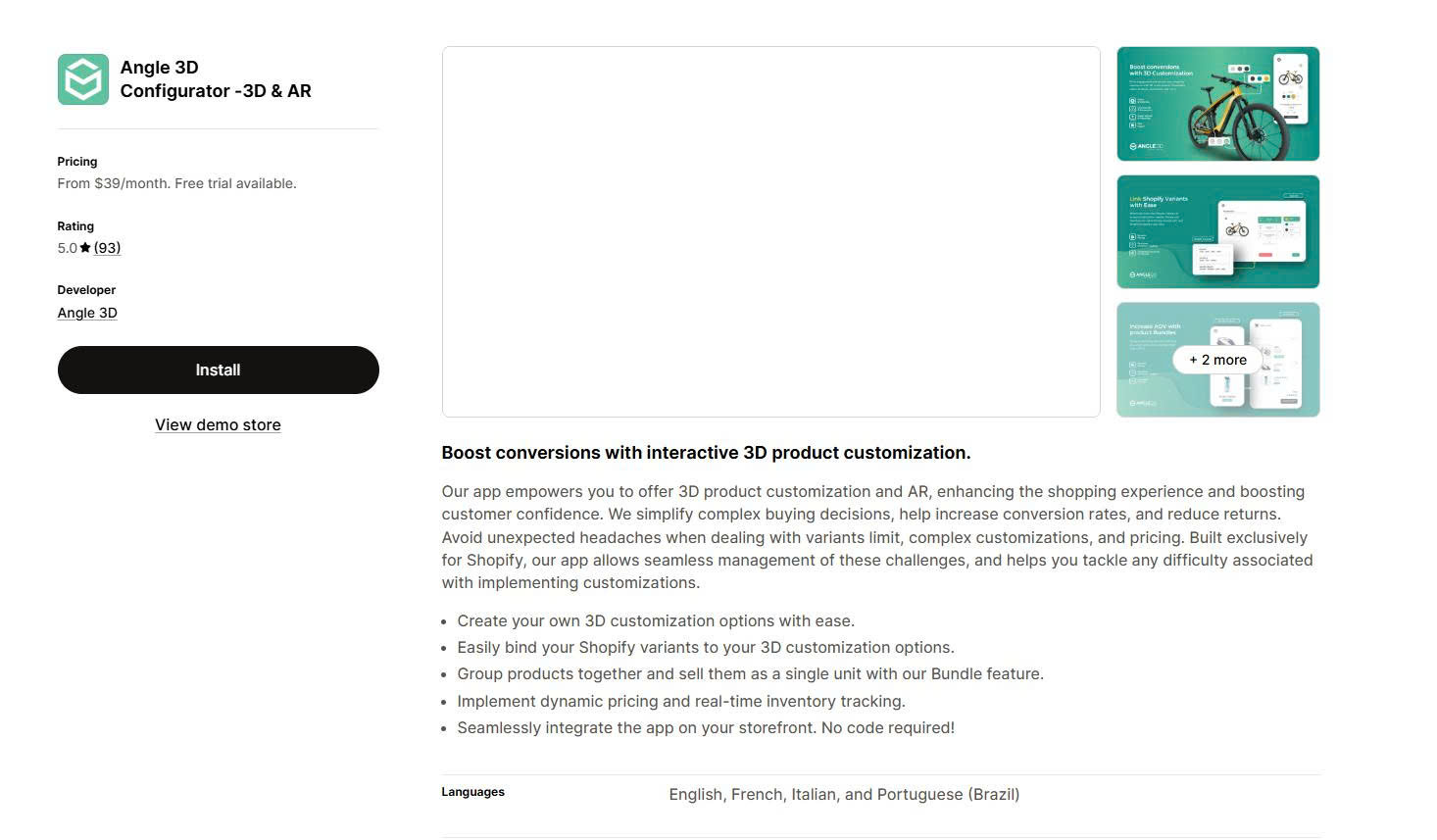
Angle 3D Configurator is the simplest way to start with 3D on Shopify. Plans start at $39/month, and you can bind Shopify variants directly to 3D options so price and inventory update automatically.
Angle 3D fits stores that let shoppers change colors, textures, and visible parts on a single model. Start with the 6 to 8 options shoppers choose most often, then add more over time.
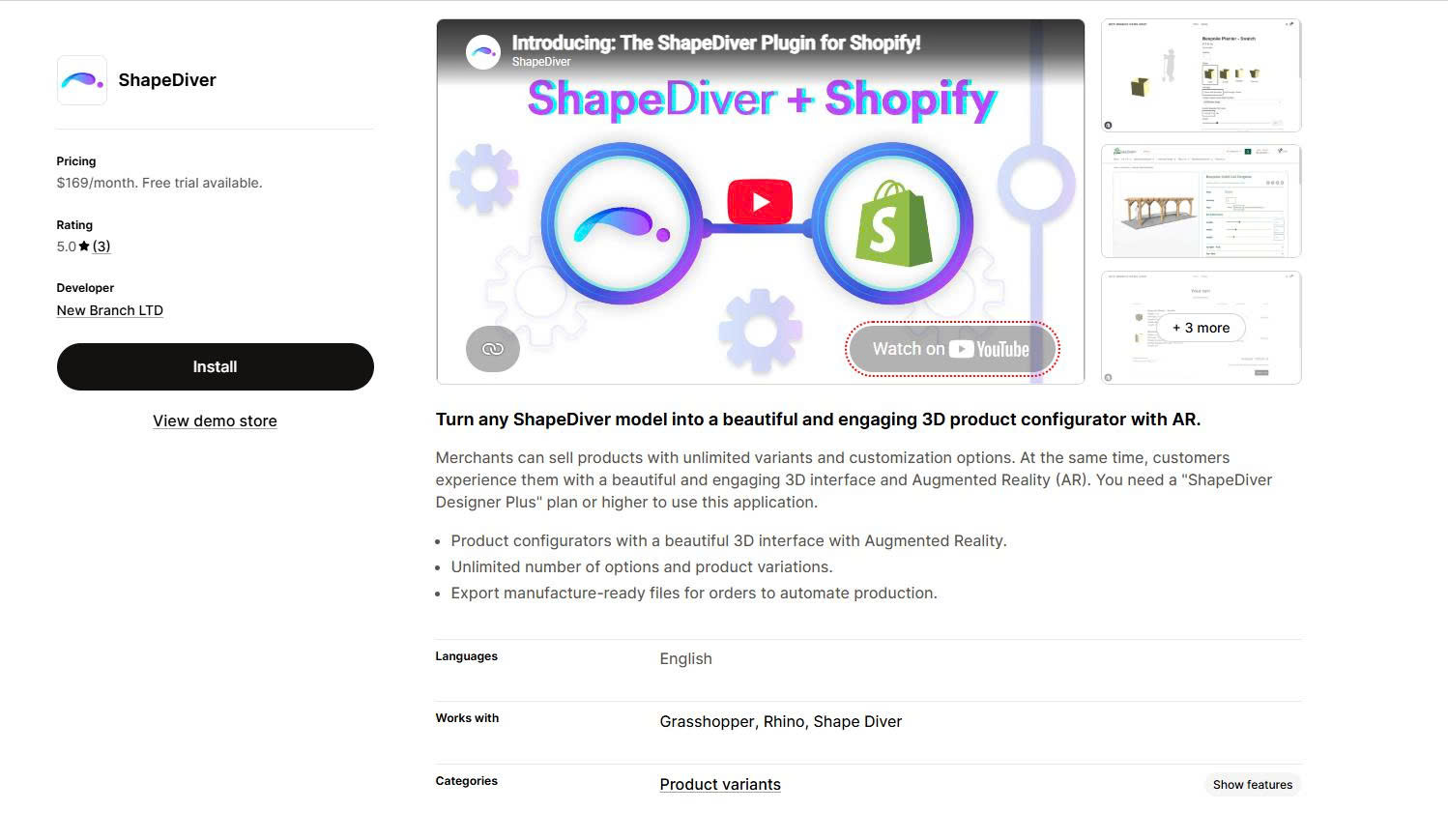
ShapeDiver is the strongest option for products whose size and shape change, such as a table built to custom dimensions. Its 3D models change shape based on the measurements the shopper enters.
New Branch’s ShapeDiver app costs $169/month and requires a separate ShapeDiver Designer Plus plan or higher. It supports unlimited options, AR, and manufacture-ready files for each order, but someone on your team or at an agency must build the 3D model first.
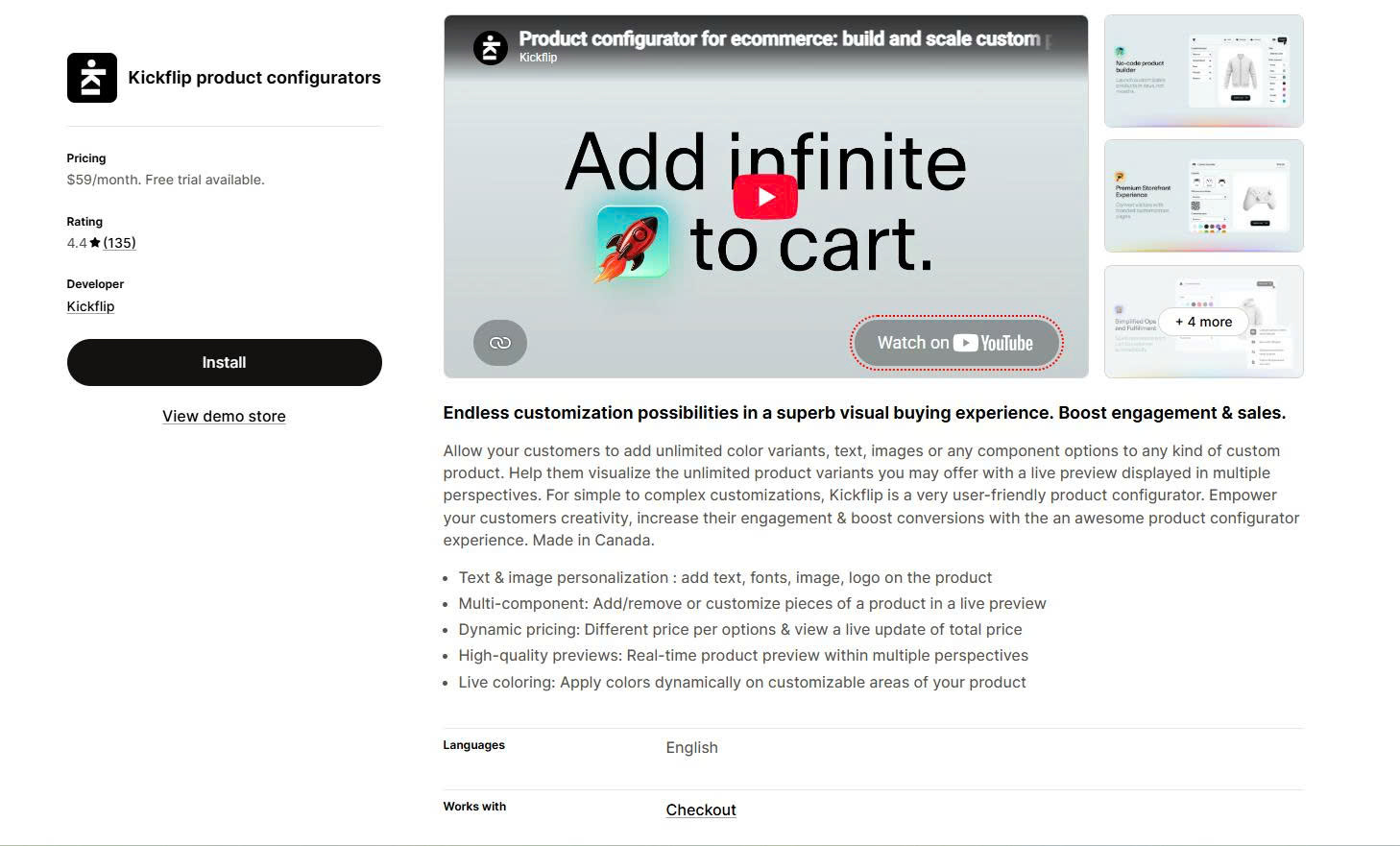
Kickflip is a strong 2D option for products with many parts. Shoppers add, remove, or recolor parts in a live preview, and the total price updates with each choice.
Plans start at $59/month plus a fee of 1.95% to 0% per custom product sale, depending on the plan.
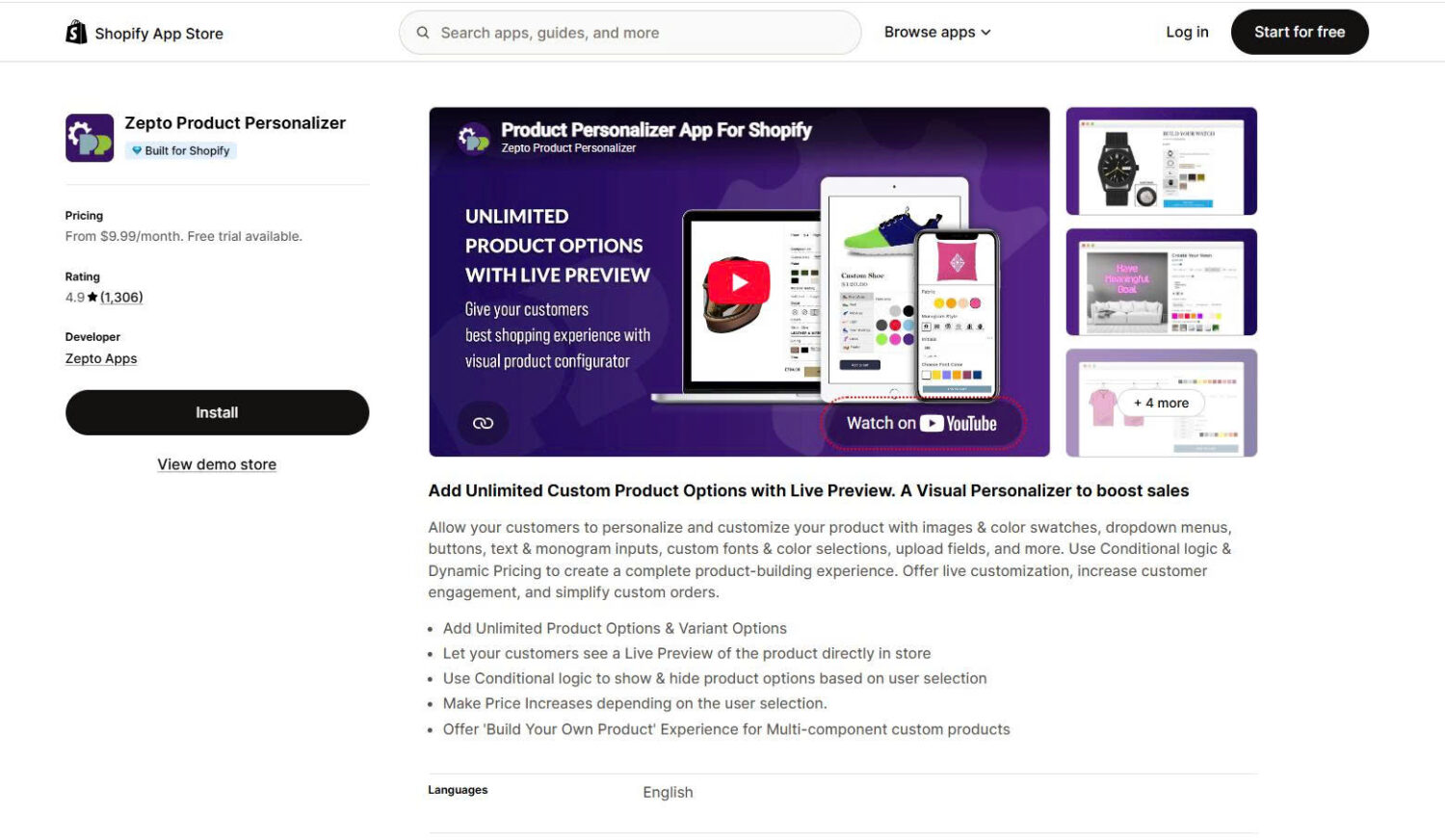
Zepto Product Personalizer is the most affordable option, with plans starting at $9.99/month. It offers unlimited options, conditional logic, dynamic pricing, and a live preview.
Zepto shows a flat preview with no 3D view. It fits products that look right from one angle, such as watches with interchangeable straps and dials.
A custom build fits products with rules no app supports, or brands where the configurator is central to the shopping experience. Arhaus took this route for its sectional builder.
Plan for a longer project and a larger budget than any app. An agency builds the interface, and a 3D partner builds the models.
A configurator converts best when it guides the shopper step by step and shows the price clearly. Use these 6 practices:
Offer matching add-ons right after the main build is done, when the shopper has already chosen what to buy. A shopper who configured a sofa is a good fit for cushions, a throw, or a fabric protector that match that sofa.
These add-ons are a classic Shopify cross-sell, and the product page is the simplest place to show them. A frequently bought together widget below the configurator lets the shopper add 2 or 3 matching items in one click.
Some purchases are a set of products, such as a desk, a chair, and a lamp for a home office. For these, a build-your-own bundle page lets shoppers pick each item in steps and get a set price or discount, which is one of the simplest forms of upselling in Shopify.
BOGOS covers both cases. Its Frequently Bought Together widget offers matching items on the product page, and its Bundle Builder creates a step-by-step page where shoppers configure a multi-product set with tiered discounts. It doesn’t build 2D or 3D configurators, so it works alongside the configurator app you choose.
A Shopify product configurator lets shoppers see and price their exact build, which removes a common reason they hesitate on made-to-order products. Start with the simplest type that shows your product correctly: Shopify variants first, then 2D, then 3D.
Choose an app by its total cost per order, not only its monthly price, and keep your real product photos on the page. Then add matching items after the build, and combine the configurator with the other proven ways to increase sales on Shopify.
A 3D configurator needs a 3D model of each product and of every part that changes. If your manufacturer already has design files for your product, a 3D artist can often turn them into models. Some configurator vendors, such as ShapeDiver, also build models for you as a paid service.
The apps in this guide install on every Shopify plan. Some apps handle extra option prices differently on Shopify Plus, so ask the app’s support team how pricing works on your plan before you install.
A 3D configurator adds load time because the browser must download the model. Keep models small, load the configurator only on configurable products, and test page speed before and after you install it. Shopify automatically optimizes uploaded models above 15 MB, often down to about 5 MB.

Shopify smart collections add and remove products for you based on rules, such as a tag, a price, or...

Shopify collections decide how shoppers find your products, yet many guides still describe a setup Shopify is now replacing....

A Shopify announcement bar is the thin strip at the top of your store that tells shoppers about shipping,...
