
Best
Shopify upsell app
To Maximize
Orders Value


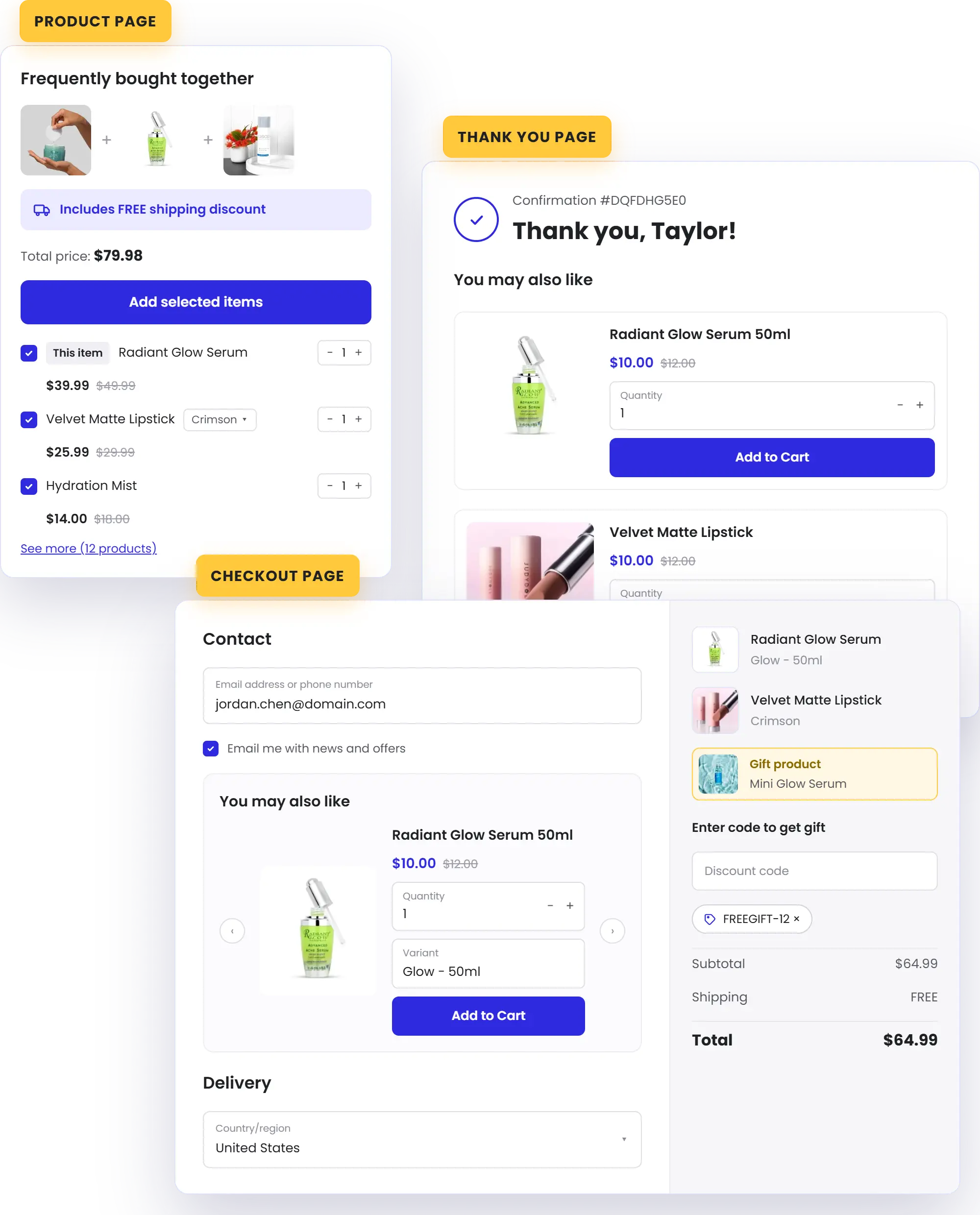
Upsell At Every Stage Of The Journey

Frequently Bought Together
Show complementary products on the product page and let shoppers add the whole set in one click
Learn More
Checkout Upsell
Present one more offer inside checkout, at the highest-intent moment (Shopify Plus Required)
Learn More
Thank You Page Upsell
Recommend a follow-up right after purchase, with zero risk to the order they just placed.
Learn MoreYour AI Assistant For Every Promotion
Describe your promotion in plain language and let AI handle the rest. BOGOS AI builds ready-to-use offers inside your dashboard, and Shopify Sidekick creates BOGOS offers right from your Shopify admin.
Try BOGOS Now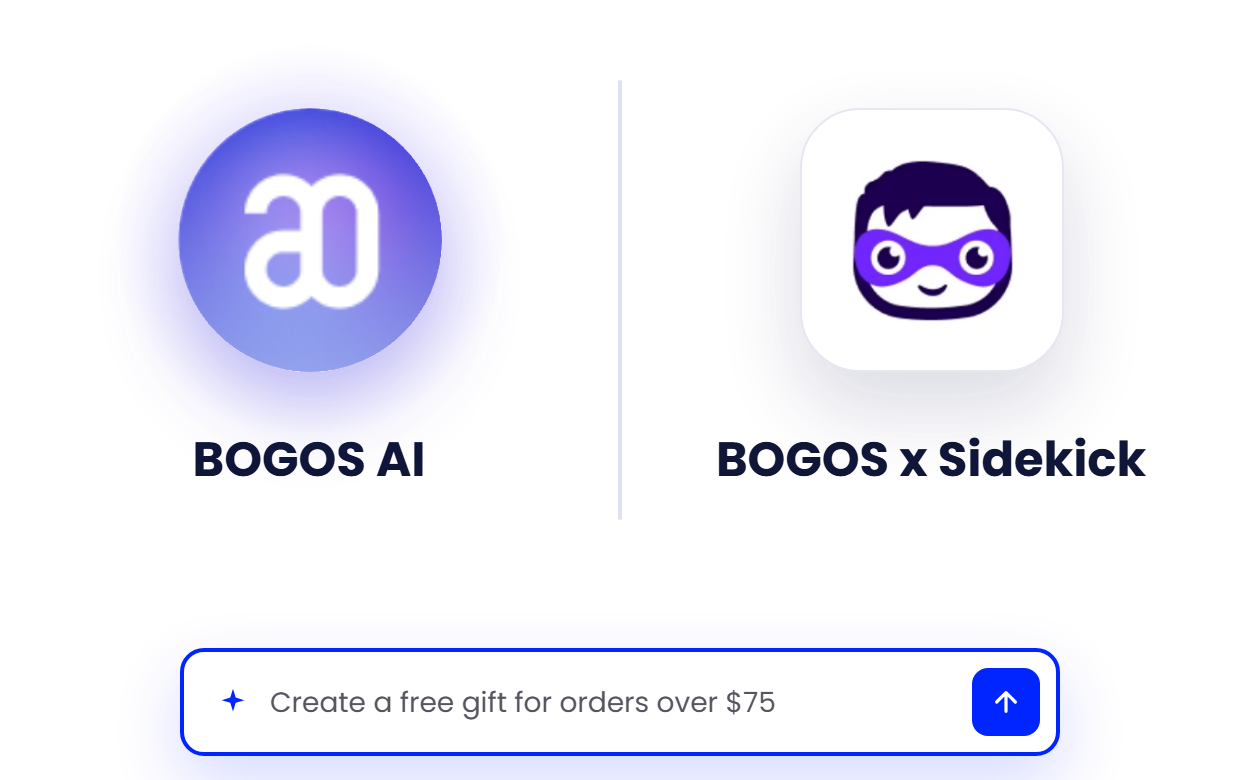
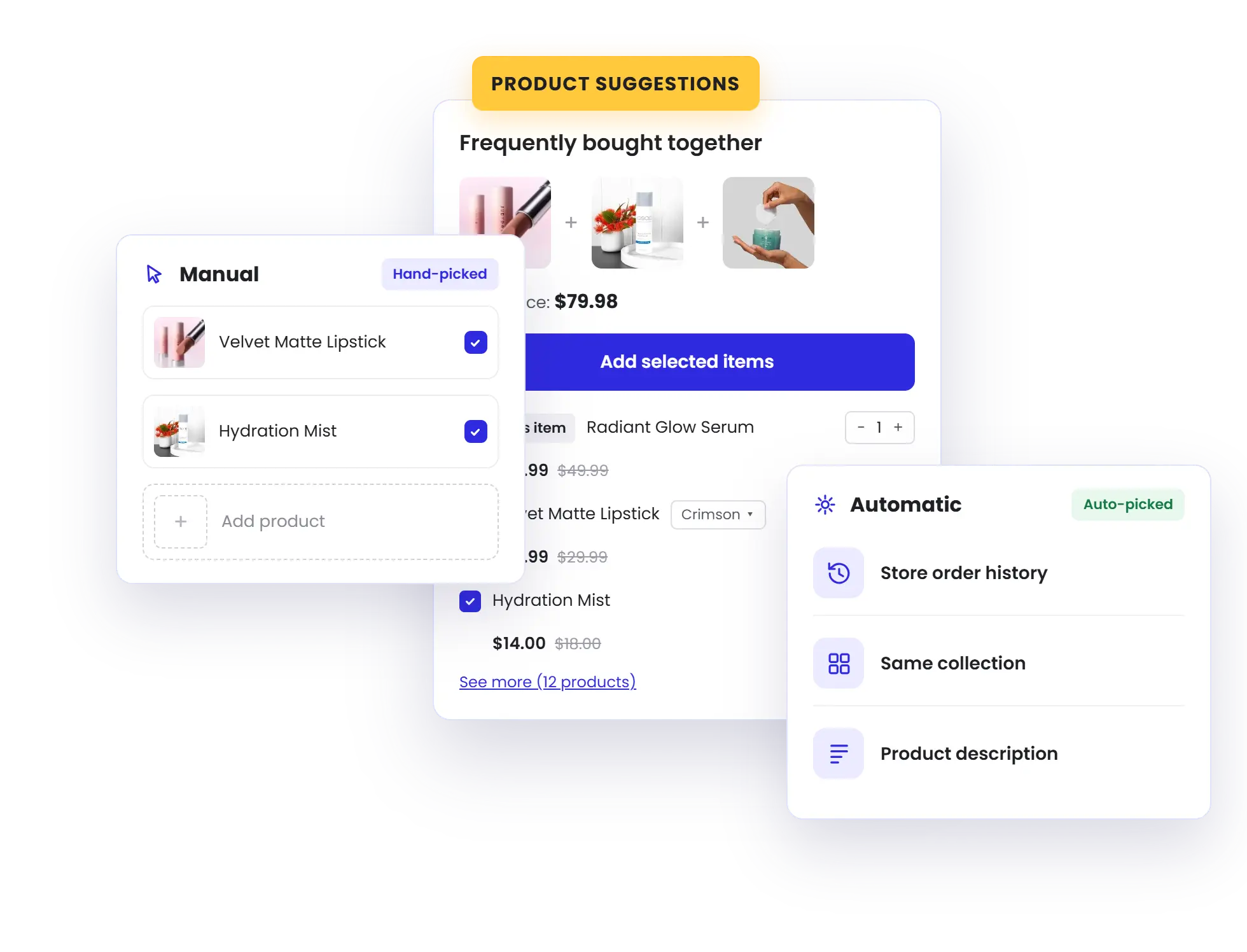
Suggest Products Manually Or Automatically
Hand-pick the products to upsell, pull automatic recommendations from the Shopify Search & Discovery app, or show random picks from a collection, vendor, or type
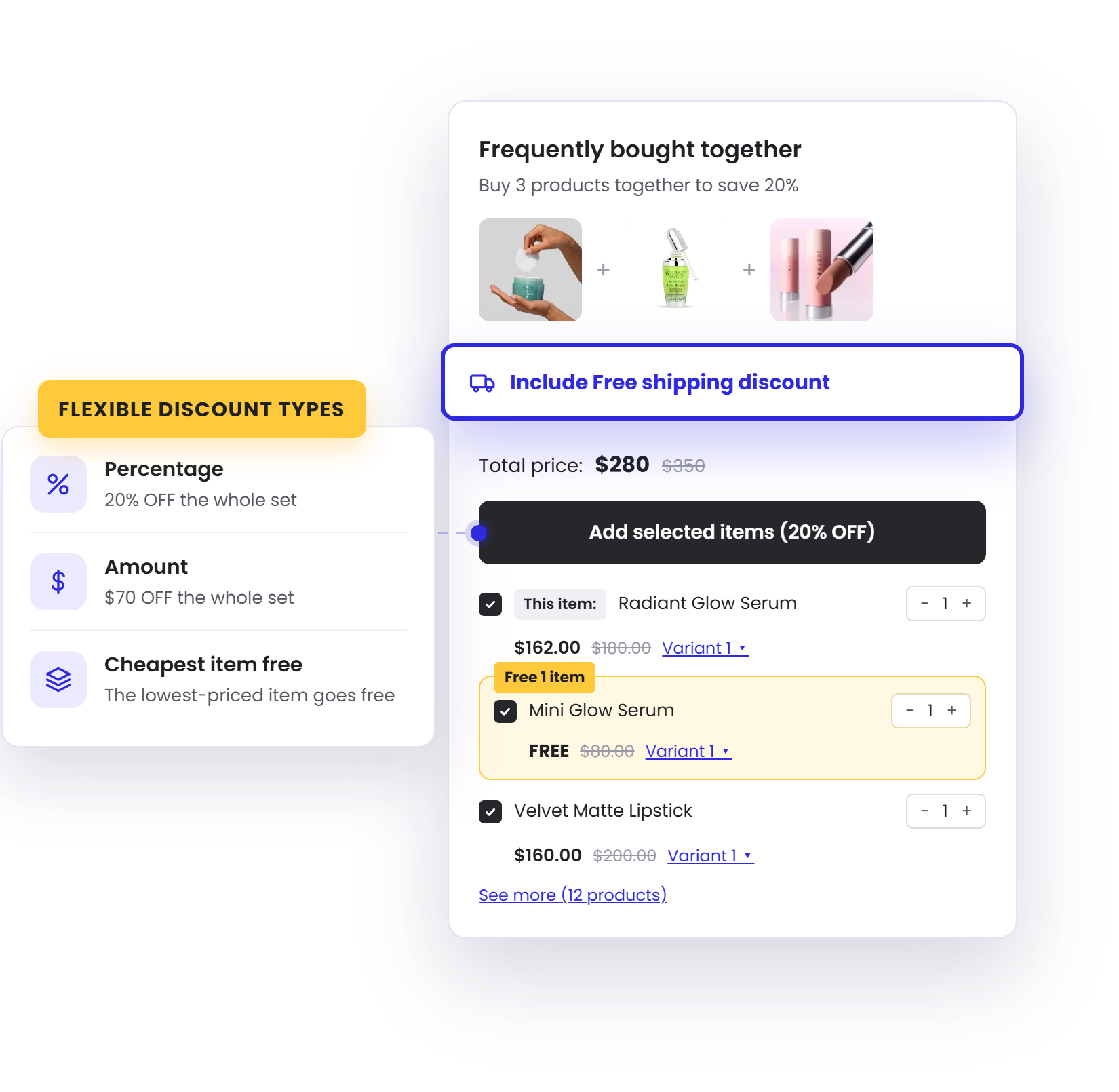
Sweeten Every Upsell With A Discount
Add a percentage or amount discount to any upsell, and pair it with free shipping — an easy reason for shoppers to say yes
Show
The Right offer
To
The Right Shoppers
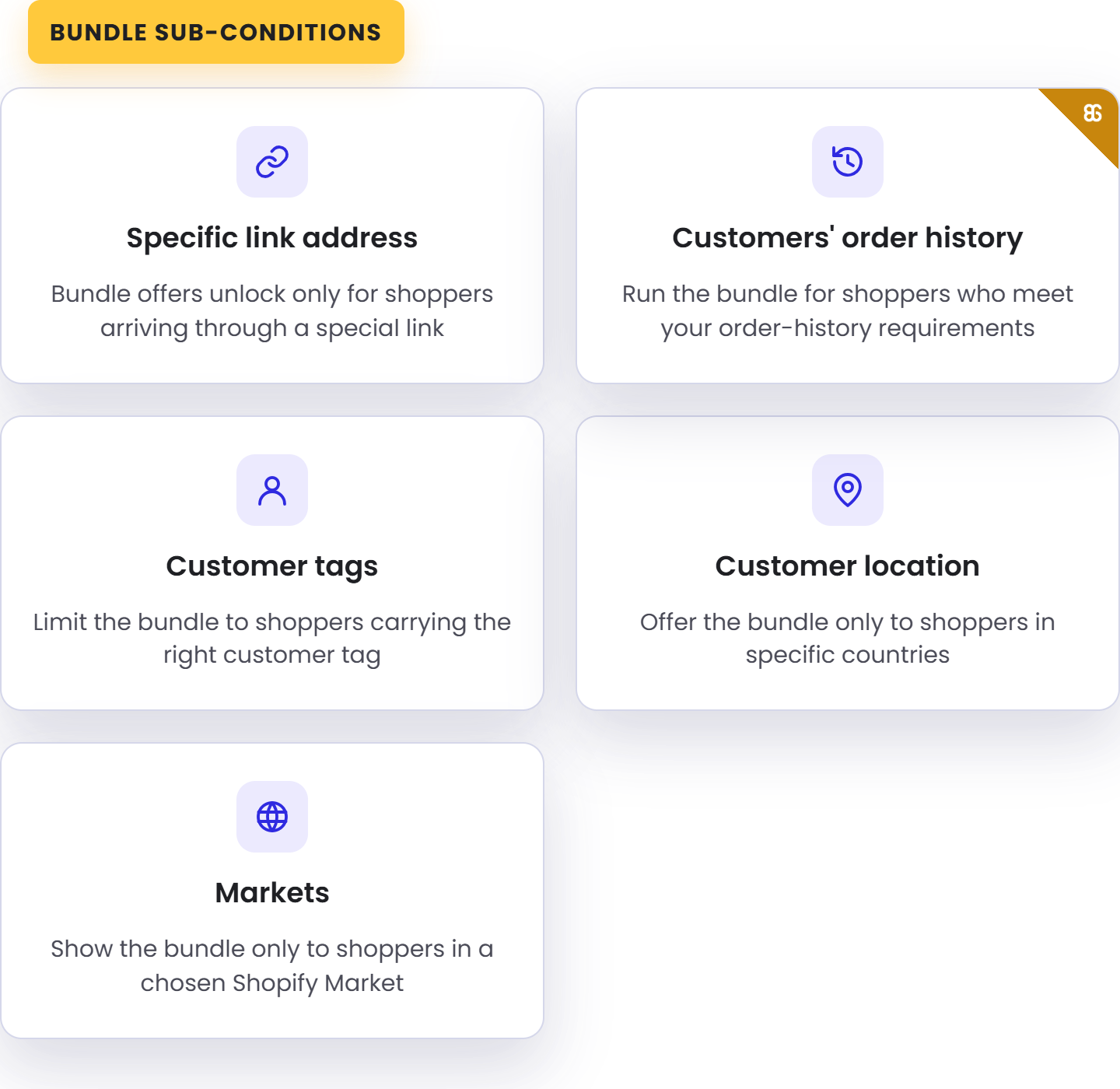
Layer sub-conditions — customer tags, order history, location, market, and more — so every upsell reaches exactly the shoppers you intend.
Match Every Widget To Your Brand
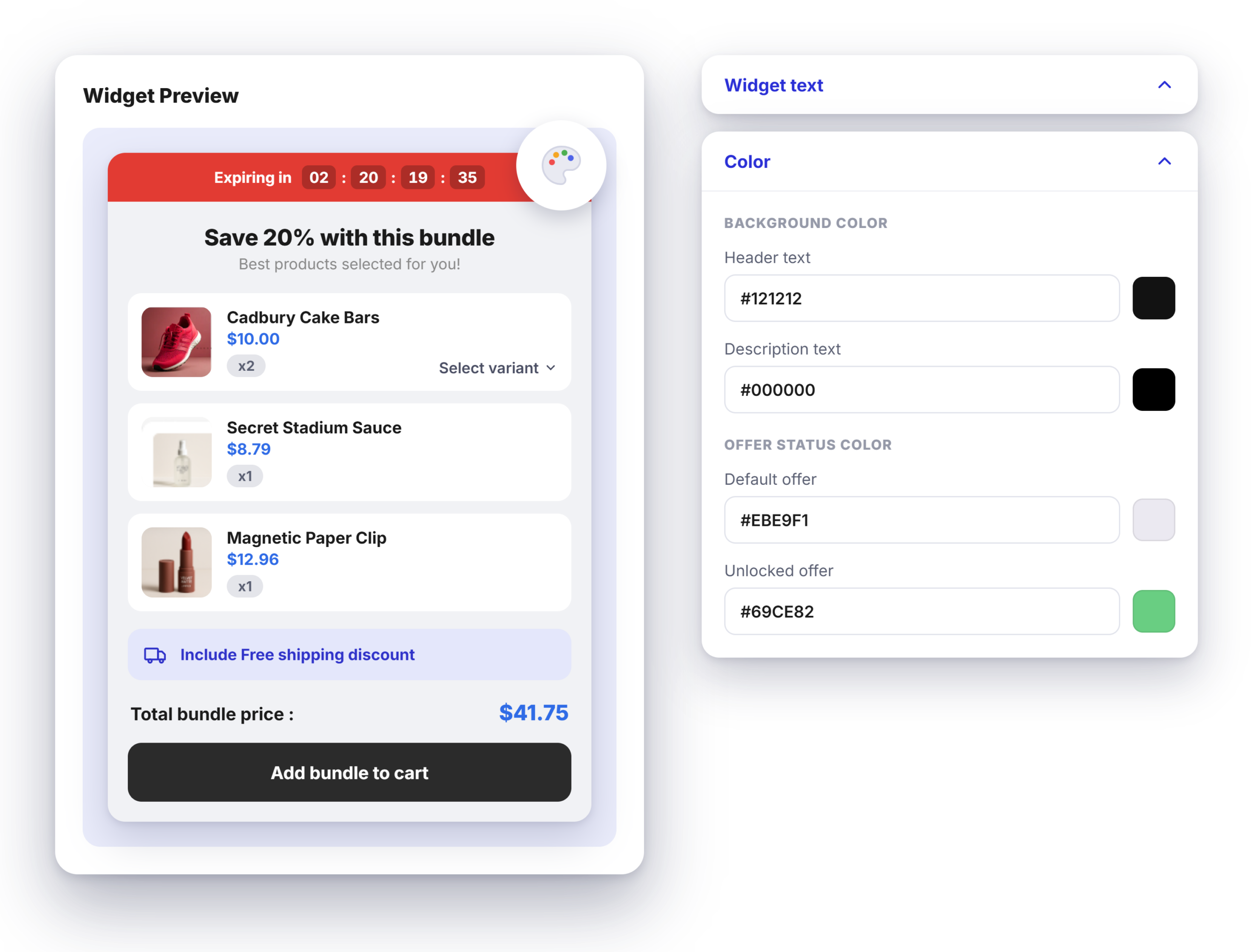
Customize each upsell widget — colors, text, and layout — to fit your theme, so every offer looks built-in, not bolted on.
Sell Bundles Globally
Made Easy
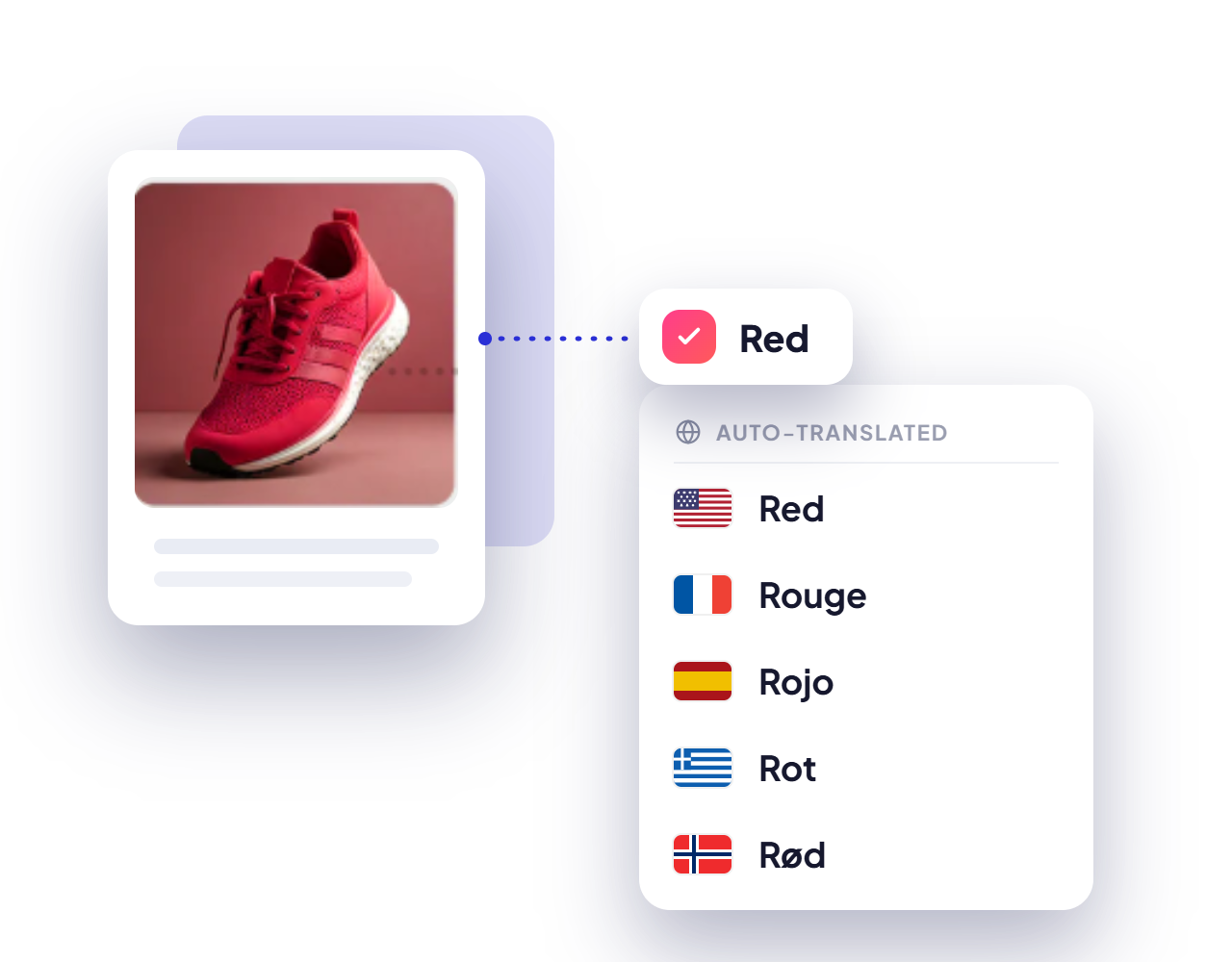
Auto-translate your bundle widgets with BOGOS' built-in tool or your integrated translation app — so global shoppers see every offer in their own language.
Get Actionable Data In Real Time
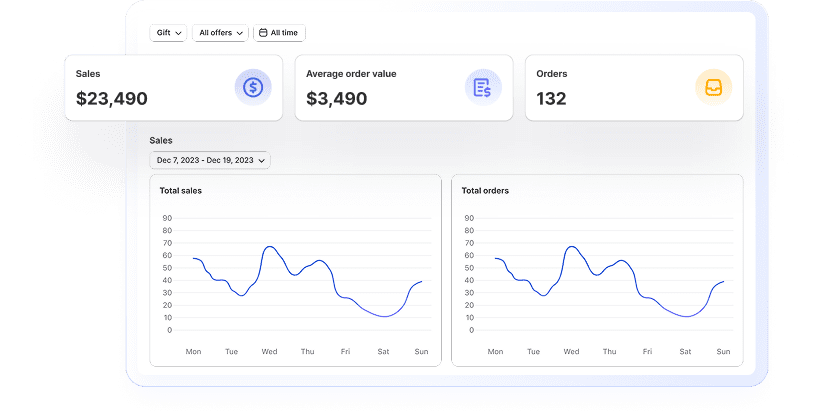
Stay data-driven with insights into revenue, conversion rates, and customer behavior to optimize your strategy and achieve better results.
Boost visibility
with BOGOS’s booster tools
Layer on booster tools to promote your offers across the storefront and put every offer in front of more shoppers
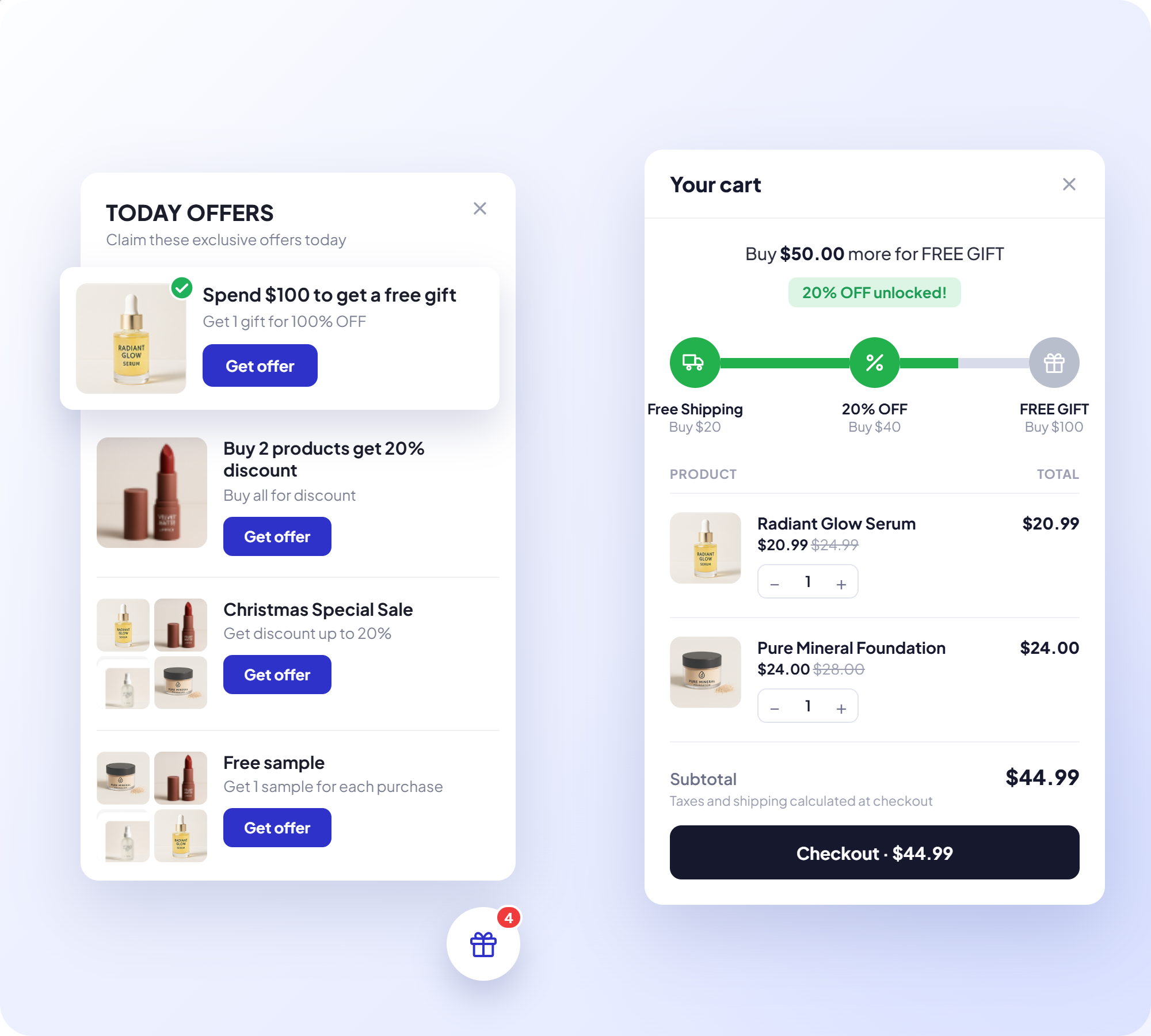
Today Offer
Highlight your current deals to catch shoppers' attention as they browse.
Progress Bar
Show customers how close they are to unlocking a deal, nudging bigger carts.

Announcement Bar
Broadcast your promotions site-wide with an eye-catching banner.
Offer Page
Collect all your deals on one dedicated page shoppers can browse and buy from.
Built For Scale, Backed By Real Support

Built For Shopify Certified
Meets Shopify's highest standards for performance, security, and admin integration

Work With Every Theme & Top Apps
Works smoothly with any theme, including custom builds, and alongside leading Shopify apps

Expert Live Chat
Fast, responsive support from specialists who know Shopify promotions deeply

Built For High Volume
Runs billions of orders smoothly, keeping performance consistent across all devices
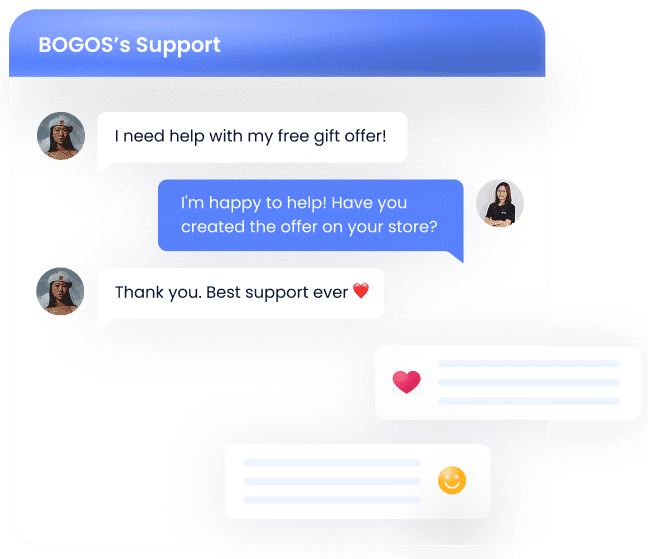
Enjoy top-tier support at every step
- Support via call, chat & email
- Comprehensive tutorial videos
- Help documents
- Customization services

Stories from our customers


 Beauty Retailer
 Buy X get Y




The #1 trusted Shopify promotion app
Proven by 4,000+ Reviews. Read the success stories and heartfelt testimonials from our valued clients.

Palladium
4 months using the app

Cigars Direct
2 years using the app

Bio Ionic
9 months using the app

Brandon Blackwwood
1 year using the app

Gratsi
3 years using the app

Gisou Sandbox
2 months using the app

Nourished3
3 years using the app

Victoria Beckham
10 months using the app



![[2026] Shopify Post-Purchase Upsell: Step Guide & Best Apps](https://bogos.io/wp-content/uploads/2024/08/Shopify-post-purchase-upsell-a-comprehensive-guide.jpg)
FAQs
Everything you need to know about BOGOS app - Most Trusted Shopify Promotion App
What upsell types does BOGOS offer?
BOGOS covers three upsell types, one for each stage of the purchase. Frequently Bought Together shows complementary products alongside the item a shopper is viewing, in either a Frequently Bought Together layout or a Product Add-on layout. Checkout upsell presents one more offer inside the checkout itself, at the highest-intent moment. Thank you page upsell recommends a follow-up product on the order confirmation page, after the original order is already secured.
How does BOGOS pick which products to upsell?
Three methods. Manual lets you hand-pick the products and set the discount yourself. Auto pulls recommendations synced from the free Shopify Search & Discovery app, using either complementary products you select there or related products that Shopify generates. Random draws a product from a collection, vendor, or product type you nominate. When the trigger is a subscription product, BOGOS upsells the highest-value plan with the largest discount.
What discounts can I attach to an upsell?
You can apply a percentage off, a fixed amount off, or make the cheapest item in the upsell free. A shipping discount can be layered on top, either a percentage or a set amount, with a label on the widget so shoppers see it is included. For stores selling in several currencies through Shopify Markets, you can enter a specific discount amount per currency instead of relying on exchange rate conversion. Order and shipping discount combinations are controlled per offer.
Where do upsell widgets appear on my store?
BOGOS's Upsell widgets can appear on your product pages, collection pages, homepage, cart page, checkout, and thank you page. The Frequently Bought Together widget shows on relevant product pages automatically, and you can place its block on any other page except checkout by adding it in your theme editor and entering the offer ID. Checkout upsell appears once you add the BOGOS Checkout Upsell section under Checkout and customer accounts in your theme editor, and thank you page upsell needs the BOGOS Thank You Page Upsell block added the same way. Both widgets stay hidden until those blocks are in place.
Can I stop BOGOS upselling something already in the cart?
Yes. Turning on "exclude products in cart" hides any upsell product the shopper is already buying, and it works at product level, so other variants of the same product are hidden too. Variant matching does the opposite where useful, recommending the same variant as the cart item, so a shopper buying a size M t-shirt sees another size M. You can also cap how many upsell products one shopper can add, after which the upsell section disappears.
What can trigger a checkout upsell?
Four trigger types, chosen per offer. Always display shows the upsell to everyone. Cart trigger fires on a minimum or maximum cart quantity or cart value. Specific product trigger fires when checkout includes chosen products at a required quantity, anything from selected collections, or a subscription product. Customer trigger targets by tag, with options to exclude tags or treat guests as untagged, by location with the same exclusion option, and by order history using total spent, last order value, or number of orders placed after a date you set. Specific link address and Shopify Markets can be layered on as sub-conditions.

Create upsell offers that actually convert
Trusted by 95K+ brands for their biggest sales season