
Powerful
Shopify Discount App
To Boost Sales & Conversion

Your AI Assistant For Every Promotion
Describe your promotion in plain language and let AI handle the rest. BOGOS AI builds ready-to-use offers inside your dashboard, and Shopify Sidekick creates BOGOS offers right from your Shopify admin.
Try BOGOS Now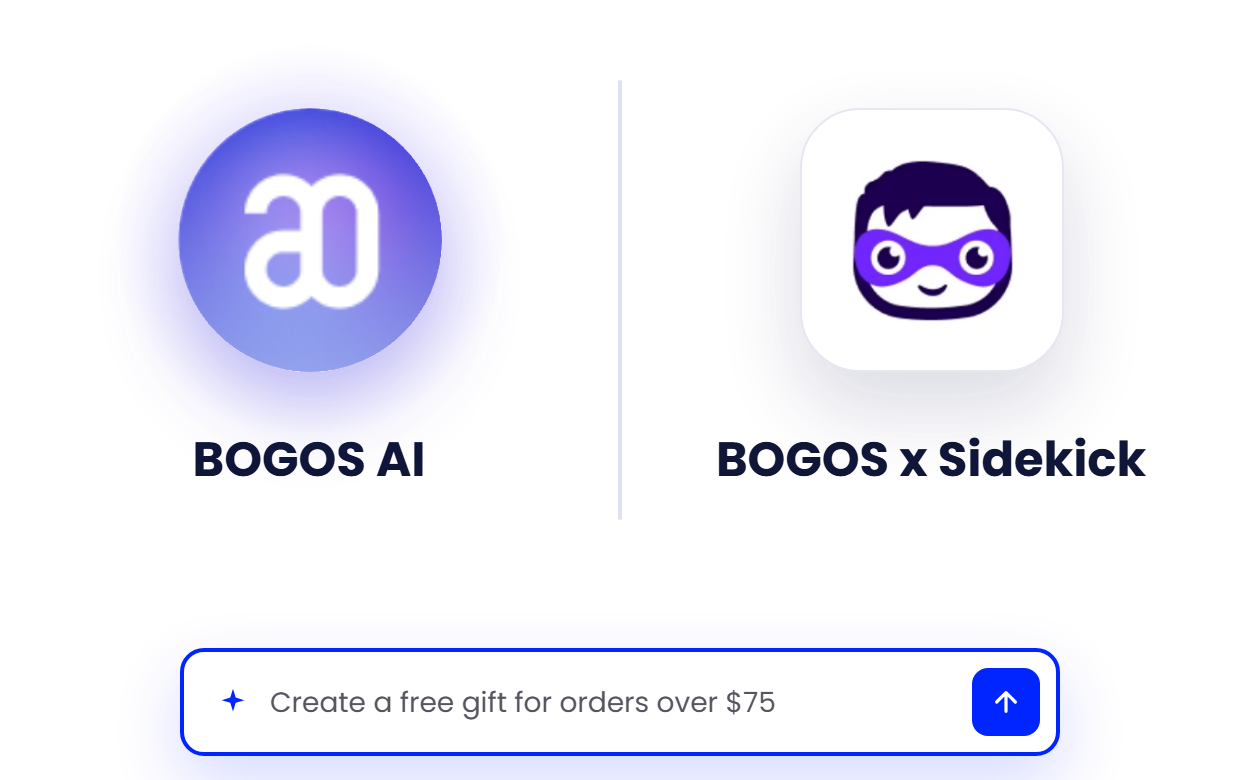
Find
The Right Discount
For Every Goal


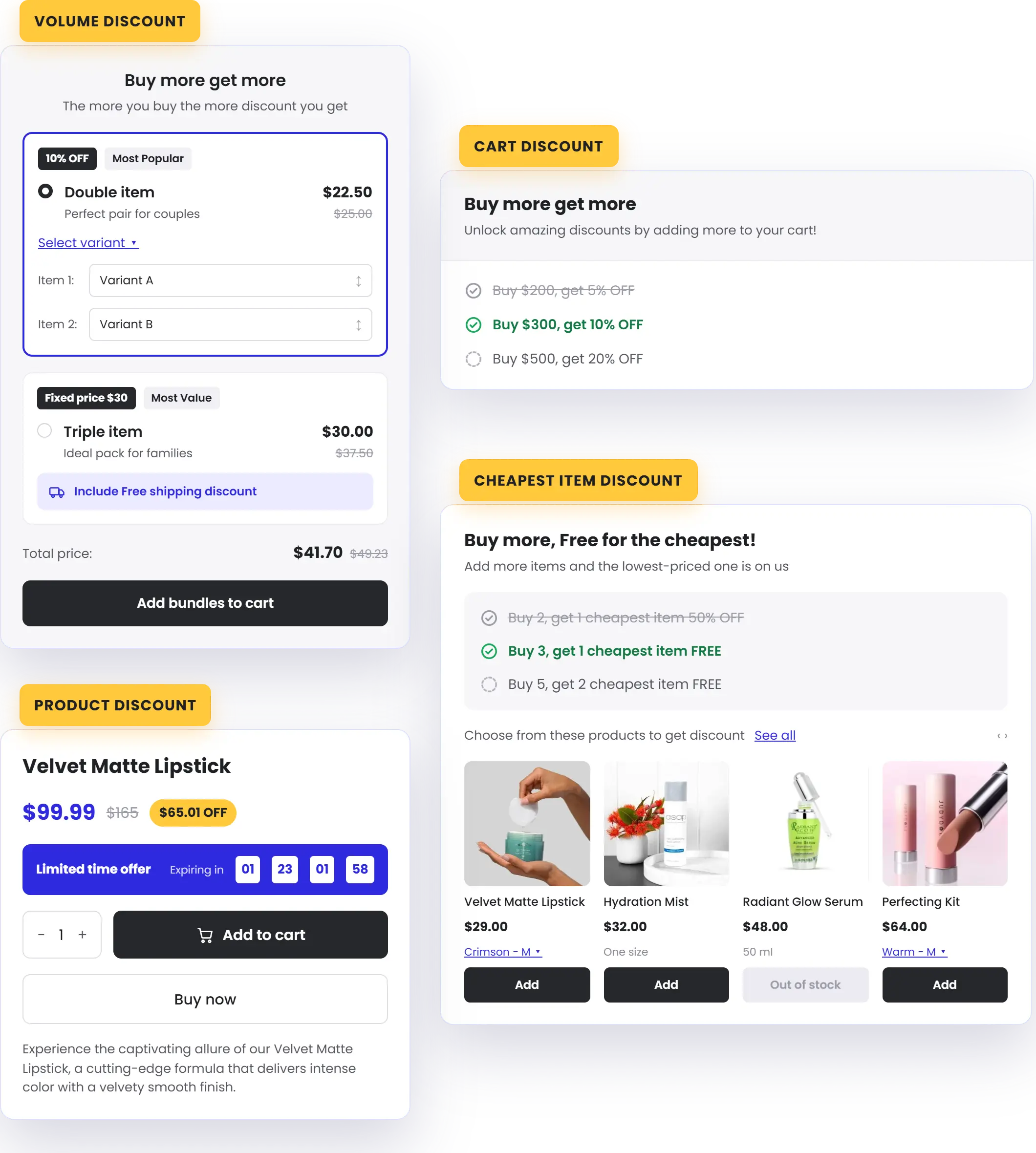
Cart Discount
Spend more across the cart, save more. Best for raising average order value with cart thresholds
Learn More
Product Discount
Scheduled markdowns on the products you choose. Best for sales and flash sales
Learn More
Cheapest / Most Expensive Item
Buy X, get the cheapest item free. Best for margin-safe "free item" promos.
Learn More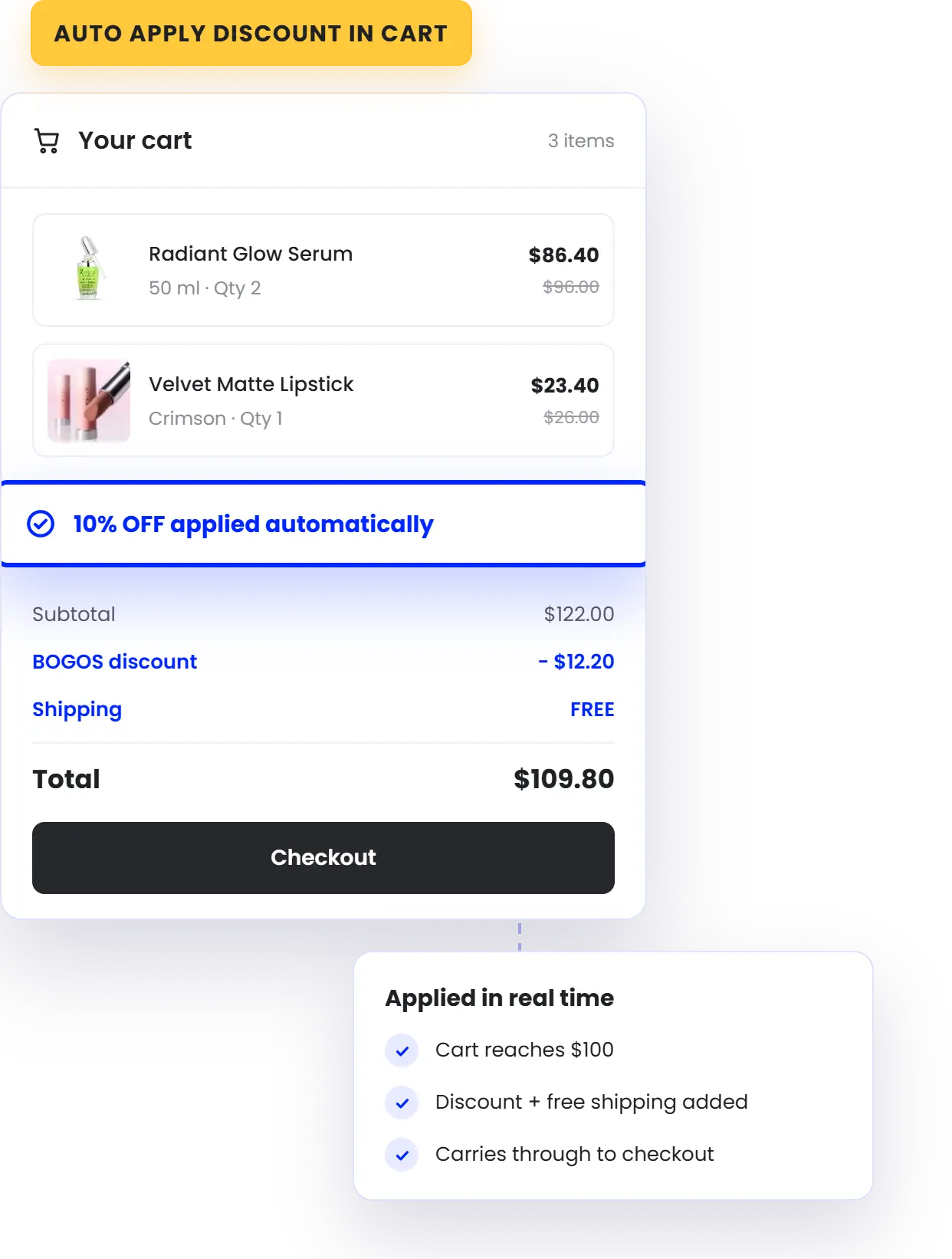
Automatically Apply Discounts Without Code
Every BOGOS discount applies automatically in the cart the moment shoppers qualify — no codes to enter, no savings missed, no drop-off at checkout.
Show
The Right Discount
To
The Right Shoppers
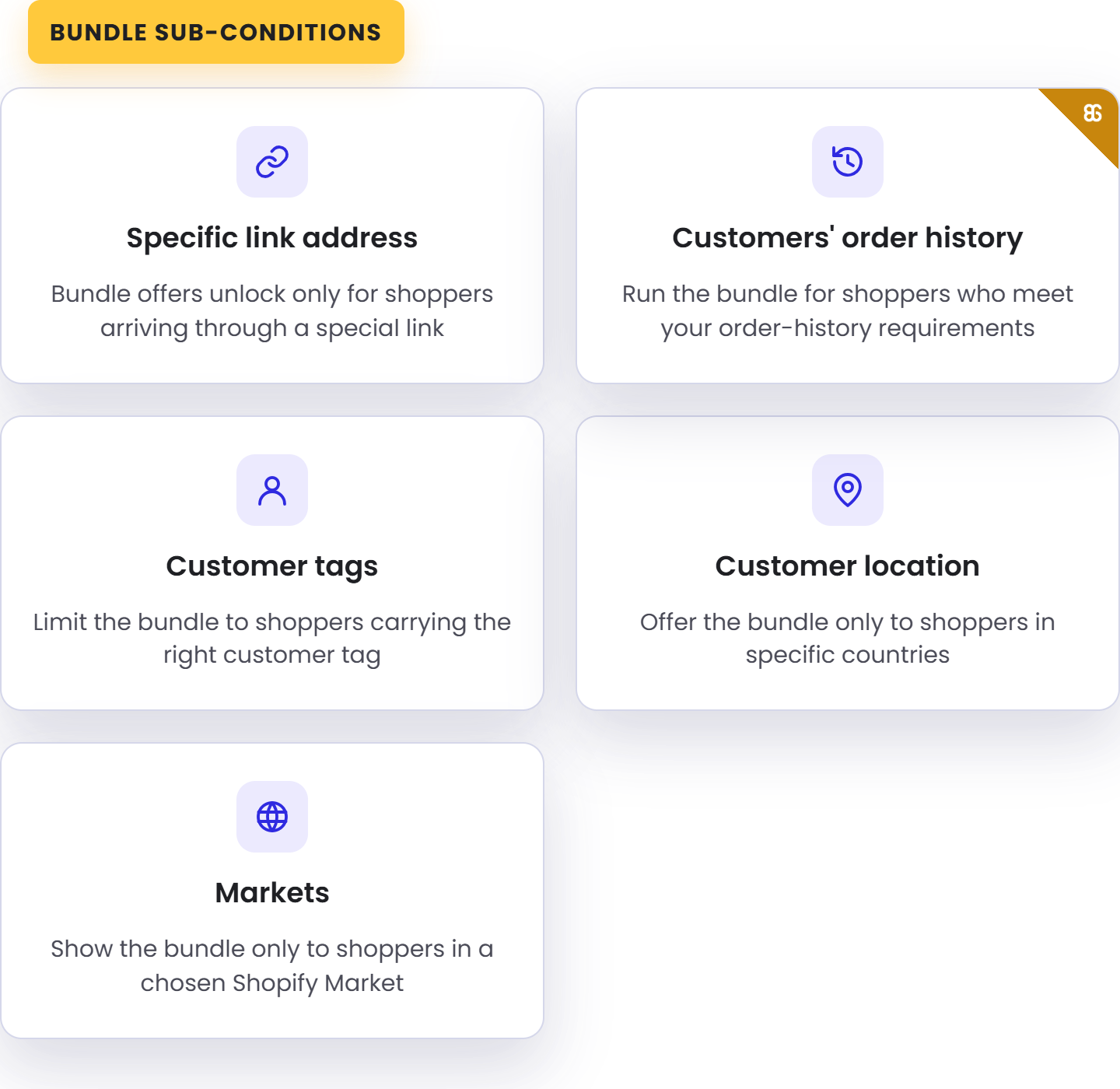
Layer sub-conditions — customer tags, order history, location, market, and a magic link — so each discount reaches exactly the customers you intend.
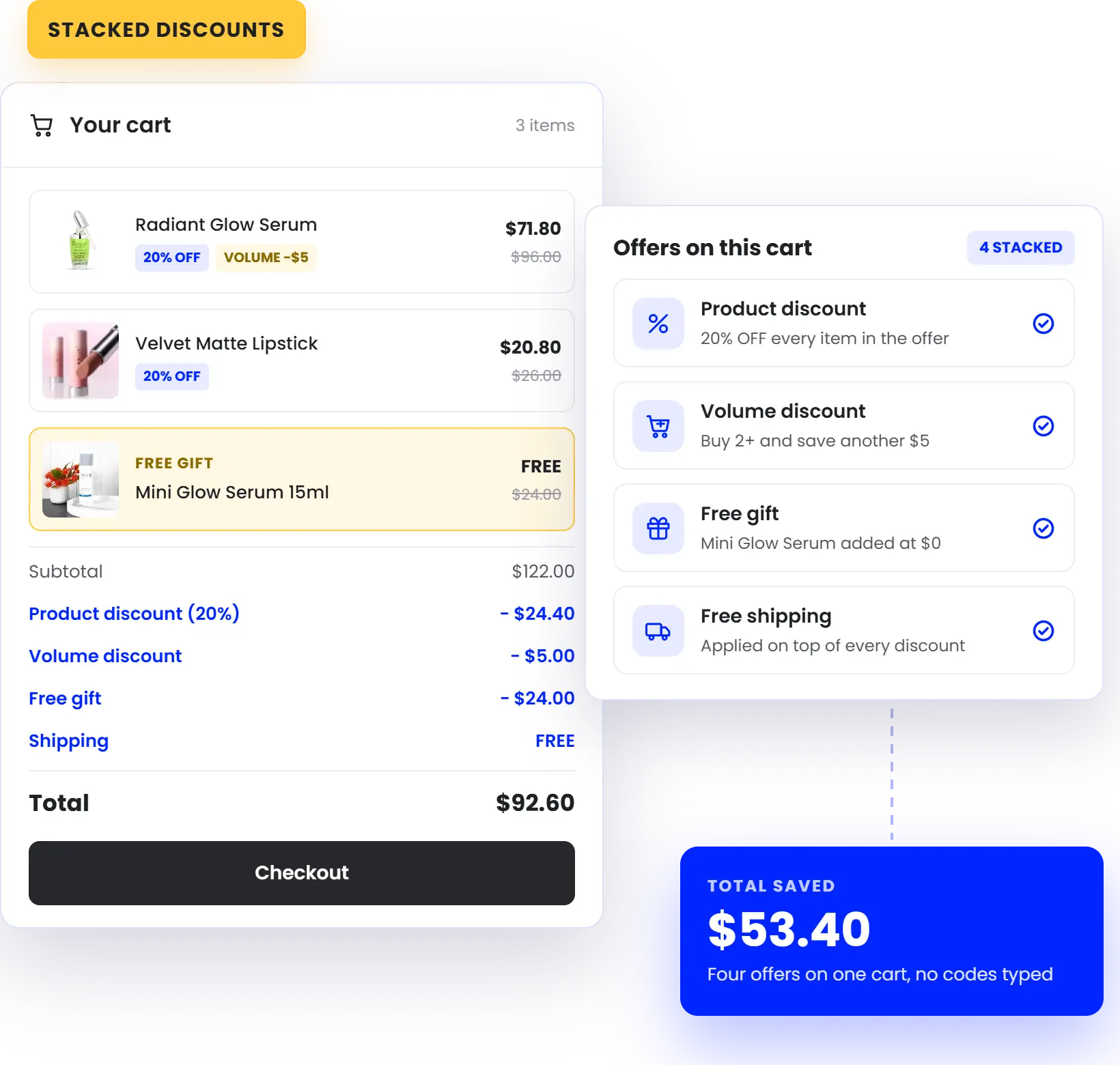
Stack With Your Other Discounts
Every discount can combine with your product, order, and shipping discounts under Shopify's rules — so your promotions work together instead of canceling out.
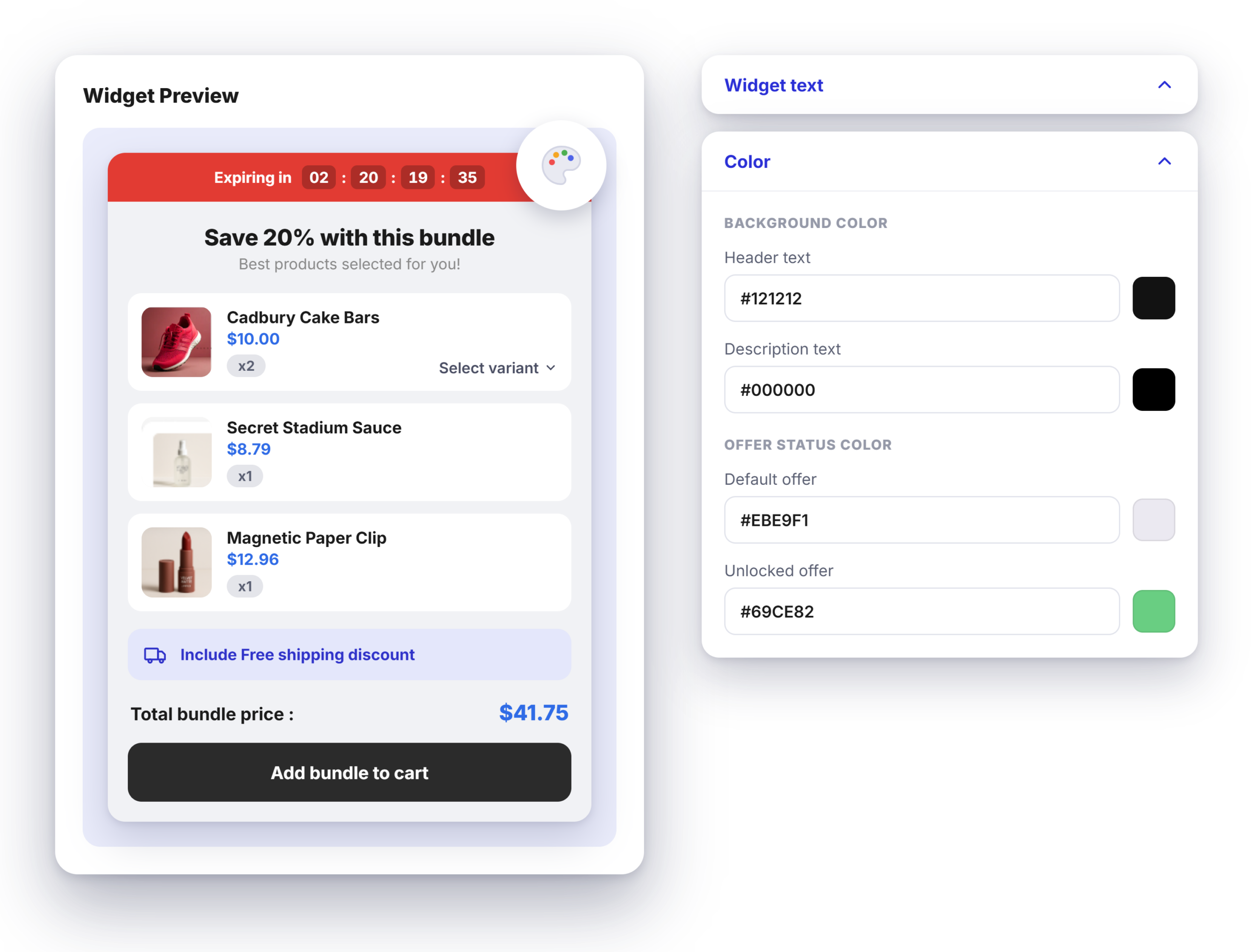
Match Every Widget
To
Your Brand
Customize the discount widget — colors, text, and layout — to fit your theme, so every offer looks built-in, not bolted on.
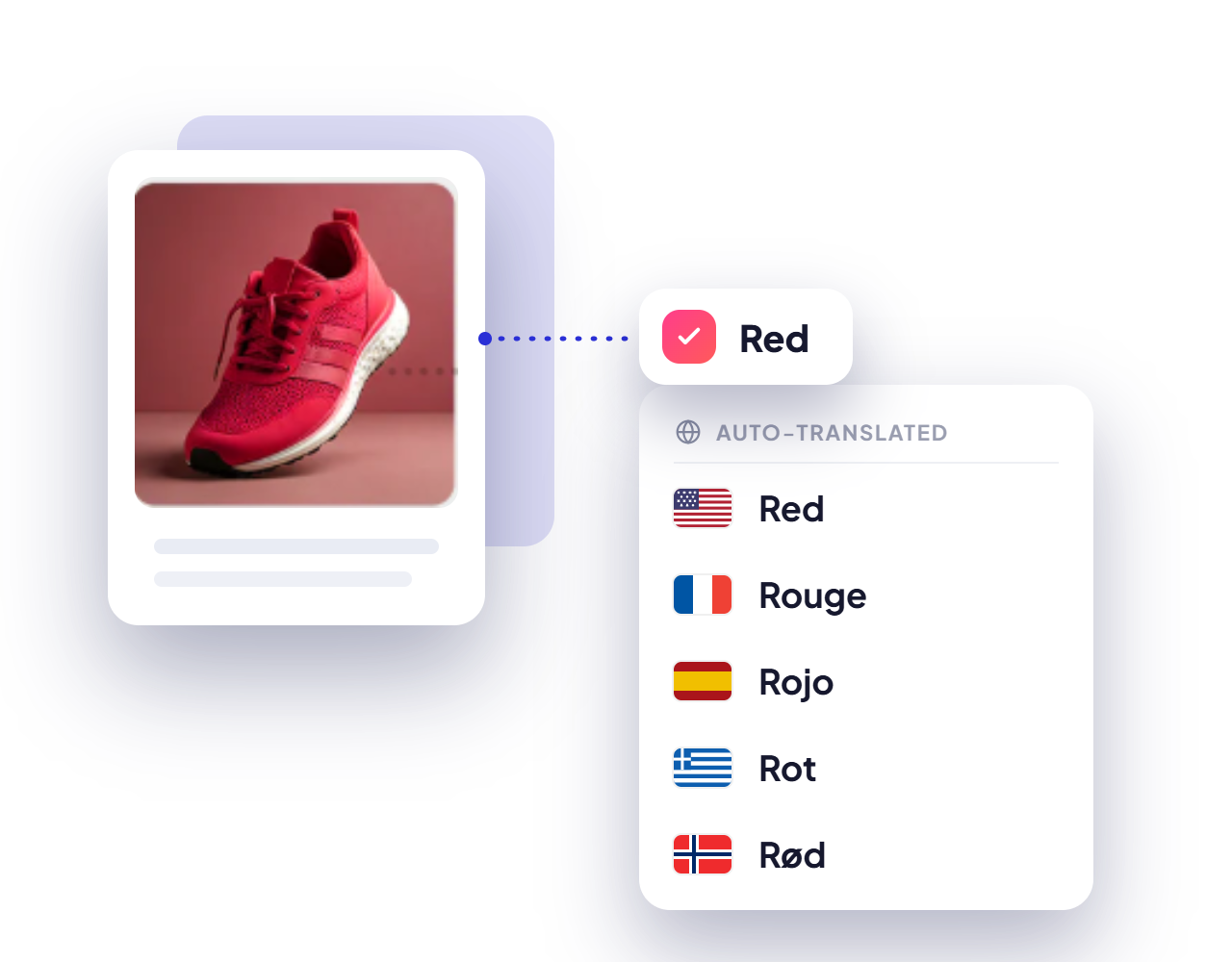
Discount In Every Market's Language
Auto-translate your discount widgets with BOGOS' built-in tool or your integrated translation app — so global shoppers see every offer in their own language.
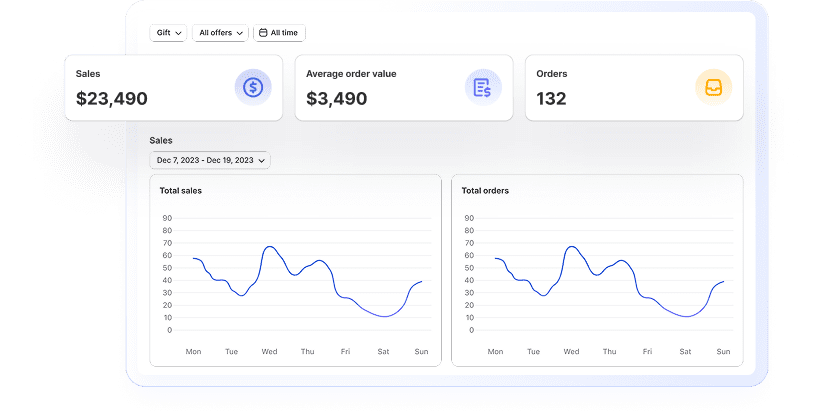
Get Actionable Data In Real Time
Stay data-driven with insights into revenue, conversion rates, and customer behavior to optimize your strategy and achieve better results.
Boost visibility
with BOGOS’s booster tools
Layer on booster tools to promote your discounts across the storefront and put every offer in front of more shoppers:
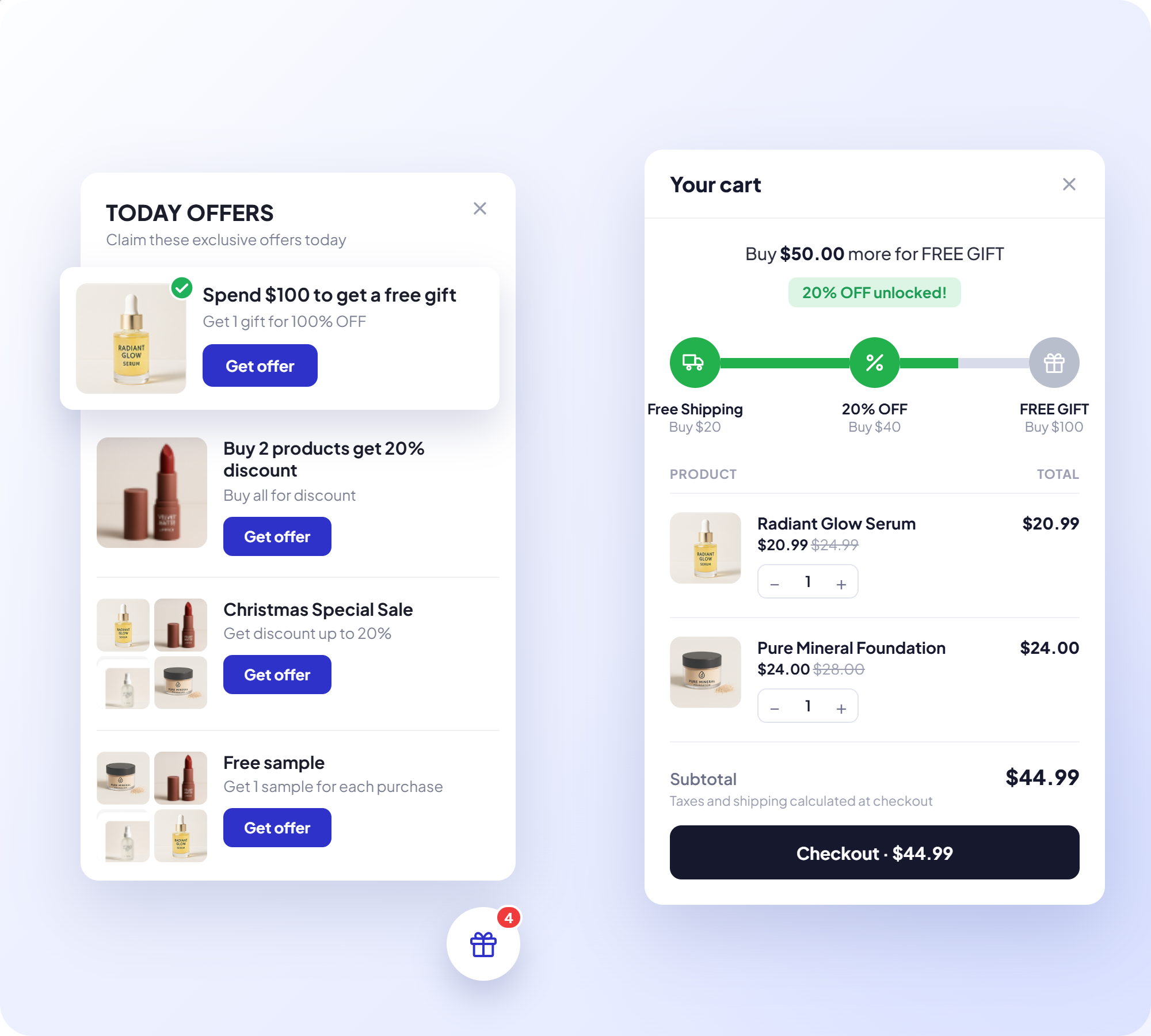

Today offer
Highlight your current discount deals as shoppers browse.
Progress Bar
Show customers how close they are to unlocking a discount

Announcement Bar
Broadcast promotions site-wide with an eye-catching banner.

Offer Page
Collect your offers on one dedicated page shoppers can browse and buy from.
Built For Scale, Backed By Real Support

Built For Shopify Certified
Meets Shopify's highest standards for performance, security, and admin integration

Work With Every Theme & Top Apps
Works smoothly with any theme, including custom builds, and alongside leading Shopify apps

Expert Live Chat
Fast, responsive support from specialists who know Shopify promotions deeply

Built For High Volume
Runs billions of orders smoothly, keeping performance consistent across all devices
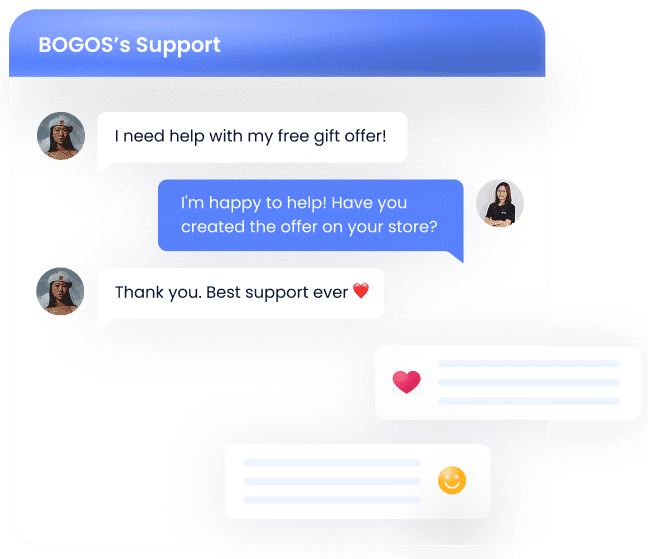
Enjoy top-tier support at every step
- Support via call, chat & email
- Comprehensive tutorial videos
- Help documents
- Customization services

Stories from our customers


 Beauty Retailer
 Buy X get Y




The #1 trusted Shopify promotion app
Proven by 4,000+ Reviews. Read the success stories and heartfelt testimonials from our valued clients.

Palladium
4 months using the app

Cigars Direct
2 years using the app

Bio Ionic
9 months using the app

Brandon Blackwwood
1 year using the app

Gratsi
3 years using the app

Gisou Sandbox
2 months using the app
Nourished3
3 years using the app

Victoria Beckham
10 months using the app



Learn With BOGOS
![[2026] Shopify Automatic Discount: A Comprehensive Beginner’s Tutorial](https://bogos.io/wp-content/uploads/2024/08/shopify-automatic-discount-guide.jpg)
![[2026] How to Set Up Tiered Discounts on Shopify (With & Without App)](https://bogos.io/wp-content/uploads/2024/06/shopify-tiered-pricing-2.jpg)

FAQs
Everything you need to know about BOGOS app - Most Trusted Shopify Promotion App
What kinds of discounts can I create with BOGOS?
Four types, each aimed at a different goal. Volume discount lowers the price as shoppers buy more units of a product, which suits bulk and multi-unit orders, and it displays either as a quantity table or as selectable quantity options. Cart discount rewards a total cart threshold, so it works for lifting average order value. Product discount applies scheduled markdowns to products you choose, which fits sales and flash sales. Cheapest or most expensive item discount makes one item in a qualifying set free or reduced, which keeps "free item" promos margin-safe.
Do shoppers have to enter a discount code?
No. Every BOGOS discount applies automatically in the cart the moment a shopper qualifies, so nothing gets missed at checkout. Behind the scenes BOGOS generates a code such as BOGOS-XSJSC and applies it for them. You can replace that with a name of your own, like SUMMER20, as long as it stays under 256 characters and is unique across your Shopify discounts.
Can I run tiered "spend more, save more" discounts?
Yes. A cart discount can be triggered by either cart value or cart quantity, then split into as many tiers as you need. Each tier takes its own threshold, a percentage or fixed amount, and a label such as "Spend $100, get 5% off" so shoppers understand the ladder. Percentage tiers can carry a maximum saving cap, for example 10% off up to $10, which protects margin on large carts. If you sell in several currencies through Shopify Markets, you can set the threshold and the discount amount per currency rather than relying on exchange rate conversion.
Can I limit a discount to certain products?
Yes, and the setting controls both which products count toward the threshold and which ones actually get discounted. You can apply it to any product in the cart, to selected products only, to everything in a chosen type, vendor, or collection, or invert either of those to exclude specific products or a whole collection from the offer.
Can I cap how many times a discount gets used?
Yes, in two ways. A total use limit closes the offer after a set number of redemptions, with an "89/100 used" counter in the dashboard so you can watch it fill, which suits first-100-customers campaigns. A one-use-per-customer limit stops repeat claims: for logged-in shoppers BOGOS checks their account and hides the widget once they have used it, and for guests Shopify checks the email's order history at checkout and removes the discount if the limit is already reached.
Will a BOGOS discount stack with my other discounts?
By default yes, and you control it per offer with three separate toggles for product discounts, order discounts, and shipping discounts. Untick any you want to block. Combinations follow Shopify's own discount rules, so the other discount also has to be configured to allow combining on its side, which is worth testing before a big campaign.

Boost Sales & Conversion Rates
With Discounts
Trusted by 95K+ brands for their biggest sales season