
#1 Shopify
free gift app
to win customer
satisfaction


Unlock the power of
free gift
promotions

Buy One Get One (BOGO)
Buy one, get one free or discounted. Best for driving multi-unit purchases of the same product and clearing inventory.
Learn More
Buy X get Y
Buy one product, get a different one free or discounted. Best for cross-selling and moving specific products
Learn More
Tiered Gift With Purchase
Spend or buy more to unlock bigger gifts. Best for lifting average order value with escalating rewards.
Learn More
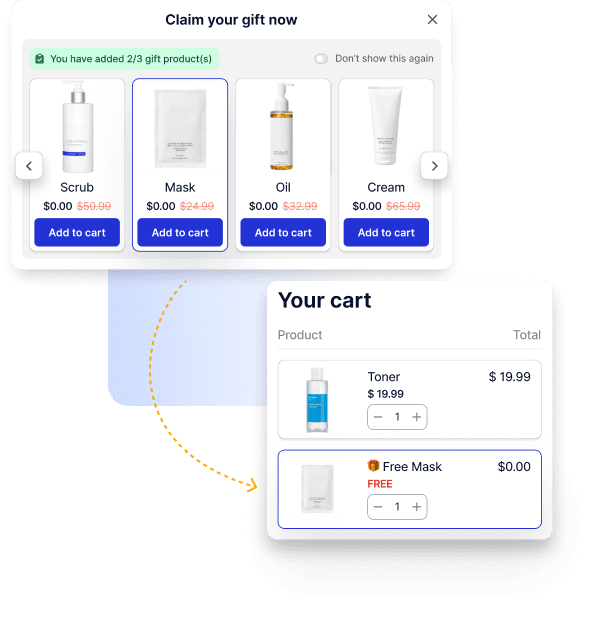
Free Gift Selection
Let customers choose their own free gift. Best for higher perceived value and a personalized touch.
Learn More
Streamline sales funnel
with
auto add to cart or popup
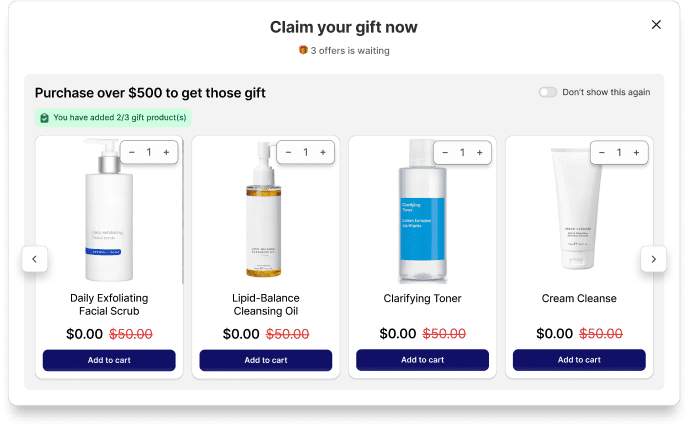
Interactive gift popup
Boost customer engagement with an interactive gift popup that lets shoppers choose their gifts.
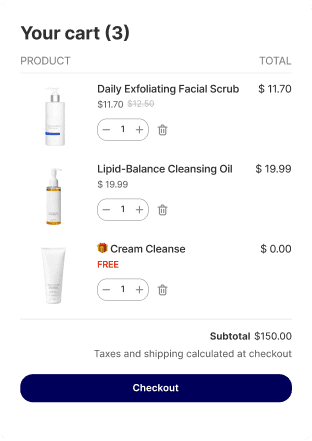
Effortless auto add to cart
Auto add to cart the gifts and create a frictionless shopping experience with no extra clicks needed.
Your AI Assistant For Every Promotion
Describe your promotion in plain language and let AI handle the rest. BOGOS AI builds ready-to-use offers inside your dashboard, and Shopify Sidekick creates BOGOS offers right from your Shopify admin.
Try BOGOS Now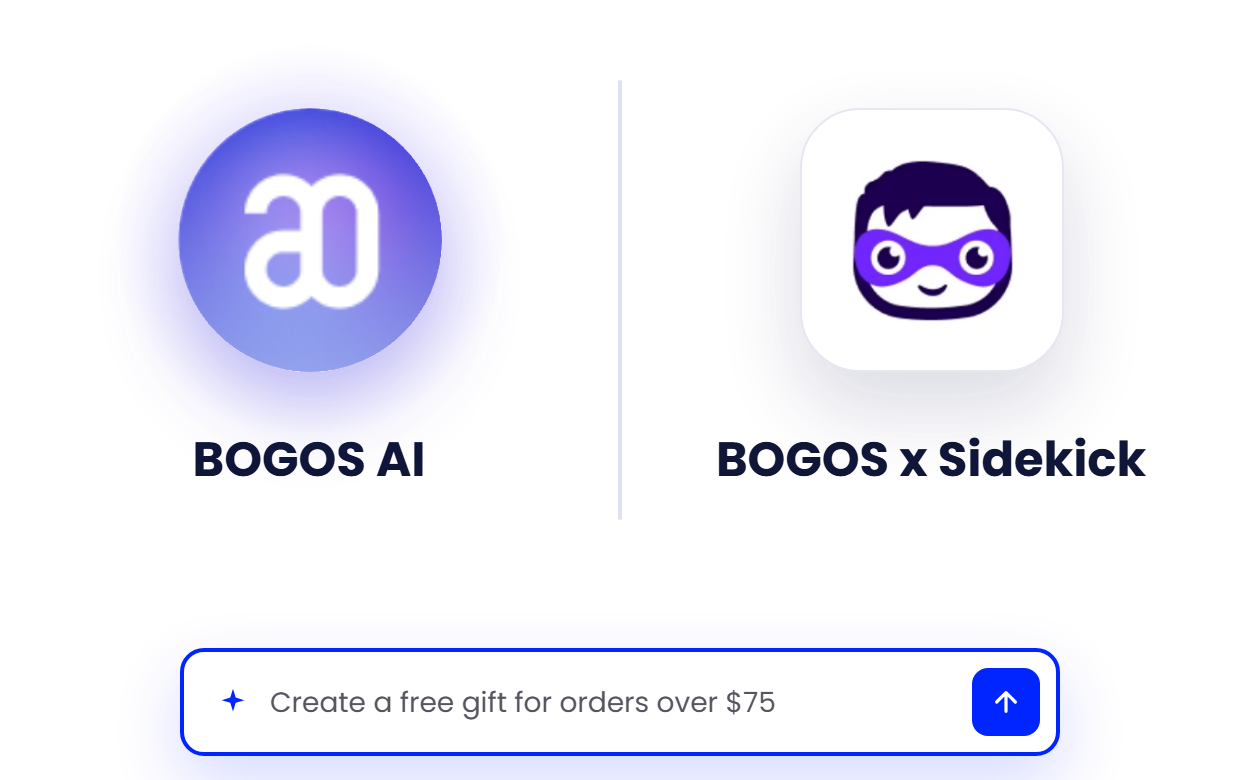
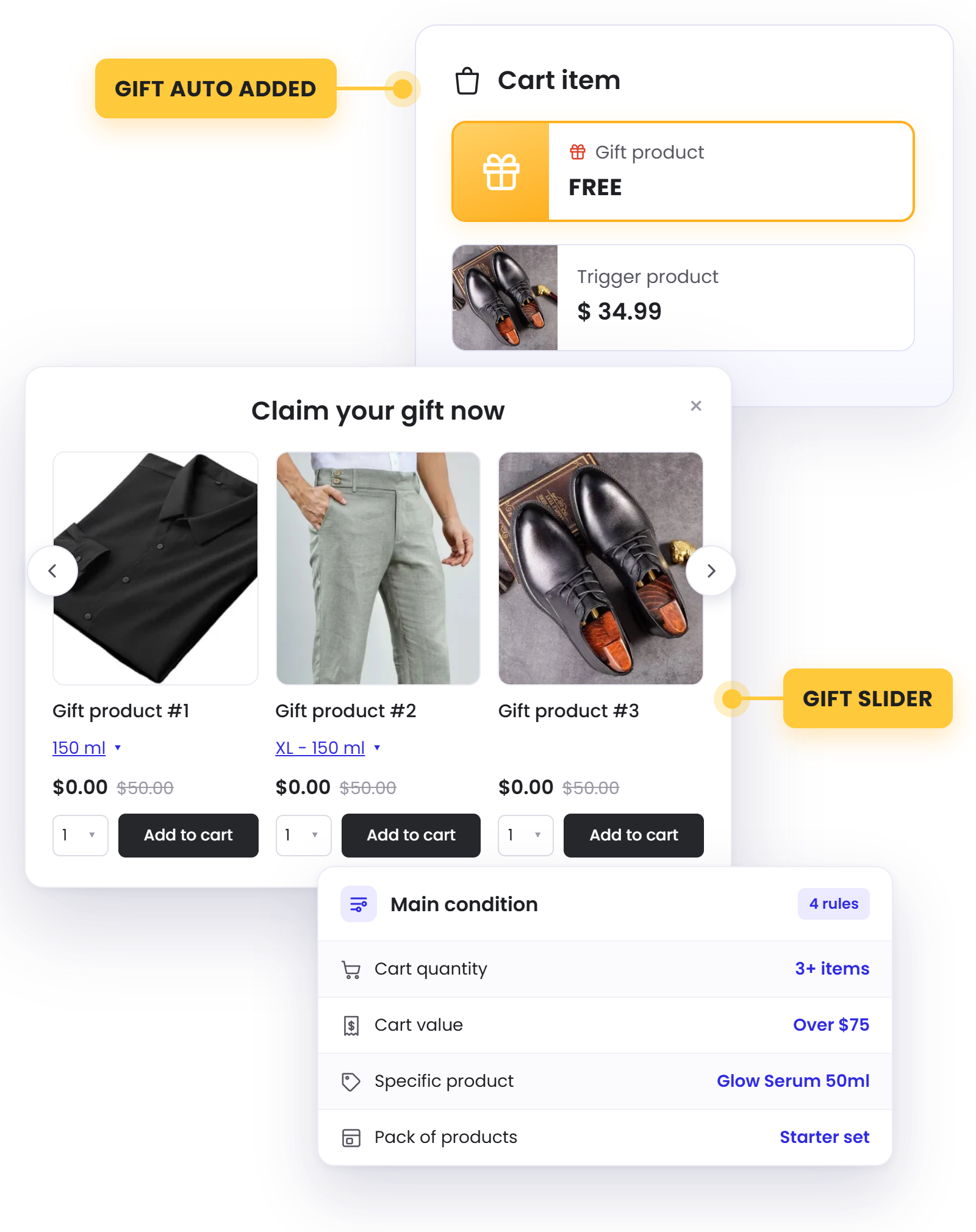
Choose Conditions That Trigger The Gift

Cart value: Set min & max spend value to unlock rewards
Cart quantity: Give gifts based on number of items purchased
Specific products: Trigger rewards for strategic products/collections
Bundle to get gift: Reward customers who buy a defined set of products together.
Cart multiplier: Multiply rewards automatically as cart value grows
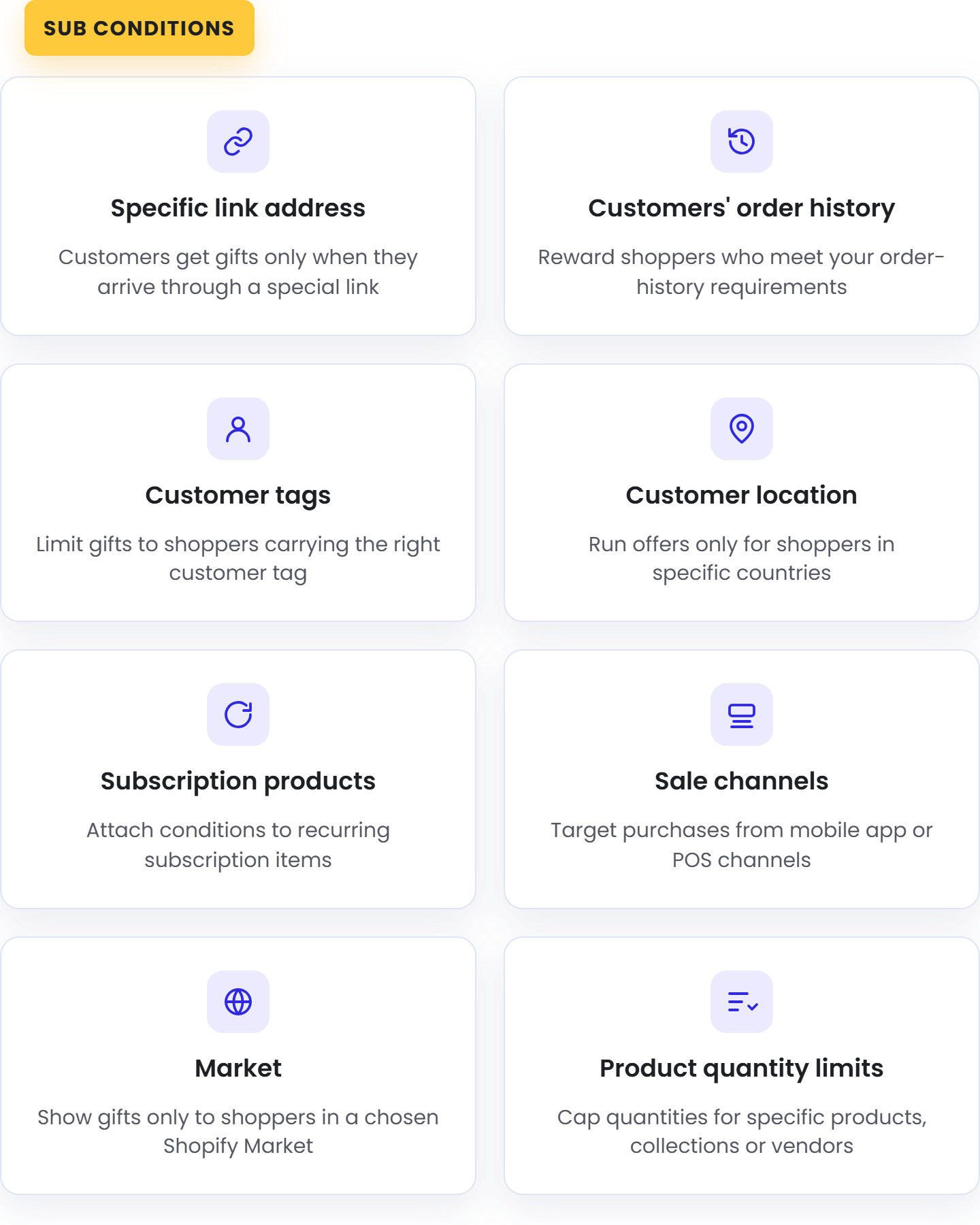
Fine-tune With Sub-condition
Customer condition: Show or hide gifts by customer tags and order history, ideal for VIPs, first-time buyers, or repeat customers.
Magic link: Deliver an offer through a specific link, perfect for email, social posts, and affiliate promotions.
Location condition: Run gifts tailored to customer location or your Shopify Markets.
Product condition: Target subscription products or set product quantity limits to control who qualifies.
Boost visibility
with BOGOS’s booster tools
Layer on booster tools to promote your deals across the storefront and put every offer in front of more shoppers:
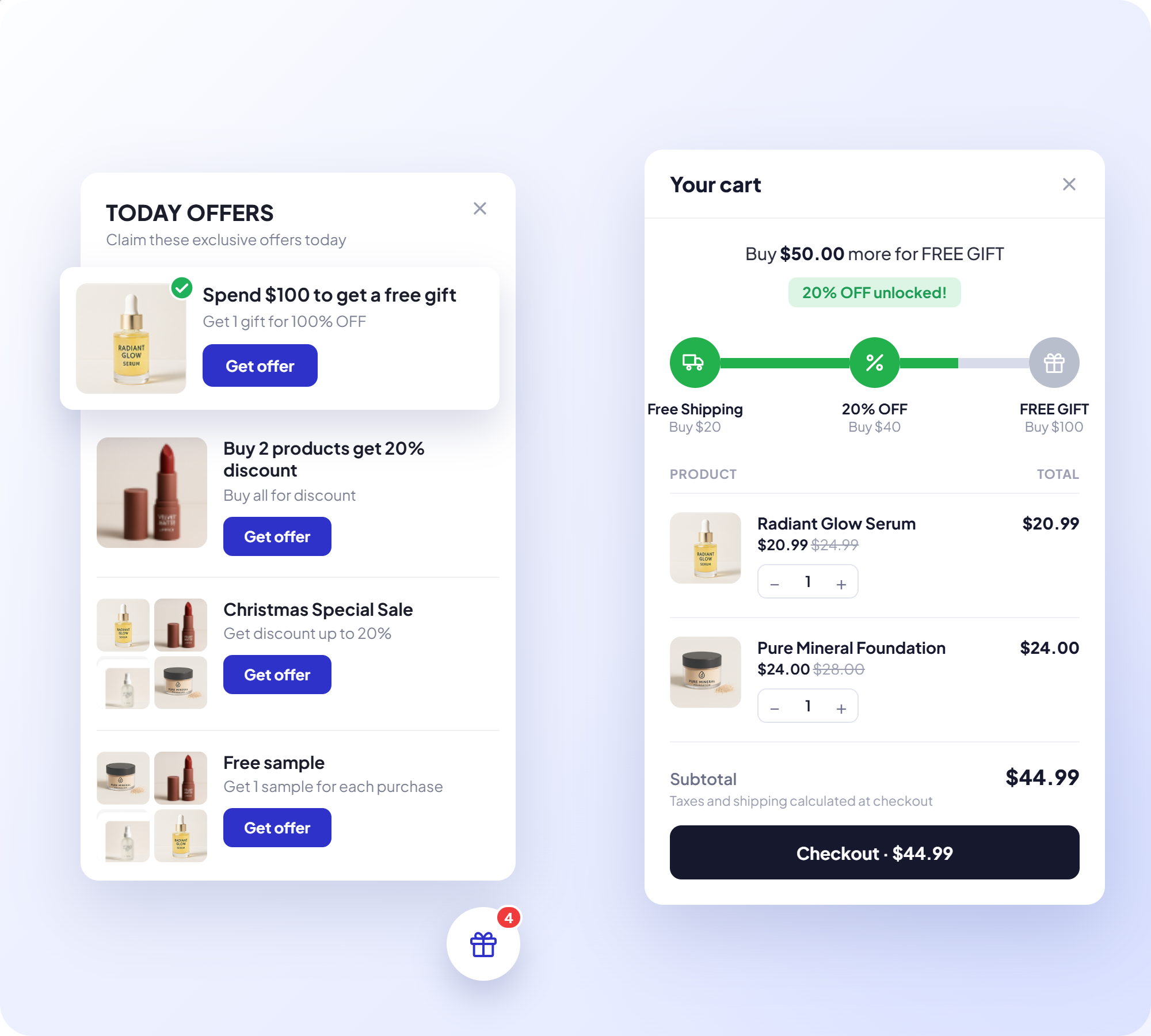

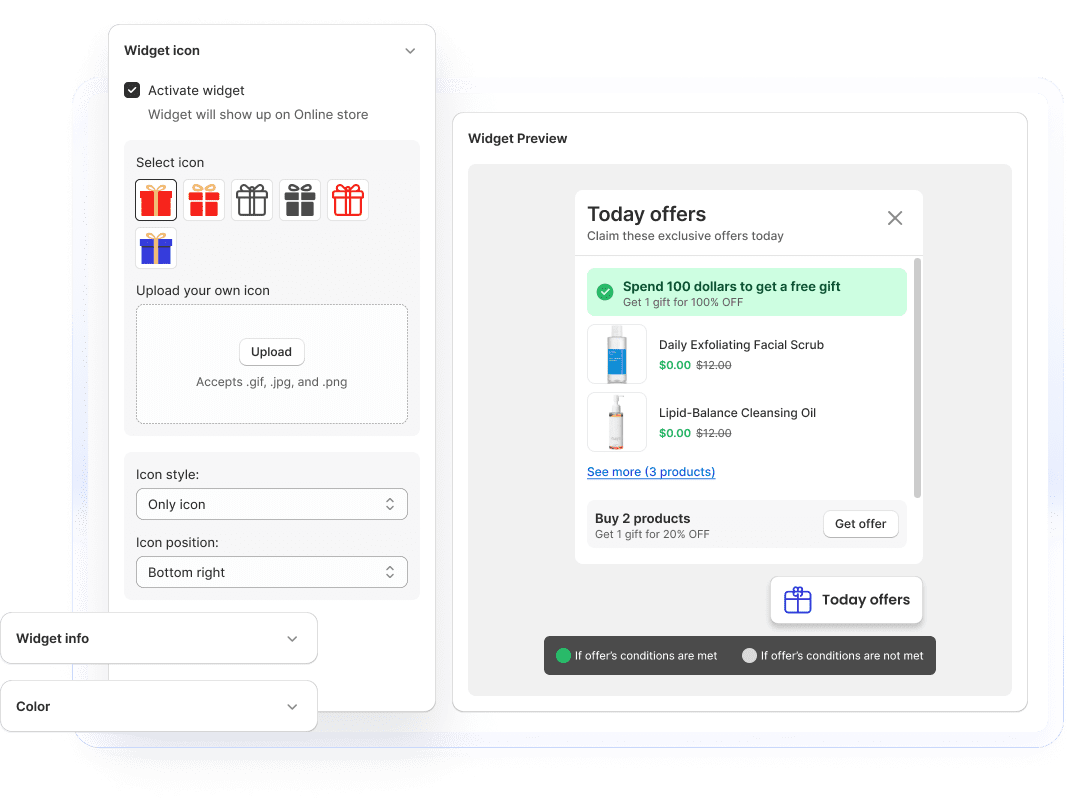
Today Offer
Highlight your current deals to catch shoppers' attention as they browse.
Progress Bar
Show customers how close they are to unlocking a deal, nudging bigger carts.

Announcement Bar
Broadcast your promotions site-wide with an eye-catching banner.

Offer Page
Collect all your promotions on one dedicated page shoppers can browse and buy from.
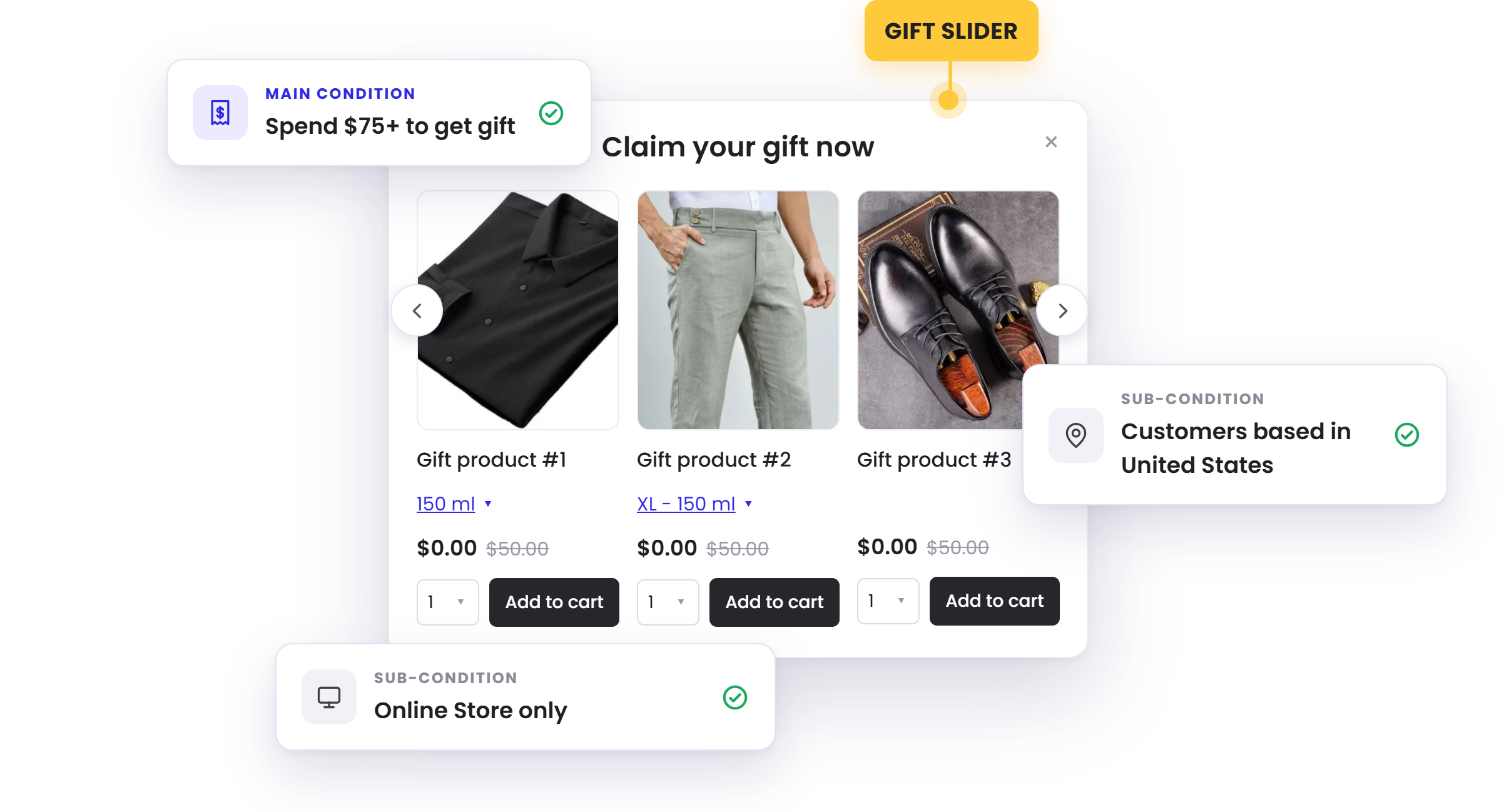
Manage & Combine Multiple Conditions In One Offer
Stack multiple conditions together to build highly specific offers — shoppers qualify only when they meet every rule you set.
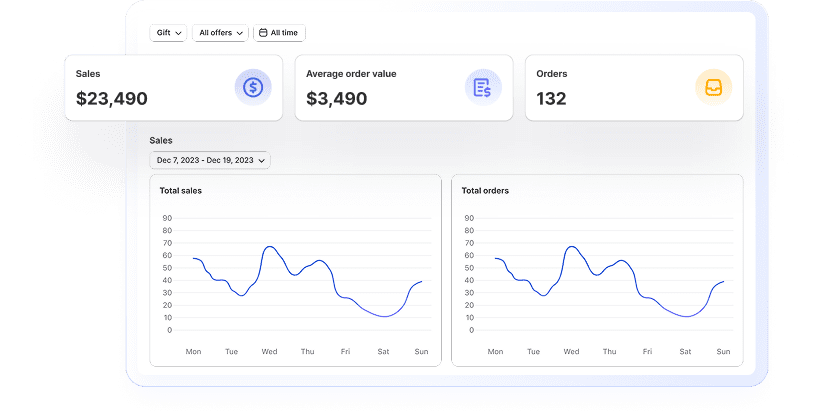
Get Actionable Data In Real Time
Stay data-driven with insights into revenue, conversion rates, and customer behavior to optimize your strategy and achieve better results.
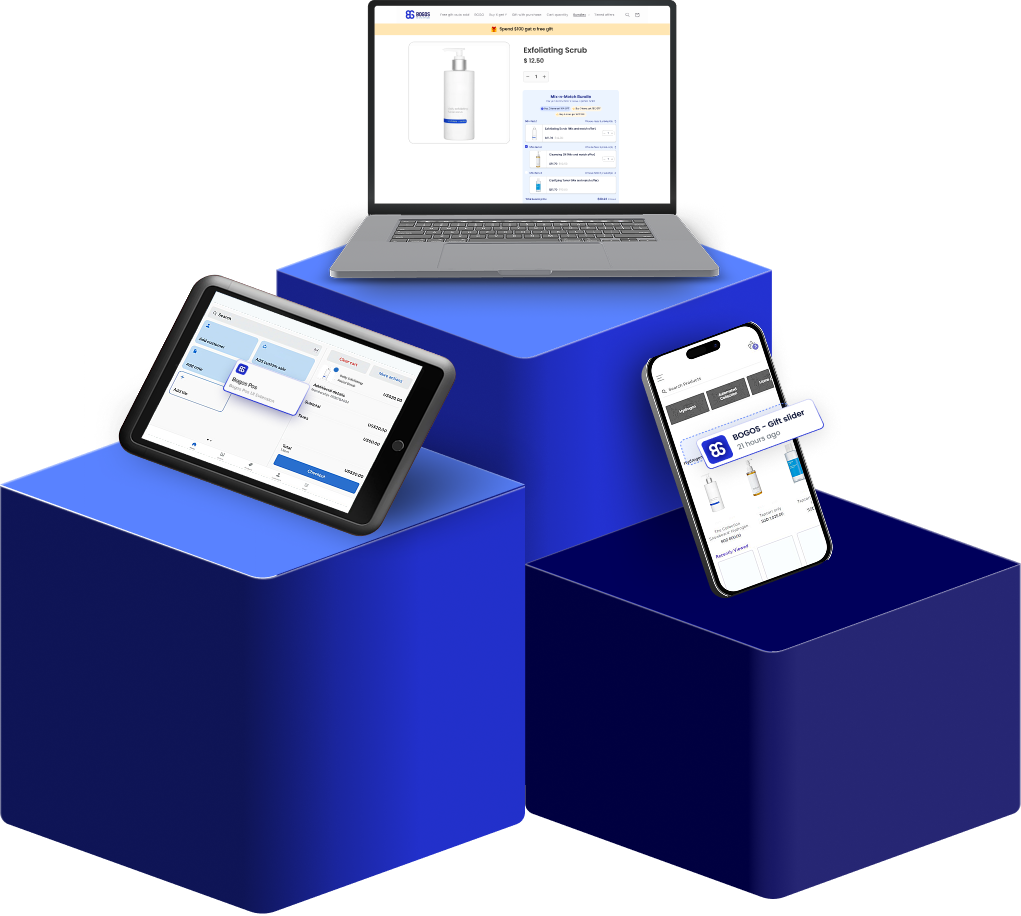
Work With Every Sale Channel
Run the same gift offers across your online store, POS, headless setup, and mobile app — no gaps, no reconfiguring.
Built For Scale, Backed By Real Support

Built For Shopify Certified
Meets Shopify's highest standards for performance, security, and admin integration

Work With Every Theme & Top Apps
Works smoothly with any theme, including custom builds, and alongside leading Shopify apps

Expert Live Chat
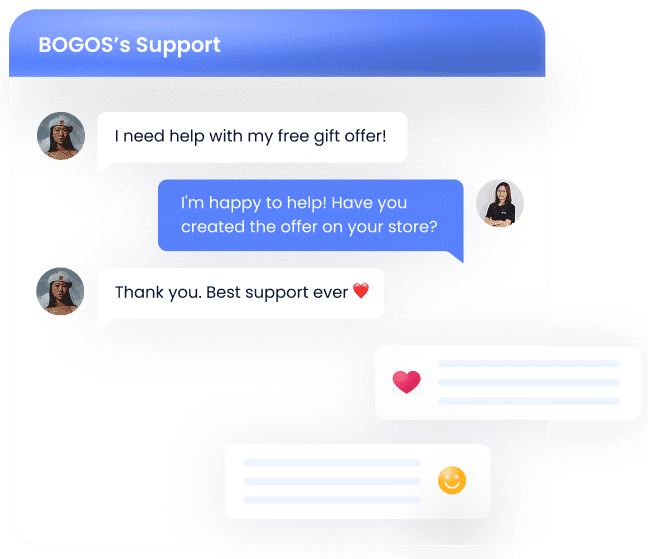
Fast, responsive support from specialists who know Shopify promotions deeply

Built For High Volume
Runs billions of orders smoothly, keeping performance consistent across all devices
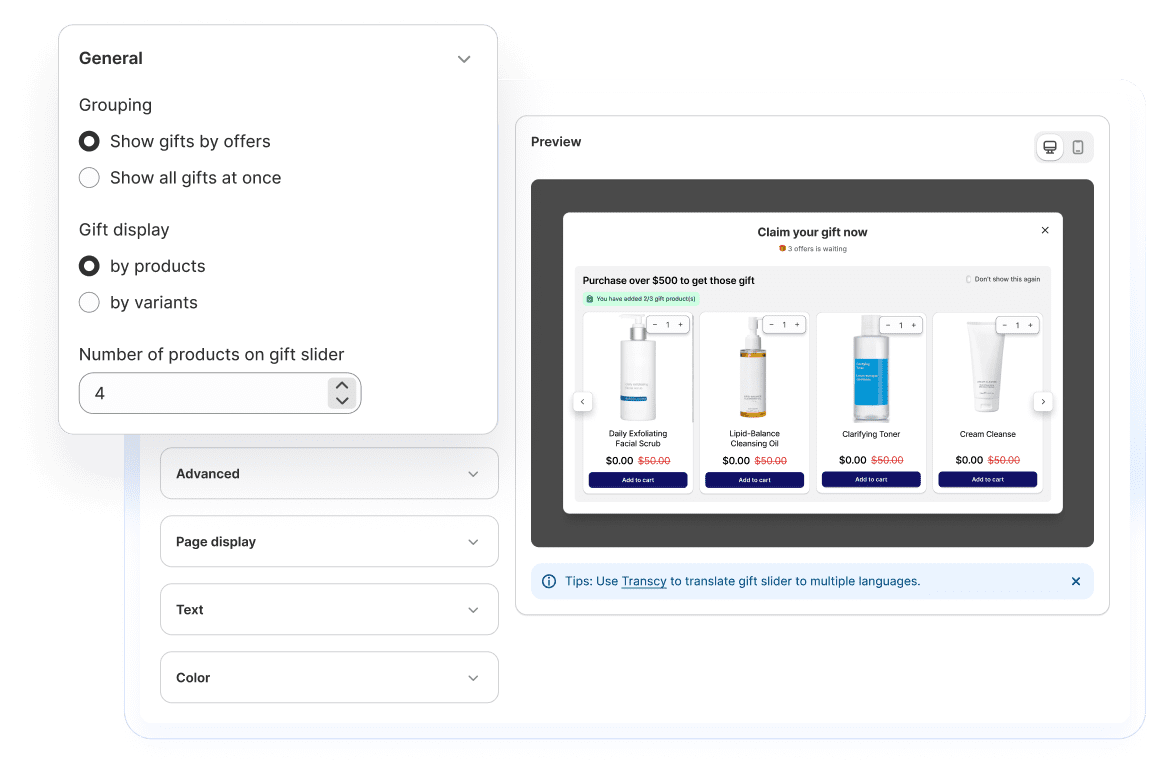
Customizable promotions for high impact
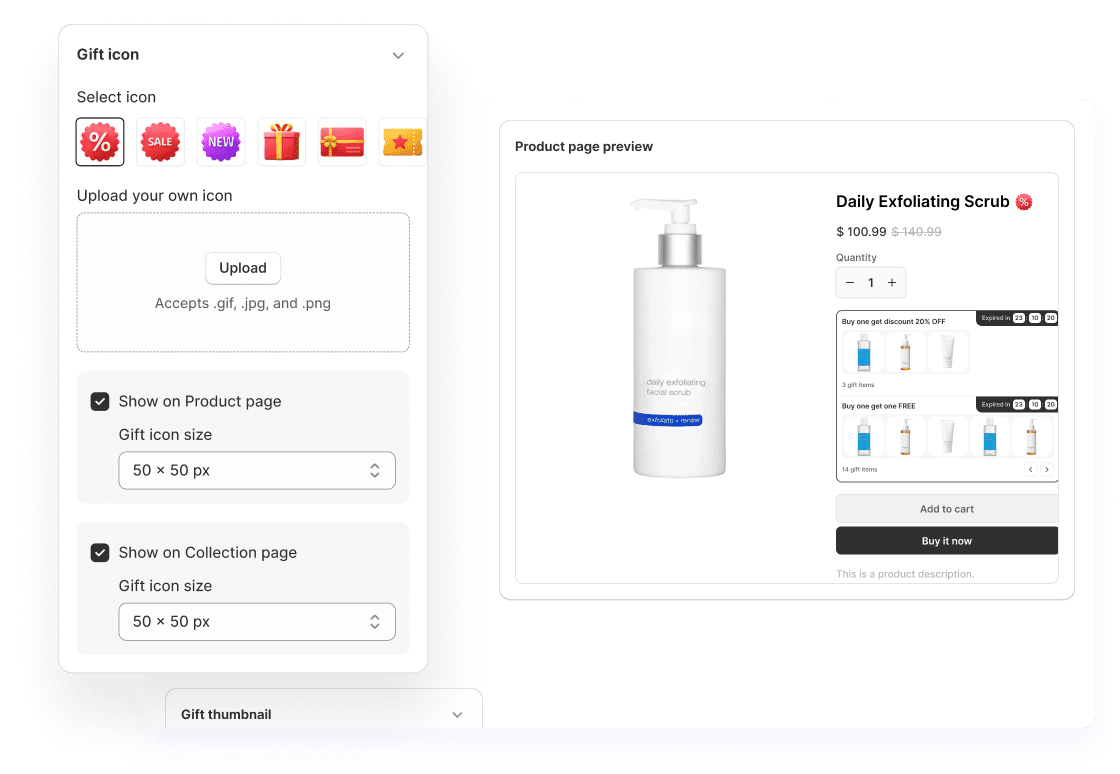
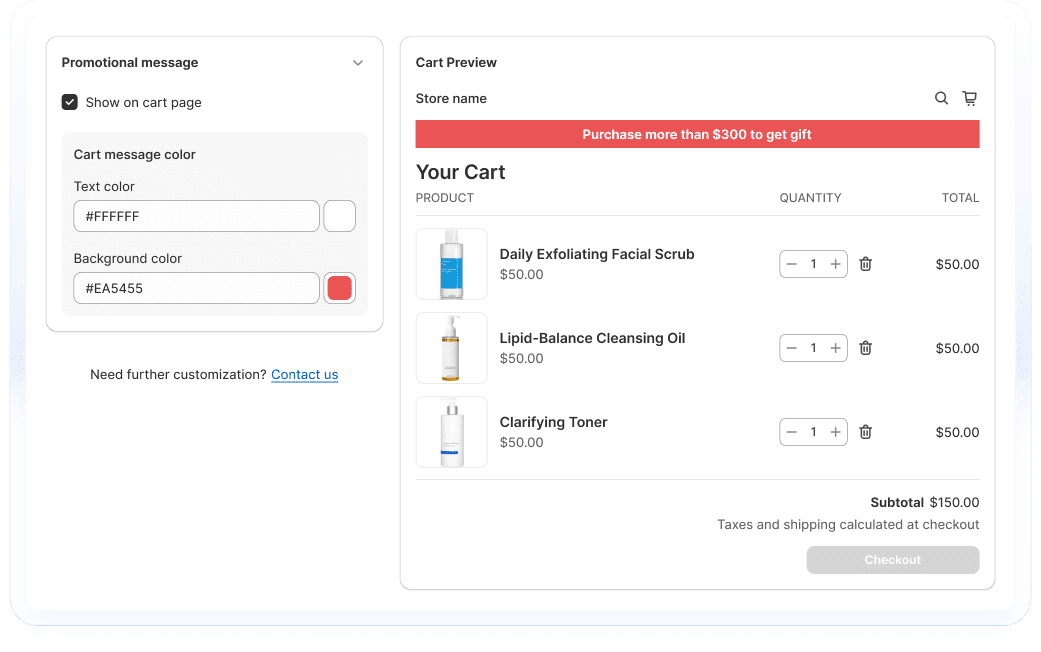
Take complete control with easy-to-use customization options. Add conversion-focused elements like gift icons or today's offer widgets to boost promotion visibility.
Enjoy top-tier support at every step
- Support via call, chat & email
- Comprehensive tutorial videos
- Help documents
- Customization services

Stories from our customers


 Beauty Retailer
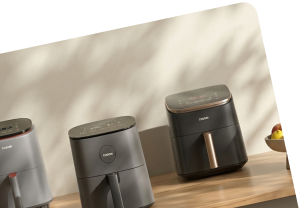
 Buy X get Y




The #1 trusted Shopify promotion app
Proven by 4,000+ Reviews. Read the success stories and heartfelt testimonials from our valued clients.

Palladium
4 months using the app

Cigars Direct
2 years using the app

Bio Ionic
9 months using the app

Brandon Blackwwood
1 year using the app

Gratsi
3 years using the app

Gisou Sandbox
2 months using the app
Nourished3
3 years using the app

Victoria Beckham
10 months using the app



Learn With BOGOS
![[2026] How to Automatically Add a Free Gift to Cart on Shopify (2 methods)](https://bogos.io/wp-content/uploads/2024/07/how-to-automatically-add-free-gift-to-cart-on-Shopify.jpg)
![[2026] Shopify Gift With Purchase: Step Guide, Apps & Tips](https://bogos.io/wp-content/uploads/2024/07/how-to-create-shopify-free-gift-with-purchase-1.jpg)
FAQs
Everything you need to know about BOGOS app - Most Trusted Shopify Promotion App
What conditions can trigger a free gift in BOGOS?
Five main conditions. Cart value sets a minimum and maximum spend. Cart quantity triggers on number of items. Specific product requires buying chosen products, with an option to multiply gifts as they buy more, or to give the same product as the gift. Cart value multiplier scales rewards with spend, such as one gift at $200 and two at $400. Pack of products releases the gift only when every selected product is in the cart. Each condition can count all products, selected products, or products in chosen collections, types, or vendors, and you can exclude items from counting.
Can I show a free gift to only certain shoppers?
Yes, through sub-conditions layered on top of the main condition. You can target by customer tag for VIPs or members, by order history using total spent, last order value, or number of orders placed, and by customer location or Shopify Markets, with the option to exclude regions instead. A specific link address generates a unique URL so only shoppers arriving from an email, social post, or affiliate link see the gift. You can also limit an offer to subscription or one-time products, restrict it to online store, mobile app, or POS, and set it to one use per customer. Tag and order history targeting requires shoppers to be logged in.
Is the gift added to the cart automatically, or can shoppers choose it?
Both, and you control it per offer. Choosing "automatically all gifts" adds every gift at the quantities you set as soon as the shopper qualifies. Choosing "number of gifts customer will receive" opens a gift slider so shoppers pick their own reward from your list. You can also turn off auto-add in Settings so the slider always appears, and restyle its text, colours, layout, and product display in Customize.
Does the gift have to be completely free?
No. Gifts support three discount types: percentage, where 100% makes it free, a fixed amount off, or a fixed price you set. You can also give a shipping discount as the reward, either a percentage off or a set amount, with different amounts per currency for stores using Shopify Markets. Gift cards work as gifts too, so shoppers receive a code by email once the order completes.
What happens when a shopper qualifies for several gift offers at once?
You decide the order. Each offer gets a priority number, where a lower number wins, and "stop lower priority" switches off weaker offers when a higher-priority one applies. "Gift will be applied toward other offers" lets a gift's value count toward the spend threshold of other offers, which helps shoppers reach the next reward. Gift offers can also carry a custom discount code name and be set to combine with Shopify order or shipping discounts.
How do shoppers know a gift offer is running?
BOGOS includes several visibility elements you can switch on. A gift icon and gift thumbnail mark qualifying products, a cart message nudges shoppers toward the threshold and disappears once they hit it, and a progress bar shows how close they are. The Today Offer widget lists every live promotion and can carry a redirect button, an announcement bar promotes offers site-wide, and an offer page collects all active promotions in one place.

Win customer satisfaction
with free gifts
Trusted by 95K+ brands for their biggest sales season