



Charlie Ngo
•
Last updated: 14 October, 2026
How To Add a Shopify Announcement Bar (Free Themes & Apps)
A Shopify announcement bar is the thin strip at the top of your store that tells shoppers about shipping,...
How To Add Live Chat To Shopify: 3 Methods (2026)

Marketing Manager
Summarize this post with AI
Adding live chat to a Shopify store is easy. Running it well is the part most guides skip. This article covers all 3 installation methods with the exact click paths, compares the apps using ratings pulled from the App Store today, explains what AI agents can and cannot do for a shopper who is deciding, and shows where to place the chat button so it helps instead of blocking your product pages. I’m Charlie Ngo, Marketing Manager at BOGOS, and i have spent years to help Shopify merchants optimize their store performances.
Live chat on Shopify has 3 parts: the widget shoppers see, the inbox where messages land, and whoever answers them.
The widget is the button and chat window on your storefront. The inbox is where you read and reply, usually a web app plus a phone app. The answerer is either a person on your team, an AI agent, or both working together.
Those 3 parts are separate decisions. You can run Shopify’s free widget with a human answering, or a paid app with an AI agent answering and a person handling the hard cases.
That last decision matters more than which app you pick. An AI agent replies in seconds at 3am. A person replies in minutes during work hours and not at all overnight. Both are valid, and the right choice depends on your volume.
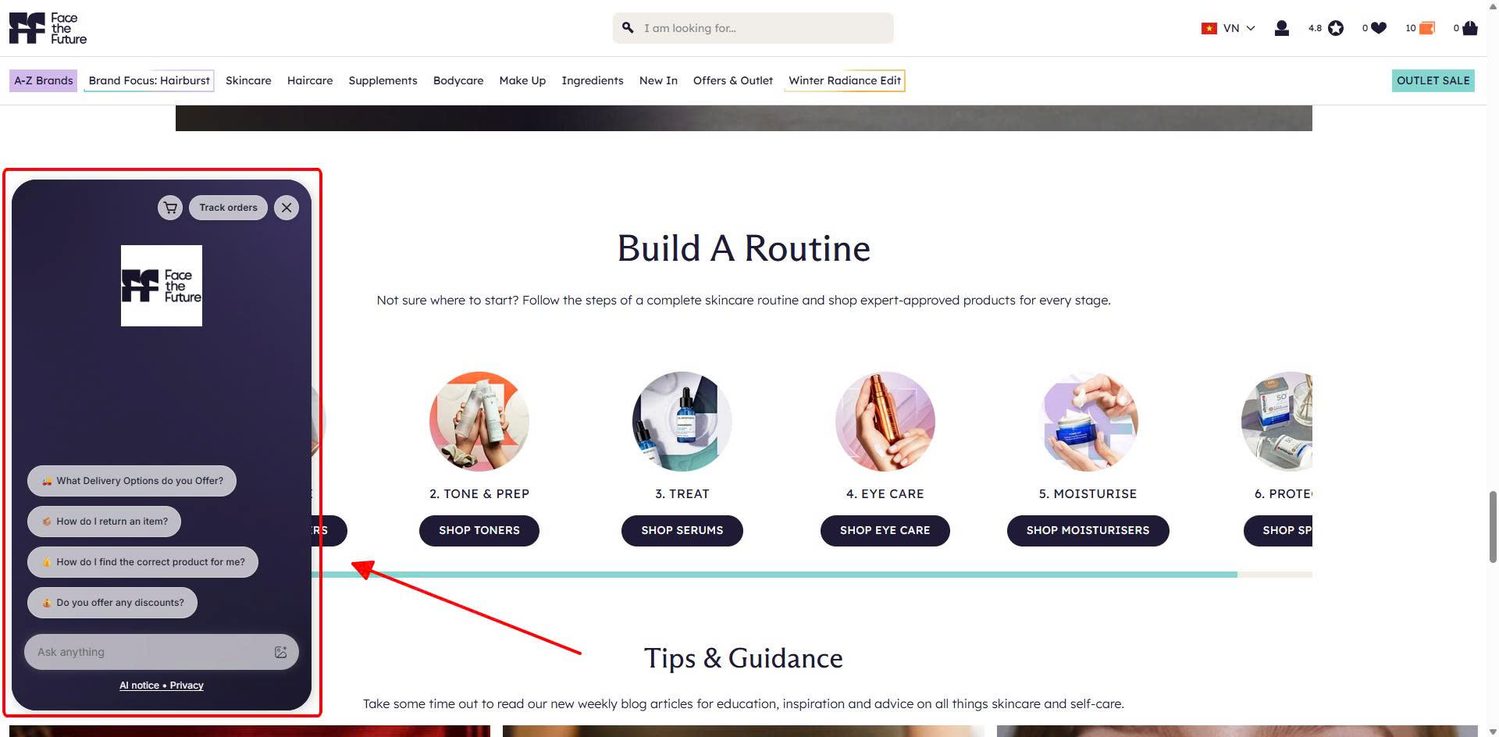
Live chat exists to remove the doubts that stop a purchase. It sits inside the wider work of improving your Shopify conversion rate. It does not fix a slow site or a confusing checkout. It answers questions.
The evidence that this works is decent but not overwhelming. Three findings are worth knowing.
One correction while we are here. The claim that chatters spend 60% more belongs to a Bold360 benchmark study, not to Forrester, despite being credited to Forrester almost everywhere.
Be realistic about what chat changes. Forrester reviewed 113 US retailers and found shoppers use chat to inform a purchase, not to complete one. The gain comes from answering questions and pointing people at the right product, which makes every recommendation an agent gives a Shopify upsell delivered while the shopper is already listening.
Chat also cannot fix pricing. Baymard Institute found that among shoppers who abandon for a real reason, 40% cite extra costs and 18% cite forced account creation. No amount of fast replies solves either. Those are checkout settings.
There are 3 ways to add live chat to a Shopify store:
Here is how they compare.
| Method | Cost | Setup time | Best for | What you give up |
|---|---|---|---|---|
| Shopify Inbox | Free | About 10 minutes | Most stores, especially new ones | Deep automation, WhatsApp and Instagram in one inbox |
| Third-party App Store app | Free plan to $100+ per month | 5 to 20 minutes | Stores with support volume or multiple channels | A monthly bill, and another app in your theme |
| Code snippet | Depends on the provider | 10 to 20 minutes | Providers with no Shopify app | Safety, since you are editing theme code directly |
Most merchants should start with method 1. It costs nothing, it installs from the same admin you already use, and you can replace it later without touching code.
Shopify Inbox is the free chat app built by Shopify. It puts a chat widget on your storefront, collects messages in a web and mobile inbox, and includes an opt-in AI agent that answers questions using your own catalog and store content.
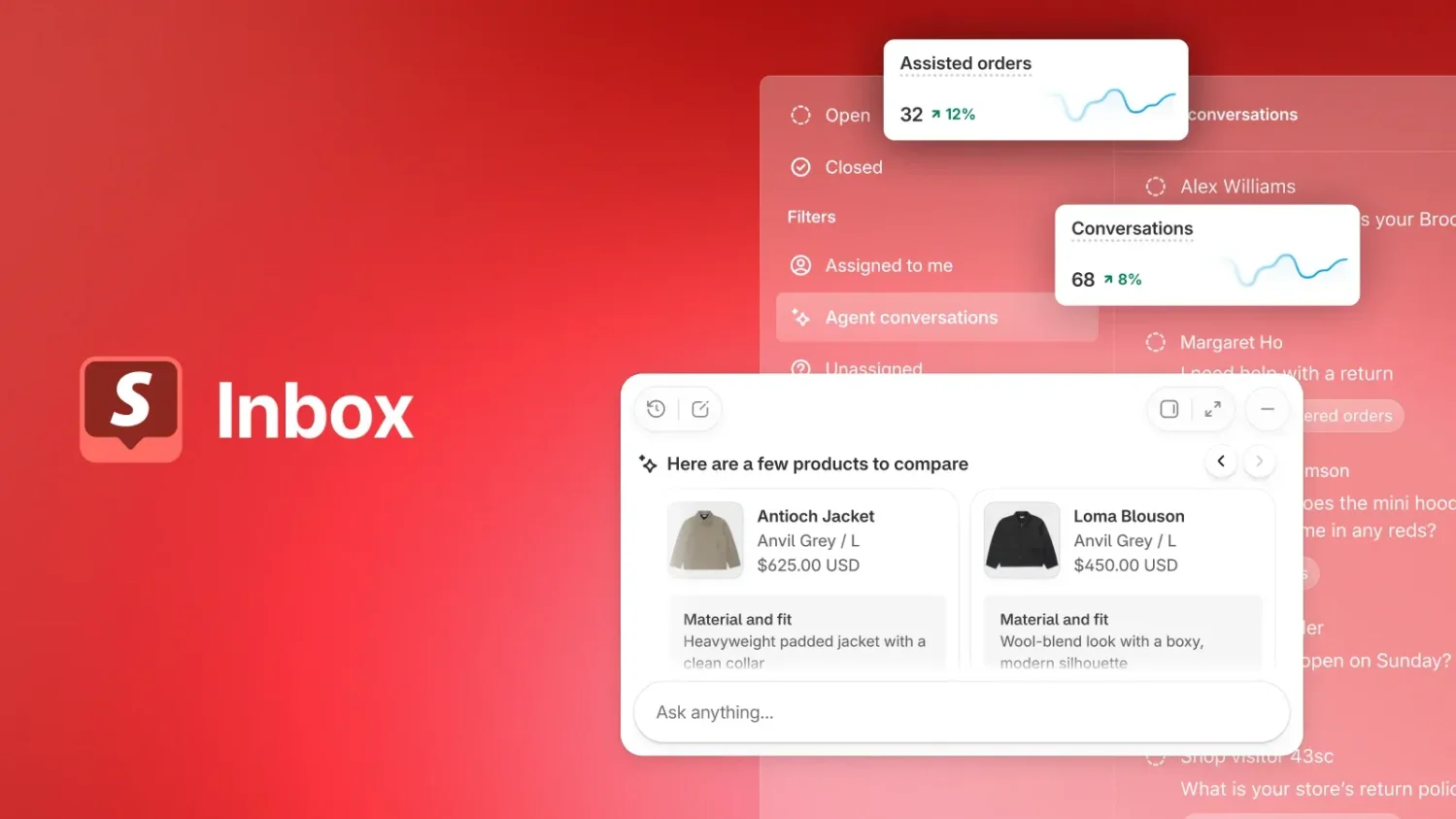
What it does well, at no cost:
What it does not do:
Setup takes about 10 minutes. The video below walks through the whole thing, from installing the app to turning on the widget in your theme.
Four settings decide whether Inbox works well, and the defaults are wrong for most stores:
Set your staff permissions too. They control what your team can do inside a conversation, according to the Shopify Help Center: Products shares product links, Customers manages availability and saved replies, Discounts shares codes, and Draft orders creates orders mid-chat. POS-only staff cannot access Inbox at all.
If your chat volume dropped after Shopify’s September 2026 Inbox redesign, the sign-in setting is usually why. Shopify’s own support replies point merchants to Sales channels, Inbox, Chat settings, then Collect customer details, where selecting Allow anonymous chats restores something closer to the older behavior.
A paid chat app is worth the cost in 3 situations:
Installing any of them takes a few clicks from the App Store listing, then one toggle under App embeds in your theme editor.
Here are 3 worth trying. Ratings and review counts come from their Shopify App Store listings on 28 September 2026.
| App | Rating | Reviews | Free plan | AI agent | Best for |
|---|---|---|---|---|---|
| Chatway | 4.9 | 265 | Yes, 1 seat, unlimited conversations, 30-day history | Yes, sold as add-on credits | Small teams wanting a generous free tier |
| Tidio | 4.8 | 1,256 | Yes, limited conversations | Yes, called Lyro, on paid plans | Stores adding an AI agent on a small budget |
| Gorgias | 4.3 | 634 | No, free trial only | Yes, built into the platform | High-volume support teams |
Ratings move. Check the listing before you install.
One app deliberately left out. tawk.to is named the best free Shopify chat app in almost every roundup you will read. Its actual Shopify App Store rating is 3.6 across 89 reviews, with 21% of ratings at 1 star. Reviewers report that every setting lives on tawk.to’s own website rather than in Shopify admin, that a pop-up and notification sound are on by default, and in one September 2026 review, that the app kept tracking traffic after uninstall. It is genuinely free and some stores are happy with it, but read the recent reviews before you install.
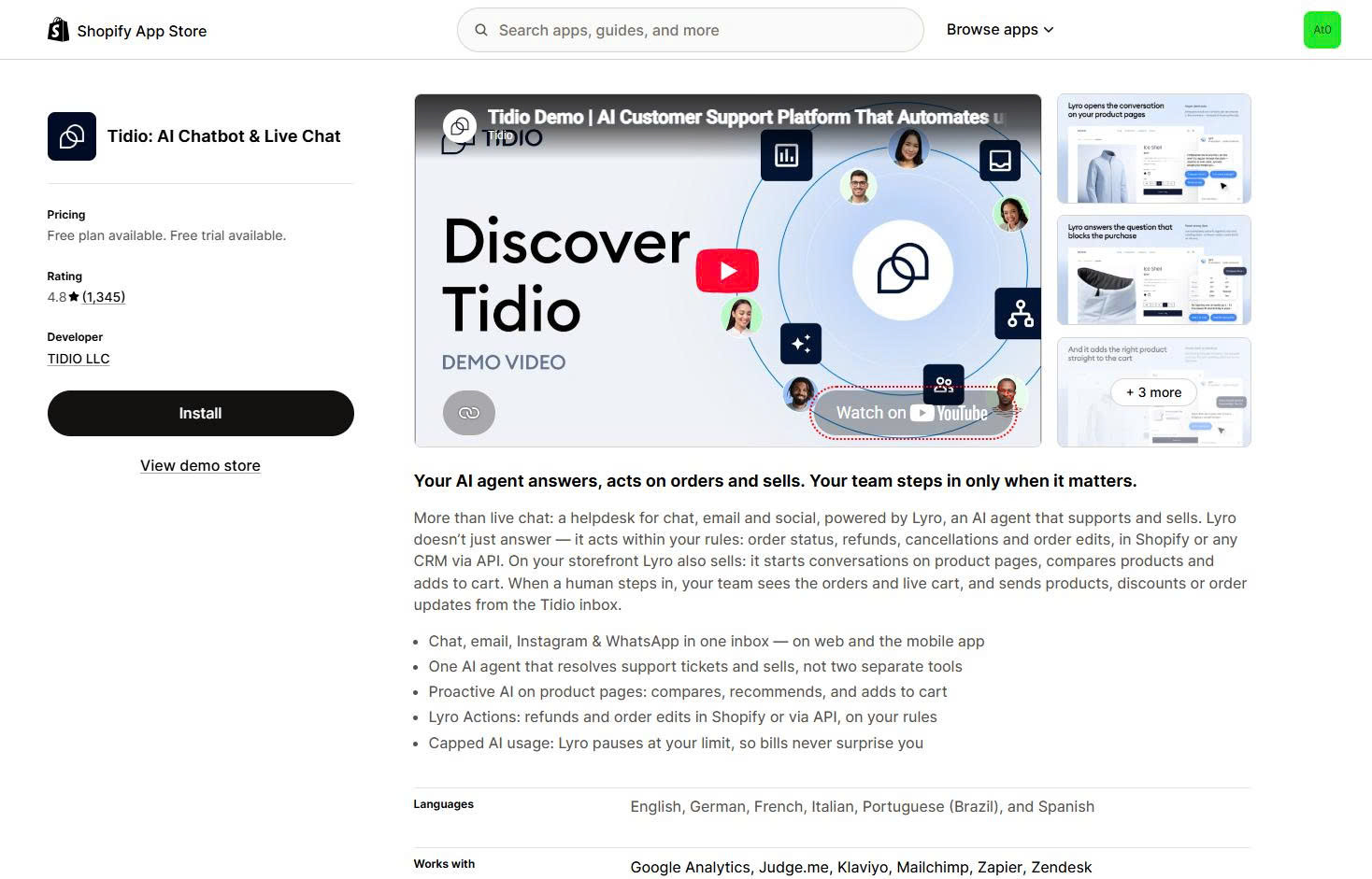
Tidio is the highest-rated chat app on the Shopify App Store with meaningful review volume, at 4.8 stars across 1,256 reviews.
It combines live chat, a shared inbox, and an AI agent called Lyro that answers product and order questions without a person involved. Setup takes about 10 minutes and the visual flow builder needs no code.
The free plan caps your conversations, and the AI features sit behind paid plans. For a store doing steady volume, that cap disappears quickly.
Best for: stores that want an AI agent without an enterprise budget. Install the free plan first and count your conversations over 2 weeks. That number tells you whether the paid plan pays for itself.
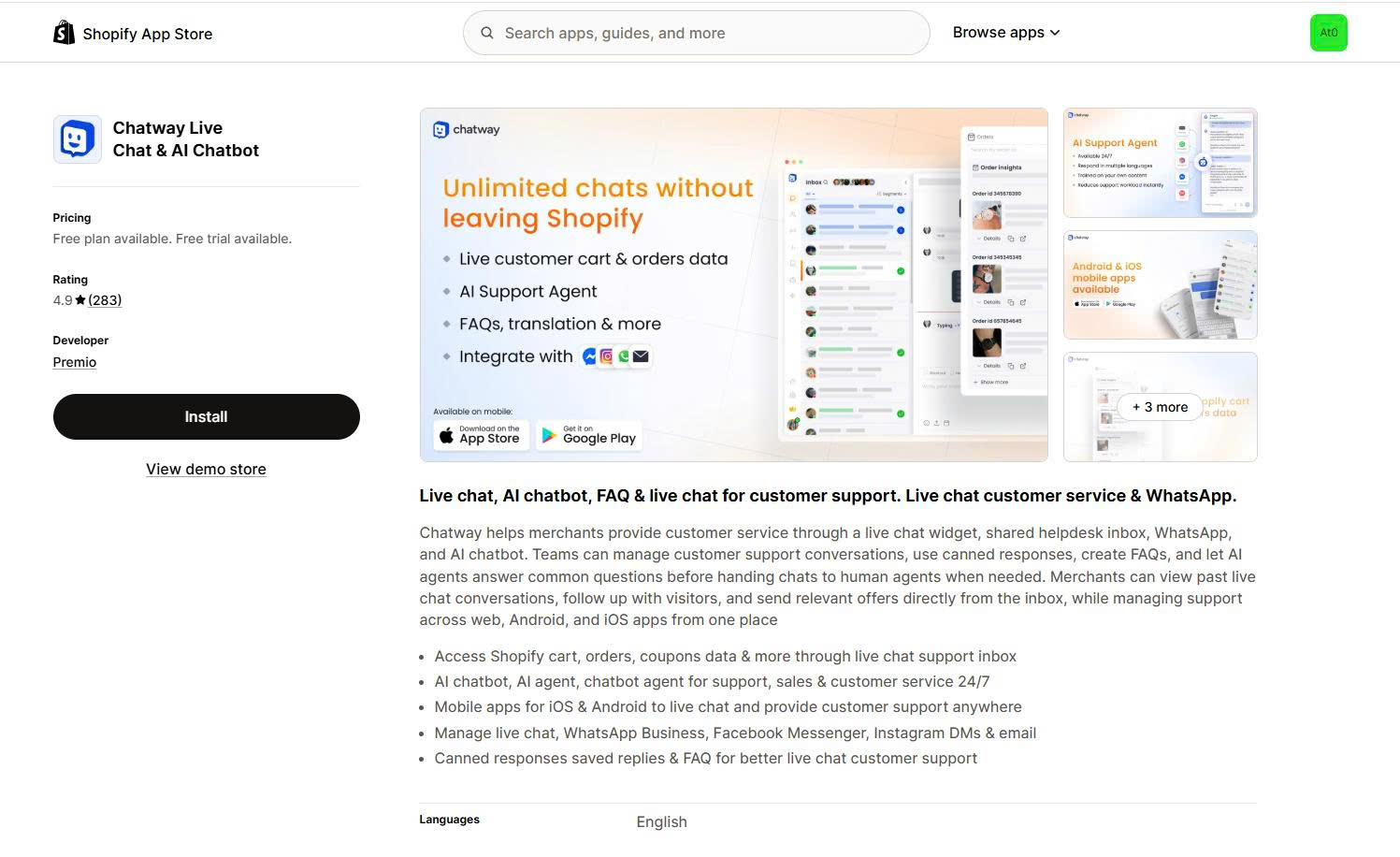
Chatway holds the highest rating in this comparison at 4.9 stars across 265 reviews, with 97% of ratings at 5 stars.
Its free plan is unusually generous. You get 1 seat, unlimited conversations, 30 days of chat history, FAQs, canned responses, widget customization, and the phone apps.
Paid plans start at $29 per month. They add unlimited history, real-time visitor data, and WhatsApp, Messenger, Instagram, and email in one inbox.
The free plan’s 30-day history limit is the constraint to watch. If you need to look up a conversation from 2 months ago, you cannot.
Best for: one-person stores and small teams. The free plan genuinely covers you, as long as you export anything important before the 30 days of history run out.
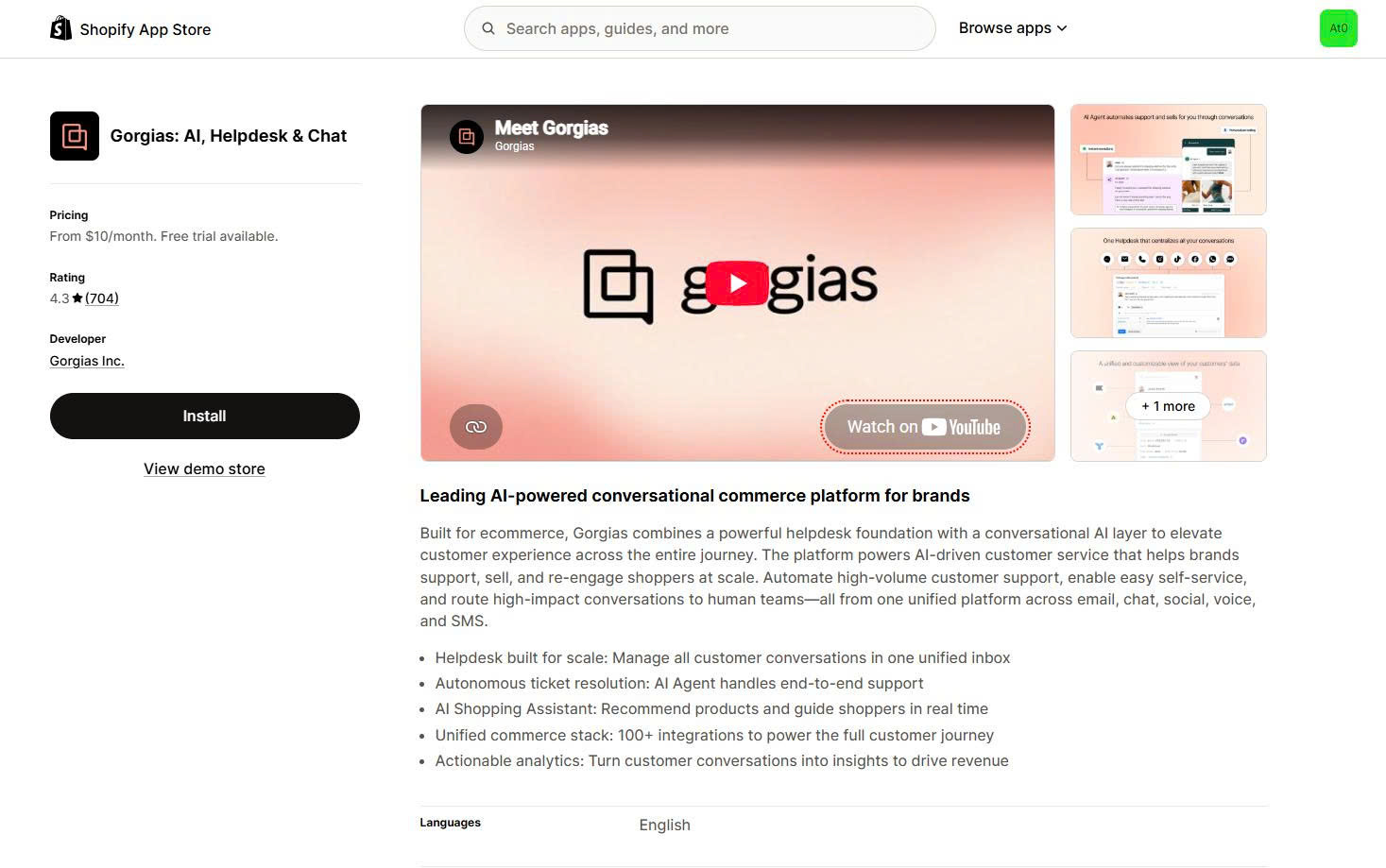
Gorgias is built specifically for ecommerce support and sits at 4.3 stars across 634 reviews.
It pulls Shopify order data, customer history, and tracking into the agent view, so nobody switches tabs. Agents can issue refunds and edit orders inside a conversation. Email, chat, social, and SMS all land in one dashboard.
There is no free plan, only a free trial, and pricing scales fast with ticket volume.
Best for: stores where support is somebody’s actual job rather than one task among four. Below that volume, the cost is hard to justify.
👉 For more app review, read: Best Shopify Live Chat App: 8 Top Picks Compared
This method is for chat tools with no Shopify App Store listing. Missive Live Chat is one example, since it runs on Twilio and installs by snippet. Intercom is another, and its own documentation walks Shopify merchants through editing theme code.
The trade-off is control versus safety. A snippet gives you any tool you want, including one your team already uses elsewhere. It also means editing theme code directly, so a mistake shows on your live store.
Duplicate your published theme before you change anything. That copy is your one-click rollback.
Here is the quick step guide.
If you would rather not open the code editor at all, most snippets also work in a Custom Liquid section. Go to Online Store, then Customize, add a Custom Liquid section, and paste the script there.
Two mistakes cause almost every failed snippet install. The first is pasting after </body> instead of before it. The second is editing an unpublished theme. Check both before you assume the script is broken.
An AI agent differs from an old chatbot in one way: it reads your live store data and can act on it. A chatbot sends a tracking link. An agent looks up the order and reads out the status.
What each one reads varies:
Actions are the real change in 2026. Tidio’s release notes describe Lyro asking follow-up questions to narrow a recommendation, skipping out-of-stock products, reading what is already in the cart, and adding a recommended item in the right size straight to the cart.
Gorgias’s documentation goes further on the support side. Its agent checks whether an order is unfulfilled, then cancels it, restocks the items, and processes the refund.
Read that again before you switch anything on. An agent with actions enabled moves inventory and money without a person reading the conversation.
Gorgias makes each action opt-in and asks the customer to confirm. Turn on order lookups first, watch them for a month, then decide whether cancellations and refunds should follow.
One question no agent solves for you. Shoppers ask whether there is free shipping, whether this is the best price, and whether they can have a discount. The agent can only answer if the answer already exists in your store.
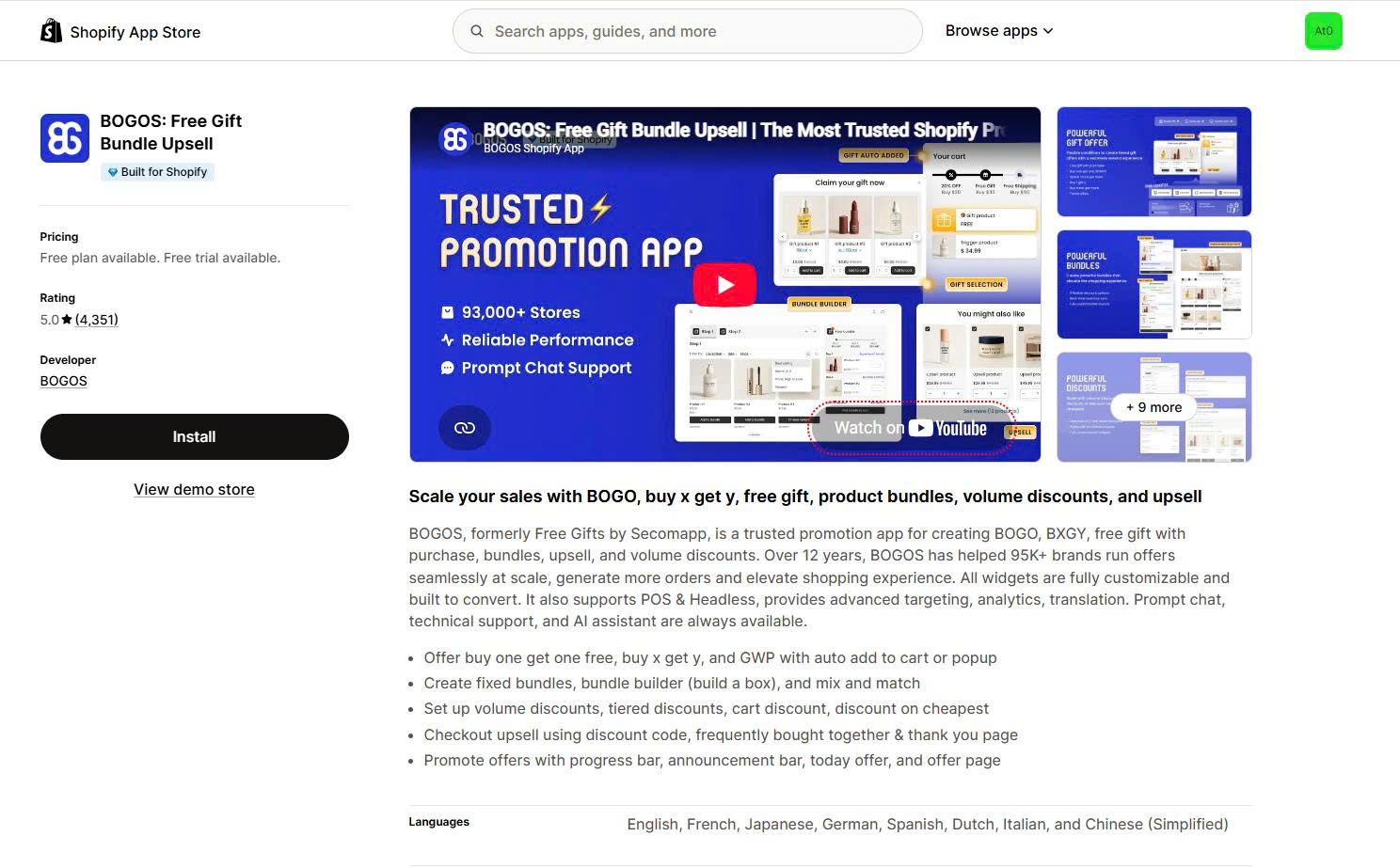
A configured spend threshold lets it say you are $12 away from free shipping. A gift at that threshold usually pulls more than $12 into the cart, which is why offer setup does more for average order value on Shopify than any chat script. Apps like BOGOS automate that layer with free gift with purchase offers and cart progress bars, so the agent points at something specific instead of handing out a code.
Two limits to note. Shopify’s AI-generated instant answer suggestions are English-only, with largely North American language data. And Shopify states that you remain responsible for the accuracy of everything you publish, including AI-generated content. Read your transcripts weekly for the first month.
Placement decides whether chat helps or annoys, and the research here is uncomfortable for anyone selling chat software.
Baymard Institute ran large-scale usability testing across ecommerce sites and found that shoppers do not rely on live chat heavily, despite the prominent placement it usually gets. Most users perceived it as another site-initiated distraction. Three common implementations caused problems: overlay dialogs, dialog pop-ups, and sticky floating elements.
That does not mean chat is a bad idea. It means how and when it appears decides everything.
Site-started chat interrupts people who came to look at products.
In Baymard’s testing, one shopper on Macy’s dismissed a chat invitation 3 separate times while browsing. Another described it as being pushed, and said it felt like the site wanted the sale rather than letting them look. A shopper on Lowe’s struggled to close a chat pop-up because the dismiss target was too small.
Baymard also observed that a smaller group of less confident web users never close these pop-ups at all. They just keep browsing with less of the screen available.
If you must use proactive chat, Baymard’s testing points to 3 mitigations:
Sticky chat buttons cause more damage on mobile than on desktop, and the damage is specific.
Baymard documented sticky chat elements blocking search autocomplete suggestions, product color swatches, and the trigger for expandable filters on real retail sites. Sticky elements usually cannot be dismissed, so a shopper who hits one is stuck with it.
Desktop is more forgiving, because the button is small relative to the page and easier to work around. Mobile typing is also harder, which makes shoppers less likely to use chat there at all.
Test your chat button against your own mobile product page, cart, and filter menu before you accept the default position. Move it if it covers anything.
Shoppers who want chat go looking for it in 3 places: the footer, the header, and inside help sections.
Baymard’s accounts and self-service testing found shoppers actively seeking out chat when they had questions about return policies, refunds, and shipping. One tested shopper on Nordstrom found chat through a link inside the return policy page and got her refund question answered immediately.
Add a chat link to your footer next to your shipping and returns links. Add one inside your return policy page. These cost nothing and reach the exact people who want to talk to you.
Adding live chat to Shopify comes down to 3 options. Shopify Inbox is free and covers most stores. A third-party app from the App Store adds AI agents, multiple channels, and team routing. A code snippet in theme.liquid works when a provider has no Shopify app.
Two rules matter more than which one you choose.
Reply within 5 minutes during the hours you advertise, or change the hours you advertise. Shopify’s own data ties that window to a 69% higher chance of making the sale.
Let shoppers open the chat themselves. Baymard’s testing is clear that site-started chat reads as an interruption, and that shoppers who want help go looking in your footer, your header, and your return policy.
An AI agent handles the rest well, as long as you give it something true to say. Set your shipping thresholds, your gift offers, and your bundles before you turn it on, and every answer it gives will point a hesitating shopper somewhere useful.
Turn the widget off first, then uninstall the app. For Shopify Inbox, go to Online Store, Edit theme, App embeds, then turn off Online store chat and save. For third-party apps, do the same in App embeds, then uninstall the app from your Apps page.
If you installed chat with a code snippet, you also need to delete that snippet from theme.liquid. Some apps leave script tags behind after uninstall, so search your theme code for the app’s name and remove anything that remains.
Yes. Shopify Inbox has apps for iOS and Android, and you can read, reply, share product links, and send discount codes from either. Most third-party chat apps offer phone apps too, including Tidio, Chatway, and tawk.to.
Turn on push notifications before you rely on this. A chat app on your phone with notifications off is the same as no chat app.
A person is enough if you get a handful of chats a day and someone is genuinely watching. Shopify’s data on replying within 5 minutes is the test. If you can hit that during your posted hours, you do not need an agent yet.
Add one when you cannot. The common setup is an AI agent handling conversations only when staff are unavailable, which covers nights and weekends without replacing your team during the day.
Four problems cause almost every missing widget:
– The app embed is switched off in your theme editor.
– You edited an unpublished theme instead of the live one.
– Your snippet sits after </body> instead of before it.
– Your browser cached the old page.
Check the first three, then test in an incognito window. Confirm the button appears on your product page, cart, and mobile browser too, since some widgets are hidden at checkout by design.
Every chat widget adds code to your storefront, so measure it rather than guess. Ignore the millisecond figures circulating online, since almost all of them come from companies selling page speed services and none publish a method.
Shopify’s guidance is to check that each installed app creates enough value to offset any performance loss. Record your Web Performance report scores before installing, wait a week after, then compare. If the drop is large and your chat volume is small, remove the app and check your theme code for leftover scripts.

A Shopify announcement bar is the thin strip at the top of your store that tells shoppers about shipping,...
Australia is one of the first markets many Shopify stores expand into. It is large, English-speaking, and home to...

Canada is a promising international market for Shopify merchants, especially those shipping from the US. But reaching Canadian shoppers...
