

Charlie Ngo
•
Last updated: 30 October, 2026
Shopify Featured Collections: How To Add & Customize (2026 Guide)
A featured collection is often the first group of products a shopper sees on a Shopify store, yet the...

5 Best Shopify Virtual Try-on Apps in 2026 (compared)

Digital Marketing Specialist
Summarize this post with AI
Online shoppers can’t try anything on, so many guess and send items back. The NRF and Happy Returns estimate that 19.3% of online sales were returned in 2025. Shopify virtual try-on apps let shoppers see a product on themselves before they buy. I’m Allan Vu, Digital Marketing Specialist at BOGOS and an e-commerce expert. In this guide, I compare five apps by method, pricing, reviews, and the type of store each one fits best.
These three apps stand out for different reasons:



We compared these apps with the BOGOS Shopify app evaluation process. We checked each live Shopify App Store listing on November 3, 2026. We also read each developer’s documentation and the full review history on each listing.
We scored each app on try-on method, product coverage, pricing and overage fees, performance and theme fit, support quality, review patterns, developer history, and data access. I used AI tools to help collect and organize listing data, and I checked every figure against the live listing.
Review counts and prices change often. While researching, we found other roundups still listing Camweara from $90 per month and GenLook from $14.99. The live listings now show $39 and $19.99.
These are the features that separate a useful try-on app from a novelty:
| App | Rating and reviews | Best for | Cons | Pricing |
|---|---|---|---|---|
| OptiDress | 5.0 (1 review) | Fashion brands that want size advice without a photo | Launched May 2026; one review; widget in English and French only | Free plan; paid from $24.99/month |
| Camweara | 5.0 (64 reviews) | Jewelry, watches, and mixed catalogs | No free plan; purchase tracking starts at $90/month | From $39/month |
| GenLook | 5.0 (41 reviews) | Apparel stores that want a free plan | Only 10 free try-ons per month; branding removal only on Pro | Free plan; paid from $19.99/month |
| Antla | 5.0 (63 reviews) | Fashion brands that run email and SMS marketing | No free plan; many reviews from very new users | From $19.99/month; 7-day trial |
| Fittingbox | 4.8 (13 reviews) | Eyewear stores | Caps on active products and monthly users | From $59/month; 14-day trial |
🏆 Best for: Fashion brands whose main return reason is wrong size, and brands whose shoppers don’t want to upload a photo.
Pricing:
Rating and reviews:
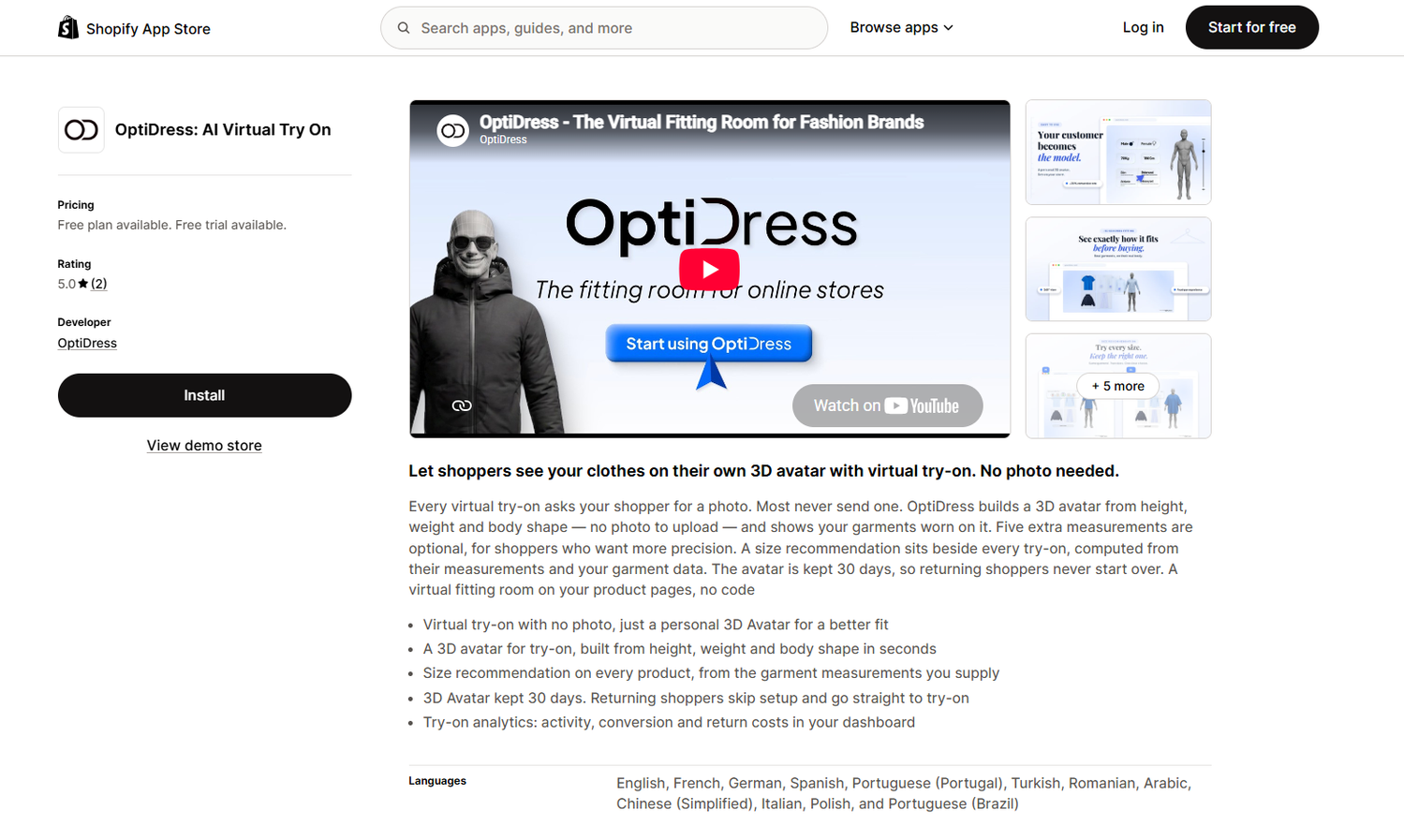
OptiDress adds a virtual fitting room and size recommendations to Shopify product pages. Shoppers enter their height, weight, and body shape. The app builds a 3D avatar in seconds and shows your garments on it.
No selfie or body photo is needed. That makes OptiDress the strongest choice on this list for shoppers who care about privacy. It also answers the size question that photo-based apps leave open.
Key features:
The tradeoff is evidence. OptiDress is new and has one review, so its long-term reliability is not yet proven.
| Pros | Cons |
|---|---|
| No photo upload needed | Only one App Store review |
| Size advice for every product | Launched in May 2026 |
| Free plan with no time limit | Overage fees of €0.25 to €0.32 are higher than most AI apps |
| Saved avatars for returning shoppers | Every plan lists the widget in English and French only |
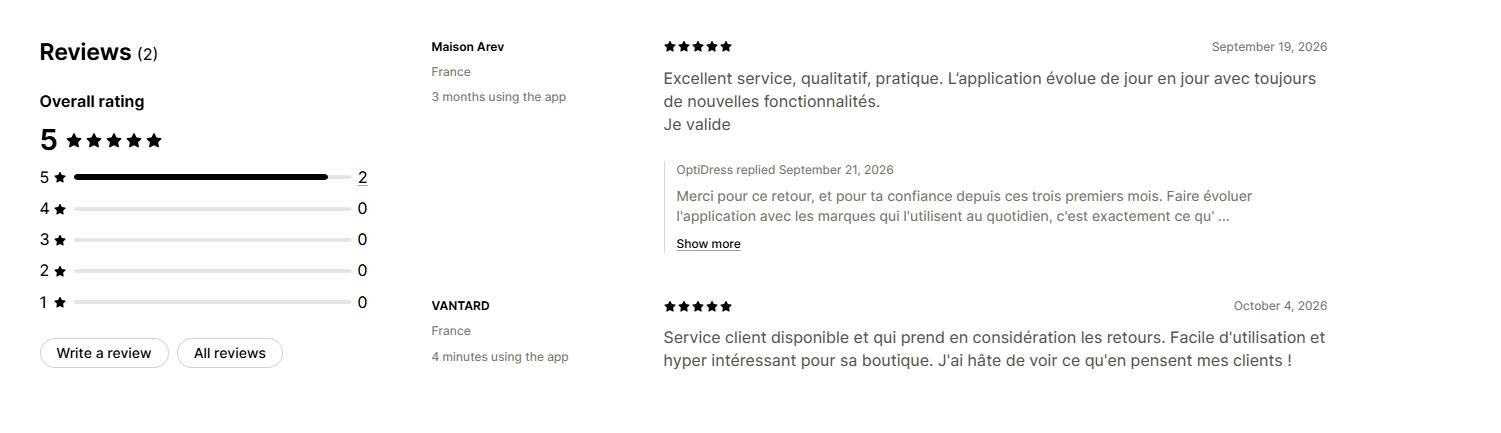
What merchants say: One review is not enough to show a pattern. The single review, from a French fashion store after three months of use, praises the service and notes that the app adds new features often. The co-founder replied in person.
Why choose this app: We would choose OptiDress for a clothing store where wrong-size returns are the biggest problem. Start on the free plan and test the size advice against your own return data.
🏆 Best for: Jewelry, watch, and eyewear stores, and brands that sell many types of wearable products.
Pricing:
Rating and reviews:
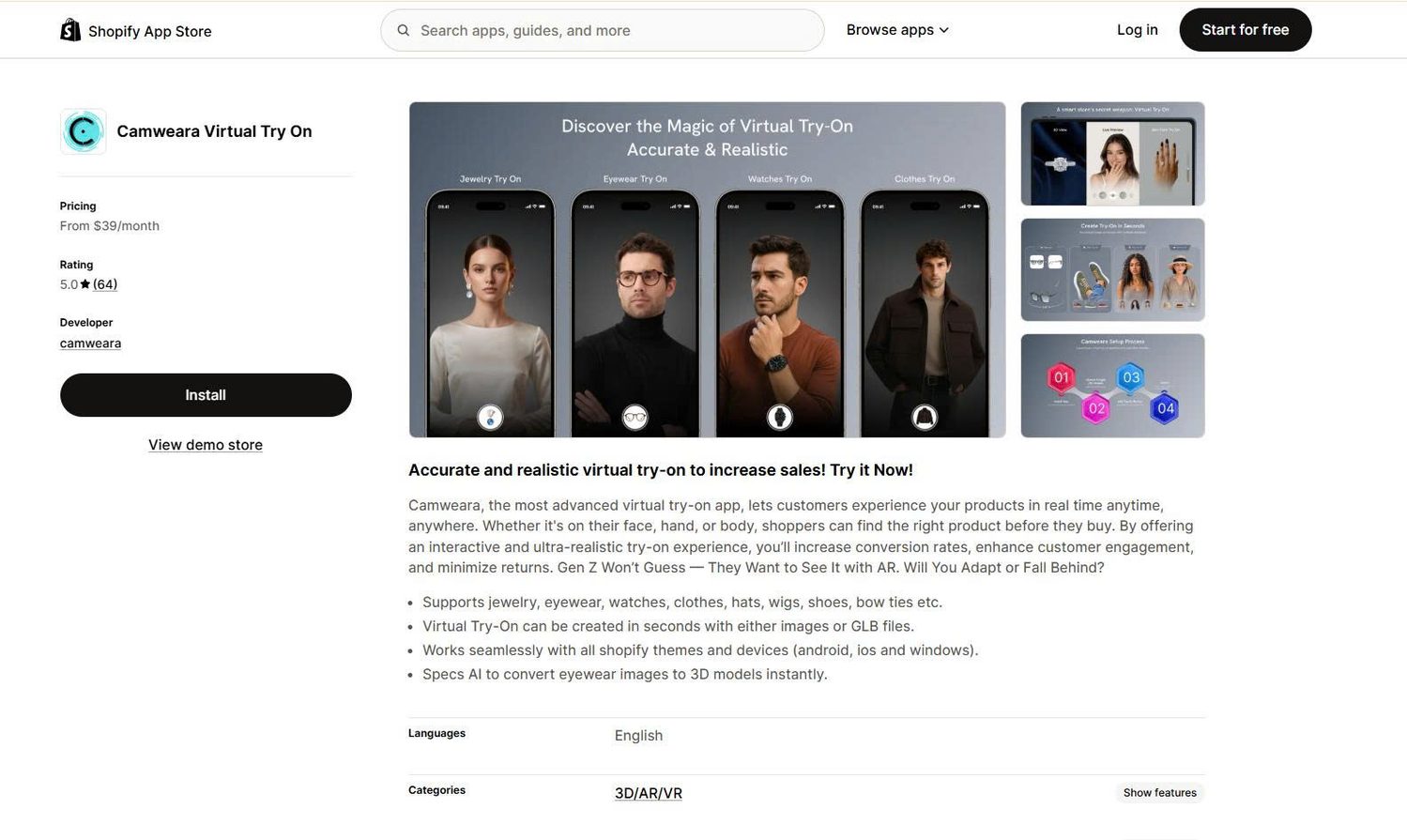
Camweara adds live AR try-on to product pages. Shoppers see an item on their face, ears, hand, or body through their camera or a photo.
It supports jewelry, eyewear, watches, clothes, hats, wigs, shoes, and bow ties. That is the widest range on this list.
Key features:
The tradeoff is cost at the entry level. The $39 plan covers only 70 products, and you need the $90 plan to track purchases that come from try-on.
| Pros | Cons |
|---|---|
| Widest product coverage on the list | No free plan |
| Five years on the App Store | Purchase tracking starts at $90/month |
| Works with product images, no 3D files required | App interface is in English only |
| Minimal data access: store owner info and products only | Setup may need help from the Camweara team |
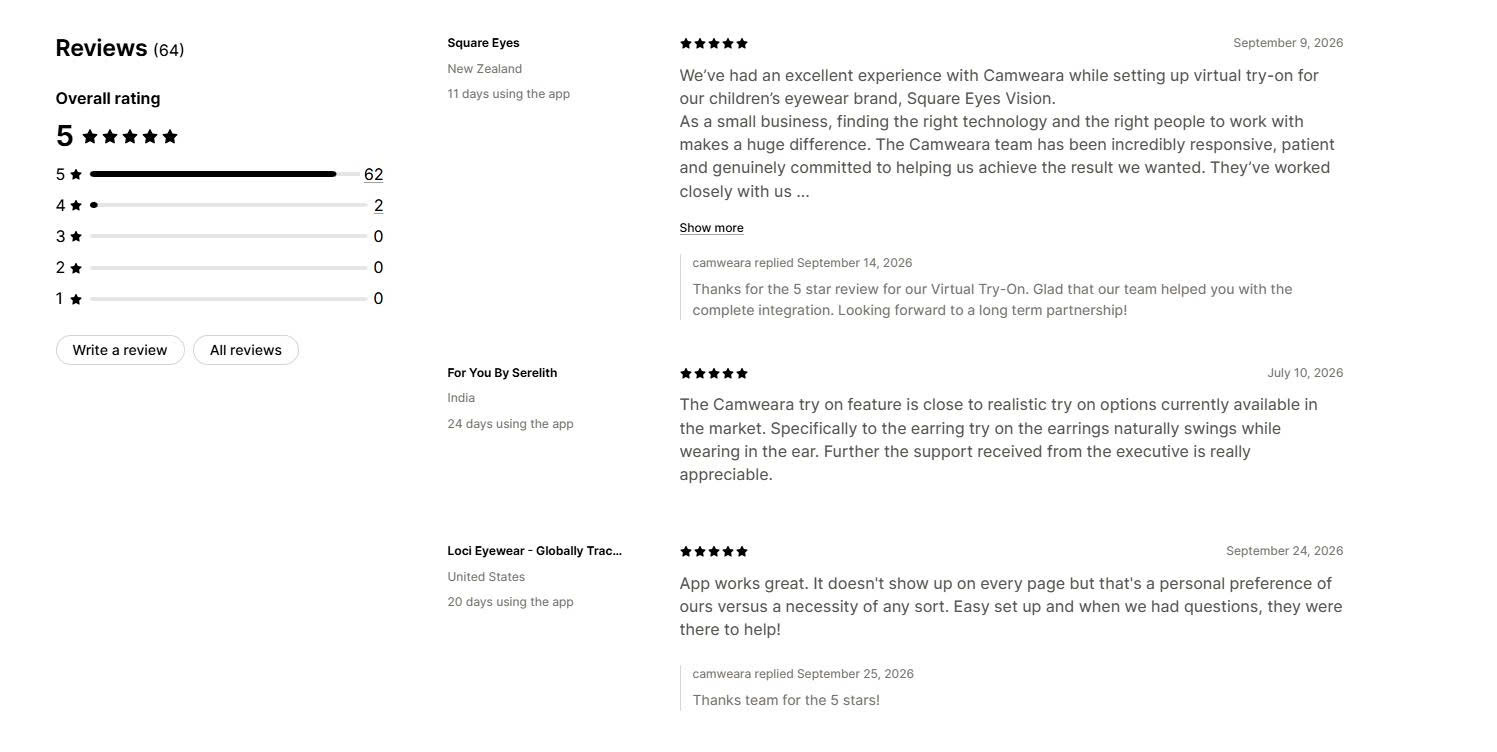
What merchants say: Merchants most often praise the support team. A New Zealand children’s eyewear brand described the team working closely on frame size, position, and color until the result looked right. Another merchant noted that earrings swing naturally during try-on. No pattern of complaints appears in recent reviews.
Why choose this app: We would choose Camweara for a jewelry or mixed-accessory store that needs live AR and wants an established developer.
🏆 Best for: Apparel stores that want to test virtual try-on for free, and stores that sell in several languages.
Pricing:
Rating and reviews:
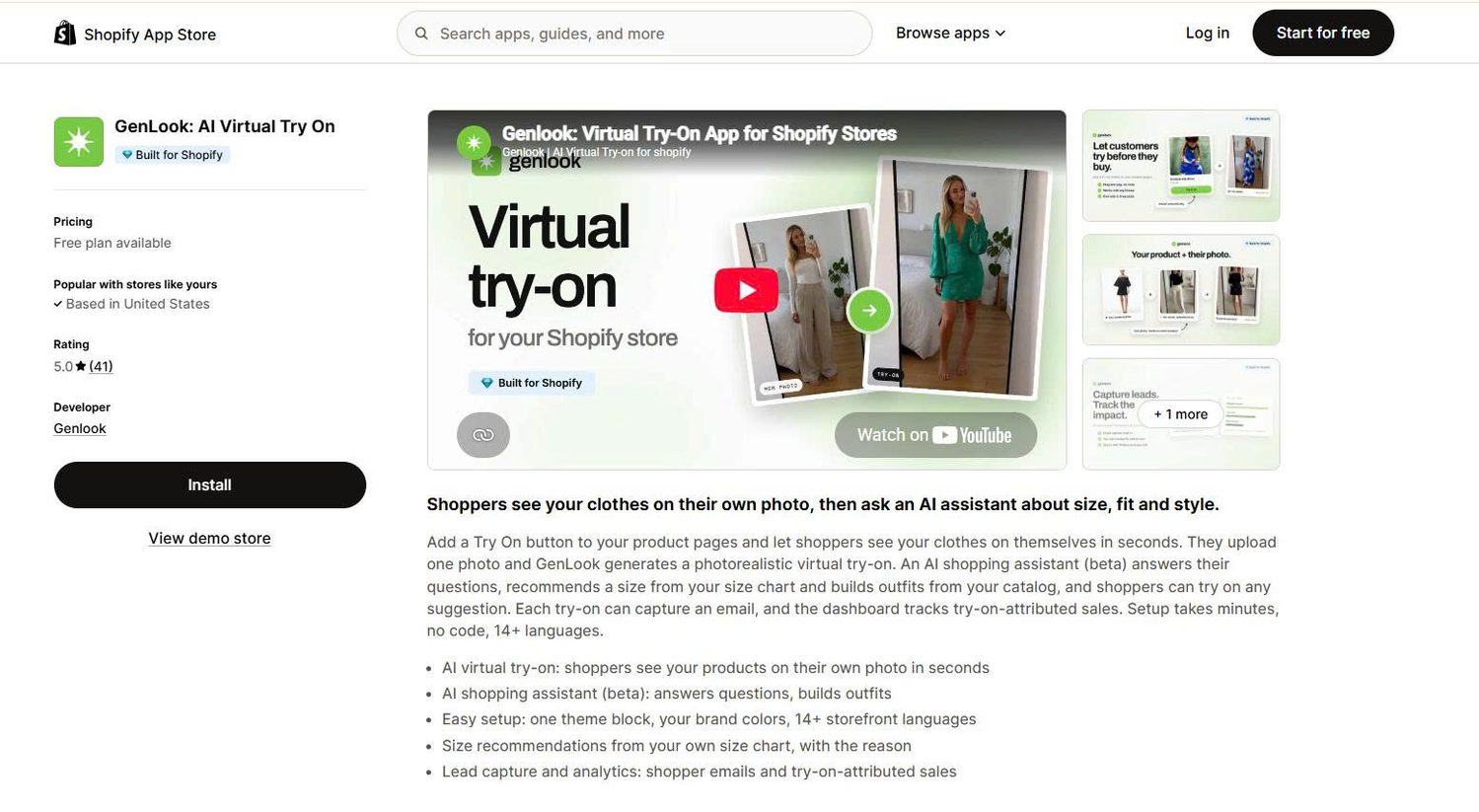
GenLook adds a “Try On” button to product pages. Shoppers upload one photo, and the app creates a realistic image of them wearing the product.
An AI shopping assistant, still in beta, answers questions and suggests outfits from your catalog. It also recommends a size from your size chart and explains why.
Key features:
The tradeoff is the free allowance. Ten try-ons per month is enough to test the app, not to run it on a busy store.
| Pros | Cons |
|---|---|
| Free plan with no time limit | Only 10 free try-ons per month |
| Built for Shopify | GenLook branding stays until the $99 Pro plan |
| 14+ storefront languages | Requires a shopper photo |
| Low overage fees from $0.10 | Launched in late 2025 |
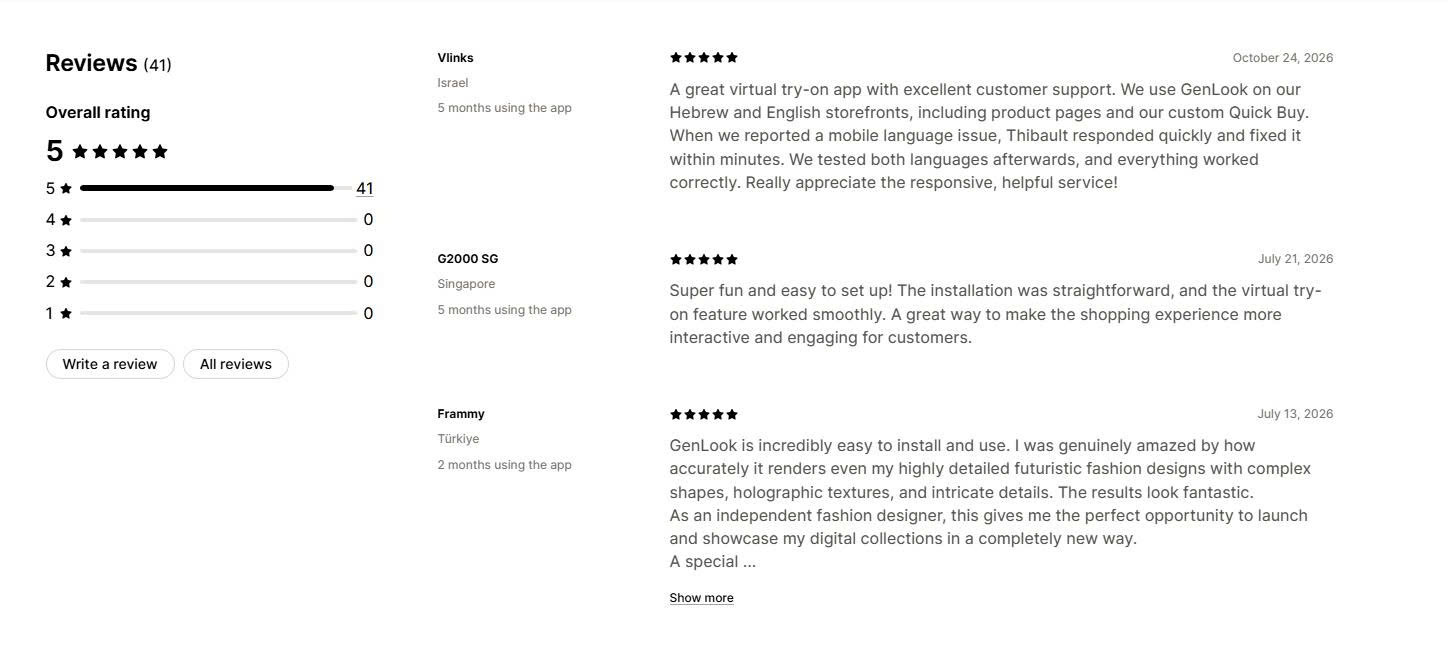
What merchants say: Merchants most often praise fast, personal support from the founder. An Israeli store reported that a mobile language bug was fixed within minutes. A fashion designer praised how accurately the app showed complex shapes and textures. No negative reviews appear on the listing.
Why choose this app: We would choose GenLook for a small or mid-sized apparel store that wants to test try-on before paying.
🏆 Best for: Fashion brands that want try-on activity to feed their Klaviyo, Attentive, or Postscript flows.
Pricing:
Rating and reviews:
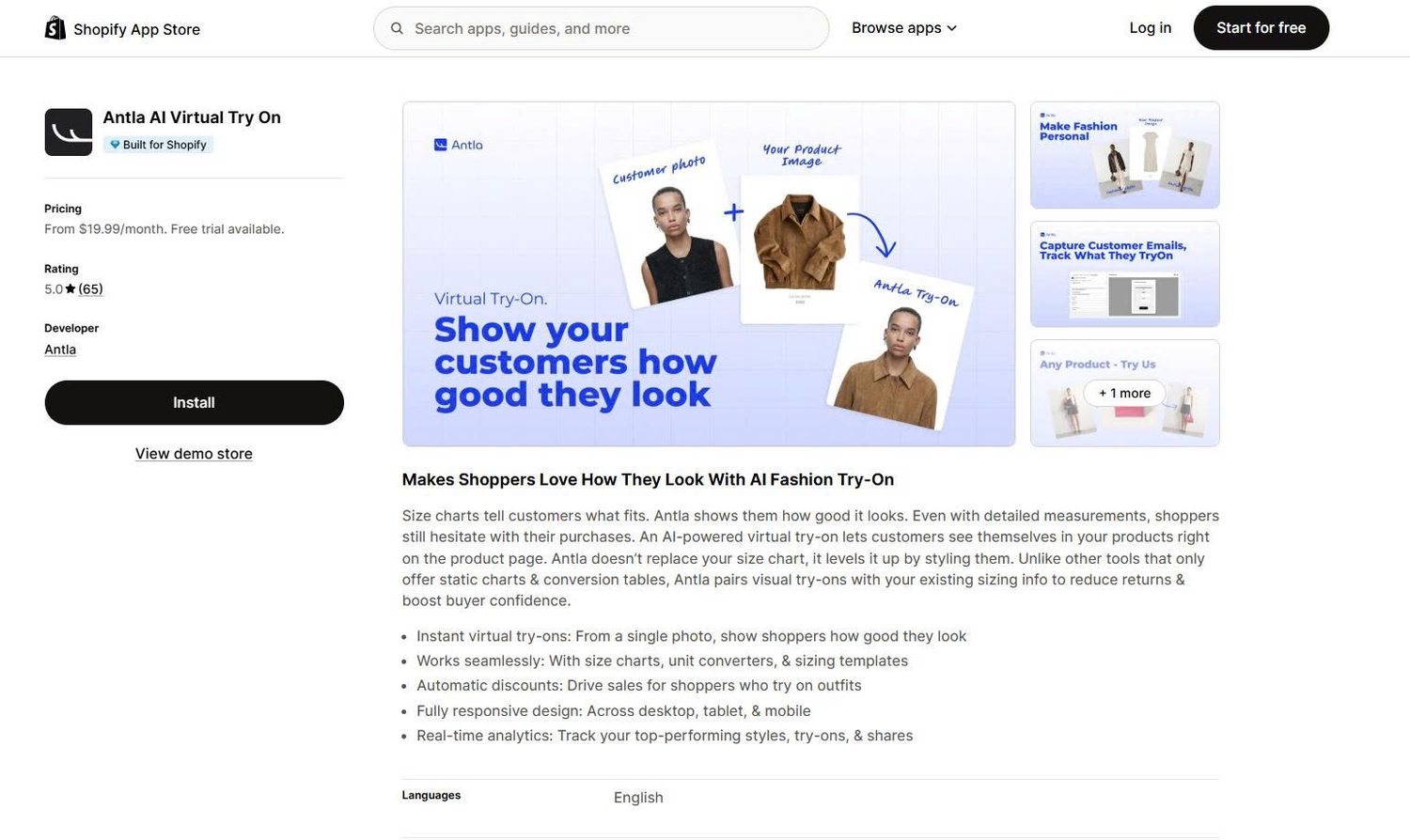
Antla adds AI photo try-on to product pages and works alongside your size charts. It focuses on turning try-on into sales and marketing data.
Key features:
The tradeoff is the entry cost. Antla has no free plan, and Klaviyo access starts on the $49.99 plan.
| Pros | Cons |
|---|---|
| Deepest marketing integrations on the list | No free plan |
| Built for Shopify | Klaviyo access starts at $49.99/month |
| Low overage fees at higher tiers | Many reviews come from stores that used the app for hours or days |
| Automatic discounts after try-on | App listing is in English only |
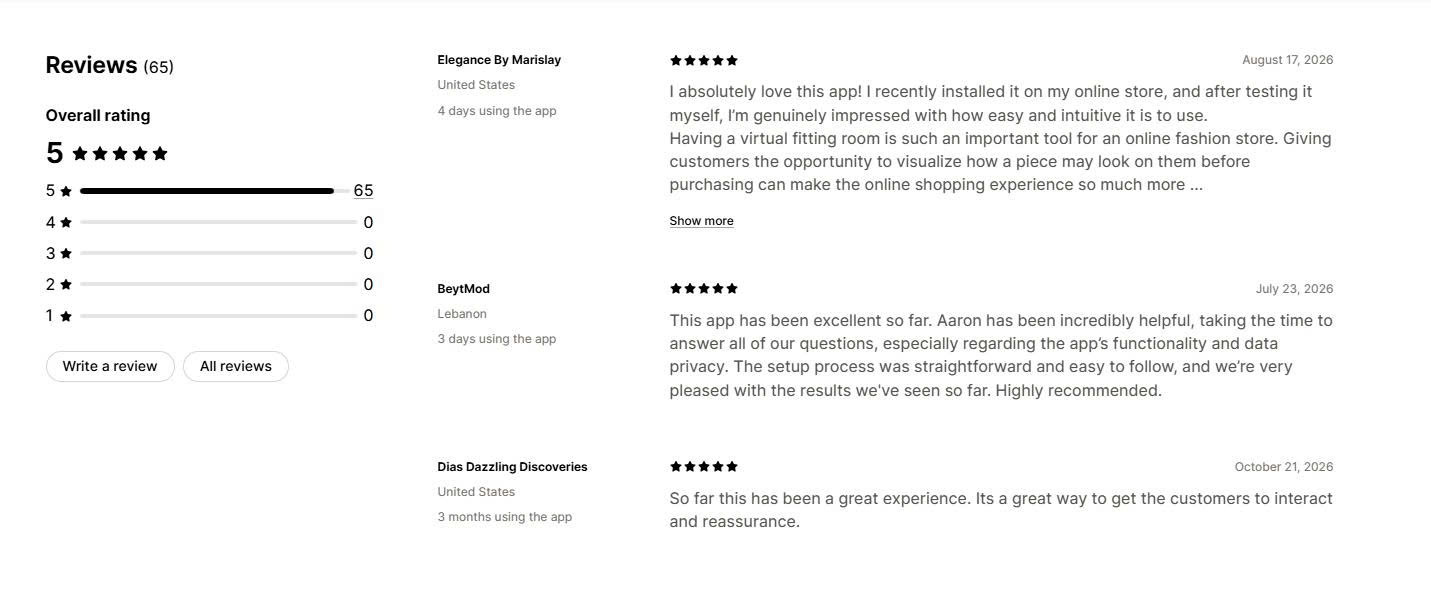
What merchants say: Merchants repeatedly name the founder, Aaron, as quick and helpful. One store noted he answered their questions about data privacy before setup. Another adjusted the try-on button placement in about 10 minutes. Many reviews come from very early use, so long-term feedback is limited.
Why choose this app: We would choose Antla for a fashion brand that already runs email and SMS flows and wants try-on data inside them.
🏆 Best for: Optical and sunglasses stores that need accurate frame placement on the face.
Pricing:
Rating and reviews:
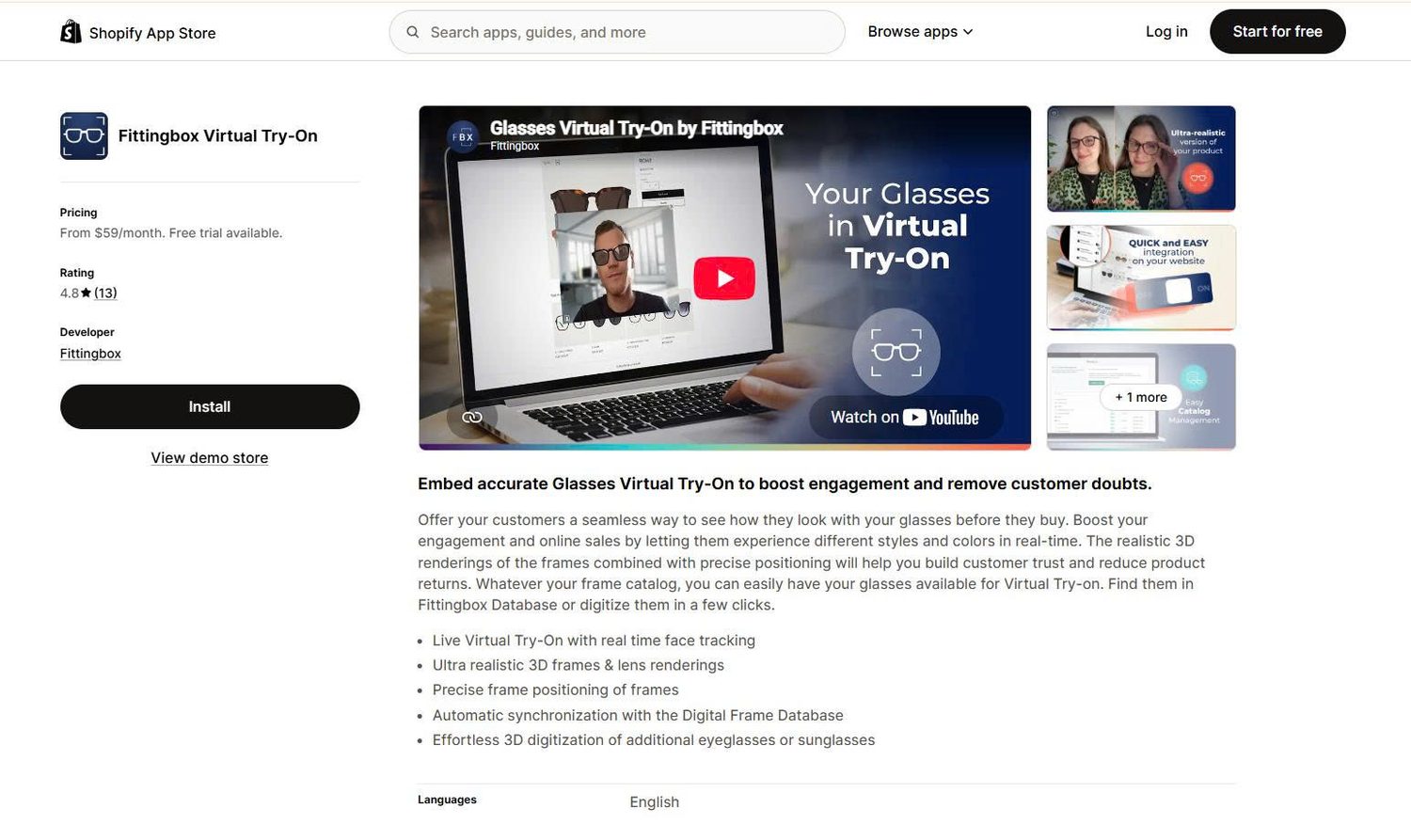
Fittingbox is built only for glasses. It uses live face tracking to place realistic 3D frames on a shopper’s face in real time.
Key features:
The tradeoff is scale. Each plan limits both active products and monthly users, so large catalogs need the top plan or a custom deal.
| Pros | Cons |
|---|---|
| Built only for eyewear | Glasses only |
| Live face tracking | Caps on products and monthly users |
| Frame database reduces setup work | Highest entry price on the list |
| 14-day free trial | App listing is in English only |
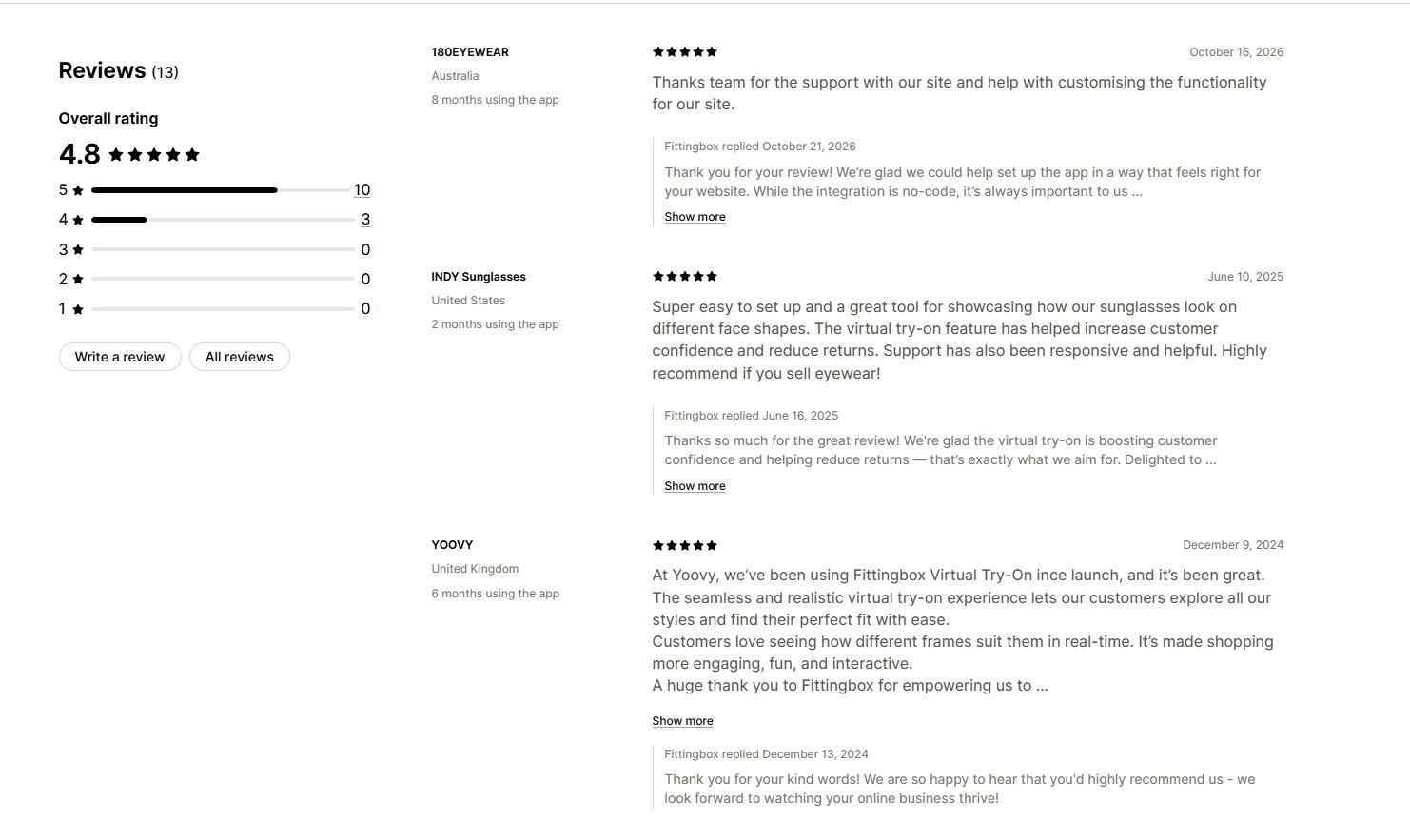
What merchants say: Merchants praise the realism and setup help. A US sunglasses brand said the app was easy to set up and useful for showing frames on different face shapes. An Australian store thanked the team for customizing the setup. Three of the 13 reviews are four stars rather than five.
Why choose this app: We would choose Fittingbox for an eyewear store where accurate frame placement matters more than price.
Match the app to your product type and your main problem:
Before a full launch, test the app on a duplicate theme. Try it with several products, body types, skin tones, and devices.
Privacy depends on the try-on method. OptiDress uses body measurements, so shoppers never upload a photo. GenLook and Antla need a shopper photo to create the try-on image. Camweara and Fittingbox use the live camera or a photo.
Data access also differs. Camweara’s listing requests only store owner details and product data. GenLook and Antla request customer data such as email address and IP address, because they collect leads and track sales.
Before you install, read each app’s privacy policy and check three things:
Then explain the photo policy to shoppers near the try-on button.
The best Shopify virtual try-on app depends on what you sell. OptiDress fits fashion brands that want size advice without a photo. GenLook is the best free starting point for apparel, and Antla suits brands that run email and SMS marketing.
For jewelry and mixed catalogs, Camweara offers the widest coverage and the longest track record. For glasses, Fittingbox delivers the most accurate frame placement.
Start with a small group of best-selling products. Measure add-to-cart rates and returns, then expand to your full catalog.
No. Shopify supports 3D models and AR on product pages, which show a product at real-world scale in a room. It does not place products on a shopper’s face or body. You need an app for that.
They target the main causes of returns: doubt about fit and appearance. The NRF and Happy Returns estimate $849.9 billion in total retail returns in 2025. No primary study proves a fixed reduction for every store, so compare your return rate and return reasons before and after launch.
Prices on this list range from free plans to $499 per month. AI photo and avatar apps charge per try-on, with overage fees from $0.09 to €0.32. AR apps such as Camweara and Fittingbox charge by the number of active products instead.

A featured collection is often the first group of products a shopper sees on a Shopify store, yet the...
Most Shopify stores need a best sellers page, but Shopify can’t build one that updates by itself. In this...

Shopify smart collections add and remove products for you based on rules, such as a tag, a price, or...