


Charlie Ngo
•
Last updated: 20 October, 2026
Shopify Collections: How To Create & Organize Them (2026)
Shopify collections decide how shoppers find your products, yet many guides still describe a setup Shopify is now replacing....
![[2026] 7 Best Shopify Pre-order Apps (Tried & Tested)](https://bogos.io/wp-content/uploads/2026/07/Best-Shopify-Pre-order-Apps.jpg)
[2026] 7 Best Shopify Pre-order Apps (Tried & Tested)

Digital Marketing Specialist
Summarize this post with AI
Shopify does not sell products that are out of stock on its own. If you want to capture a sale before inventory arrives, gauge demand for a new product, or turn a sold-out page into revenue, you need a pre-order app. The right app adds a pre-order button, communicates the shipping date, controls payment timing, and tags orders so your team can fulfil them correctly. I’m Allan Vu, Digital Marketing Specialist & e-commerce expert at BOGOS, and I put the six most popular pre-order apps on Shopify through the same hands-on testing to help you pick the one that fits your store.
I researched each app the same way, using the same criteria for every product. This keeps the comparison fair and repeatable. For the full method, see our guide on how we judge a Shopify app.
I focused on four areas:
I used each app’s Shopify App Store listing, help documentation, and developer site, along with recent merchant reviews from the last six months. All ratings and review counts in this article come directly from the Shopify App Store and can change over time.
Based on these criteria, here are the top 3 apps that we highly recommend:

Best Overall: Preorder, Back In Stock ‑ STOQ.
It has one of the largest review bases in the pre-order category and combines pre-orders, backorders, and automatic back-in-stock alerts in one Built for Shopify app. It suits merchants who want one tool for both selling pre-orders and recovering sold-out demand.

Best budget option: PreOrder Globo | Back in Stock.
Globo has run pre-order apps on Shopify since 2017, offers a free plan for small stores, and starts paid plans at $9.90/month. It covers the core needs of most stores without a high monthly cost.

Best alternative: K1 PreOrder Now & Deposit.
K1 specializes in payment flexibility. You can take a deposit, a split payment, or the full amount upfront, and collect the balance later. Its Smart Cart Allocation also splits a mixed cart into in-stock and pre-order units on its own, so you can keep selling through a stockout without holding back the items you already have.
Pre-order apps share a common set of features. Knowing these helps you compare apps on the same terms.
Here is a side-by-side comparison of the six apps I tested. Below the table, you will find individual reviews with feature breakdowns, pros and cons, and merchant feedback.
| App | Rating and reviews | Best for | Cons | Pricing |
|---|---|---|---|---|
| Preorder, Back In Stock ‑ STOQ | 5.0 ⭐ (3,270+) | All-in-one pre-orders plus back-in-stock alerts | Email and SMS limits on lower tiers | Free plan; paid from $10/month |
| Preorder Now Presale Timesact | 4.9 ⭐ (1,880+) | Guided setup and presale campaigns | Paid price scales with your Shopify plan | Free plan; paid from $19/month |
| K1 PreOrder Now & Deposit | 5.0 ⭐ (46) | Deposits and split payments with smart in-stock/pre-order cart splitting | Advanced features need the Growth plan or higher | Free plan; paid from $4.99/month |
| Notify! Back in Stock | PreOrder | 4.9 ⭐ (3,220+) | Notify-me waitlists, wishlist, and B2B | Small free plan (5 pre-orders) | Free plan; paid from $9.90/month |
| PreOrder Globo | Back in Stock | 4.9 ⭐ (1,770+) | Budget-friendly core pre-orders | Fewer email/SMS channels than rivals | Free plan; paid from $9.90/month |
| PreProduct | 4.9 ⭐ (100+) | Pay-later, deposits, and pre-launch | Revenue commission on the free tier | Free to install; paid from $29.99/month |
| REZ Preorders, Back In Stock | 5.0 ⭐ (810+) | A completely free pre-order tool | New app; English only, fewer integrations | Free |
️🏆 Best for: Stores that want one app to both sell pre-orders and recover sold-out demand with back-in-stock alerts.
Pricing:
Rating and reviews:
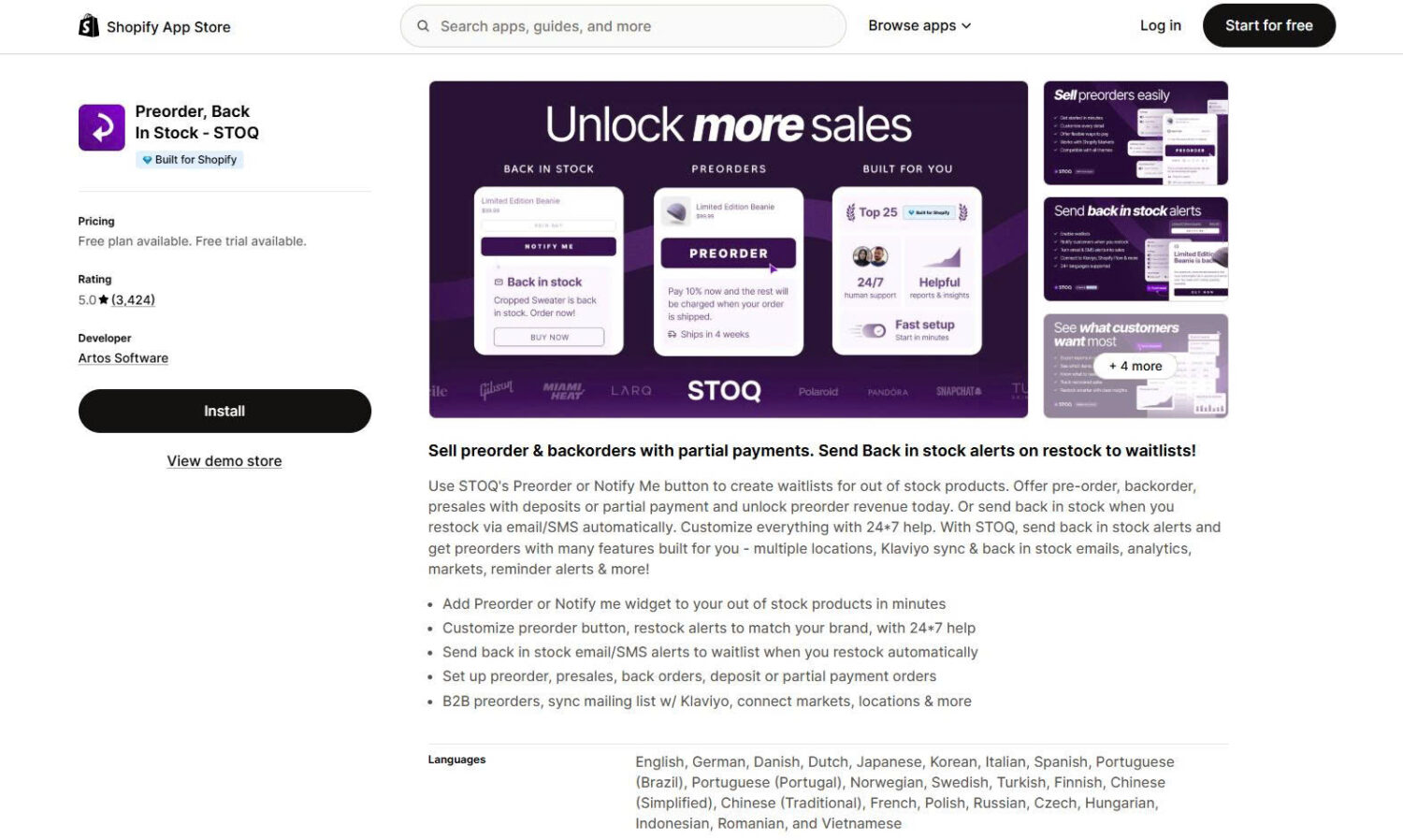
STOQ, made by Artos Software, has one of the largest review bases among pre-order apps. It pairs a pre-order or “notify me” button with automatic back-in-stock alerts by email and SMS. You can sell pre-orders, backorders, and pre-sales with deposits or partial payments, and sync waitlists with Klaviyo, Mailchimp, and Omnisend. It also supports Shopify POS, multiple locations, B2B pre-orders, and demand analytics.
Key features:
Pros and cons:
| Pros | Cons |
|---|---|
| Largest review base in the category | Email and SMS caps on the free and Lite plans |
| Pre-orders and back-in-stock in one app | SMS costs extra per message |
| 24/7 live chat support | Highest tier ($69) needed for unlimited volume |
| Built for Shopify with POS and B2B support |
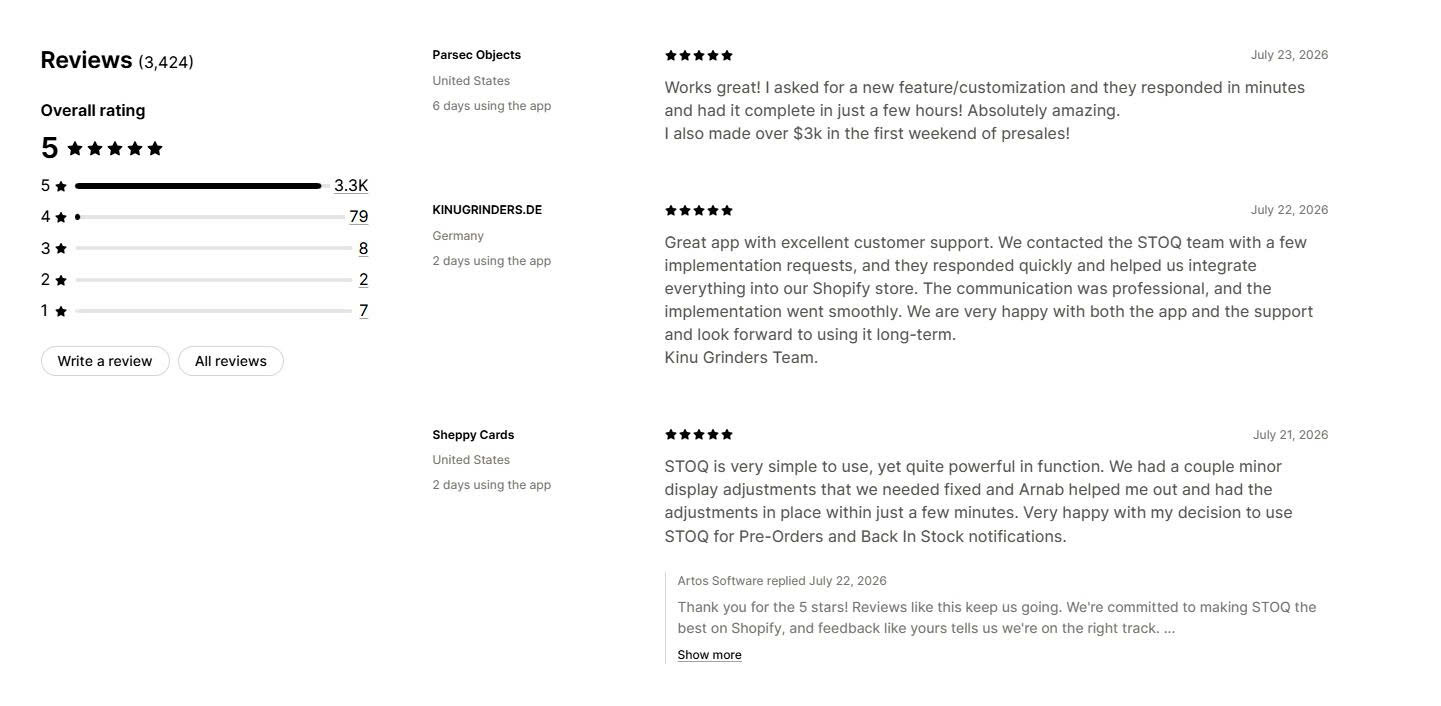
Merchant reviews: Merchants consistently praise the fast, hands-on support and the clean storefront display. Reviewers report the “notify me” and pre-order buttons cut customer-service emails about sold-out products and recover sales on restock. The most common request is more generous email and SMS limits on lower tiers.
️🏆 Best for: Stores that want guided onboarding and strong presale campaign tools.
Pricing:
Rating and reviews:
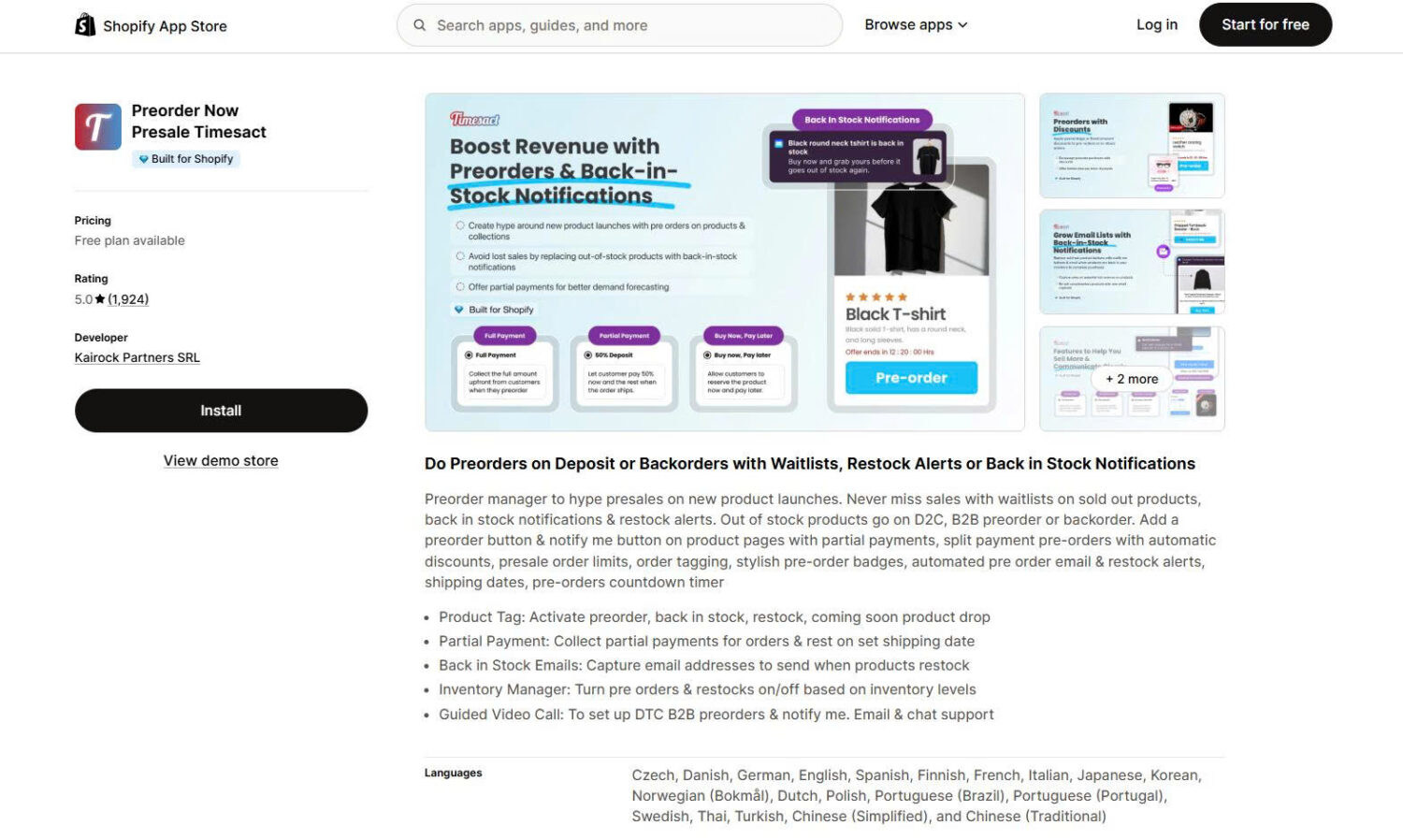
Timesact, by Kairock Partners, focuses on presales and product launches. It adds pre-order and “notify me” buttons with partial payments, automatic pre-order discounts, order limits, stylish badges, countdown timers, and order tagging. It also handles back-in-stock alerts and mixed carts. A standout is guided onboarding: the team offers a video call to set the app up with you.
Key features:
Pros and cons:
| Pros | Cons |
|---|---|
| Guided video-call setup | Paid price is tied to your Shopify plan tier |
| Strong presale and discount tools | Free plan capped at 20 presale orders |
| Countdown timers and badges included | Some reviewers note the interface could be cleaner |
| No transaction fees |
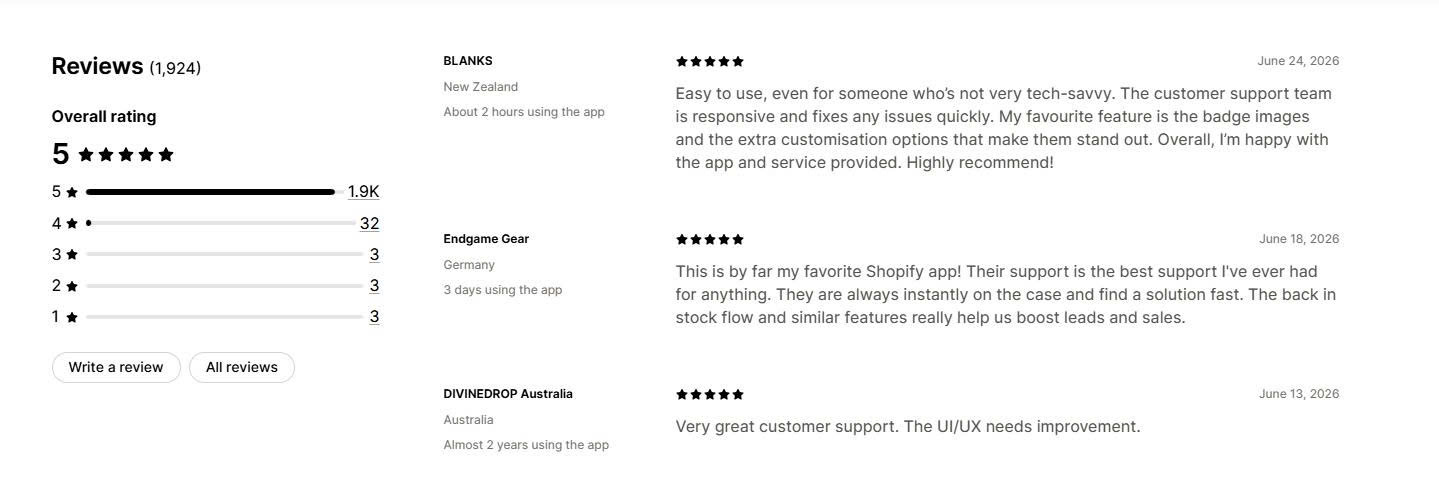
Merchant reviews: Merchants highlight the responsive support team and the ability to customize pre-order badges and notify customers about order progress. Reviewers running small marketing teams say the app fills gaps that Shopify’s native tools cannot. A few mention the interface has room for polish.
️🏆 Best for: Stores that want deposits, split payments, and smart handling of mixed in-stock and pre-order carts.
Pricing:
Rating and reviews:
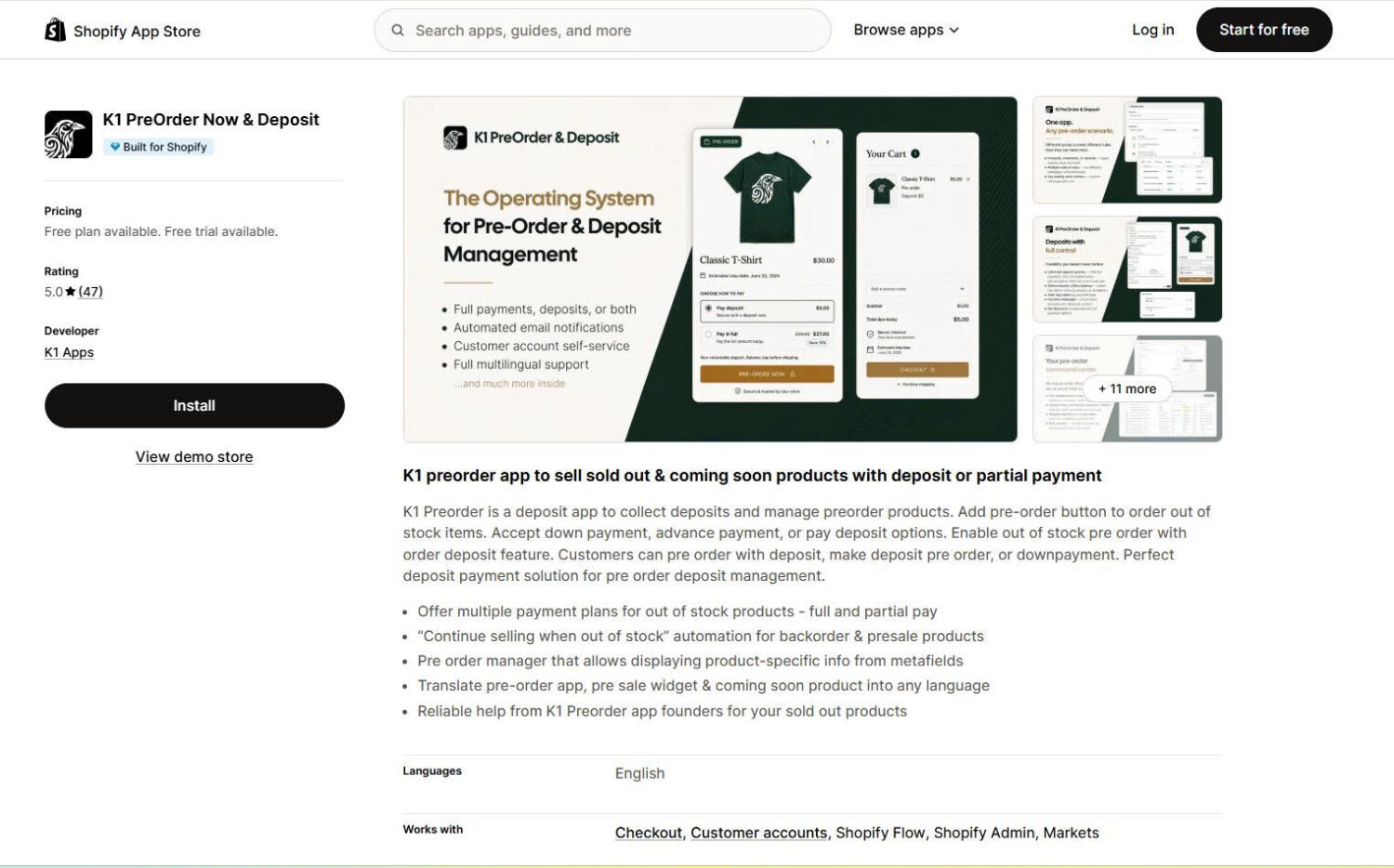
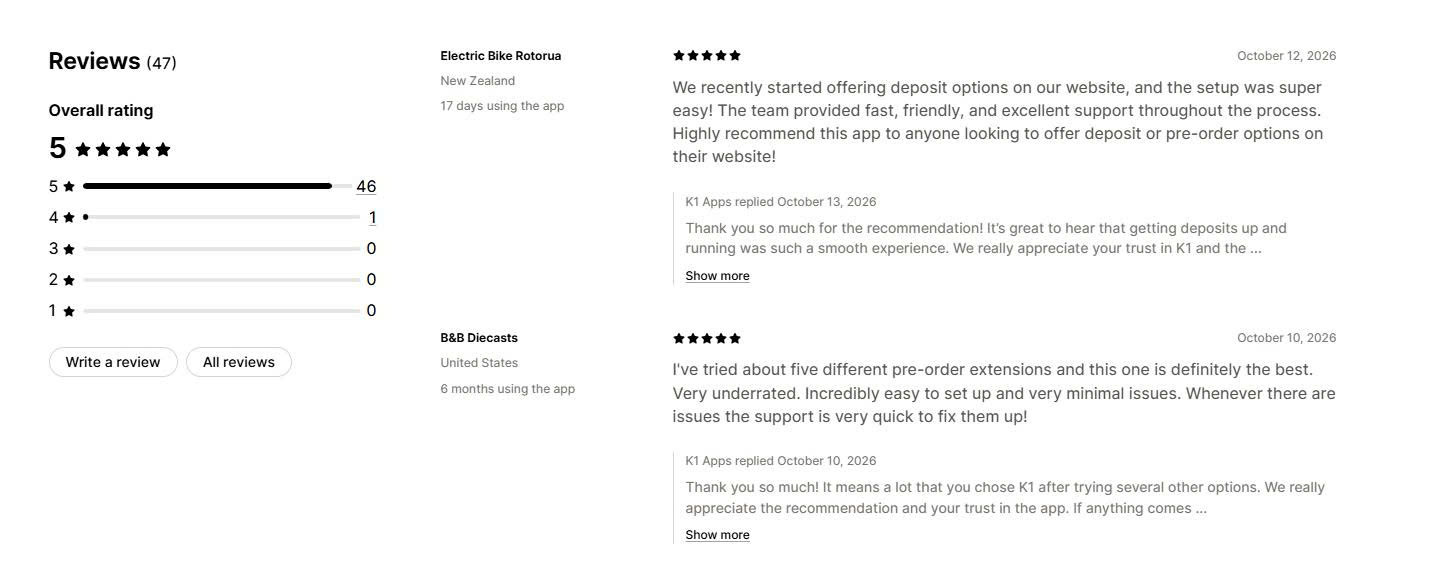
K1 PreOrder Now & Deposit, by K1 Apps, is an all-in-one pre-order and deposit app for out-of-stock, coming-soon, backorder, presale, and made-to-order products. You can take full payment, a percentage or fixed deposit, or split payments, with the remaining balance charged automatically or collected offline. Its standout feature is Smart Cart Inventory Allocation: when a customer orders more units than you have, the order splits automatically into in-stock and pre-order quantities. Customers can also track pre-orders, pay balances, and update cards through a Customer Accounts portal.
Key features:
Pros and cons:
| Pros | Cons |
|---|---|
| Fast support — most issues resolved within an hour, with custom requests often built within a day | Advanced features (Smart Cart, Markets, Flow) need the Growth plan or higher |
| Smart Cart Allocation, which few competitors offer | No back-in-stock or waitlist alerts |
| Free setup, customization, and migration from other apps | Smaller review base than long-established apps |
| Low entry price from $4.99/month, plus a free plan |
Merchant reviews: Merchants consistently praise the fast, personal support, including help on weekends and custom changes to fit their theme. Reviewers say the app is easy to set up and works out of the box, and they call the automatic split of in-stock and backordered items in the cart a key advantage. Stores selling high-value and custom products value the flexible deposit and payment options.
️🏆 Best for: Stores that prioritize notify-me waitlists, wishlists, and B2B pre-orders.
Pricing:
Rating and reviews:
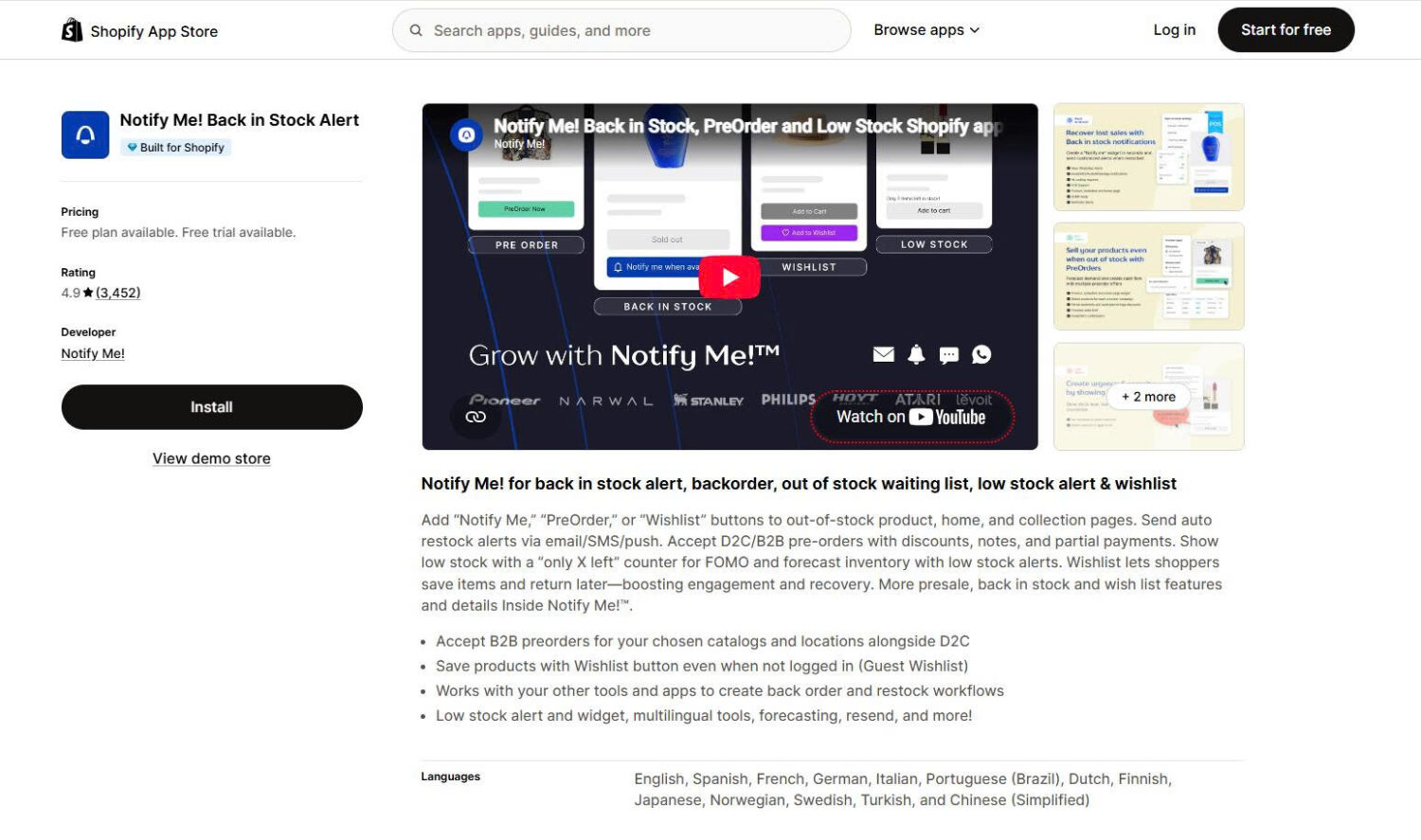
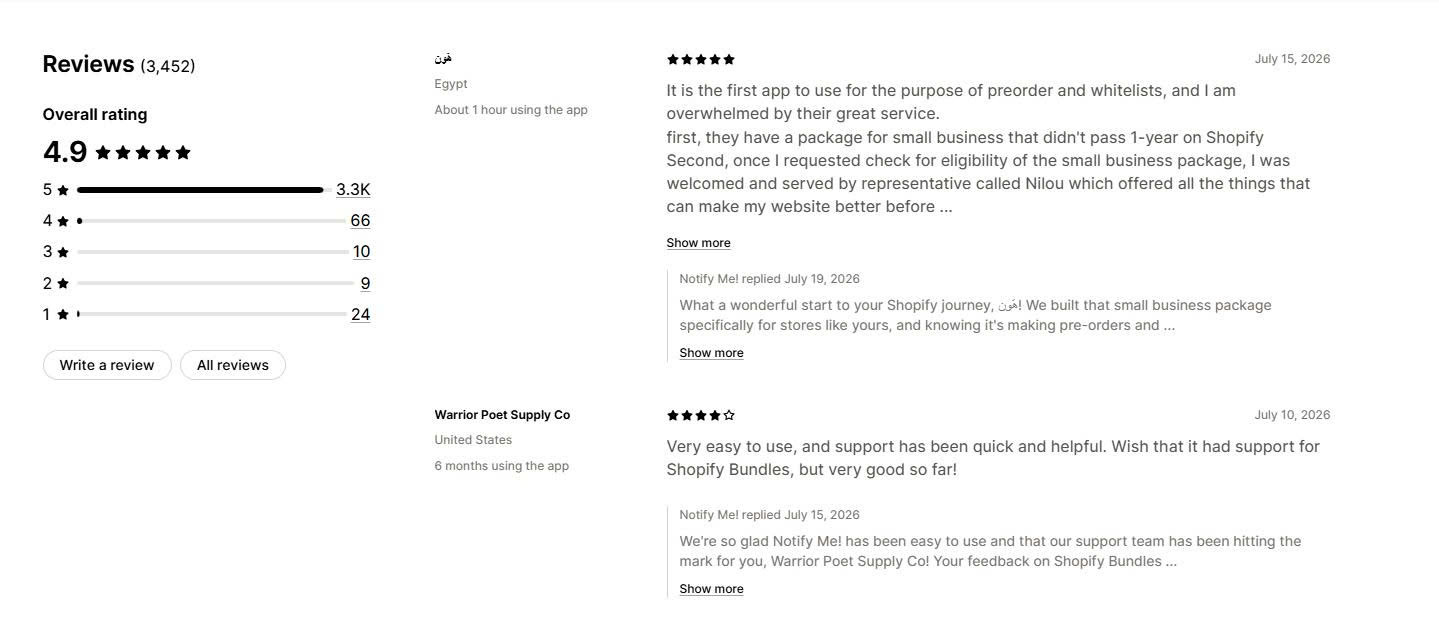
Notify! by Notify Me! adds “Notify Me,” “PreOrder,” and “Wishlist” buttons to out-of-stock, home, and collection pages. It sends automatic restock alerts by email, SMS, and web push. The app accepts both D2C and B2B pre-orders with discounts, notes, and partial payments, and it shows an “only X left” low-stock counter to create urgency. A guest wishlist lets shoppers save items without logging in.
Key features:
Pros and cons:
| Pros | Cons |
|---|---|
| Notify-me, pre-order, and wishlist in one app | Free plan allows only 5 pre-orders |
| B2B and guest wishlist support | Pre-order customization is lighter than presale-focused apps |
| Email, SMS, and web push alerts | Higher volumes need mid-tier plans |
| Sales forecasting reports |
Merchant reviews: Merchants value the quick setup, smooth Shopify integration, and reliable alerts for launches and restocks. Support is frequently praised for fast, hands-on help with widget placement across themes. Reviewers note the app needs little technical knowledge to run.
️🏆 Best for: Small and growing stores that want core pre-order features at a low cost.
Pricing:
Rating and reviews:
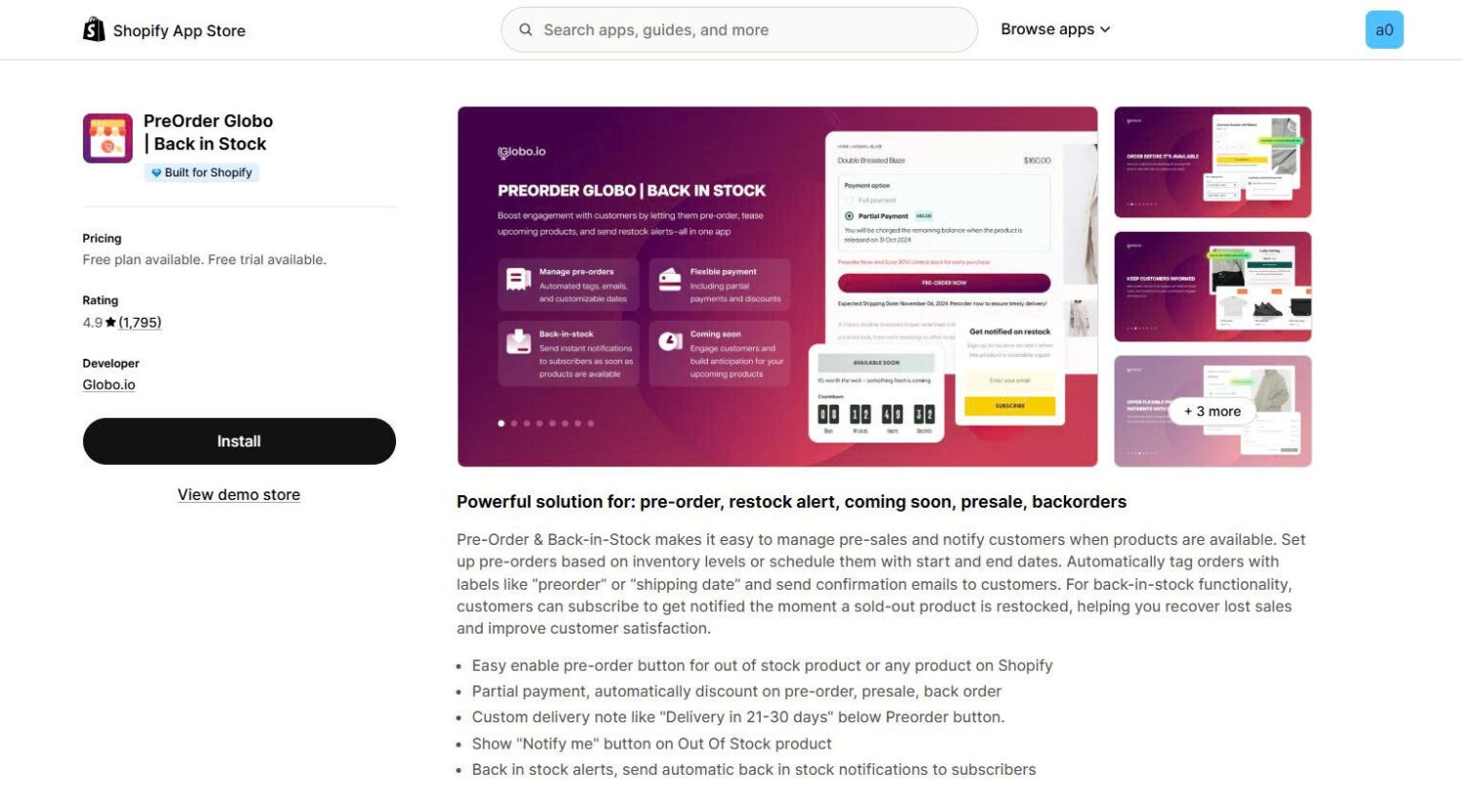
Globo, launched in 2017, is the most established developer on this list. The app enables a pre-order button for out-of-stock or any product, with partial payments, automatic pre-order discounts, and a custom delivery note such as “Delivery in 21–30 days.” You can schedule pre-orders with start and end dates or trigger them by inventory level. It also adds a “notify me” button and automatic back-in-stock alerts.
Key features:
Pros and cons:
| Pros | Cons |
|---|---|
| Longest track record (since 2017) | Fewer notification channels than STOQ or Notify! |
| Low paid pricing from $9.90/month | Free plan email cap is modest (100) |
| Custom delivery-note messaging | English-first with fewer languages |
| Built for Shopify |
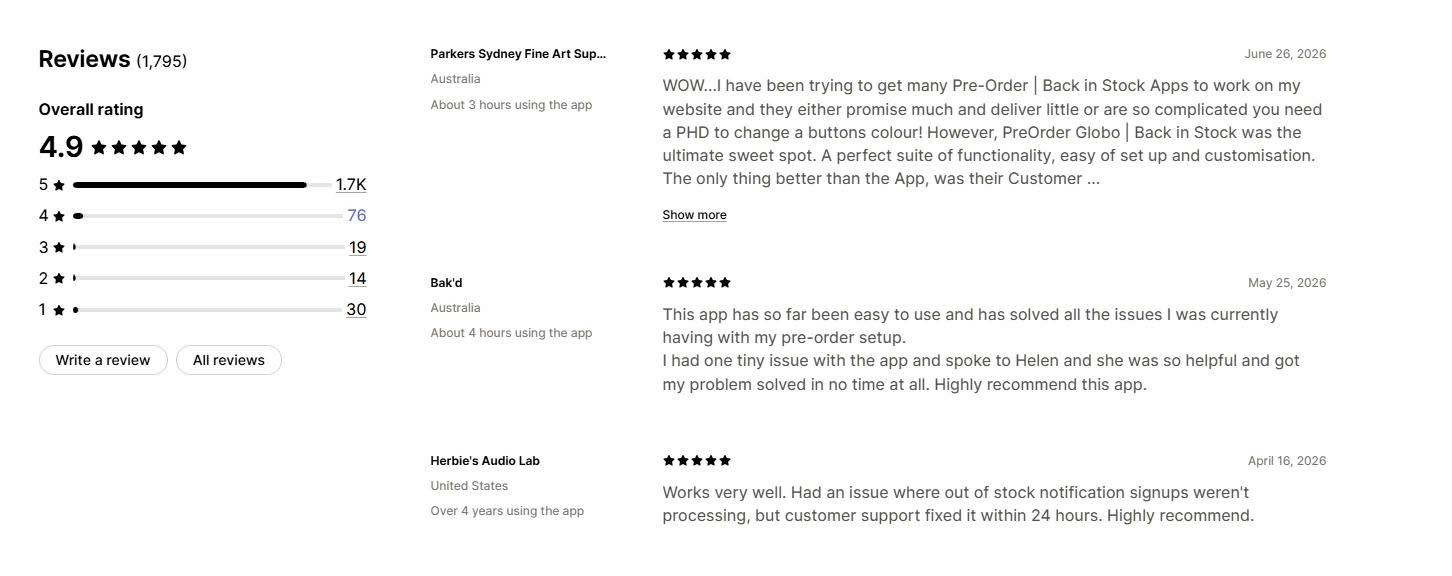
Merchant reviews: Merchants describe the free version as easy to use and customizable, and they value the pre-order scheduling and back-in-stock alerts. Support is repeatedly called responsive and efficient, including help with theme customizations. A small number of reviews mention occasional setup questions that support resolved quickly.
️🏆 Best for: Brands running pre-launch campaigns or high-value pre-orders that need pay-later, deposits, and fulfilment control.
Pricing:
Rating and reviews:
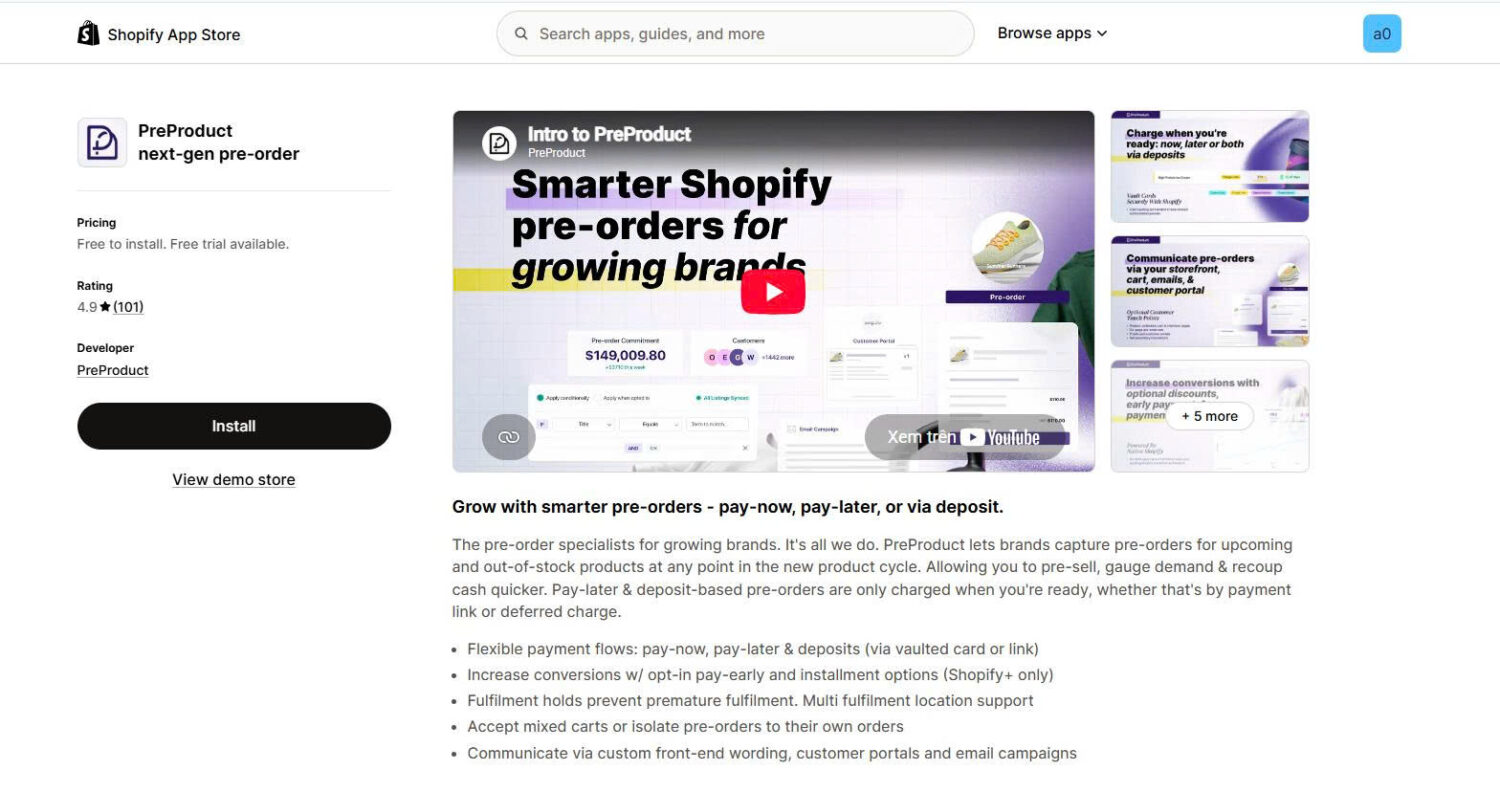
PreProduct is a specialist. Instead of charging every pre-order at checkout, it lets brands charge upfront, later, or through a deposit, using a vaulted card or a payment link. Fulfilment holds prevent orders from shipping before you are ready, and multi-location is fully supported. You can accept mixed carts or isolate pre-orders into their own orders, and you communicate terms through custom storefront wording, customer portals, and email campaigns. Higher plans add installment options, API access, and deeper Shopify Flow and Klaviyo automation.
Key features:
Pros and cons:
| Pros | Cons |
|---|---|
| Most flexible payment timing on this list | Commission on the free Starter plan (5%) |
| Fulfilment holds prevent early shipping | Not Built for Shopify badged |
| Customer portals and API access | English only |
| Strong fit for pre-launch and high-value orders | Higher monthly cost to reach 0% commission |
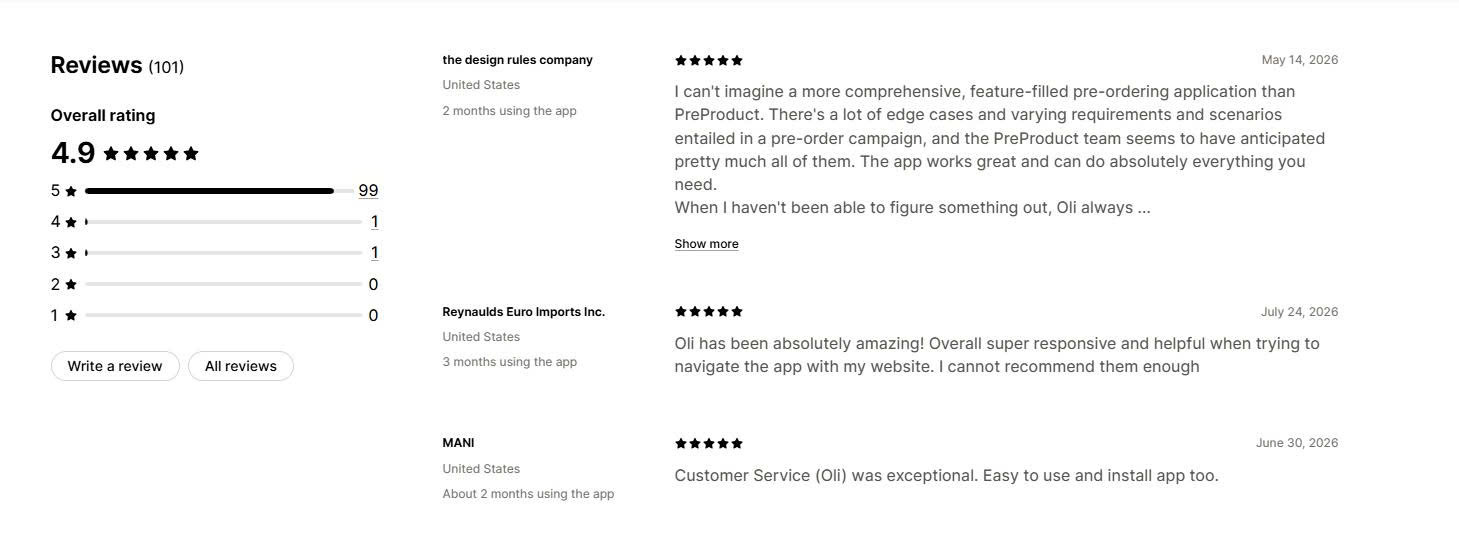
Merchant reviews: Merchants describe PreProduct as the most comprehensive pre-order tool for complex campaigns, praising deferred payments, deposits, and API control. Reviewers running thousands of high-value pre-orders say it handles edge cases other apps miss. Support, led by the founder, is repeatedly called fast and helpful. The main trade-off reviewers weigh is the revenue commission on lower tiers.
️🏆 Best for: Stores that want a genuinely free pre-order and back-in-stock tool.
Pricing:
Rating and reviews:
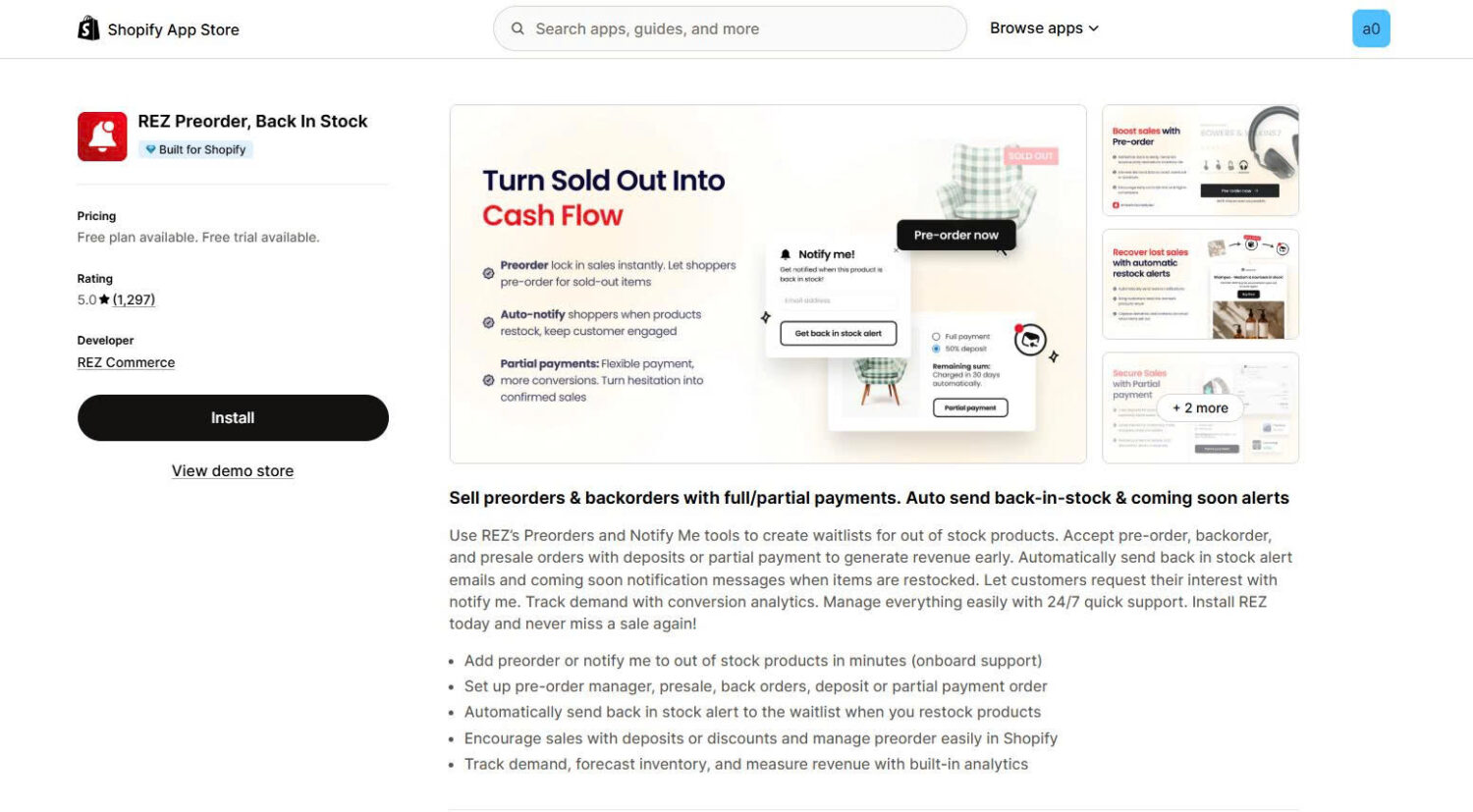
REZ, by REZ Commerce, is a newer app that offers pre-orders and back-in-stock alerts at no cost. You can add a pre-order or “notify me” button to out-of-stock products, accept pre-orders, backorders, and pre-sales with deposits or partial payments, and send automatic restock and coming-soon alerts. It includes demand analytics and 24/7 support. As a new app, it works with fewer external tools and supports English only.
Key features:
Pros and cons:
| Pros | Cons |
|---|---|
| Completely free with core features included | Launched in 2025, so a shorter track record |
| Pre-orders and back-in-stock alerts together | English only |
| Built for Shopify | Fewer third-party integrations |
| High rating with fast setup | No SMS or web push at this stage |
Merchant reviews: Merchants praise REZ for being free while covering the two features that matter most: pre-orders and back-in-stock alerts. Reviewers note the fast, no-code setup, clean theme integration, and responsive support. Because it is new, it has fewer integrations than the established apps, which some larger stores will want to check before switching.
🏆 Best for: brands whose pre-orders depend on an inbound purchase order, and who want the promised ship date to come from that PO rather than a manually typed guess.
Pricing:
Rating and reviews: 4.8 stars on the Shopify App Store
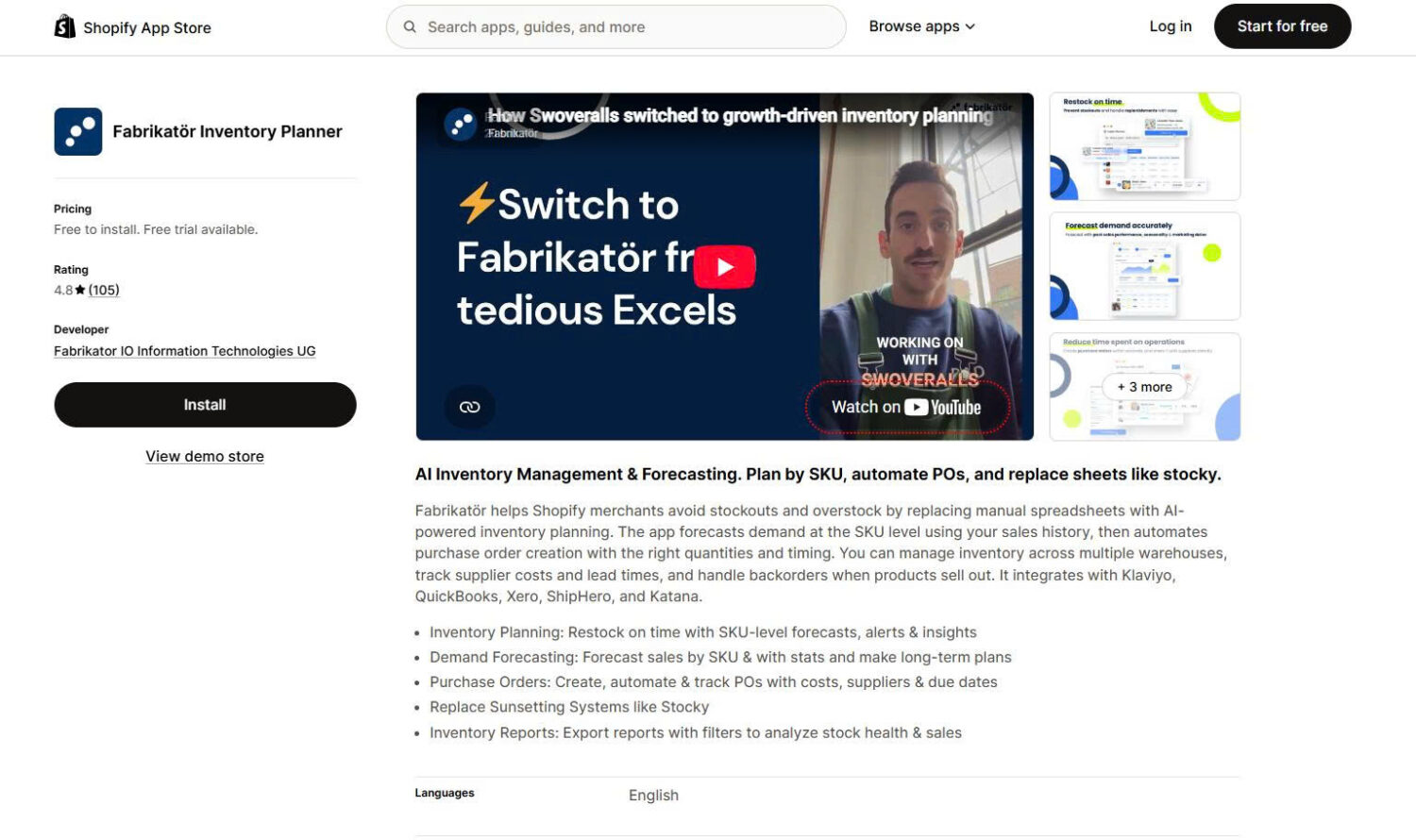
Every other app in this roundup approaches a stockout from the demand side: take the order, keep the customer, tell them when stock arrives. Fabrikatör comes at it from the supply side, because it is inventory planning software that happens to sell pre-orders. It already holds your purchase orders, so each pre-order is attached to a specific inbound PO. The ship date the customer sees is drawn from that PO’s ETA and updates when the supplier’s date moves, and the quantity you can sell is limited to what is actually on the order. That closes the loop most pre-order setups leave open, where the storefront promises a date the supply chain has not agreed to.
Key features:
Pros and cons:
| Pros | Cons |
|---|---|
| Ship dates come from real PO data instead of a hand-typed field | Not a standalone pre-order app. Pre-orders are one module in a planning platform, which is more than a store needs if a pre-order button is the only requirement |
| Pre-order volume is bounded by inbound supply, reducing oversell risk | Entry price of $99 per month is above most dedicated pre-order apps |
| Backorder queue and restocking decision live in one tool | |
| Flat per-store pricing, no per-seat fees | Shopify-native, so it is not the pick for a marketplace-first setup |
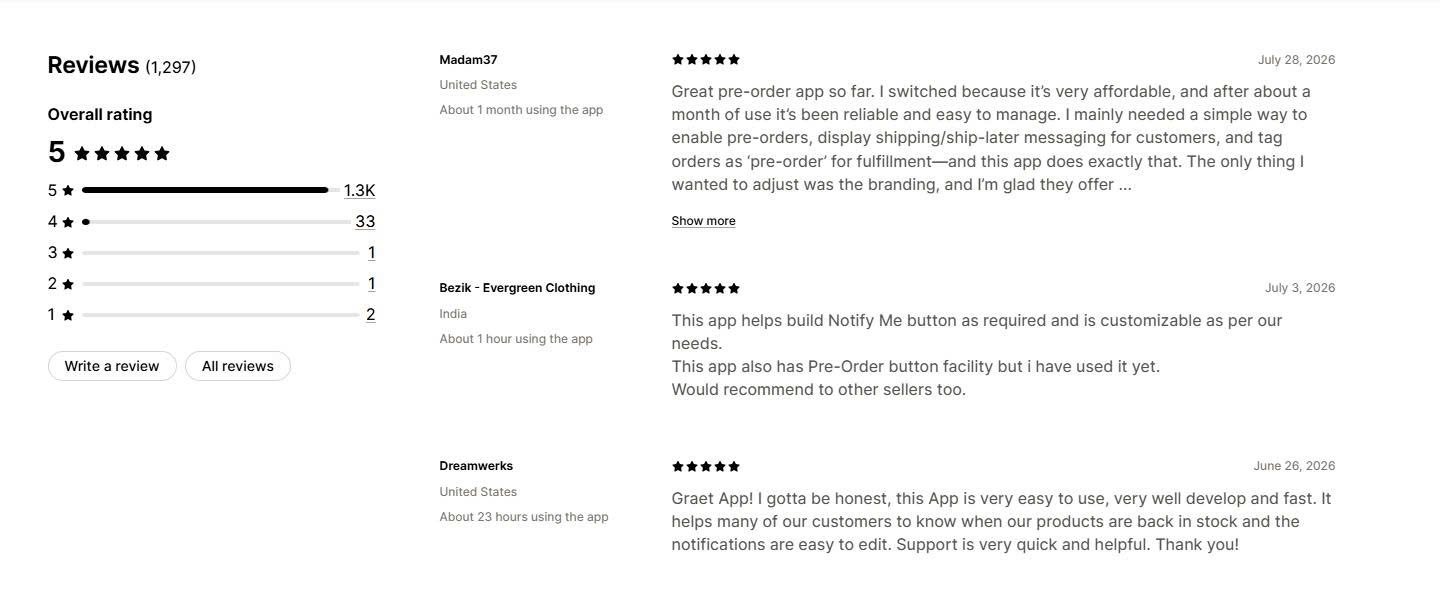
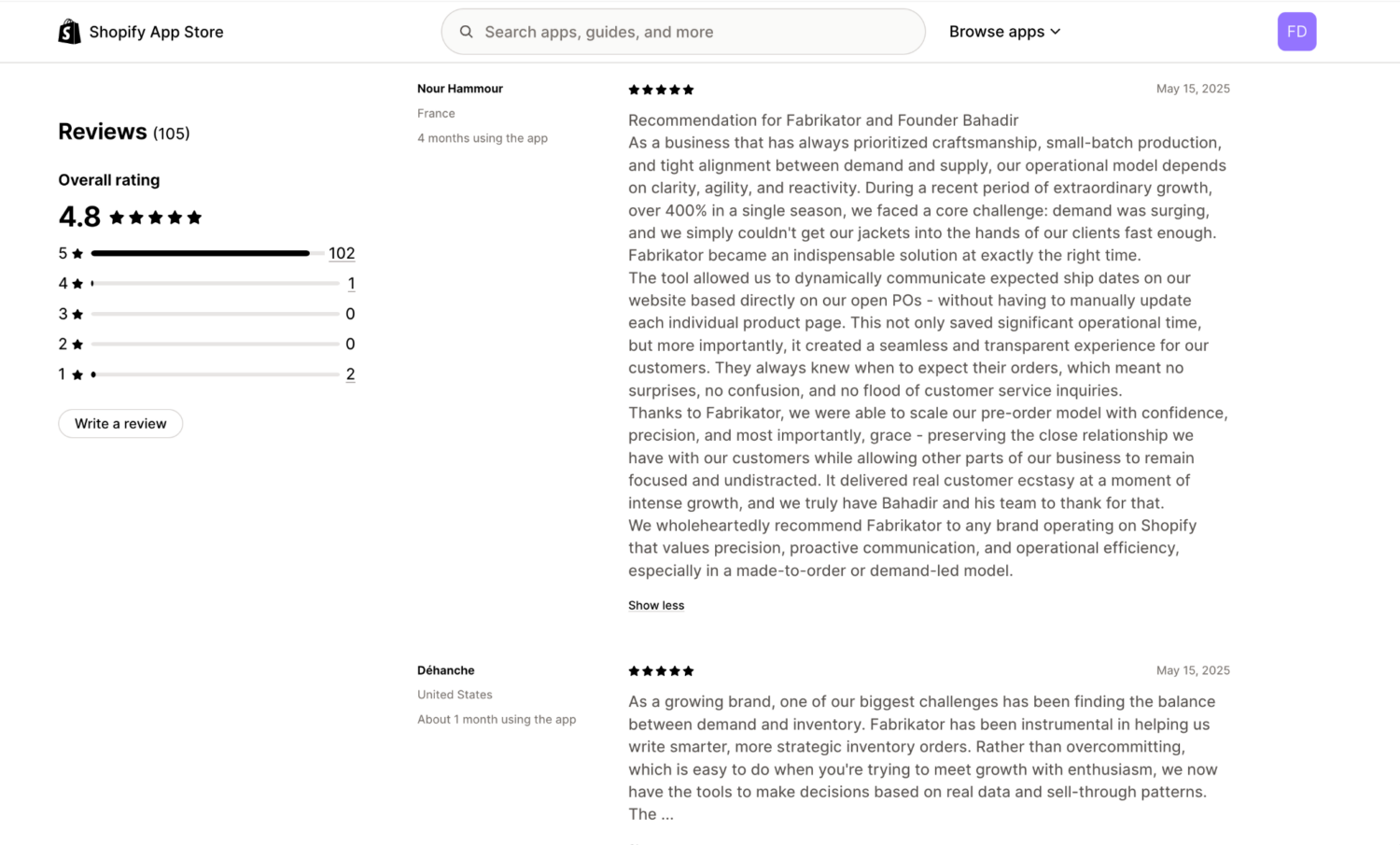
Merchant reviews: Reviewers single out the pre-order model specifically. Nour Hammour: “During a season of 400%+ growth, Fabrikator let us dynamically show ship dates based on open POs, no manual page updates. It scaled our pre-order model with confidence and grace.” LyfeFuel, after consolidating tools: “Switched over from using multiple apps like Cogsy and Anvyl. The pre-order functionality is unique and valuable; it would have saved us a lot of lost revenue had we had it earlier.”
The best Shopify pre-order app depends on what your store needs beyond the pre-order button itself. If you want one tool for both pre-orders and back-in-stock alerts, STOQ is the strongest all-round pick. If you want core pre-order features at a low cost, Globo delivers that with the longest track record on this list. If you need deposits or split payments, K1 PreOrder Now & Deposit is built for that, and it handles mixed in-stock and pre-order carts automatically.
Start with the free plan of your top pick, run one pre-order campaign for two to four weeks, and track pre-order conversion, revenue captured, and how accurately demand matched your restock. If the numbers work, scale up. The comparison table above makes switching straightforward if your needs change.
Not fully. Shopify’s pre-order purchase options require you to install a pre-order app from the App Store and use Shopify Payments or PayPal Express. The app adds the pre-order button and controls payment timing, while Shopify handles the checkout. You can read the details in the Shopify Help Center.
It depends on your cash-flow needs and product timeline. Charging at checkout secures revenue immediately and suits products shipping within a few weeks. Deposits or pay-later charges reduce customer risk and fit long pre-launch windows, which is where an app like PreProduct helps. Shopify lets you collect full, partial, or no payment when the order is placed, and you can collect a deferred payment early if the product ships sooner than expected.
Yes, in a helpful way. Good pre-order apps tag orders as “pre-order” and can add a shipping date, which prevents your team from fulfilling items before stock arrives. Apps like PreProduct add fulfilment holds, and most apps let you separate pre-order items from in-stock items so mixed carts do not ship early.

Shopify collections decide how shoppers find your products, yet many guides still describe a setup Shopify is now replacing....

A Shopify announcement bar is the thin strip at the top of your store that tells shoppers about shipping,...
Australia is one of the first markets many Shopify stores expand into. It is large, English-speaking, and home to...
