


Charlie Ngo
•
Last updated: 20 October, 2026
Shopify Collections: How To Create & Organize Them (2026)
Shopify collections decide how shoppers find your products, yet many guides still describe a setup Shopify is now replacing....
![6 Best Shopify AI page builder apps [2026]](https://bogos.io/wp-content/uploads/2026/01/6-best-shopify-page-builder-apps.jpg)
6 Best Shopify AI page builder apps [2026]

Digital Marketing Specialist
Summarize this post with AI
AI page builders now write copy, generate layouts, and test pages for you, but the term “AI page builder” means very different things from one app to the next. Some add a single AI button to a drag-and-drop editor. Others build an entire page from one prompt. This guide covers the best Shopify AI page builder apps for 2026, what each app’s AI actually does, what they cost, and which one fits your store. I’m Allan Vu, and I write about Shopify store growth at BOGOS. I installed and worked in each of these apps so the recommendations below come from hands-on use, not marketing pages.
The Shopify App Store lists dozens of page builders, and most now claim to use AI. To find the ones worth installing, I judged each app on four things:
For the full method, see our app testing methodology.
Based on these criteria, three apps stand out:



Each app leads in a different area. The full reviews below explain the trade-offs.
Not every “AI” page builder works the same way. These are the features that matter most when you choose one.
Here is a side-by-side view of the six apps I tested. Ratings and review counts are from the Shopify App Store and change over time.
| App | Rating (reviews) | Best for | Cons | Pricing |
|---|---|---|---|---|
| GemPages | 4.9 (3,923) | Best overall AI page builder | Learning curve; top tiers get pricey | Free; from $29/mo |
| EComposer | 4.9 (3,431) | Best value, AI built in | AI runs on monthly credits; English only | Free; from $25/mo |
| Fudge | 4.8 (34) | AI agent that builds and audits by prompt | New, few reviews; credit-based and costly | Free (audits only); from $79/mo |
| BuildYourStore.ai | 5.0 | Launching a store from scratch | Dropshipping only; AI copy needs rewriting | Free build; Shopify from $29/mo |
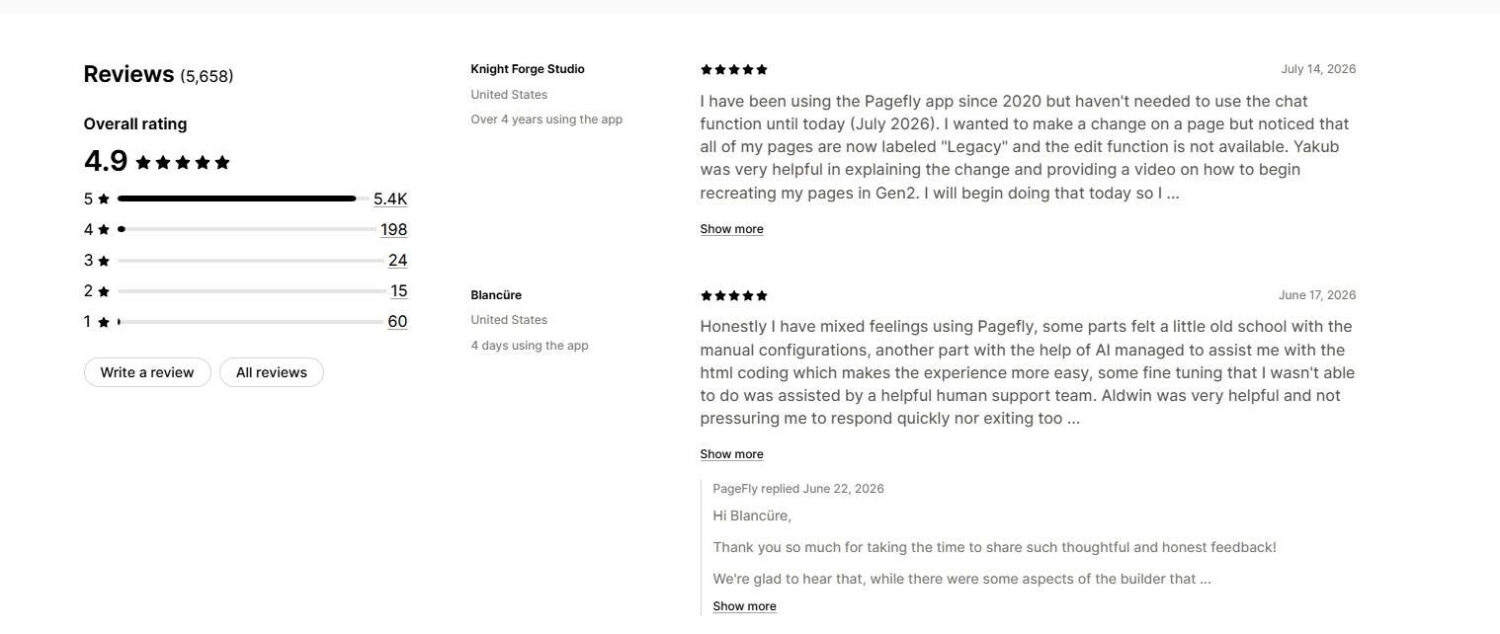
| PageFly | 4.9 (5,676) | Most proven, CRO-focused | AI CRO still in beta; uninstall removes pages | Free; from $24/mo |
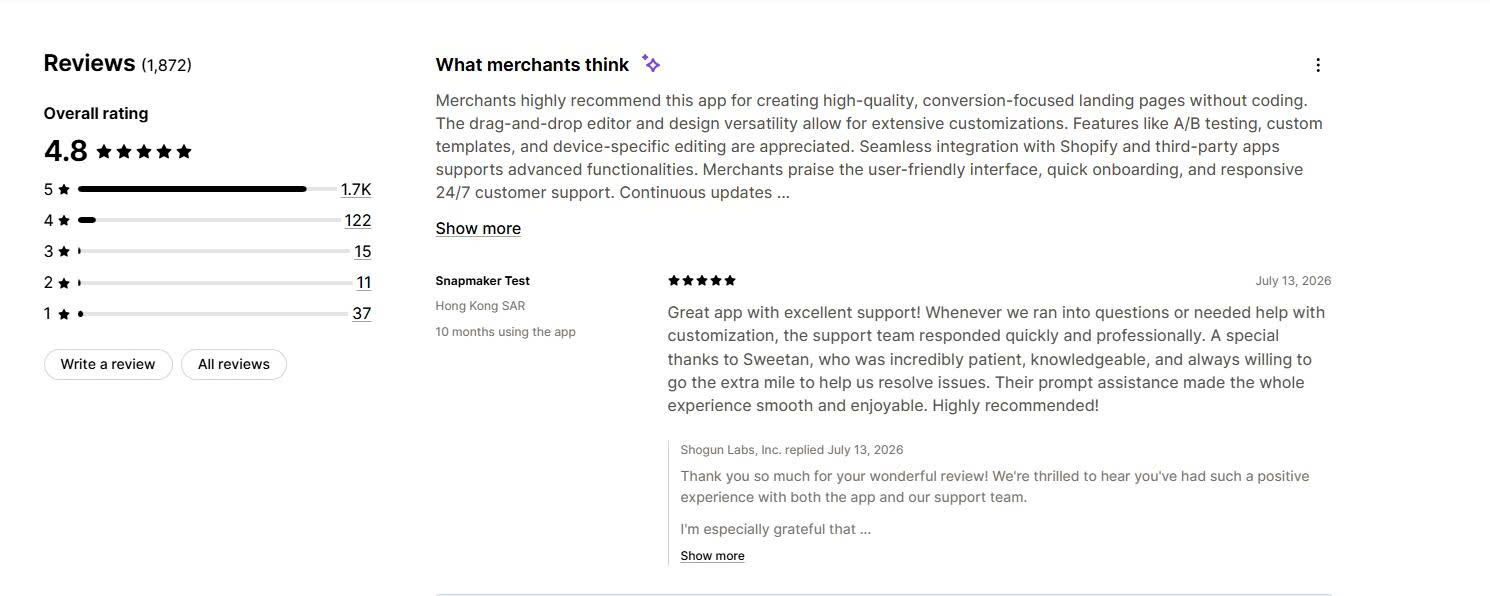
| Shogun | 4.8 (1,933) | Agencies and Shopify Plus | Higher price; limited one-click AI | Free (draft only); from $39/mo |
️🏆 Best for: stores that want the strongest all-round AI page builder, with templates, sales funnels, and conversion tools in one app.
Pricing:
Rating and reviews:
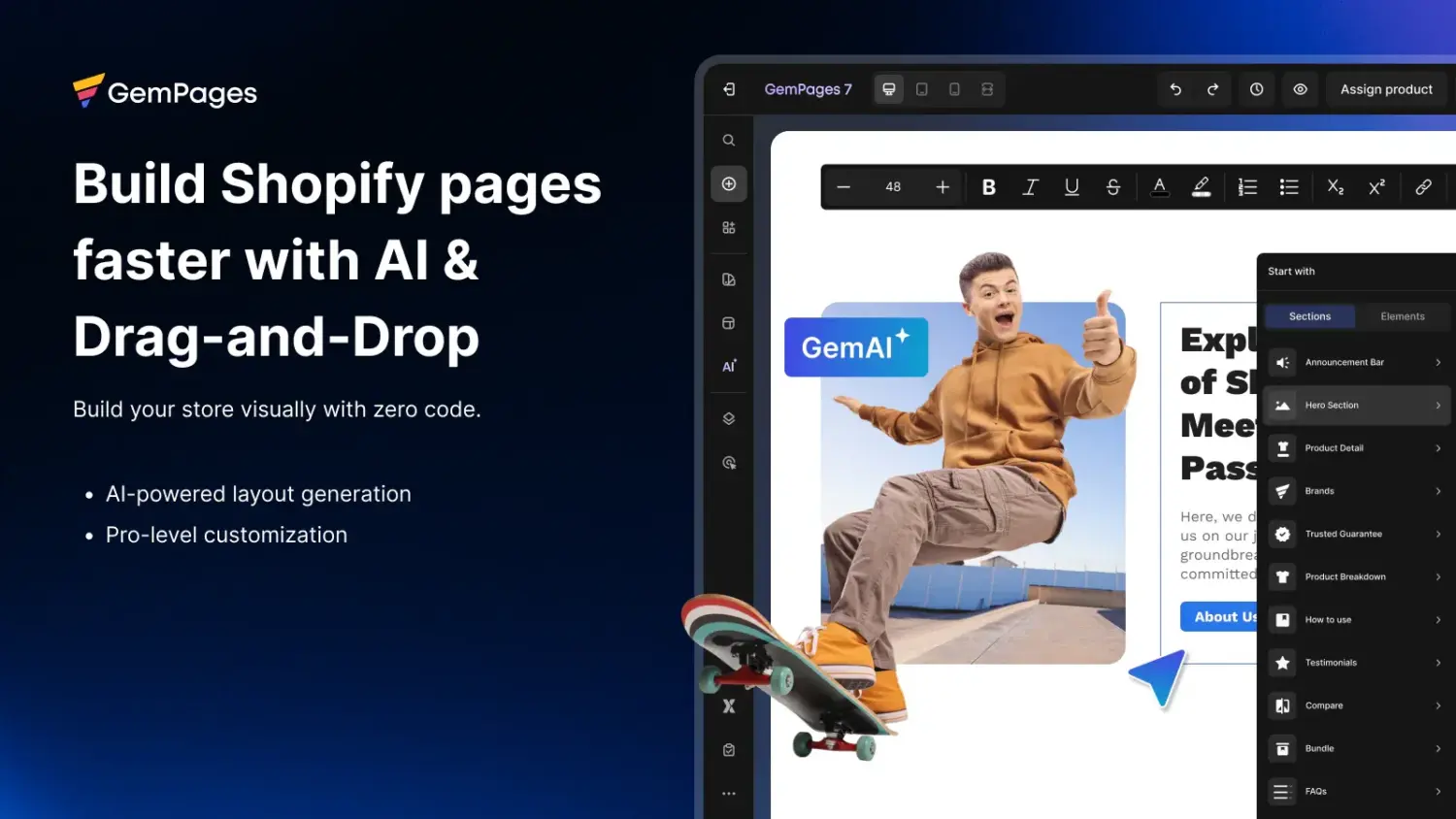
GemPages is the most complete AI page builder for Shopify. Its standout AI feature, AI Image to Layout, turns an uploaded image or a URL into an editable page section in seconds. You then refine the result in a flexible drag-and-drop editor. The app covers every page type, including home, product, landing, advertorial, and collection pages. It also builds full sales funnels with post-purchase upsells and supports A/B testing. You get 400+ templates built by CRO experts and 160+ app integrations.
GemPages has been on the App Store since 2017, so it is a proven tool. Merchants most often praise its support team, which will write custom code for your store when you get stuck.
Key features:
| Pros | Cons |
|---|---|
| Fast AI Image to Layout feature | Learning curve for new users |
| Large template library built for conversion | AI Image to Layout is capped at 300 sections on the Build plan |
| Full sales funnels with post-purchase upsells | Sales funnels require the $59/month Optimize plan |
| Highly rated, responsive support | Top tiers get expensive |
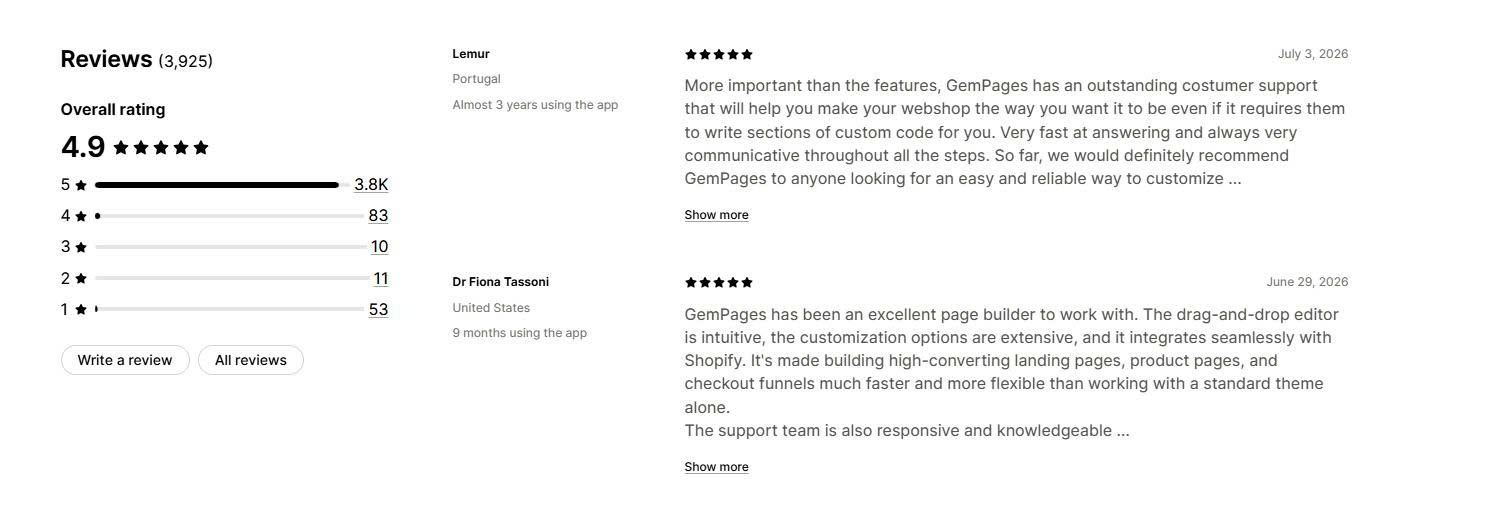
Merchant reviews: Merchants describe GemPages as intuitive and flexible, and they repeatedly single out the support team for writing custom code and responding fast. The most common criticism is a learning curve caused by the depth of features, and higher costs at the upper plans.
🏆 Best for: stores that want AI page building plus conversion tools on a tight budget, without installing several separate apps.
Pricing:
Rating and reviews:
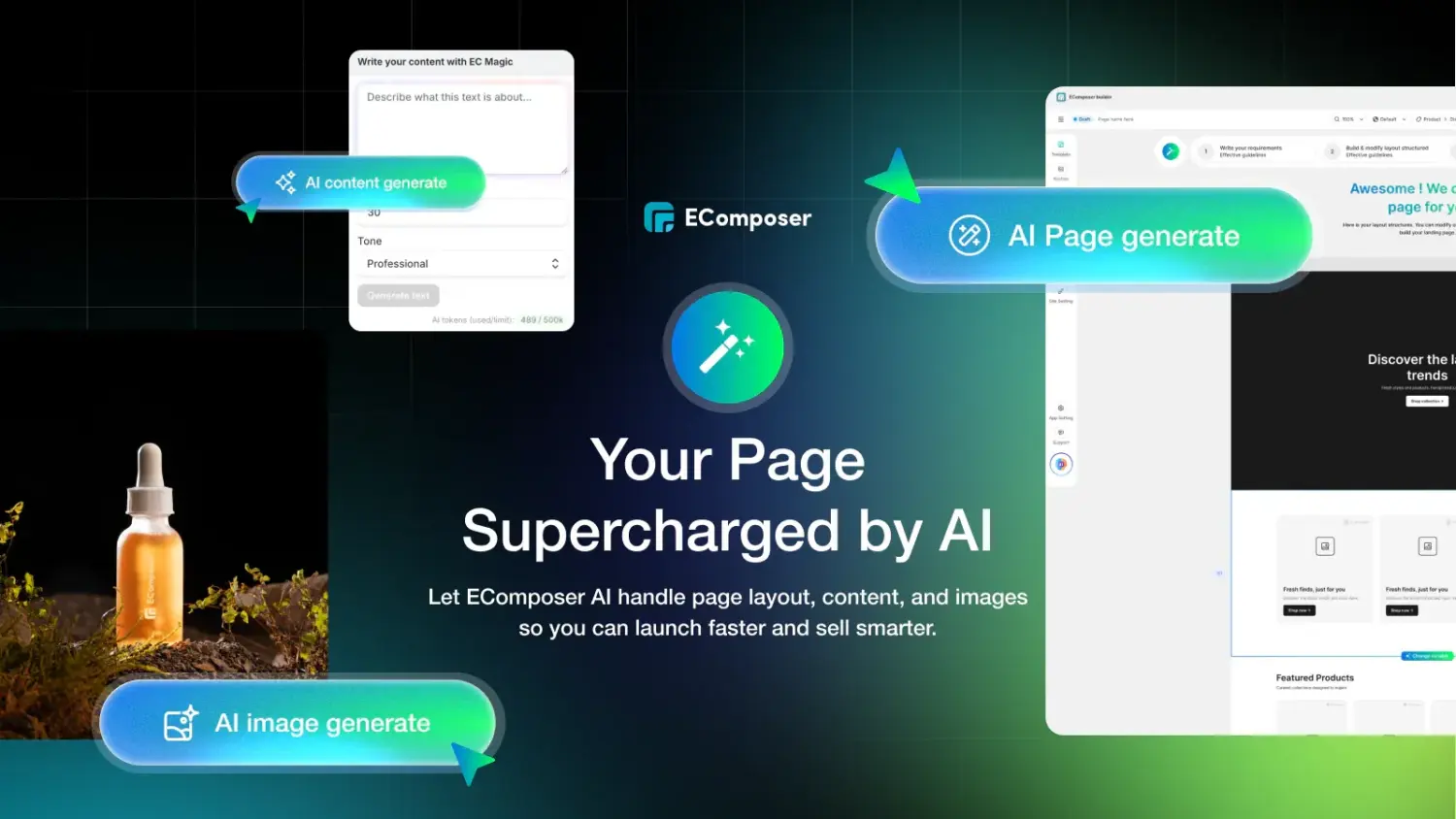
EComposer gives you the most for your money. Its AI builds layouts and generates both images and content, and it includes an AI search-optimization tool. The app runs its AI on a monthly credit system, and even the free plan includes 50 credits so you can try it. Beyond page building, EComposer includes 30+ CRO add-ons such as cross-sell, upsell, popups, back-in-stock alerts, product comparison, and wishlists. These replace other paid apps, which is where the value adds up.
EComposer builds any page type, offers 400+ templates, and holds the Built for Shopify badge, which signals that it meets Shopify’s standards for speed and design.
Key features:
| Pros | Cons |
|---|---|
| Strong free plan with AI credits included | AI use is limited by monthly credits |
| Cheapest paid entry among the major builders | Interface is English only |
| 30+ CRO add-ons replace separate apps | Occasional loading issues reported (fixed by clearing cache) |
| Built for Shopify badge | A/B testing needs the $49/month Pro plan |
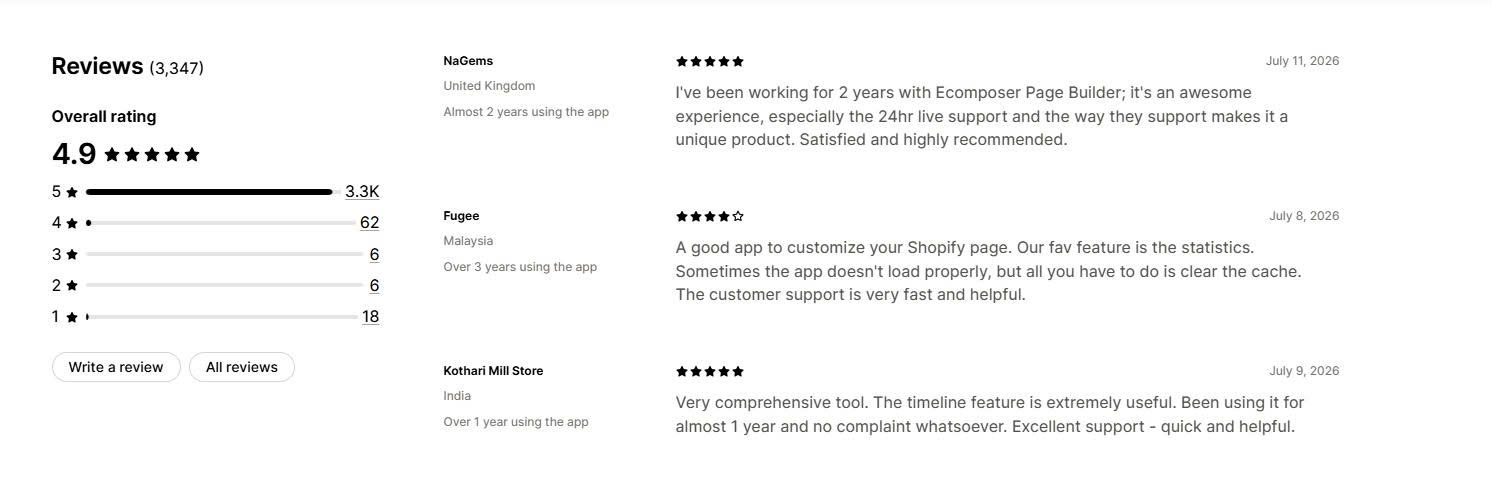
Merchant reviews: Merchants praise the fast 24/7 live support and the generous free plan, which lets small stores launch and test before paying. A few note the app can be slow to load at times, usually solved by clearing the cache. Reviewers describe a short learning curve that eases quickly.
🏆 Best for: beginners and dropshippers who do not have a store yet and want AI to build the whole thing, not just one page.
Pricing:
Rating and reviews:
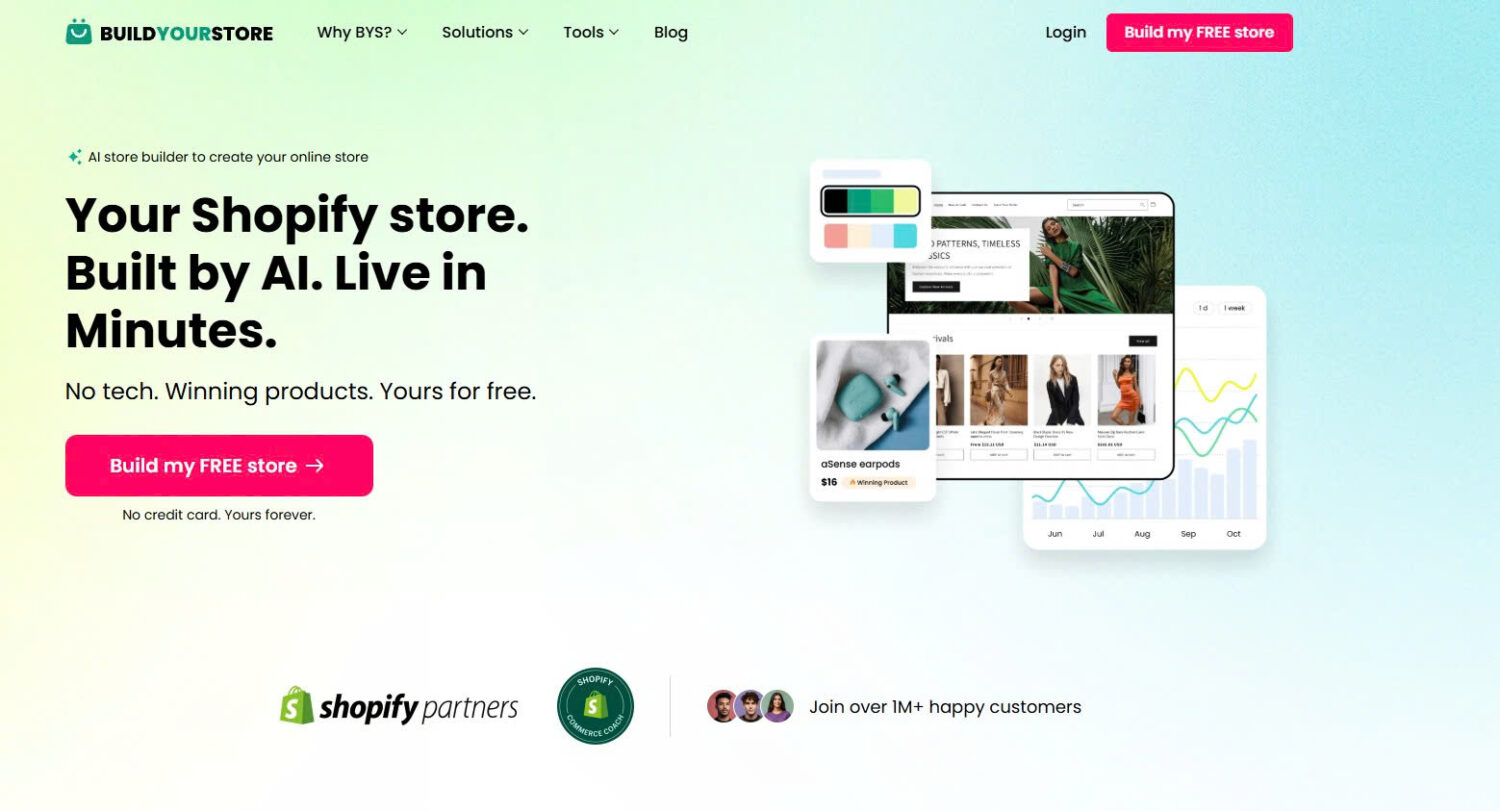
BuildYourStore.ai is the only tool on this list that builds the store itself. You pick a niche, the AI assembles a full Shopify dropshipping store, and you get the login in minutes. No theme setup, no code, no blank dashboard to stare at.
The store arrives ready to sell. It comes pre-loaded with 10 proven winning products, a conversion-optimized theme you can customize, ready-to-sell product pages, and a free premium .store domain. BuildYourStore also adds terms and conditions templates, premium apps, and sales badges, backed by 24/7 support. The build costs nothing, and if you continue on Shopify you pay Shopify directly and keep every dollar you earn.
The trade-off is uniqueness. Sellers who pick the same niche get the same products and a similar layout, so the AI output is a strong first draft rather than a finished store. Rewrite the copy, add your own products, and rebuild the homepage before you spend on ads. That is where a page builder from earlier in this list takes over.
Key features:
| Pros | Cons |
|---|---|
| Free to build, with no credit card required | Upsells start once the free build is done |
| Live store in minutes with zero technical skill | Lowest App Store rating on this list |
| Winning products and conversion theme included | Stores in the same niche look alike |
| You own the store and keep 100% of profits | Dropshipping only, and the AI copy needs rewriting before you run ads |
Merchant reviews: Merchants praise how fast the build is and the fact that it costs nothing to get a complete, live store. Beginners say it removes the hardest part of starting out. The recurring complaints are upsells after the free build and stores that look similar to other BuildYourStore sites, so plan to customize before driving traffic.
🏆 Best for: stores that want an AI agent to build pages and improve the store from simple prompts, with less manual editing.
Pricing:
Rating and reviews:
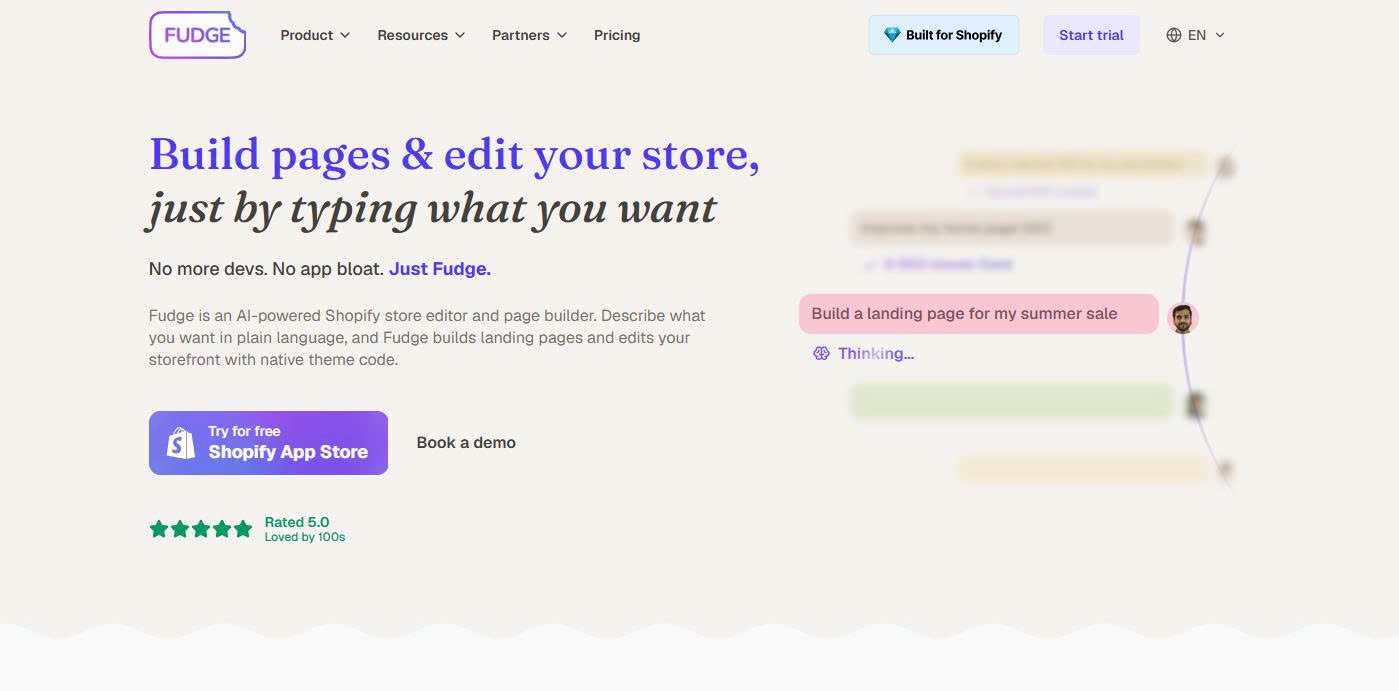
Fudge takes a different approach from a normal page builder. It works as an AI agent inside Shopify. You type what you want, and Fudge builds landing pages, blogs, quizzes, product pages, and sections. It can also edit your theme code (Liquid, CSS, and JavaScript) like a developer, and it runs SEO, AEO, and CRO audits to suggest what to improve. Every change is created in draft mode, so you review it before it goes live. Fudge uses your brand, store structure, and installed apps as context, so its suggestions fit your store.
Fudge launched in 2025 and has few reviews so far, so it is less proven than the others. Pricing is credit-based and starts at $79/month, which is higher than the rest. The free plan only runs audits and ideas, not published builds.
Key features:
| Pros | Cons |
|---|---|
| Builds and edits the store from plain prompts | Only 17 reviews; still unproven |
| Safe draft-mode changes | Credit-based pricing is hard to predict |
| Can replace several design and upsell apps | Highest starting price on this list ($79/month) |
| Built for Shopify badge | Free plan does not publish pages |
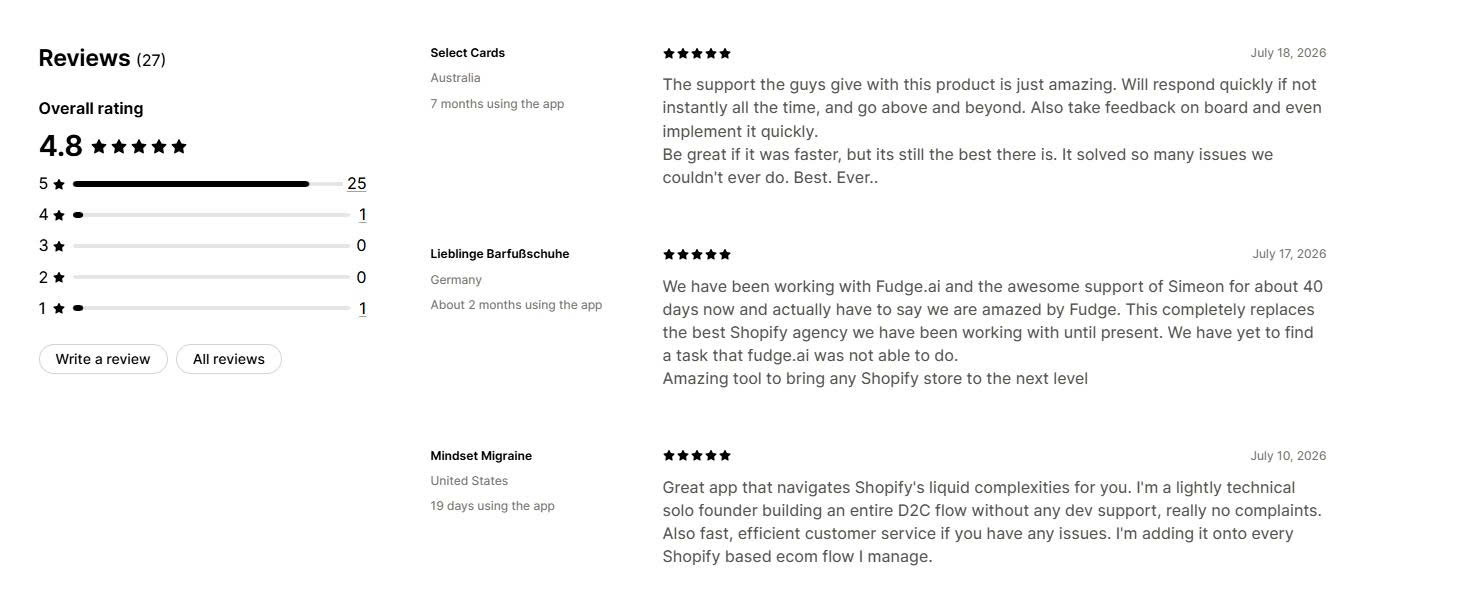
Merchant reviews: Early merchants say Fudge lets them build better pages faster than their old builder, and several report removing multiple design and upsell apps to save money. Reviewers highlight helpful support, including a Slack channel. Because the review count is small, treat the feedback as promising rather than settled.
🏆 Best for: stores that want a proven, CRO-focused builder with the largest support base and emerging AI tools.
Pricing:
Rating and reviews:
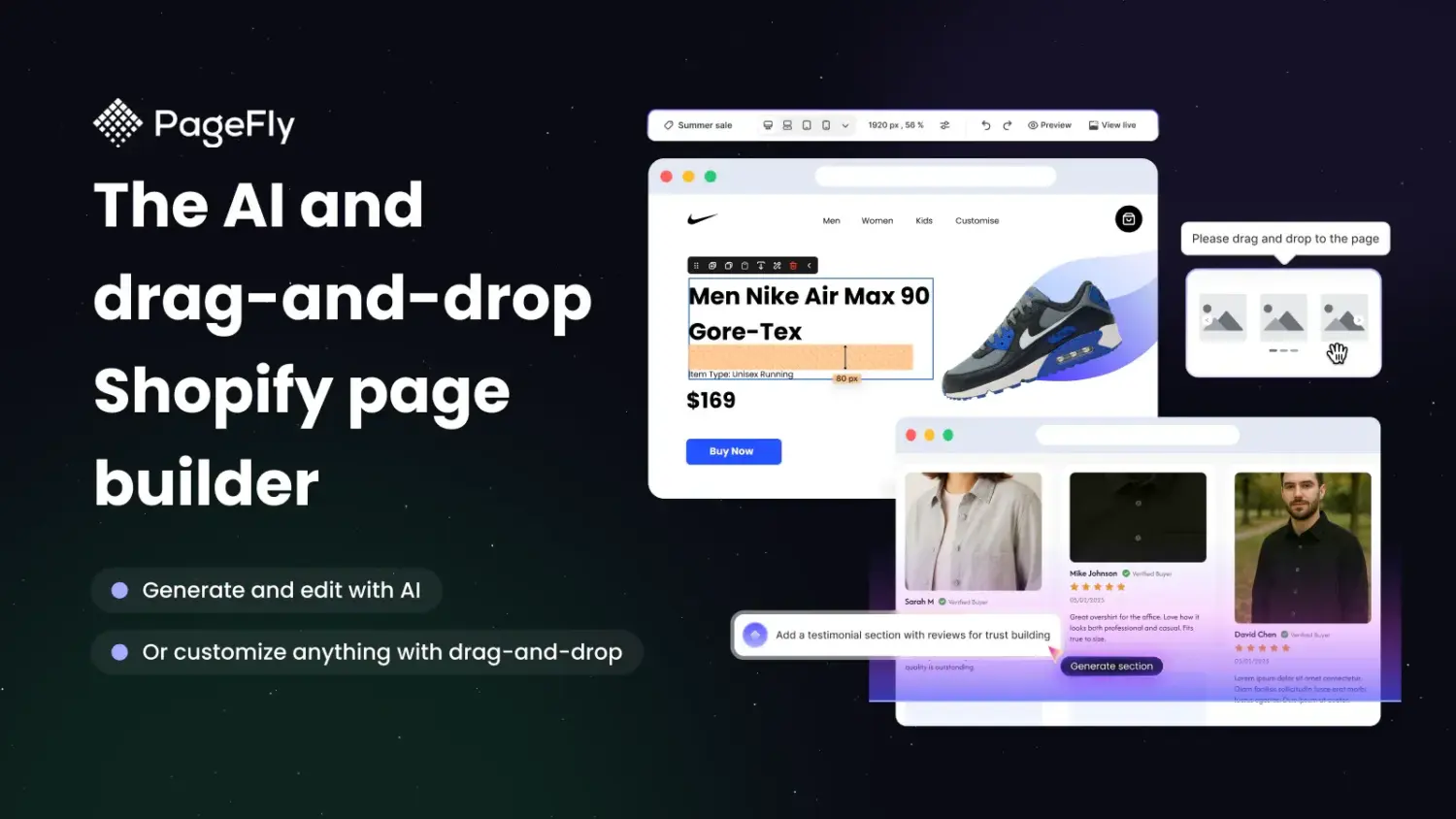
PageFly has the largest review base of any page builder on Shopify and holds the Built for Shopify badge. Its AI features are newer: an AI conversion rate optimization tool is in beta on the Optimize and Accelerate plans. The core strength is flexible, CRO-focused page building. You get 100+ templates, 100+ premade sections, a precise drag-and-align editor, A/B testing, and 130+ integrations. PageFly also puts heavy focus on page speed.
PageFly is a safe, proven choice, but read the cons. Some recent reviews report theme changes after updates, and the app removes its pages when you uninstall it.
Key features:
| Pros | Cons |
|---|---|
| Largest review base in the category | AI features are still in beta |
| Built for Shopify badge | Uninstalling removes pages built in the app |
| Strong page-speed focus | Some recent reports of theme changes after updates |
| Usable free plan to start | Steeper learning curve for advanced layouts |
Merchant reviews: Most merchants praise PageFly’s customization depth and its 24/7 live chat support, and many report higher conversion rates after switching. The recurring complaints are a learning curve with custom CSS and HTML, and concern over pages being removed on uninstall. Test the app before committing.
🏆 Best for: agencies and larger brands that manage many pages, often across several stores.
Pricing:
Rating and reviews:

Shogun has the longest track record in this category, live since 2015. It supports AI generation, but its real strength is structured control for teams. You get a visual editor for all page types, reusable snippets, a theme sections editor, A/B testing, page analytics, and user permissions. The Advanced plan syncs content between multiple stores, which is valuable for agencies and multi-region brands.
Shogun is the most enterprise-focused option, and its pricing reflects that. Its rating is slightly lower than the top four, and some 2026 reviews flag disruption when the Personalization feature moved into a separate app.
Key features:
| Pros | Cons |
|---|---|
| Longest track record and Plus certification | Higher price than most rivals |
| Multi-store content syncing for agencies | One-click AI is limited compared with newer apps |
| Strong team controls and permissions | Rating slightly below the top four |
| Reliable, responsive support | Recent feedback on the Personalization feature change |
Merchant reviews: Merchants recommend Shogun for high-quality, conversion-focused pages and praise its responsive support for solving edge cases. Reviewers value the reusable sections and ongoing improvements. The main concerns are price and the recent change that split out the Personalization feature.
Match the app to your store, budget, and how much you want AI to do.
The best Shopify AI page builder depends on your store size, budget, and workflow. GemPages is the strongest choice for most merchants, EComposer offers the best value, and Instant leads for a prompt-first, AI-native experience. PageFly remains the most proven pick, Fudge points to where the category is heading, and Shogun serves larger teams.
Start with the free plan of your top choice. Build one page, run an A/B test for two to four weeks, and track conversion rate and average order value. If the numbers improve, scale up. If not, the comparison table above makes switching simple.
They can if built poorly, so page speed is a real concern. The apps in this guide focus on fast, mobile-responsive output, and several use lazy loading and clean code. PageFly and EComposer carry the Built for Shopify badge, which signals they meet Shopify’s performance standards. Test any page’s speed before you publish it, and remove unused sections to keep pages light.
Yes, but the free plans differ. GemPages, PageFly, and EComposer all offer free plans that publish at least one page, and EComposer includes 50 AI credits on its free tier. Instant is free only on development stores, and Fudge’s free plan runs audits and ideas but does not publish pages. Read each plan’s limits, because apps cap free use by published pages, slots, or AI credits.
It depends on how much you need. Shopify Magic is free on every plan and can generate product copy and some content. It does not give you a full drag-and-drop editor, conversion templates, sales funnels, or A/B testing. If you only need occasional copy, Shopify Magic may be enough. If you build landing pages, product pages, or funnels regularly, a dedicated AI page builder gives you far more control.

Shopify collections decide how shoppers find your products, yet many guides still describe a setup Shopify is now replacing....

A Shopify announcement bar is the thin strip at the top of your store that tells shoppers about shipping,...

Australia is one of the first markets many Shopify stores expand into. It is large, English-speaking, and home to...
