


Charlie Ngo
•
Last updated: 23 October, 2026
Shopify Smart Collections: Setup, Conditions & 8 Examples (2026 Updated)
Shopify smart collections add and remove products for you based on rules, such as a tag, a price, or...
![[2026] Best Shopify Edit Order Apps (Tried & Tested)](https://bogos.io/wp-content/uploads/2026/07/5-Best-Shopify-Edit-Order-Apps.jpg)
[2026] Best Shopify Edit Order Apps (Tried & Tested)

Digital Marketing Specialist
Summarize this post with AI
Shopify lets you edit an order from the admin, but that is where the built-in tools stop. Your customers cannot fix a wrong address, swap a size, or cancel an order on their own. Every change lands in your support inbox. A dedicated edit order app moves those changes to the customer, adds an editing time window, and handles the refund or extra charge automatically. I installed and compared the top-rated order editing apps on the Shopify App Store to find the right fit for different store sizes. I’m Allan Vu, Digital Marketing Specialist at BOGOS, and I write our hands-on Shopify app reviews. For a full breakdown of how our team tests and scores apps, see our app testing methodology.
The Shopify App Store returns dozens of order editing apps with similar claims and ratings. I narrowed the field by checking each app hands-on and against its official listing. I focused on five criteria.
I pulled every rating, review count, and price directly from each app’s Shopify App Store listing in July 2026. For our full scoring process, see the BOGOS app testing methodology.
Based on these criteria, the three apps I recommend most are:

Best overall: Revize. Revize is my number one order editing app. It scales from a free plan up to high-volume, Shopify Plus, and growing brands, and positions itself as enterprise-grade editing trusted by world-class brands. It pairs a Built for Shopify badge and a 5.0 rating with deep 3PL, warehouse, ERP, OMS, subscription, and B2B integrations, plus 100+ integrations in total.

Best for the highest order volumes: OrderEditing.com. It has the most reviews in the category and powers over $5B in Shopify GMV. It suits the highest-volume and Shopify Plus stores that need self-serve editing plus deep 3PL and warehouse integrations.

Best established alternative: Cleverific. It launched in 2014 and remains the strongest tool for staff-side edits, draft orders, and B2B or custom-order workflows. SOC 2 Type II attestation makes it a safe pick for larger teams.
Order editing apps differ in who can edit, what they can change, and how money is handled. Weigh these features before you choose.
The table below summarizes each app on the criteria that matter most. Detailed reviews follow.
| App | Rating and reviews | Best for | Cons | Pricing |
|---|---|---|---|---|
| Revize | 5.0 (87) | High-volume, Shopify Plus, and growing brands | Advanced features gated to paid Pro plan | Free plan; paid from $49/month |
| OrderEditing.com | 5.0 (288) | The highest order volumes with deep integrations | No free plan; entry price is high | From $99/month; 7-day free trial |
| AE: Order Editing & Upsell | 5.0 (224) | Best value all-round self-serve editing | Newer app (launched 2025) | From $39/month; 14-day free trial |
| Cleverific | 4.6 (233) | Staff-side complex edits and draft orders | Cluster of 1-star reviews; steeper learning curve | From $49/month; 21-day free trial |
| Orderify | 4.8 (69) | Simple edit, cancel, and reorder | Cancels and rebuilds cart instead of true editing | From $4.99/month; 30-day free trial |
️🏆 Best for: High-volume, Shopify Plus, and growing brands that want enterprise-grade self-serve editing.
Pricing:
Rating and reviews:
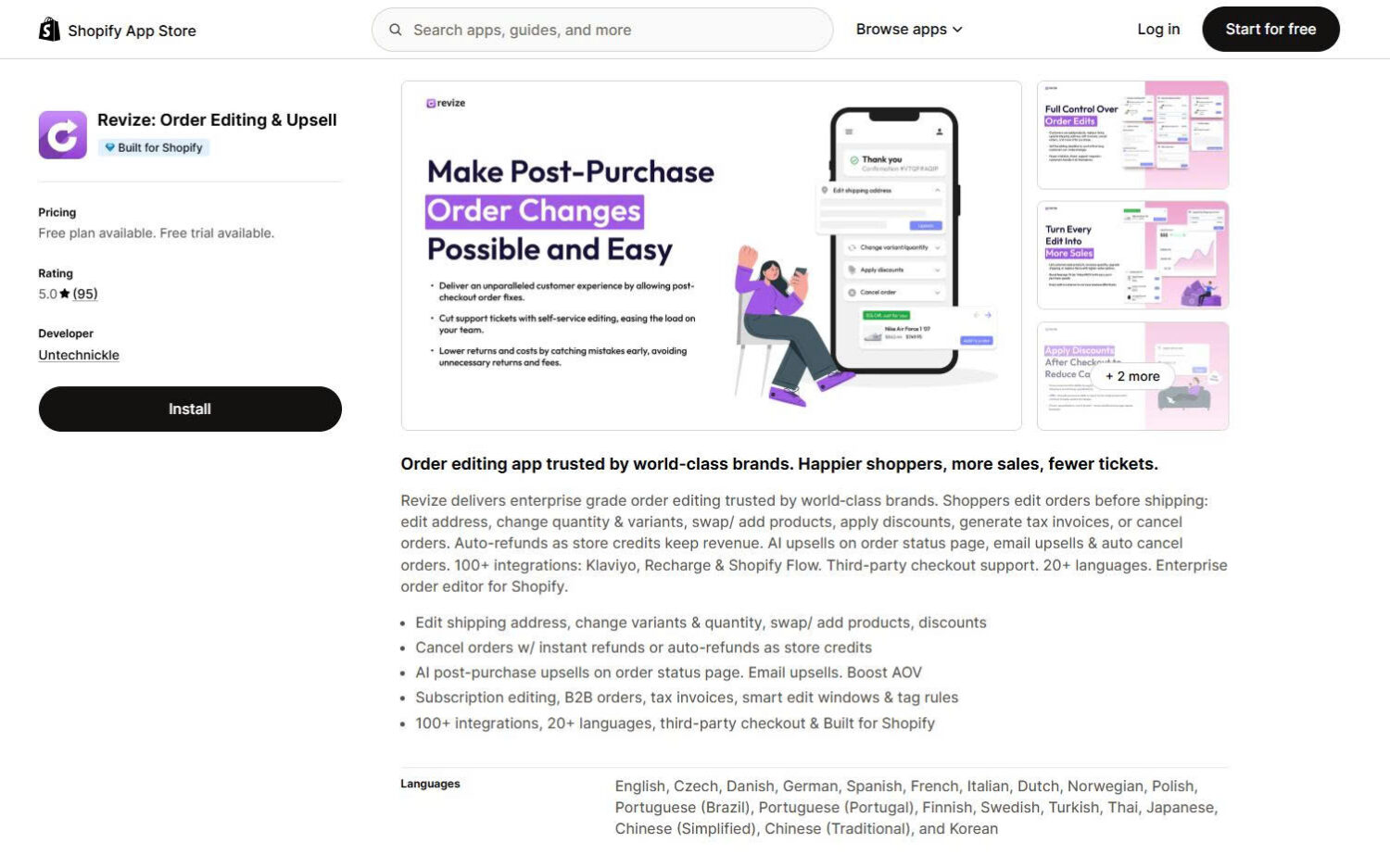
Revize is the #1 Shopify order editing and post-purchase revenue platform, trusted by multiple nine-figure brands and ambitious merchants at every stage—from growing stores to high-volume Shopify Plus operations. It combines customer self-serve editing with deep 3PL, warehouse, ERP, OMS, subscription, and B2B integrations. Brands can automate address, product, variant, quantity, shipping, discount, cancellation, refund, and store-credit changes while generating additional revenue through AI-powered post-purchase upsells. Revize is Built for Shopify, supports 20+ languages and 100+ integrations, and is designed to handle complex operations at scale.
Key features:
Pros and cons:
| Pros | Cons |
|---|---|
| Built for Shopify badge with a perfect 5.0 rating | Product add-ons and AI upsells require the $149 Pro plan |
| Scales from a free plan to high-volume and Shopify Plus brands | Free plan capped at 20 edits per month |
| Deep 3PL, warehouse, ERP, OMS, subscription, and B2B integrations | |
| Store-credit refunds retain revenue; 20+ languages |
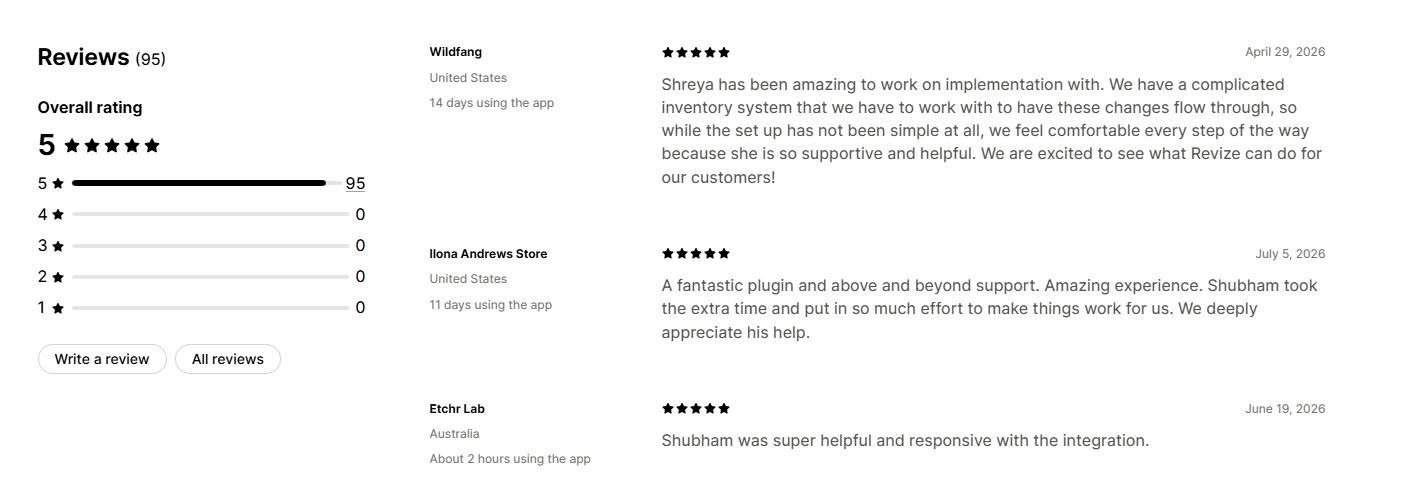
Merchant reviews: Merchants report fewer support tickets after enabling post-purchase edits like address changes and product swaps. Reviews praise the seamless setup, the multi-language support, and a support team that helps with complex inventory and ERP integrations.
️🏆 Best for: High-volume and Shopify Plus stores that need self-serve editing with deep fulfillment integrations.
Pricing:
Rating and reviews:
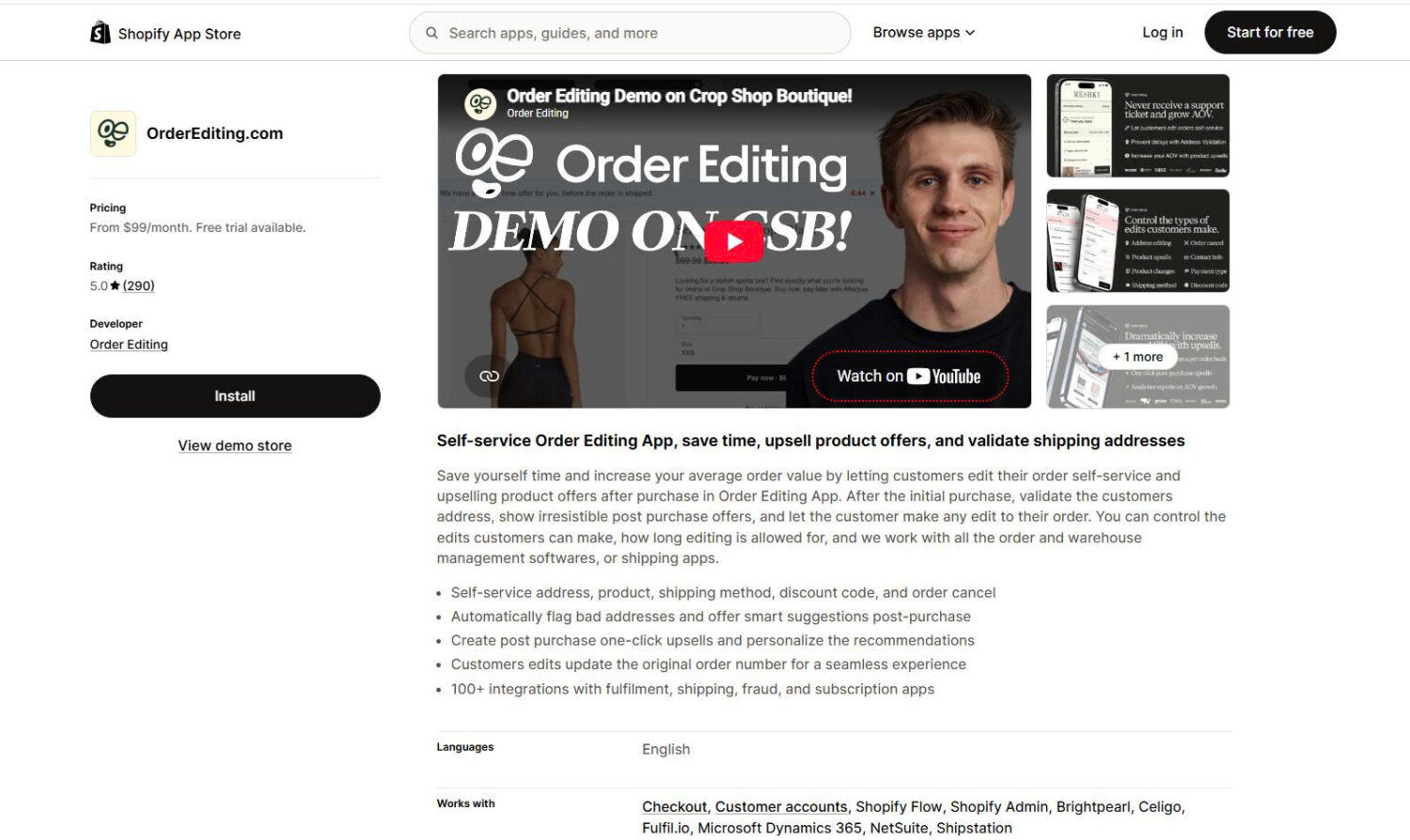
OrderEditing.com is the most-reviewed app in this comparison and our #2 pick for merchants processing the highest order volumes. The developer reports working with over $5B in Shopify GMV and names brands like Aviator Nation and Oh Polly. The app lets customers edit their own orders after checkout, validates addresses, and shows one-click post-purchase upsells. Every edit keeps the original order number, so fulfillment stays clean.
Key features:
Pros and cons:
| Pros | Cons |
|---|---|
| Largest review base in the category (288 reviews at 5.0) | No free plan |
| Proven at scale with $5B+ GMV | Entry price of $99/month is high for small stores |
| 100+ integrations, including WMS and ERP tools | Address validation costs extra per order |
| Keeps the original order number after edits | Priced by order volume, so cost grows with the store |
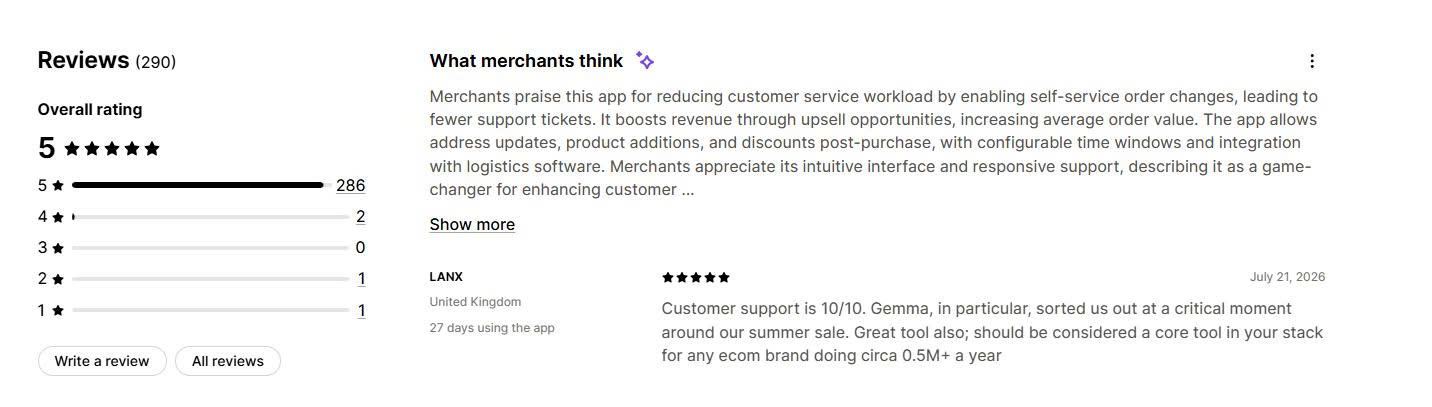
Merchant reviews: Merchants say the app reduced customer service work by moving address changes, product swaps, and cancellations to the customer. They report measurable added revenue from upsells and praise the founders for hands-on setup and integration help. Recent reviews from stores in Australia, the UK, and the US describe smooth work with different warehouse systems.
️🏆 Best for: Stores that want the best all-round value in self-serve editing, backed by a Built for Shopify badge.
Pricing:
Rating and reviews:
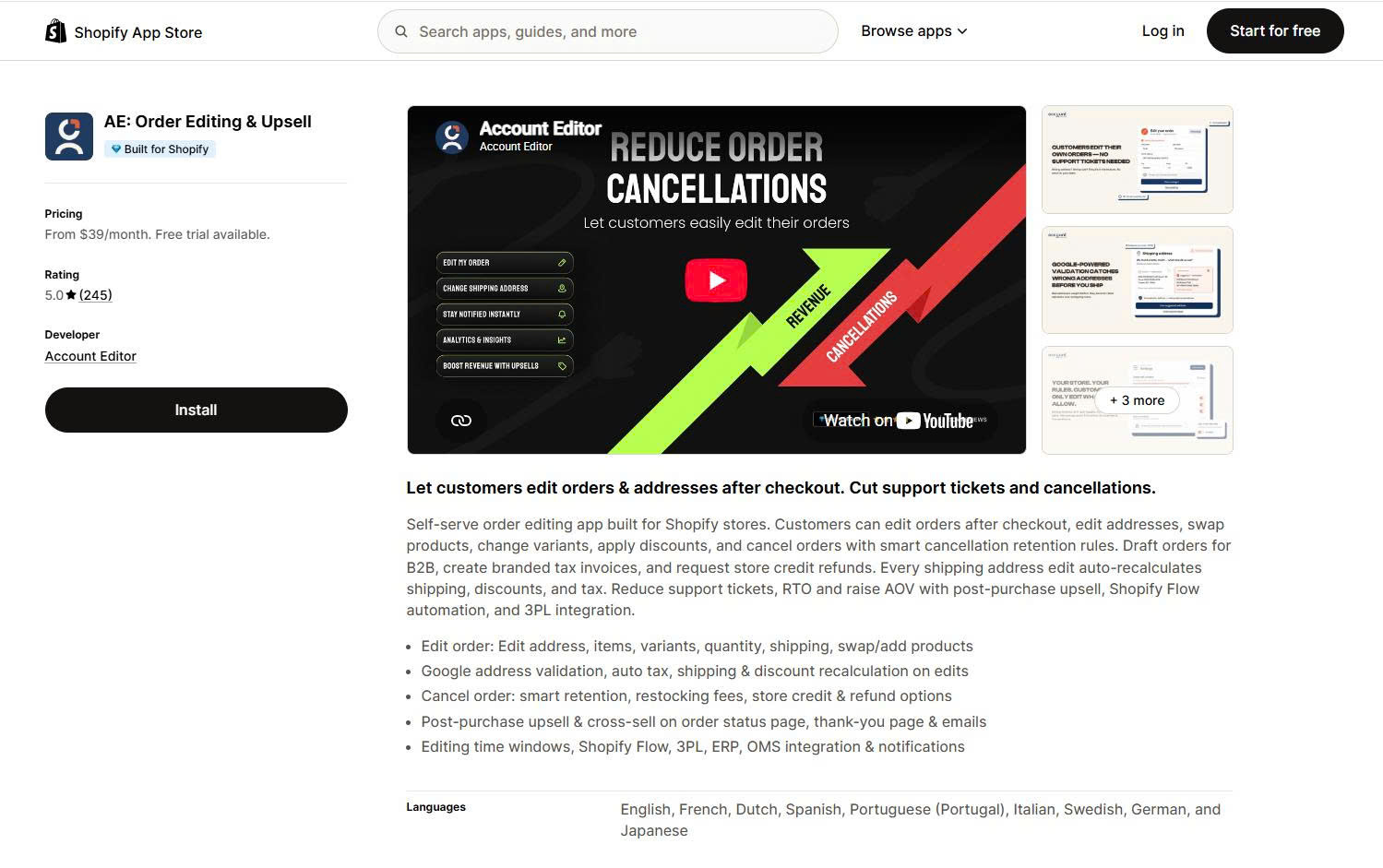
AE delivers a wide feature set at the lowest entry price among the premium apps. It carries a Built for Shopify badge, which marks Shopify’s highest standard for performance and design. Customers can edit orders, swap products, change variants, apply discounts, and cancel with smart retention rules. Every address edit recalculates shipping, discounts, and tax. The app also supports draft orders for B2B and branded tax invoices, and it works in nine languages.
Key features:
Pros and cons:
| Pros | Cons |
|---|---|
| Lowest entry price among premium apps ($39/month) | Launched in 2025, so it has a shorter track record |
| Built for Shopify badge | No permanent free plan |
| Automatic tax, shipping, and discount recalculation | Priced by order volume |
| Nine languages and draft-order support for B2B |
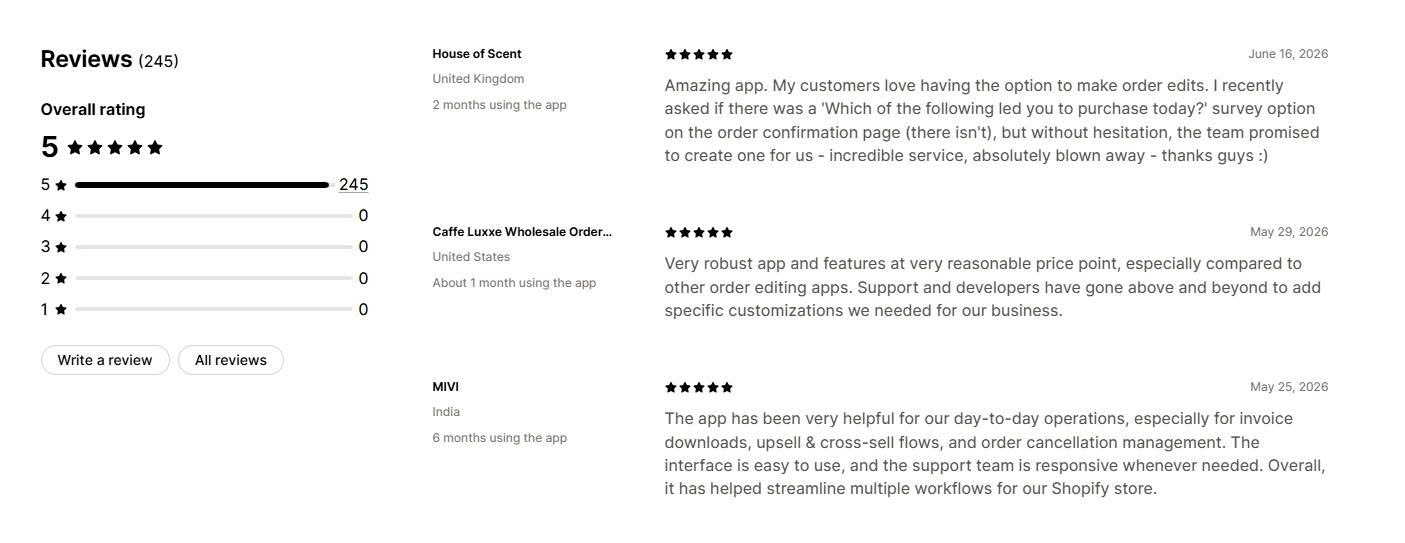
Merchant reviews: Merchants highlight the strong feature set for the price and the responsive developers, who add custom features on request. Reviews from the UK, US, and India praise the easy interface and its help with invoices, upsell flows, and cancellation management.
️🏆 Best for: Teams that need advanced staff-side edits, draft orders, and B2B or custom-order workflows.
Pricing:
Rating and reviews:
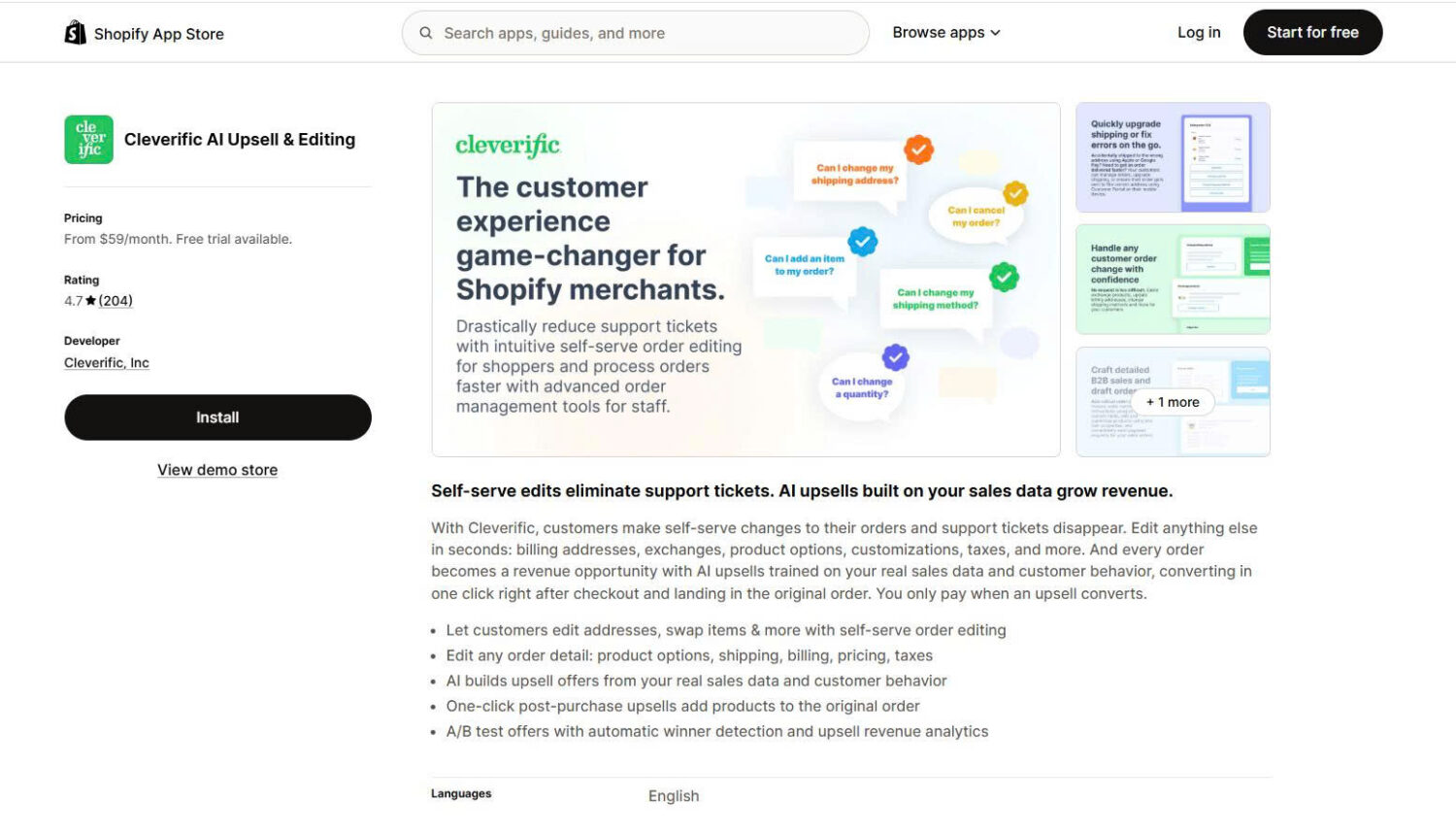
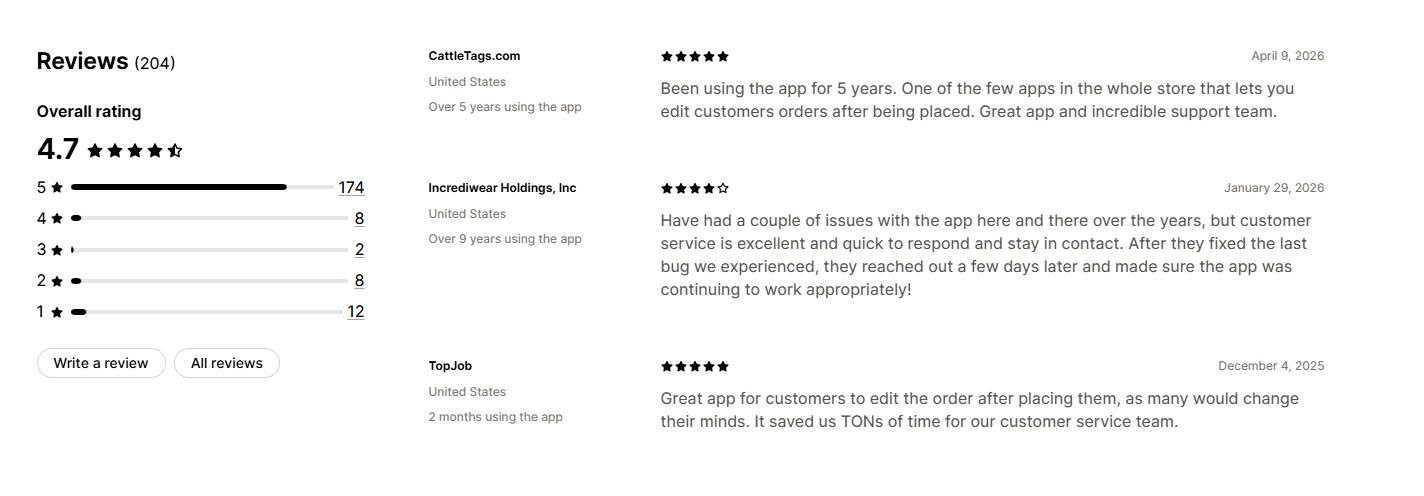
Cleverific is the most established app in this guide. It launched in 2014 and has served some stores for over nine years. Its strength is depth on the staff side. Your team can edit billing addresses, exchange items, adjust product options, add customizations, or modify taxes. Customers can also make self-serve changes. The app adds order editing automations with Shopify Flow and rich draft orders for sales, wholesale, backorders, and preorders.
Key features:
Pros and cons:
| Pros | Cons |
|---|---|
| Longest track record in the category (since 2014) | Lowest rating here at 4.6, with a 6% cluster of 1-star reviews |
| Deep staff-side editing and draft-order tools | Order edits are capped by plan tier |
| SOC 2 Type II attestation on the top plan | Steeper learning curve than simpler apps |
| Strong automation with Shopify Flow |
Merchant reviews: Long-term merchants call it one of the few reliable ways to edit orders after they are placed, and they praise fast, proactive support. The 1-star reviews cluster around occasional bugs after Shopify platform updates, though several of those merchants note the team fixed the issue quickly.
️🏆 Best for: Stores that want a simple, low-cost way to let customers edit, cancel, and reorder.
Pricing:
Rating and reviews:
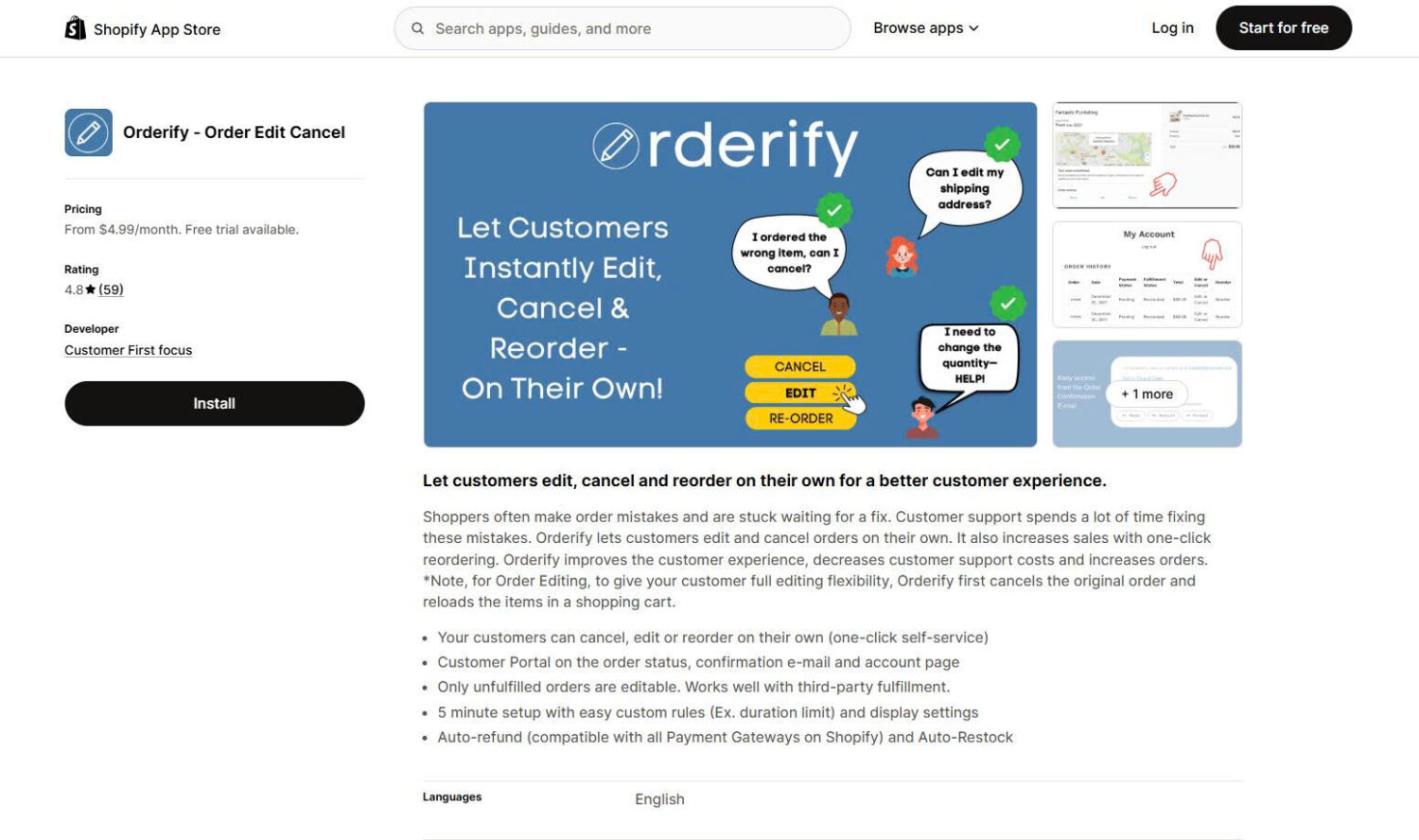
Orderify is the cheapest way to add customer self-service. It lets shoppers edit, cancel, and reorder on their own from the order status page, confirmation email, or account page. One-click reordering can lift repeat sales. The trade-off is how it edits. To give full flexibility, Orderify cancels the original order and reloads the items into a new cart, rather than editing the existing order in place. Only unfulfilled orders are editable, and it works with third-party fulfillment.
Key features:
Pros and cons:
| Pros | Cons |
|---|---|
| Cheapest option, from $4.99/month | Edits by canceling and rebuilding the cart, not true in-place editing |
| Unlimited edits at every tier | Only unfulfilled orders are editable |
| One-click reorder can lift repeat sales | No upsell or address-validation features |
| Fast, five-minute setup | Smallest review base in this guide |
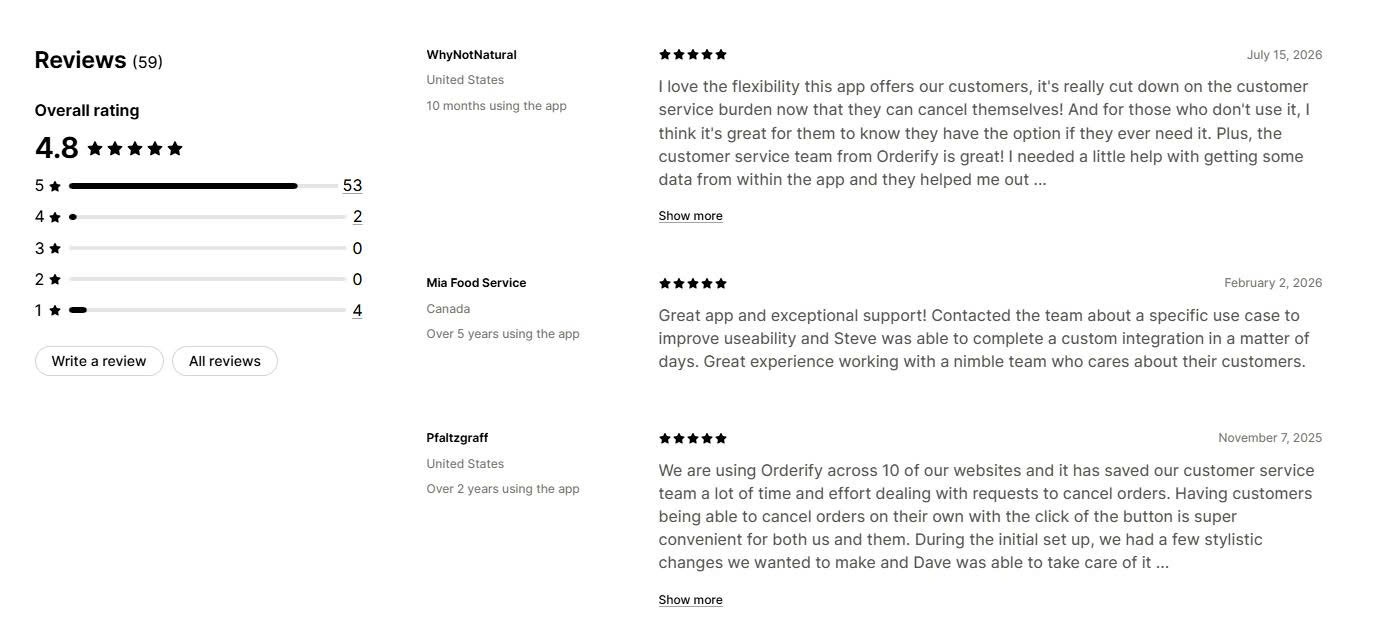
Merchant reviews: Merchants value the drop in cancellation and change requests once customers can self-serve. Reviews from stores in the US, Canada, and India praise the responsive support team and quick custom tweaks, including a merchant running Orderify across 10 storefronts.
Match the app to your order volume and your editing needs.
Install the free plan or trial of your top pick, run it for two to four weeks, and track two numbers: the drop in order-related support tickets and any added revenue from upsells. Let those results decide.
Revize is our #1 overall Shopify order editing app and the category-leading choice for growing, high-volume, Shopify Plus, and nine-figure brands. It combines enterprise-grade self-serve editing with deep operational integrations and post-purchase revenue tools while remaining accessible to smaller merchants through its free plan. OrderEditing.com is a strong option for stores processing the very highest order volumes, Cleverific is suited to advanced staff-side and B2B workflows, AE offers a broad feature set at a lower starting price, and Orderify covers basic editing and cancellation needs.
No. Shopify’s native editing is admin-only, so only your staff can change an order from the dashboard. To let customers edit their own orders after checkout, you need an app such as OrderEditing.com, AE, Revize, or Orderify.
Most apps let customers edit the shipping address, swap products, change variants and quantity, apply a discount, or cancel the order. Coverage varies by app and plan, and editing usually stays open only until the order is fulfilled.
When an edit lowers the order total, the app issues an automatic refund or store credit, depending on your settings. When an edit raises the total, apps like OrderEditing.com and AE collect the extra charge in one step. Store-credit refunds, offered by Revize, let you keep the revenue in your store.

Shopify smart collections add and remove products for you based on rules, such as a tag, a price, or...

Shopify collections decide how shoppers find your products, yet many guides still describe a setup Shopify is now replacing....

A Shopify announcement bar is the thin strip at the top of your store that tells shoppers about shipping,...
