


Charlie Ngo
•
Last updated: 7 October, 2026
Shopify Product Configurator: 2D vs 3D, Best Apps & Costs (2026)
Shoppers hesitate to buy a $1,200 sofa or a custom ring when they can’t see the exact version they’re...

8 Best Shopify Apps for Digital Products in 2026

Digital Marketing Specialist
Summarize this post with AI
Selling digital products on Shopify sounds simple: upload a file, collect payment, and deliver instantly. But once you start building a real store, the questions stack up fast. Which app protects your PDFs from piracy? How do you stream video courses without sending customers to another platform? What is the best way to turn a one-time buyer into a subscriber?
The digital goods market is valued at $124.32 billion in 2025 and growing at a 26.60% CAGR through 2031. The opportunity is massive, but only if your tech stack is set up correctly. This guide breaks down the 8 best Shopify apps for digital products in 2026, organized into four categories based on what you actually need:
Every app on this list was evaluated on real ratings from the Shopify App Store, pricing transparency, and fit for specific use cases, so you can build the right stack from day one instead of switching apps six months later. Let’s check them out!
👉 If you’re new to Shopify and looking for a complete guide to selling digital products on Shopify, read this article: How to Sell Digital Products on Shopify? Most Profitable Digital Products To Sell
Not every digital product app is built the same. Before you install one, run through this checklist to make sure it actually fits your selling style:
Once you know which of these matters most for your store, narrowing down the 8 apps below becomes much easier.
| App | Category | Best for | Free plan | Starting price |
|---|---|---|---|---|
| Filemonk | Delivery | All-rounder + protection | ✅ | $10/mo |
| Sky Pilot | Delivery | Video & streaming | ✅ | $9/mo |
| Shopify Digital Downloads | Delivery | Beginners | ✅ Free forever | Free |
| Tevello Courses | Courses | Free course builder | ✅ (dev stores only) | $29/mo |
| Courses Plus | Courses | Pro course platform | ❌ | $19.99/mo |
| ReCharge | Subscriptions | Recurring billing leader | ❌ | $99/mo + fees |
| Appstle | Subscriptions | Affordable alternative | ✅ | Free to install |
| Klaviyo | Email/Marketing | Customer retention | ✅ (250 contacts) | $20/mo |
This is the core group of apps for actually delivering files to customers. You need at least one delivery app as your foundation, since Shopify doesn’t handle digital file delivery natively. We recommend Filemonk as the best all-around starting point for most stores, thanks to its strong balance of fair pricing, real content protection features, and Built for Shopify certification.
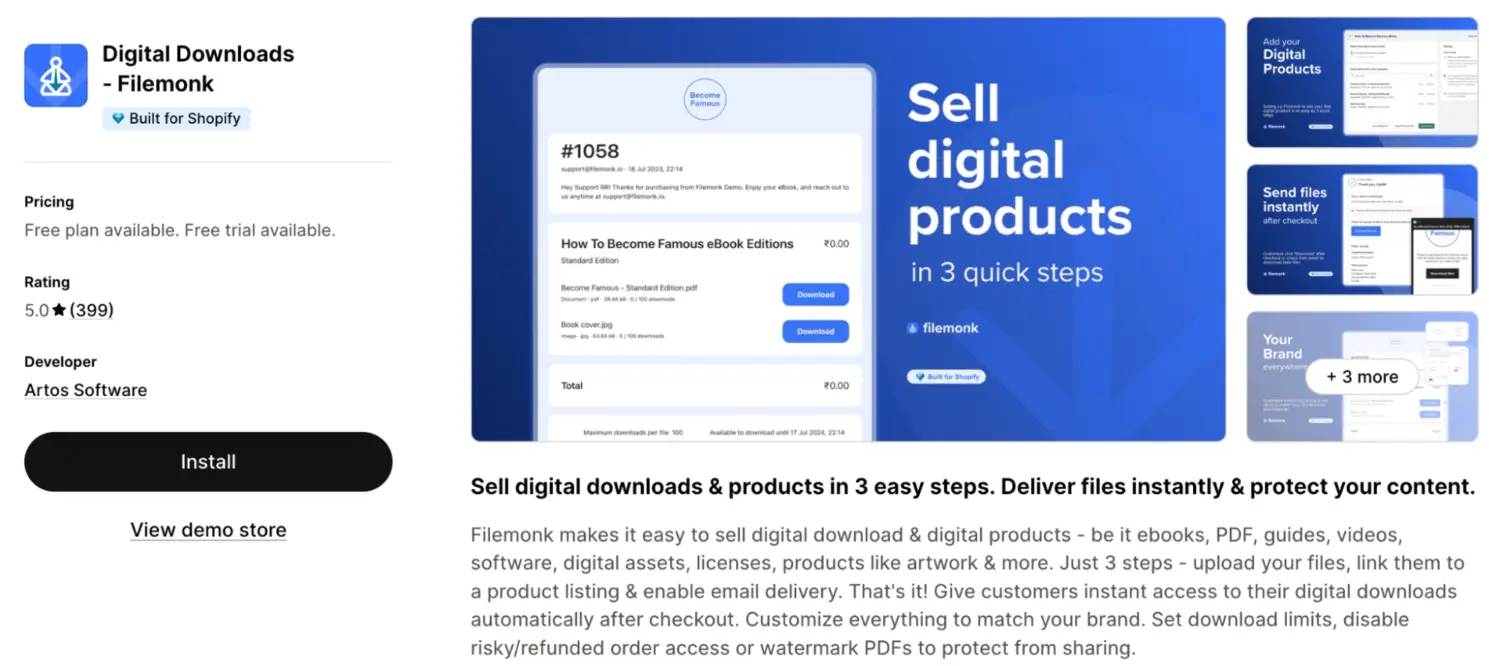
Overview
Filemonk is a Built for Shopify certified app from Artos Software, launched in 2022 to compete directly with bigger names like Sky Pilot at a more accessible price point. It quickly built a reputation for fast support and a clean admin, with the entire setup taking only a few minutes. The app’s positioning leans heavily on content protection, making it a strong choice for sellers worried about file sharing or refund abuse.
Key features
| Pros | Cons |
|---|---|
| – Comes with the Built for Shopify badge, ensuring strong performance, design, and integration quality – Bulk CSV upload allows efficient onboarding of large numbers of digital products – Compatible with Shopify Bundles for selling digital and physical products together – Supports customer-specific watermarking for added content protection | – Admin interface is currently English-only – License key management is less advanced compared to dedicated tools – Storage limits can be restrictive for stores with large video libraries – Streaming experience is fairly basic for media-heavy use cases |
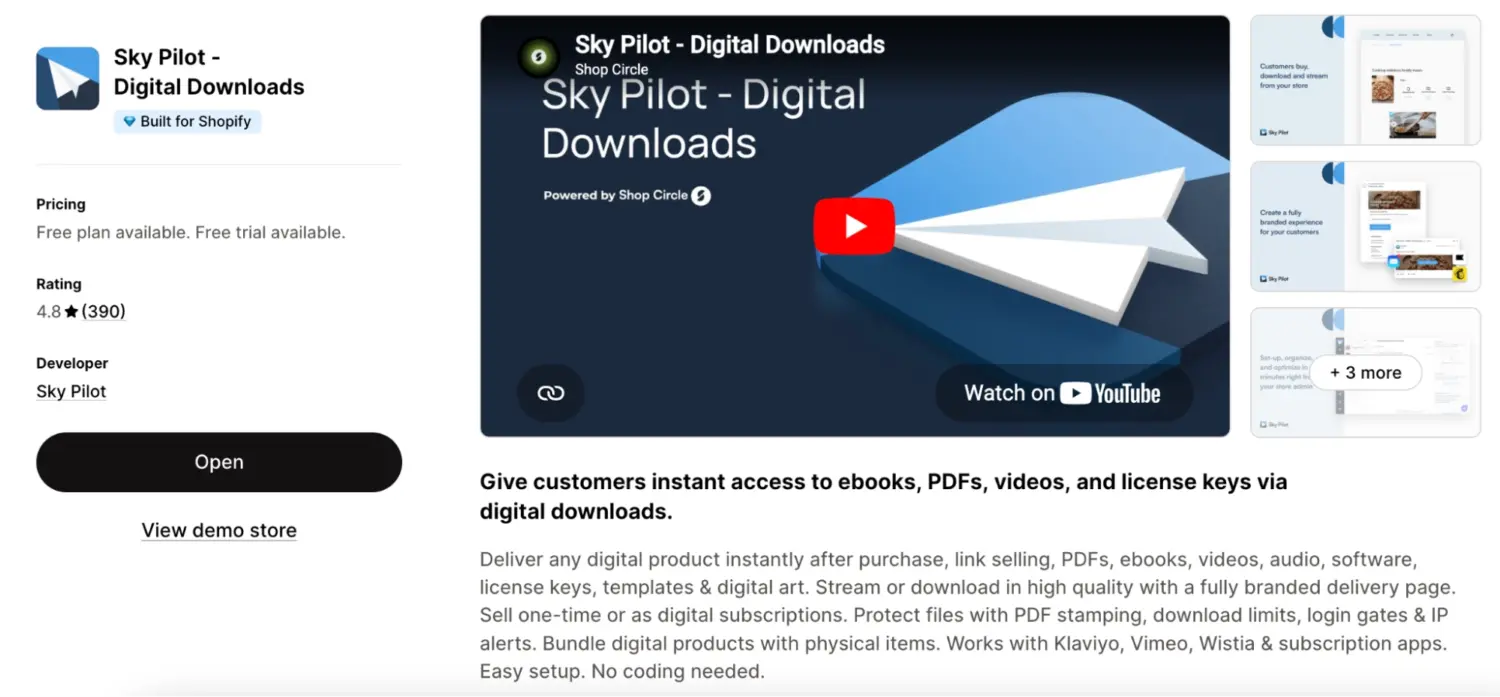
Overview
Sky Pilot is one of the longest-running digital delivery apps on Shopify, originally launched in 2013. Its main differentiator is keeping customers in your store after purchase, rather than relying solely on email delivery, with a streaming player and a branded download page front and center. The app sits naturally alongside subscription tools, making it a common pick for course- or membership-style content rather than simple PDF delivery.
Key features
| Pros | Cons |
|---|---|
| – Strong media streaming (video, audio, PDF on one page)- Supports 20 languages for global stores – Integrates with Vimeo and Wistia – Course-like folders & playlists, no LMS needed | – Bandwidth-based usage can get costly with heavy traffic- Key features locked behind higher-tier plans – Failed downloads still count toward bandwidth – Free plan is too limited for real use |
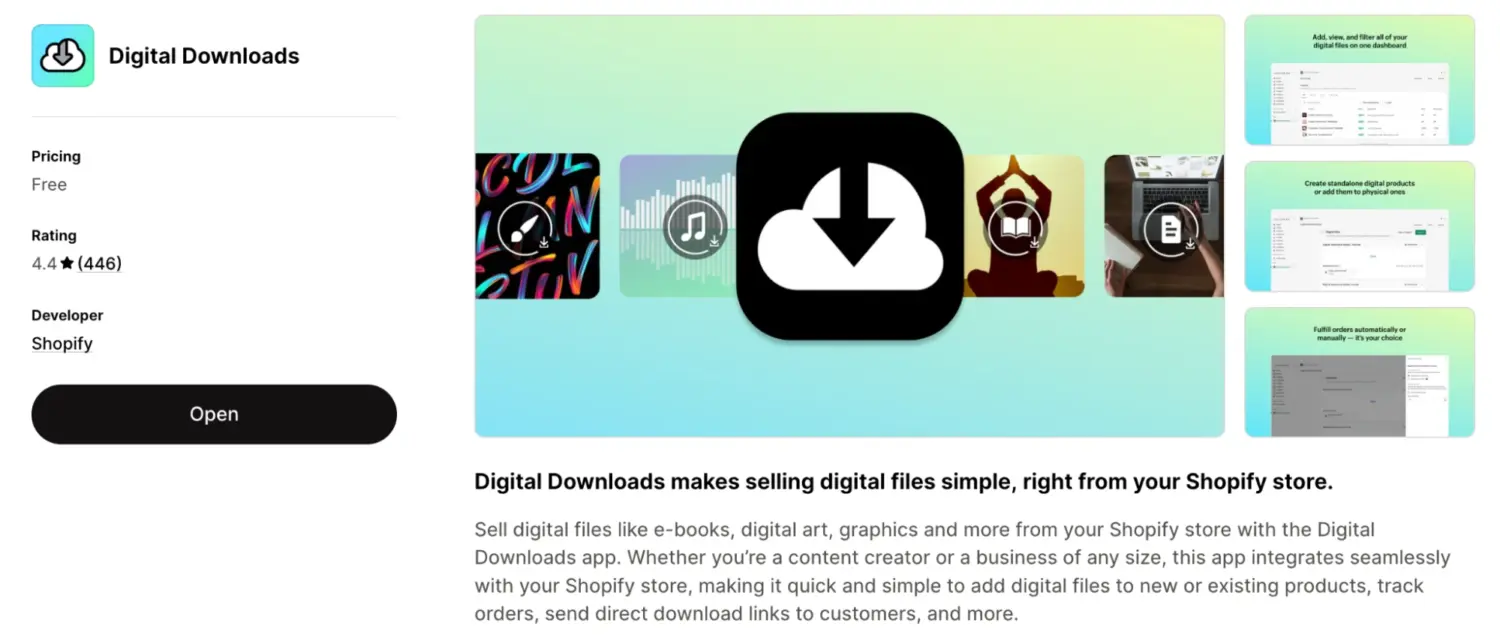
Overview
Built and maintained directly by Shopify, Digital Downloads is the official native solution for selling digital files from your store. It launched back in 2012 and remains the most familiar option for new merchants because it ships free with the platform and requires no third-party signup. The trade-off is that it skips most of the security, customization, and protection features that competing apps prioritize, which explains why long-time users have grown frustrated.
Key features
| Pros | Cons |
|---|---|
| – Official Shopify app, native admin integration – Supports files up to 5GB, suitable for most ebooks/audio – Easily combines digital + physical products in one listing – Available in 21 admin languages | – No watermarking, license keys, or fraud protection – Email delivery is unreliable. Links may go to spam – No API or webhooks for automation – Risk of broken links or file issues after edits |
If you’re selling structured courses rather than simple downloads, you’ll need a dedicated course platform with features like lessons, quizzes, progress tracking, and student management. Here, Tevello Courses is the best starting point for most merchants thanks to its flat pricing and native Shopify integration, while Courses Plus is better suited for advanced course logic and AI-assisted creation.
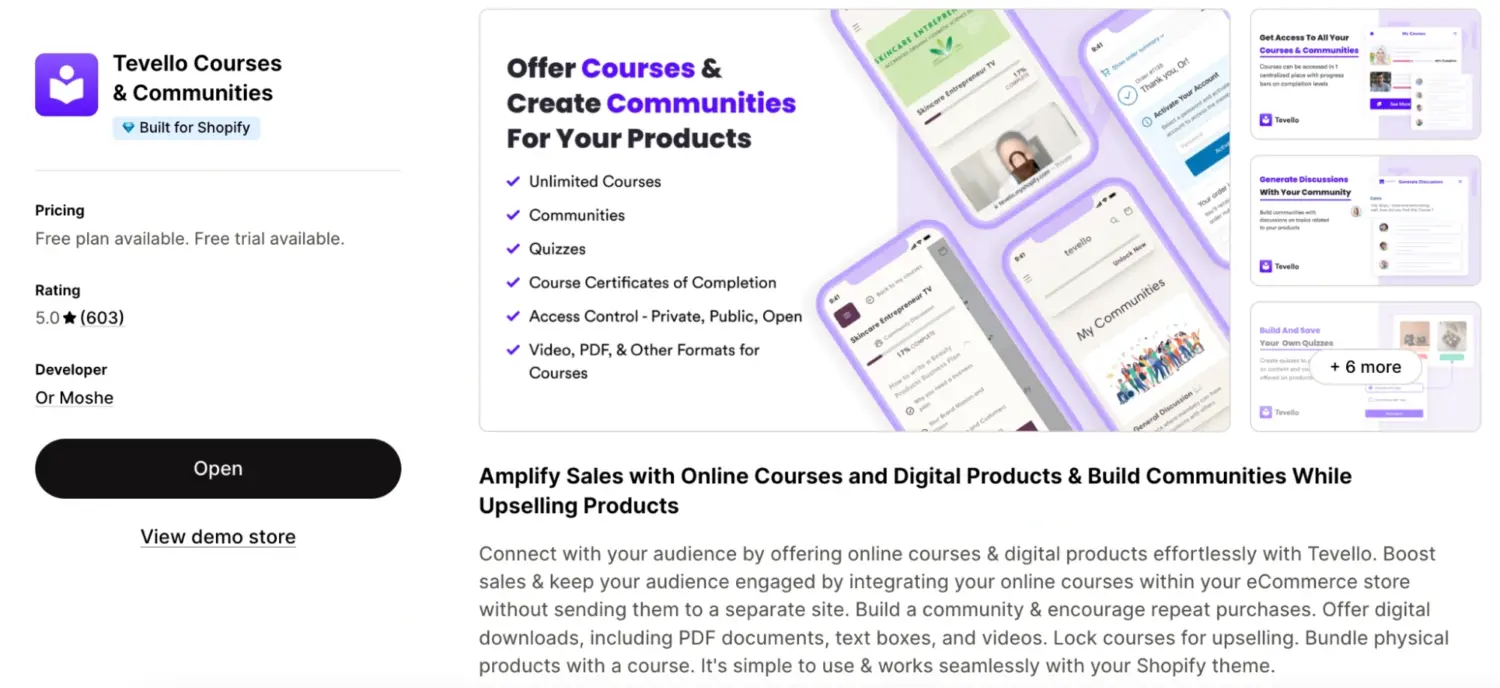
Overview
Tevello is built and supported by founder Or Moshe, and the review section is dominated by merchants praising the app’s personal, hands-on support. Its core thesis is to keep students within your Shopify store rather than redirecting them to an external learning platform, with all course access tied to native Shopify customer accounts. Reviewers frequently mention switching from Teachable or Thinkific to consolidate everything into one ecommerce ecosystem.
Key features
| Pros | Cons |
|---|---|
| – Flat pricing (no limits by students or courses) – Built for Shopify badge with strong native integration – Bundle courses with physical products – Supports multiple languages | – Video hosting capped (100GB storage/ 500GB bandwidth) – Free plan only for dev stores – Quizzes are basic (not full assessment tools) – Smaller team, slower feature updates |
Overview
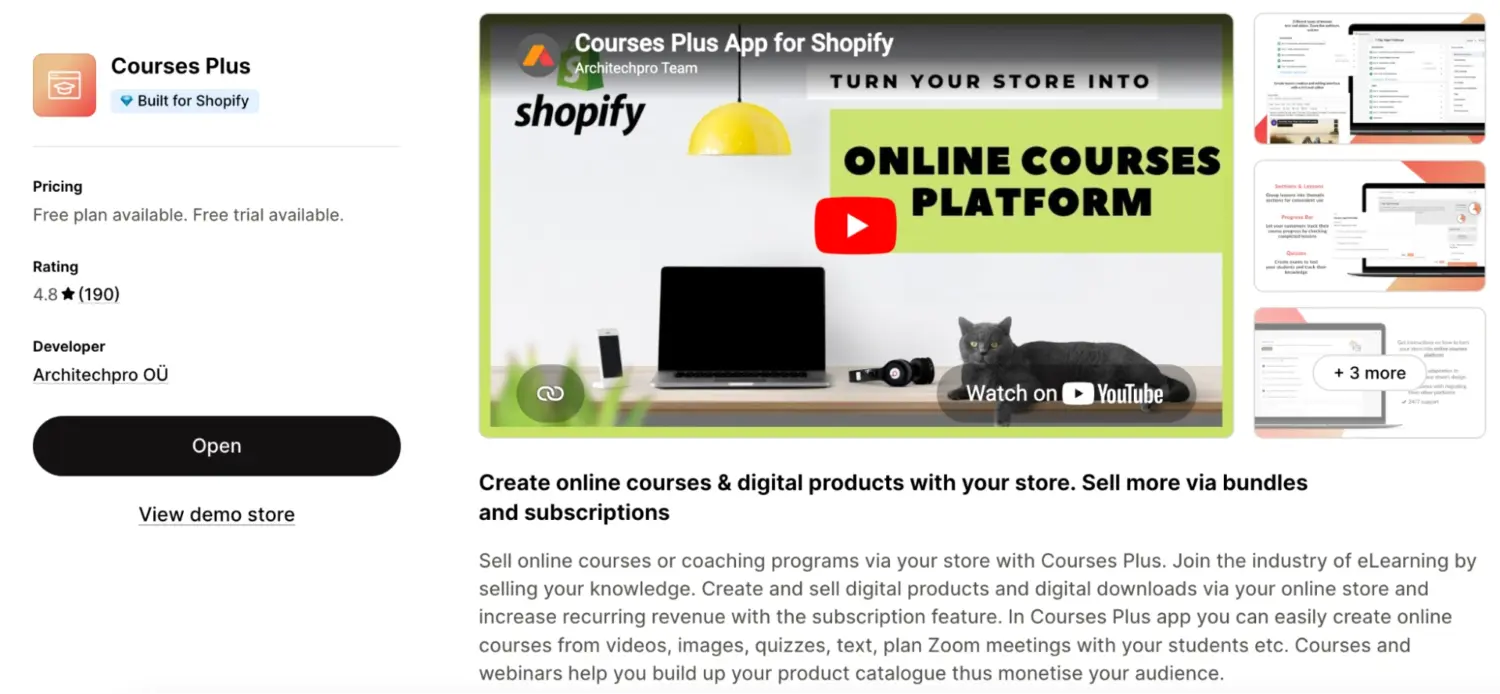
Courses Plus is built by Architechpro OÜ and has been on the Shopify App Store since 2020, earning Built for Shopify certification along the way. It positions itself as a more education-focused alternative to community-led tools like Tevello, with a stronger emphasis on testing, progress tracking, and assessment. The free Demo tier is a real testing option, allowing up to 5 lessons with unlimited students so creators can validate a course concept before paying.
Key features
| Pros | Cons |
|---|---|
| – Built for Shopify certified with strong assessment & grading tools – Supports 24 admin languages – AI quiz creation + learning paths – SCORM support, team enrollment (good for B2B training) | – Lesson limits on lower tiers – Advanced features (certificates, memberships) only on $199.99 plan – Branding shown on lower-tier plans – Depends on external storage like Amazon S3 |
Subscriptions turn one-time digital product sales into recurring revenue and naturally fit with membership sites, monthly content drops, software access, and gated communities. We recommend Recharge as the leading choice for scaling brands due to its mature infrastructure, deep integration ecosystem, and advanced retention capabilities.
Overview
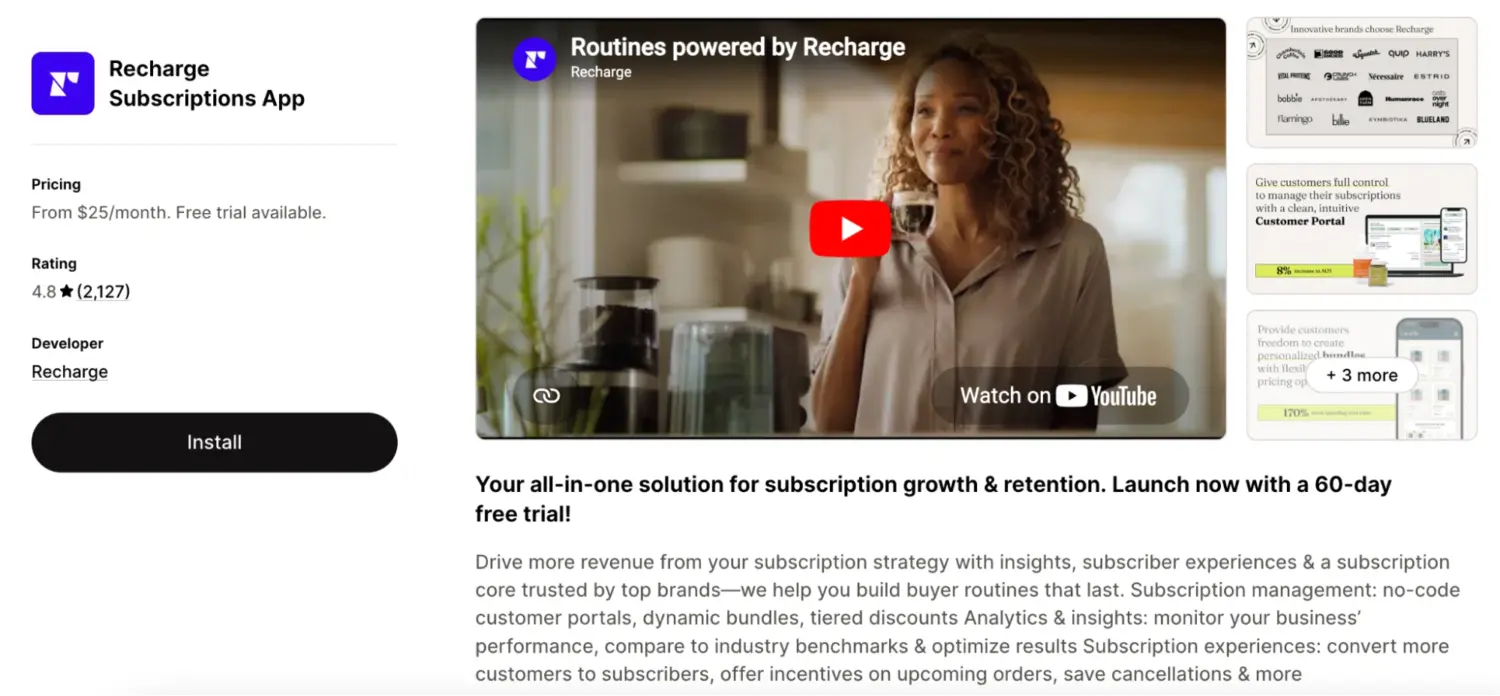
ReCharge is the largest and longest-running subscription app in the Shopify ecosystem, with usage data showing roughly 15,000 active stores and 50M+ subscribers powered through the platform. It positions itself as an enterprise infrastructure for DTC brands, offering a modular feature set, deep integration, and customer portal customization that meet the needs of high-volume operations. Recent reviews note that pricing has climbed steeply for legacy customers, which is worth weighing against the platform’s depth.
Key features
| Pros | Cons |
|---|---|
| – Deep integration ecosystem (e.g. Klaviyo, ads, helpdesks) – Supports advanced models (Build-a-Box, rotating subscriptions) – Modular features reduce need for extra apps – Proven at scale with large DTC brands | – Fees can stack up to 10%+ at low scale – Advanced retention features only on $499 plan – Customer portal less polished (may need custom dev) – Migration out is complex (vendor lock-in risk) |
Overview
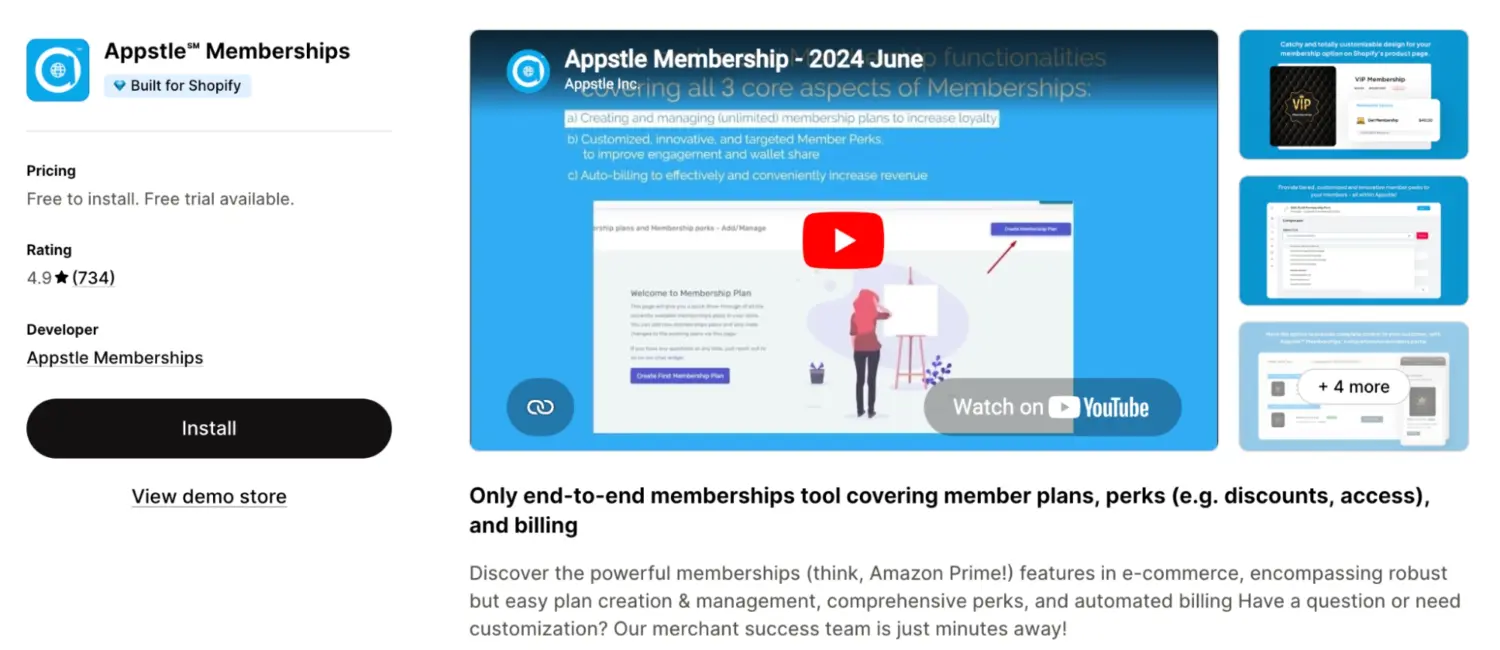
Appstle Memberships is part of the broader Appstle suite (which also includes Appstle Subscriptions and Appstle Loyalty), all developed by Appstle Inc. The membership-specific app focuses on paid membership plans, member perks, and tiered access rather than pure subscription billing. Reviewers consistently highlight 24/7 support and the team’s willingness to make small theme tweaks and integration fixes during onboarding chats.
Key features
| Pros | Cons |
|---|---|
| – Built for Shopify certified, clean native integration – Strong 24/7 live chat support – Works well with Appstle Subscriptions & Loyalty – Tier-based content gating (members-only access) | – Setup optimized for consumables (needs tweaking for other niches) – Loyalty is points-based (not store credit) – Limited native email automation (often use Klaviyo) – Fewer integrations vs Recharge |
Digital product businesses rely on email not just for retention, but for driving repeat purchases through automated flows tied to real customer behavior. This is where Klaviyo stands out as the most important supporting tool in your stack.
Overview
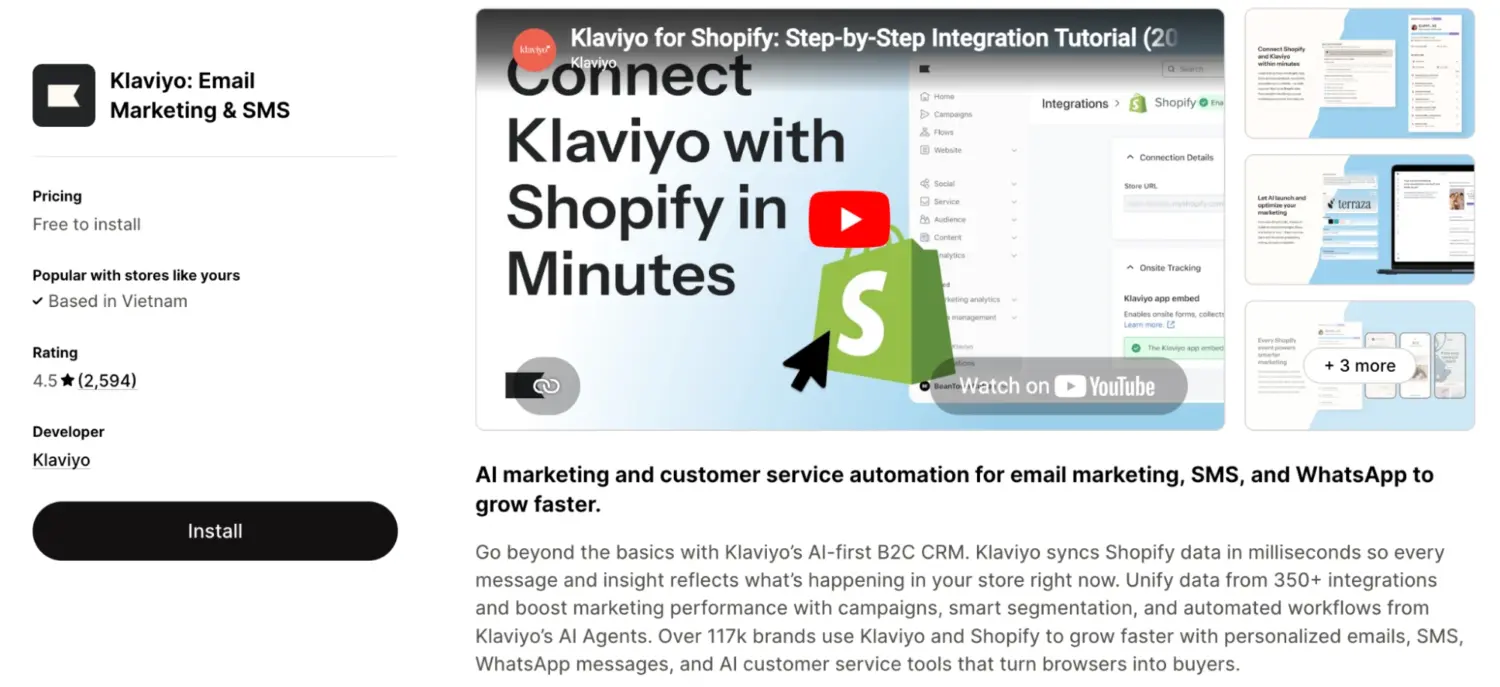
Klaviyo is the most widely deployed email and SMS platform in the Shopify ecosystem, with over 117,000 brands using it and a real-time data sync that pulls customer profiles, orders, and on-site events directly from your store. It is purpose-built for ecommerce rather than a generic email tool, as shown in the depth of segmentation and the pre-built flows that target e-commerce-specific moments. The trade-off worth knowing upfront is that pricing scales with contact count, not just sends.
Key features
| Pros | Cons |
|---|---|
| – Deep Shopify-native data + 350+ integrations – Same features across all tiers (no gating) – Pre-built flows speed up setup – Predictive analytics (churn, next order) | – Pricing based on contacts (inactive still costs) – Steep learning curve for simple use cases – SMS billed separately, can get expensive – Email builder less polished (may need HTML) |
Once you’ve picked your apps, the actual setup process on Shopify takes less than 30 minutes. Here’s the workflow most digital sellers follow to go from empty store to first sale:
For a more detailed walkthrough with screenshots covering every step, including tax setup for international digital sales and tips on bundling digital with physical products, check out this complete guide to selling digital products on Shopify.
Building a profitable digital product store requires a solid foundation. Here are the clear winners based on our testing:
Start with one delivery tool and Klaviyo. You can always add course or membership features later as your revenue grows. Good luck!
No. Shopify lets you list digital items by unchecking “Requires shipping”, but the core platform cannot host files or send download links. You must install an app to actually deliver the product after checkout.
It works for absolute beginners testing simple files. However, it lacks security features like watermarking, license keys, and video streaming. If you care about protecting your content from piracy, you will outgrow it immediately.
Yes, if you sell to customers in the EU or the UK, you must collect Value Added Tax based on the buyer’s location. You can easily automate this by enabling the “Charge VAT on digital goods” option in your Shopify tax settings.
Shopify restricts you to 5 GB per file on their free app. To sell larger assets, such as 4K videos or heavy software, you need a third-party app like Sky Pilot that connects to external storage to bypass this limit.

Shoppers hesitate to buy a $1,200 sofa or a custom ring when they can’t see the exact version they’re...

Selling personalized products on Shopify gets hard the moment a shopper needs to type a name or choose a...

The UK is the largest eCommerce market in Europe and the third-largest in the world. For international Shopify stores,...
