


Ruby Tran
•
Last updated: 4 September, 2026
BOGOS Feature Wrap-Up: August 2026
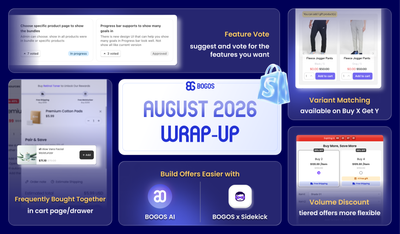
August brought BOGOS’s users bigger sales power and smarter workflows, from expanded upsell placements and flexible Volume Discount tiers...
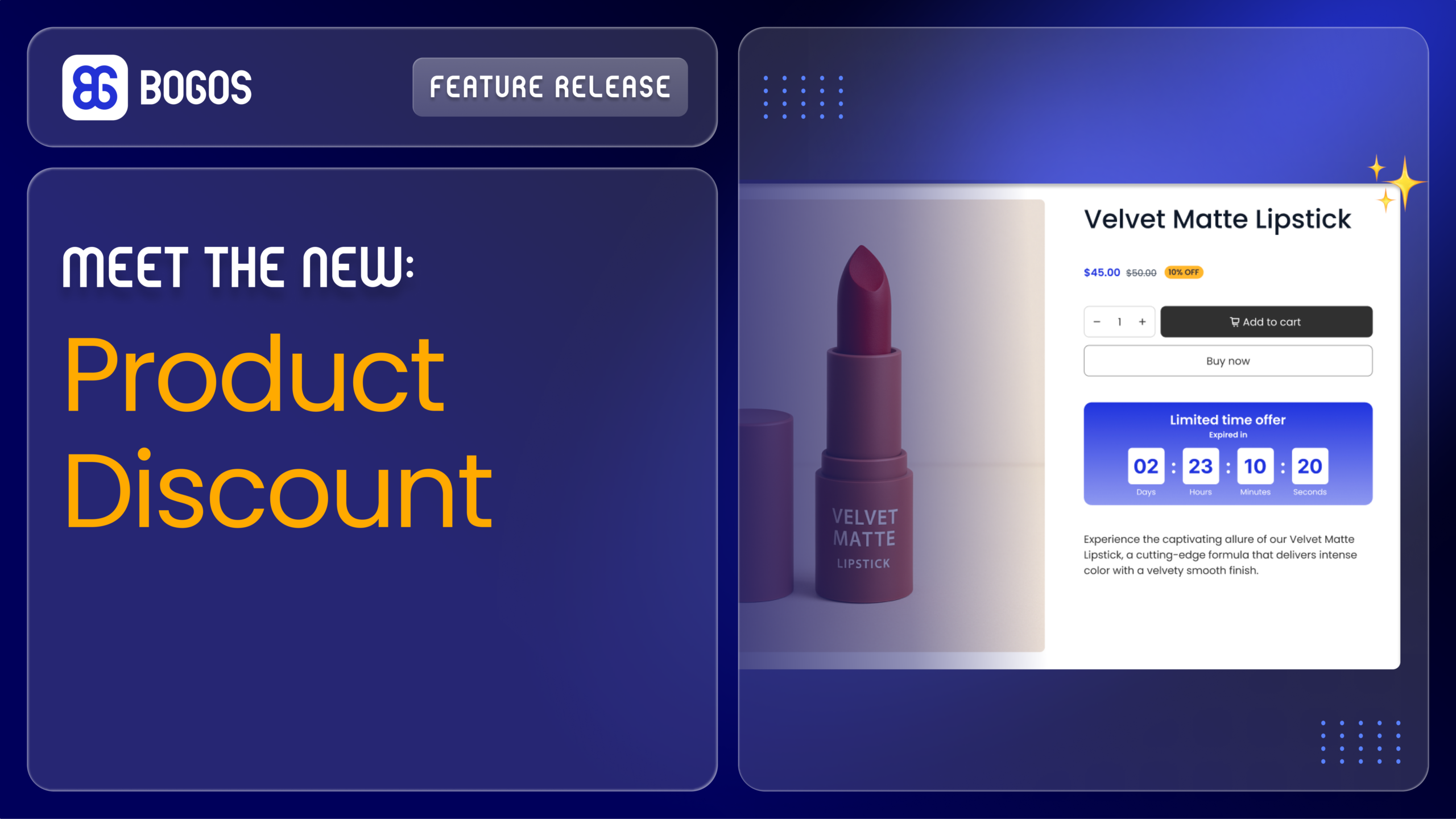
New BOGOS Feature: Product Discount

Content Marketing Executive
Summarize this post with AI
We are excited to announce that Product Discount is now built right into BOGOS: Free Gift Bundle Upsell app – giving Shopify merchants a powerful new way to drive sales by applying a discount per product automatically in the cart, with no coupon code needed.
A product discount applies a discount per product in your store, and the discounted price applies automatically in the cart.
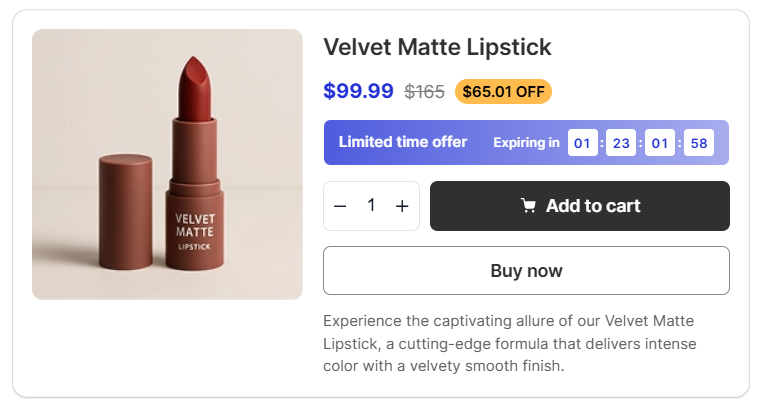
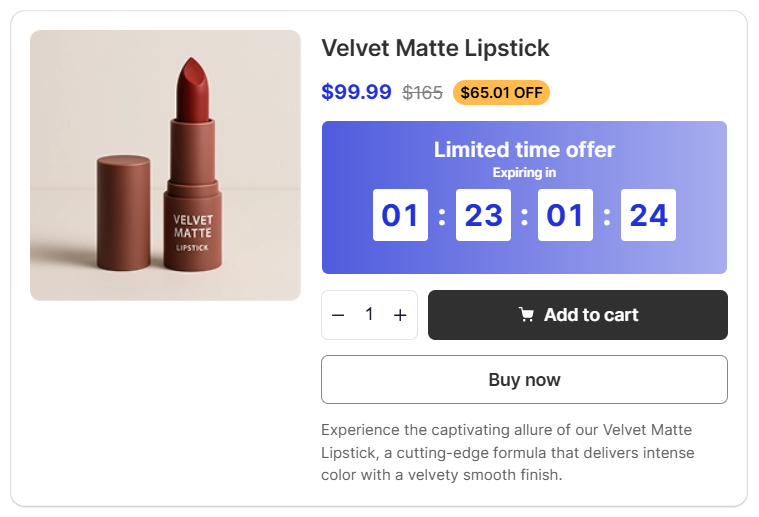
Product Discount is built for merchants who want to move specific products faster without complicating the shopping experience.
Here are some proven ways to use it with our BOGOS: Free Gift & Bundle Upsell app:
As Product Discount is available now to all BOGOS users on all plans, you can set it up right away in just a few minutes:
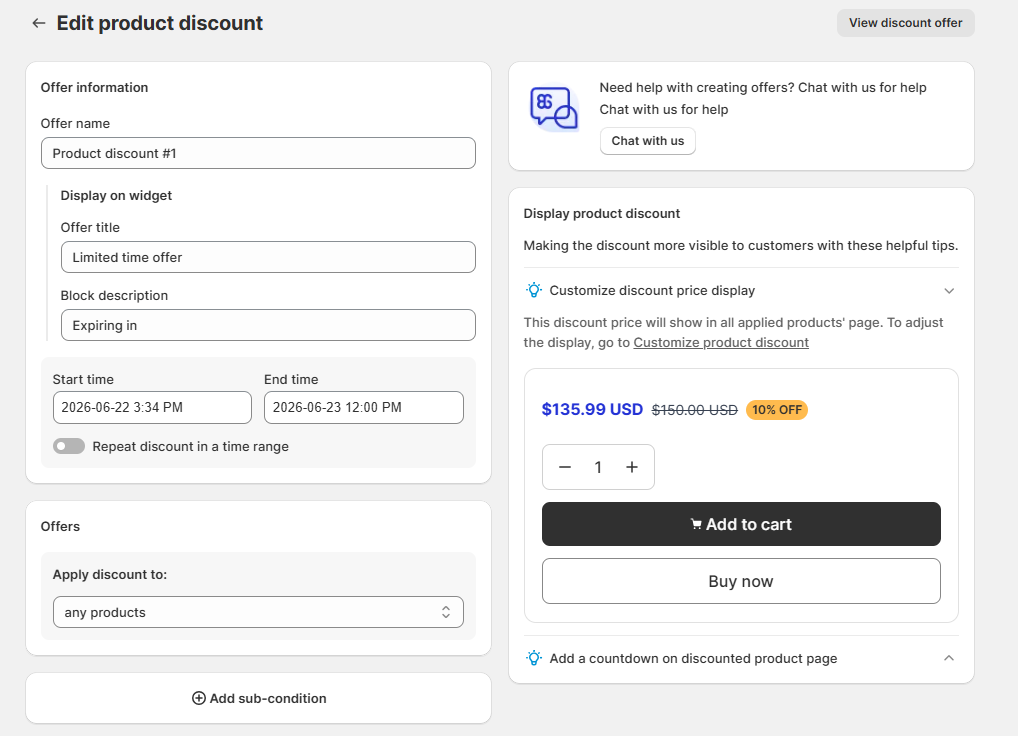
For more details, visit our [Create Product Discount] and [Customize Product Discount] guides.
If you need any assistance, feel free to reach out to our customer support team via live chat within our BOGOS app.
P/S: Follow us on LinkedIn for live product updates and daily expert tips!

August brought BOGOS’s users bigger sales power and smarter workflows, from expanded upsell placements and flexible Volume Discount tiers...
July brought a brand-new way to promote across your storefront, real performance data for your boosters, smarter scheduling for...
June at BOGOS was all about giving you more ways to sell smarter, from a brand-new bundle experience and...
