


Juice Bui
•
Last updated: 14 October, 2026
BOGOS Now Integrates with Yotpo
We’re excited to announce that BOGOS now integrates with Yotpo, making it easier for Shopify merchants to build trust...
New BOGOS Feature: Bundle Product Page

Content Marketing Executive
Summarize this post with AI
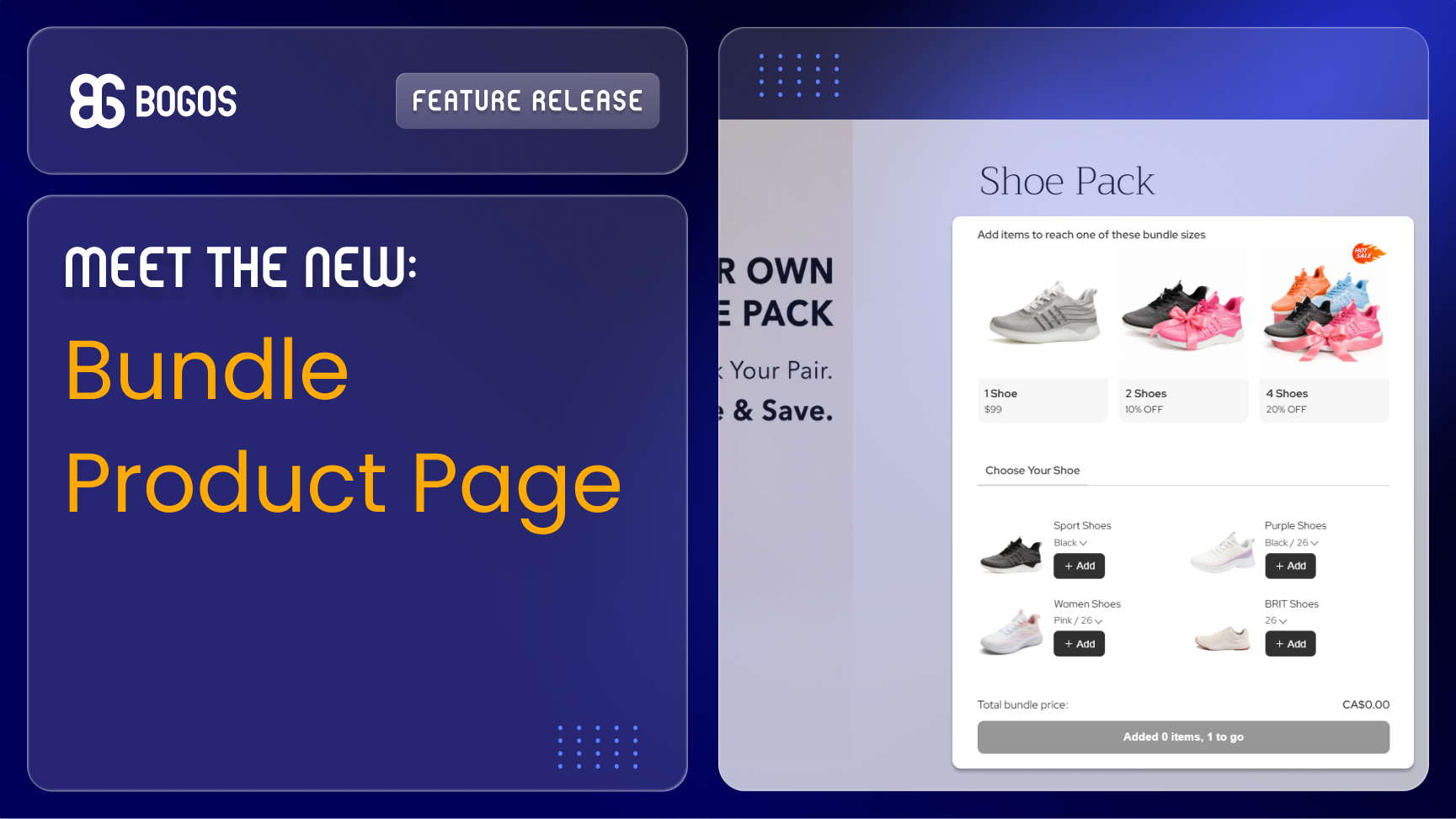
We are excited to announce that the Bundle Product Page is now available in the BOGOS: Free Gift Bundle Upsell app, a dedicated bundle product page to let customers build their preferred bundle pack.
A Bundle Product Page by the BOGOS app creates a product page for your bundle. Customers can browse a product list, mix and match products/variants/quantities, and unlock a discount once they hit a pack size.
Available on all BOGOS premium plans. See it in action.
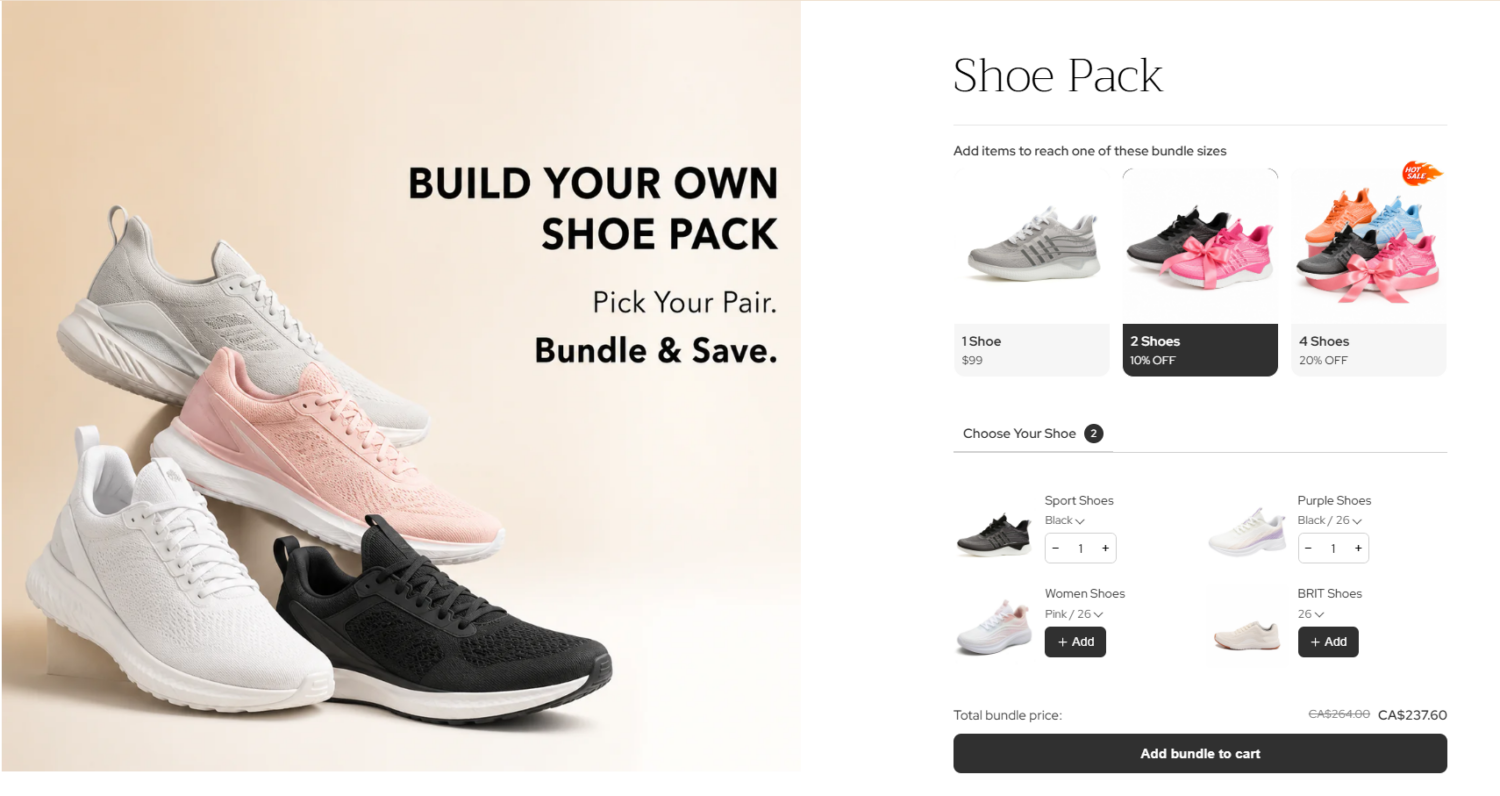
For example:
✅ Step-by-step product selection to guide customers through building their bundle.
✅ Trigger a discount when the number of products added reaches a pack size
✅ Customize and preview the bundle’s display directly in the setup flow.
✅ Customize the display for each individual, as well as the global customization across all bundle product pages.
✅ Widget on child product pages to drive customers back to the bundle product page.
For more details, visit our [Create a Bundle Product Page] and [Customize a Bundle Product Page] guides.
If you need any assistance, feel free to reach out to our customer support team via live chat within our BOGOS app (24/6).
P/S: Follow us on LinkedIn for live product updates and daily expert tips!

We’re excited to announce that BOGOS now integrates with Yotpo, making it easier for Shopify merchants to build trust...
September was all about giving you more ways to show your offers and more control over how your discounts...
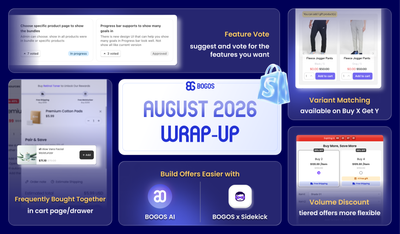
August brought BOGOS’s users bigger sales power and smarter workflows, from expanded upsell placements and flexible Volume Discount tiers...
