


Ruby Tran
•
Last updated: 5 November, 2026
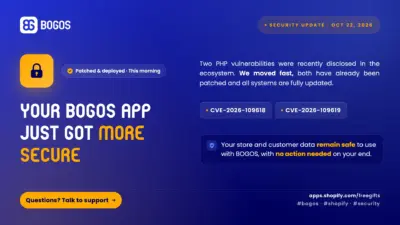
Security Update: BOGOS Is Safe & Fully Patched
BOGOS: Free Gift & Bundle Upsell has been fully updated to address two recently disclosed PHP security vulnerabilities: CVE-2026-109618...
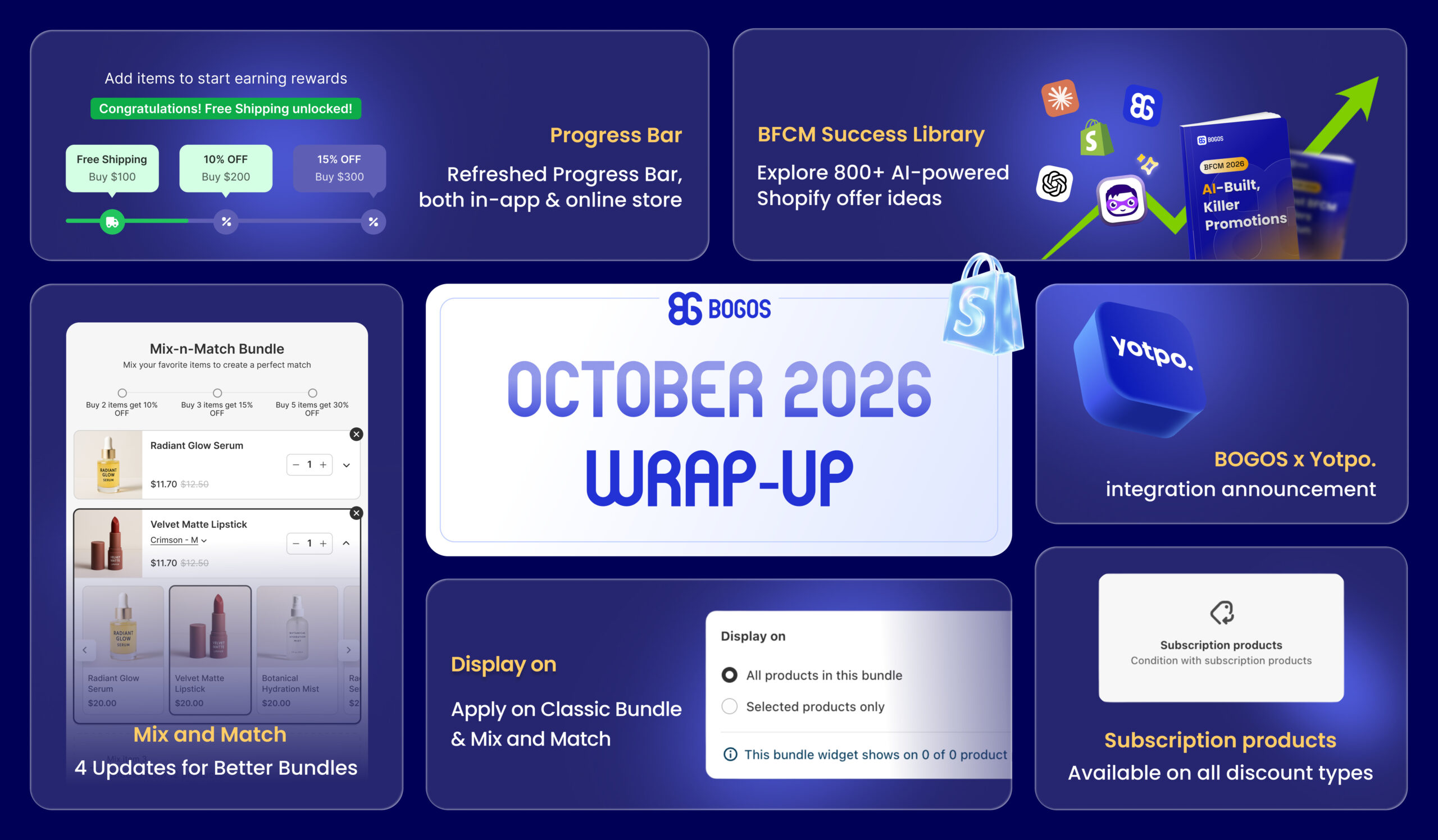
BOGOS Feature Wrap-Up: October 2026

Content Marketing Executive
Summarize this post with AI
October brought a set of updates to give you more control over how your offers appear and where they show up, from new Mix and Match and Classic Bundle settings and a brand-new Progress Bar look to a new subscription option for discounts, Classic Bundle on Shopify POS, and a new Yotpo integration that adds reviews to your gift products.
Let’s dive in:
We’ve rolled out a set of upgrades to give you more control over how your Mix and Match bundles appear and how shoppers interact with them.
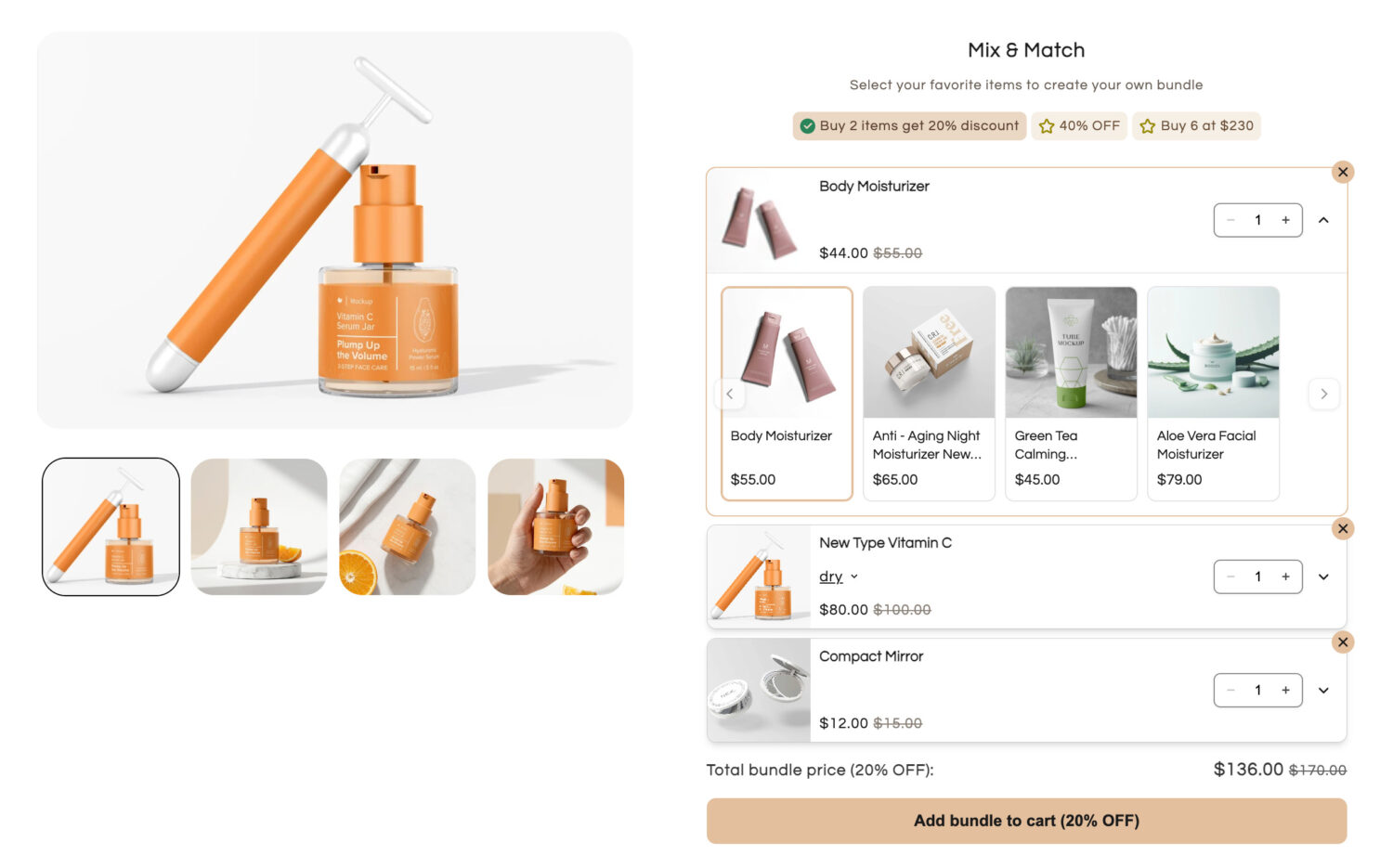
What’s new:
✅ An option to Display the widget only or Selected products
✅ Default product: Decide what shoppers see first in each Mix item
✅ Set max quantity: Limit how many items shoppers can pick in each Mix item
✅ Layout: Pick how shoppers select products (Open a modal or Expand on widget)
How to set it up: Open BOGOS app > All Offers > Create Mix and Match.
For more details, read the [Create Mix and Match] help doc.
Classic Bundle gets two major upgrades this month, more control over where it shows up online, and the ability to sell bundles in-store through Shopify POS.
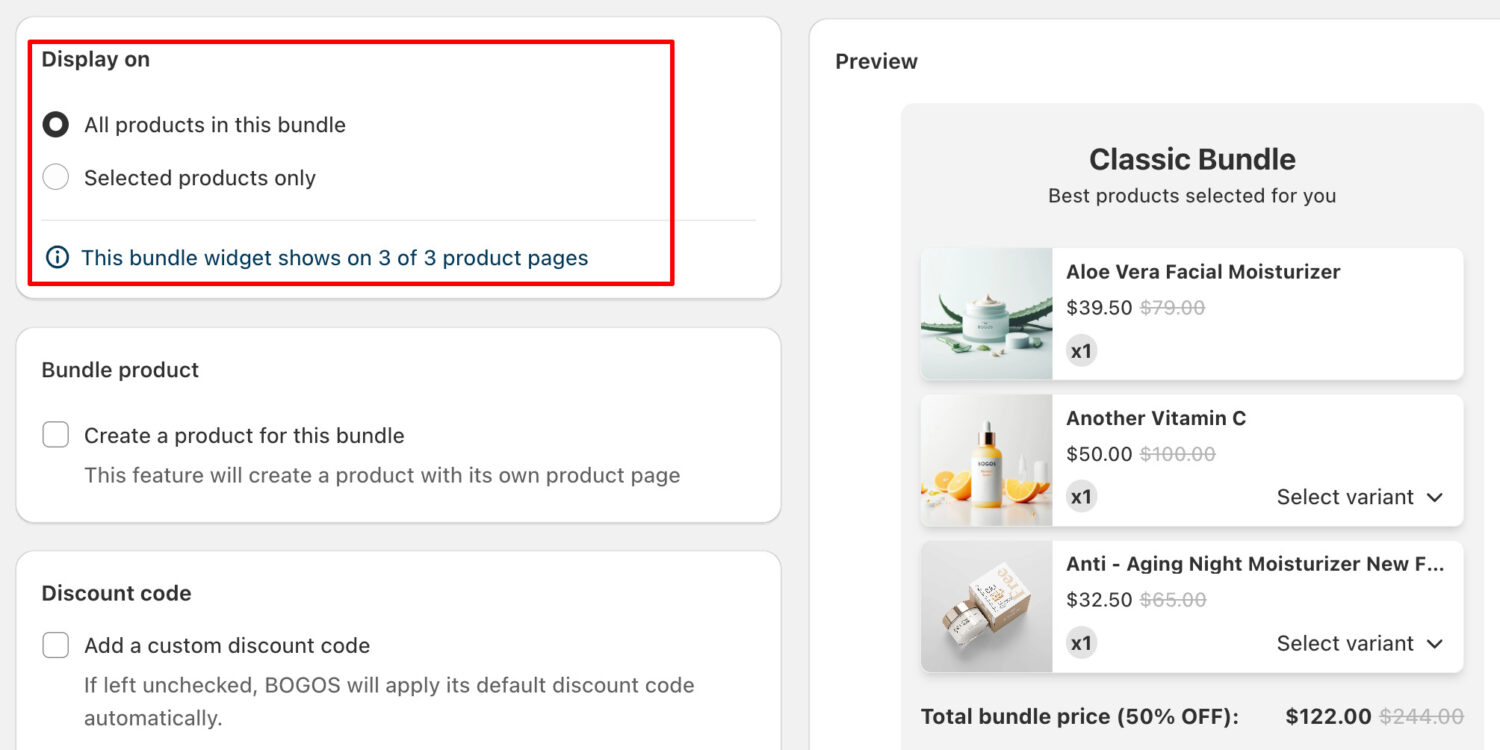
What’s new:
✅ An option to Display the widget only or Selected products
✅ Classic Bundle on Shopify POS: Your in-store staff can add Classic Bundles to the cart from the product detail page on Shopify POS (iOS & Android).
How to set it up:
For more details, read the [Create Classic Bundle] and [Add Classic Bundle to an order on POS] help docs.
You can now target subscription buyers and one-time purchase buyers separately across all 4 discount types.
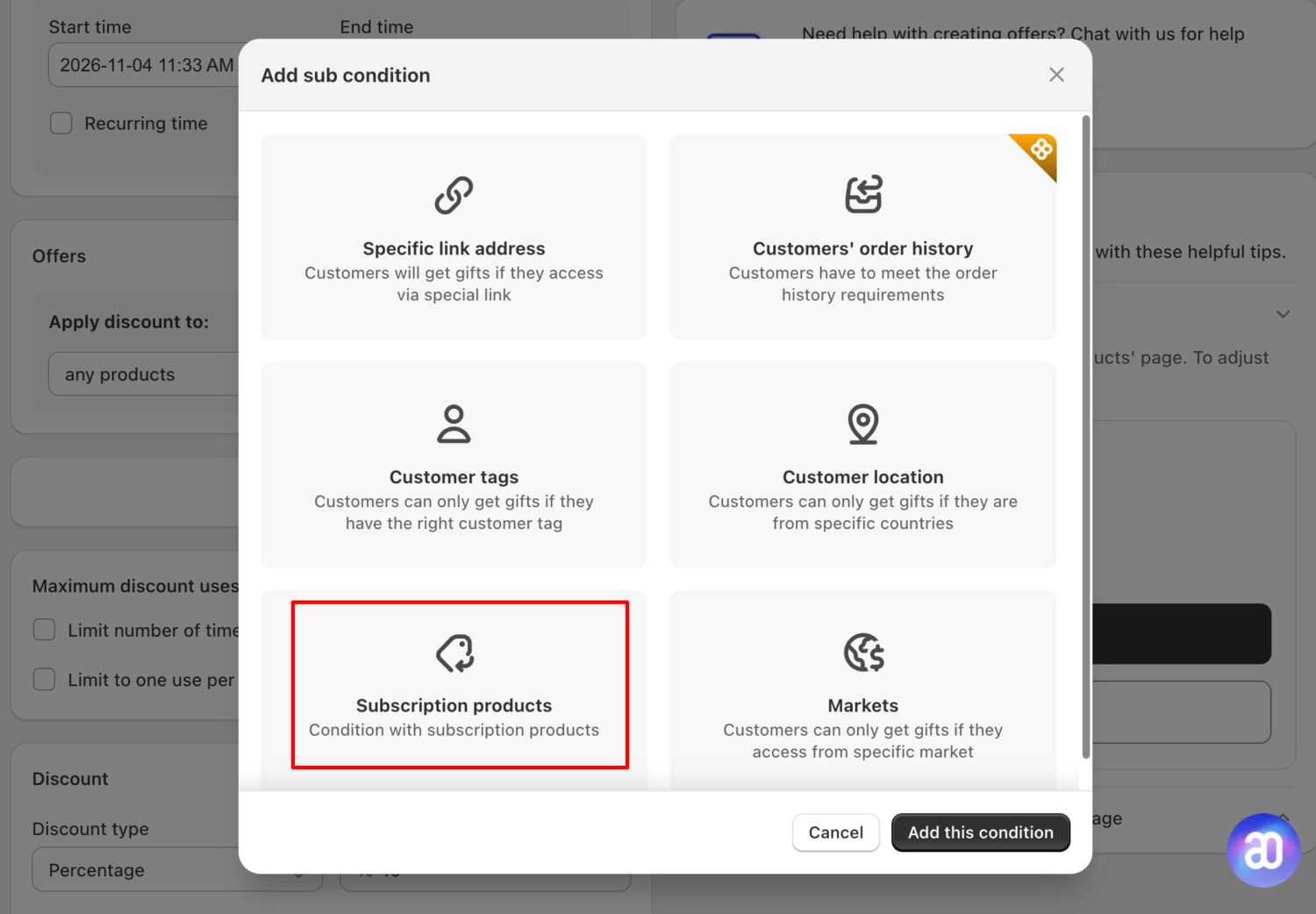
✅ What you’ll get: Apply offers only to subscription products, or only to one-time purchase products.
How to set it up: Open BOGOS app > Create Discount offer > Sub-conditions > Subscription products.
Note: Your store must have a subscription app (e.g., Appstle, Recurpay) connected for this sub-condition to work.
For more details, read the [Sub-Condition on Bundle, Upsell, Discount] help doc.
The Progress Bar has been completely refreshed, both in-app and on your storefront, so you can match it to your brand, and motivate shoppers to reach each goal.
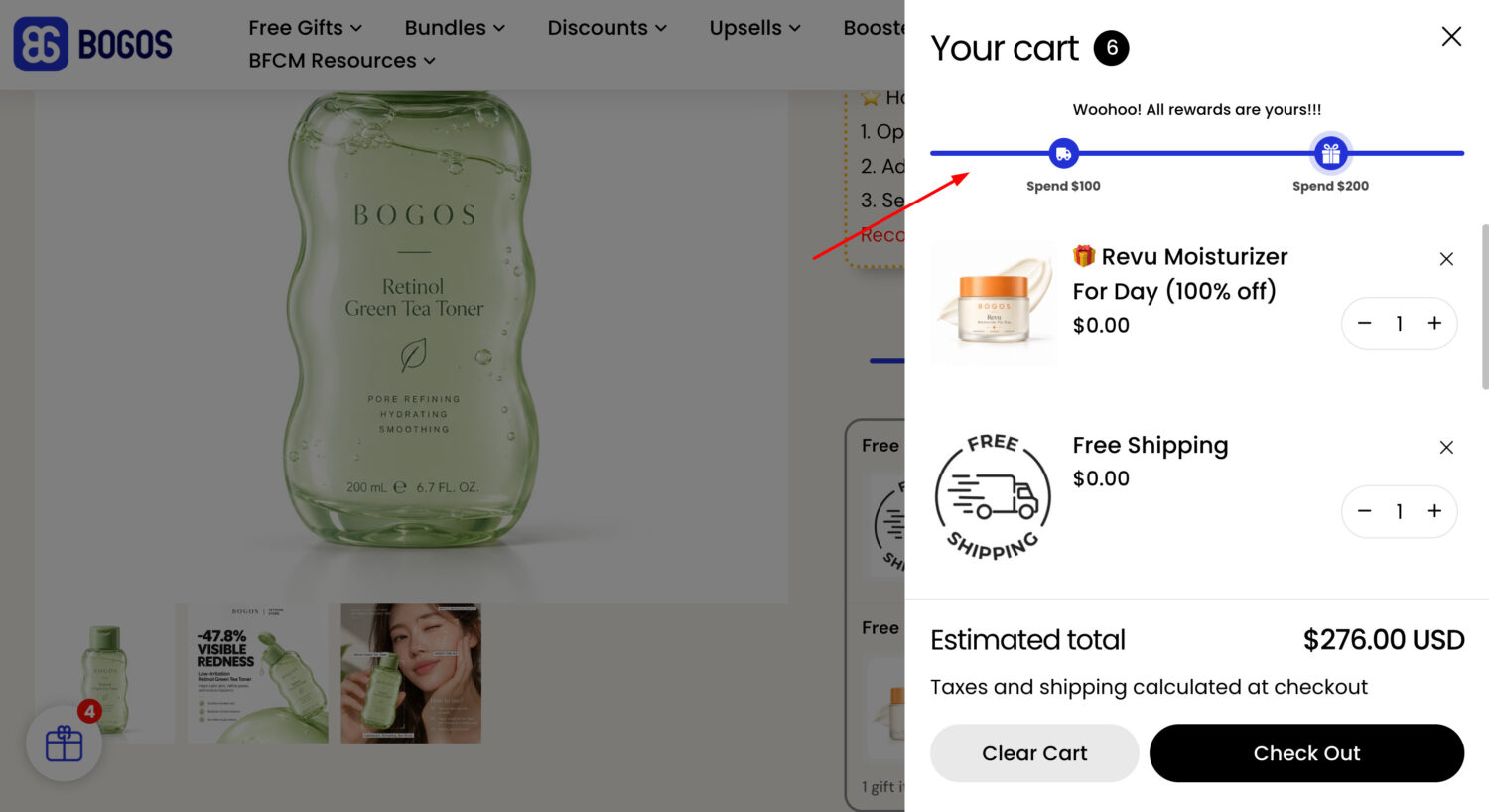
What you’ll get:
✅ New Style tab: Easily customize how your Progress Bar looks with more styling options.
✅ Each goal now has its own Countdown message and Success label
✅ Display milestones as Icons or Numbers depending on the look you want.
How to set it up: Open BOGOS app > Boosters > Progress Bar.
For more details, read the [Create Progress Bar] help doc.
✅ Back up your boosters or move them between stores. Export all boosters, or filter by type, as a CSV file.
✅ Import the CSV to another store anytime to add the boosters without setting them up again.
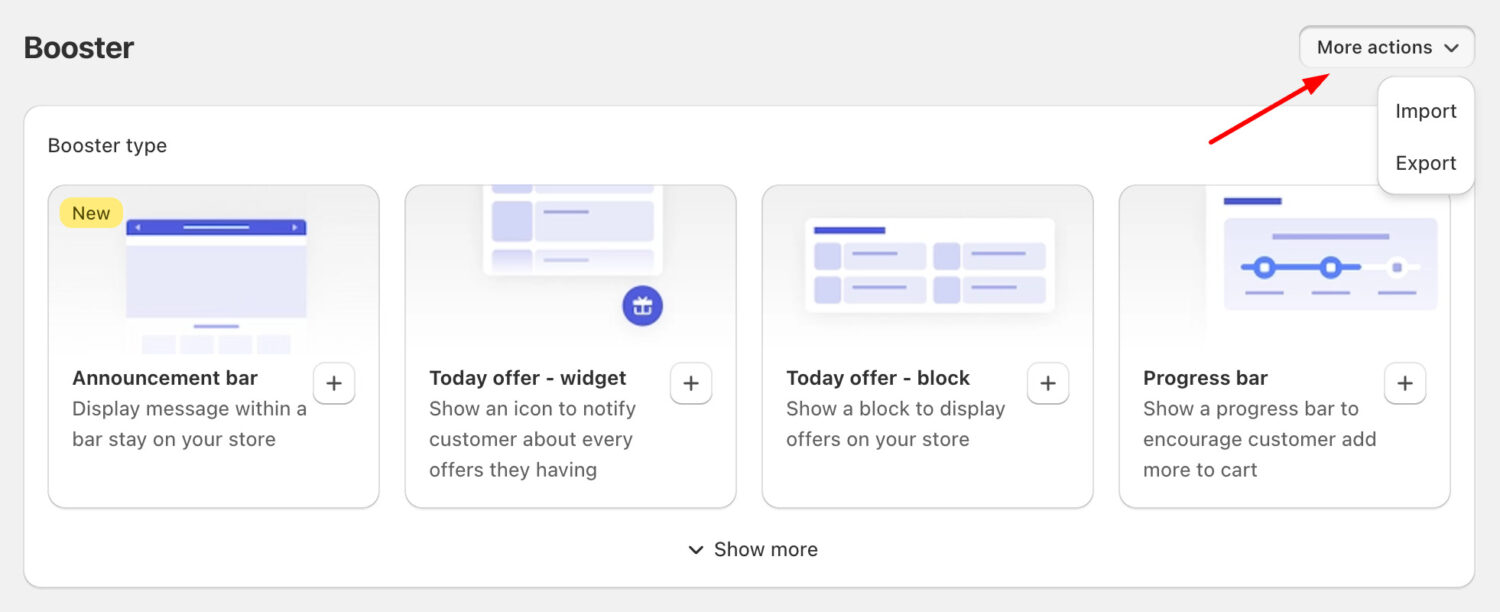
How to set it up: Open BOGOS app > Boosters > More actions > Import or Export.
For more details, read the [Import/Export Booster] help doc.
We’re excited to introduce the BOGOS × Yotpo integration, a new way to collect authentic reviews from your gift products and showcase star ratings directly on your BOGOS widgets.
What you’ll get:
✅ Collect authentic Yotpo reviews from cloned gift products and sync them back to the original product.
✅ Show Yotpo star ratings directly on the Gift Slider or Bundle Widget to build social proof where it matters most.
How to set it up: Open BOGOS app > Integration > find Yotpo > Connect.
For more details, read the [Yotpo Integration] help doc.
BFCM is the biggest sales moment of the year, and we’ve put together a complete resource hub with data insights from 880+ top stores, free AI prompts, ebooks, and video tutorials to help you prep your store, your offers, and your team.
👉 Check out the [BFCM 2026 Resource Hub] for playbooks, offer ideas, and setup tips to make this your best BFCM yet.
Connect with our support team via live chat within the BOGOS app. We’re here for your success!
Stay in the loop – follow us on LinkedIn and bookmark our product update page for the latest releases.

BOGOS: Free Gift & Bundle Upsell has been fully updated to address two recently disclosed PHP security vulnerabilities: CVE-2026-109618...
We’re excited to announce that BOGOS now integrates with Yotpo, making it easier for Shopify merchants to build trust...
September was all about giving you more ways to show your offers and more control over how your discounts...