


Ruby Tran
•
Last updated: 22 October, 2026
Security Update: BOGOS Is Safe & Fully Patched
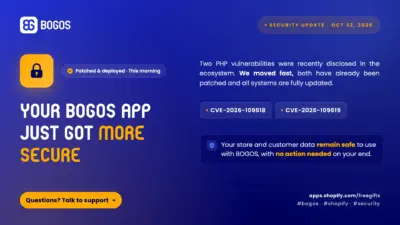
BOGOS: Free Gift & Bundle Upsell has been fully updated to address two recently disclosed PHP security vulnerabilities: CVE-2026-109618...
BOGOS Feature Wrap-Up: July 2026

Content Marketing Executive
Summarize this post with AI
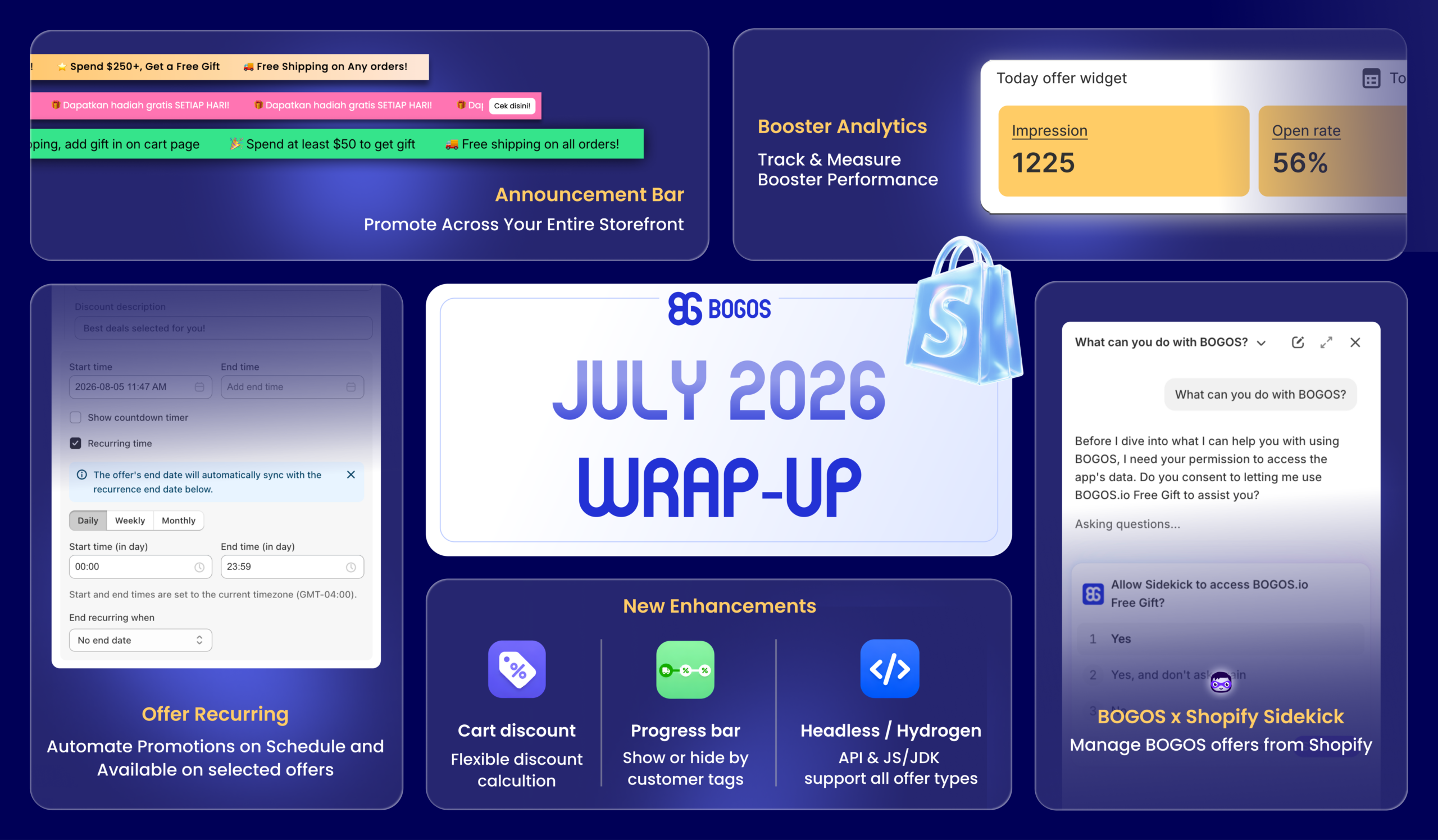
July brought a brand-new way to promote across your storefront, real performance data for your boosters, smarter scheduling for your offers, and a set of enhancements to give you even more control over discounts, targeting, and integrations.
Let’s explore them together:
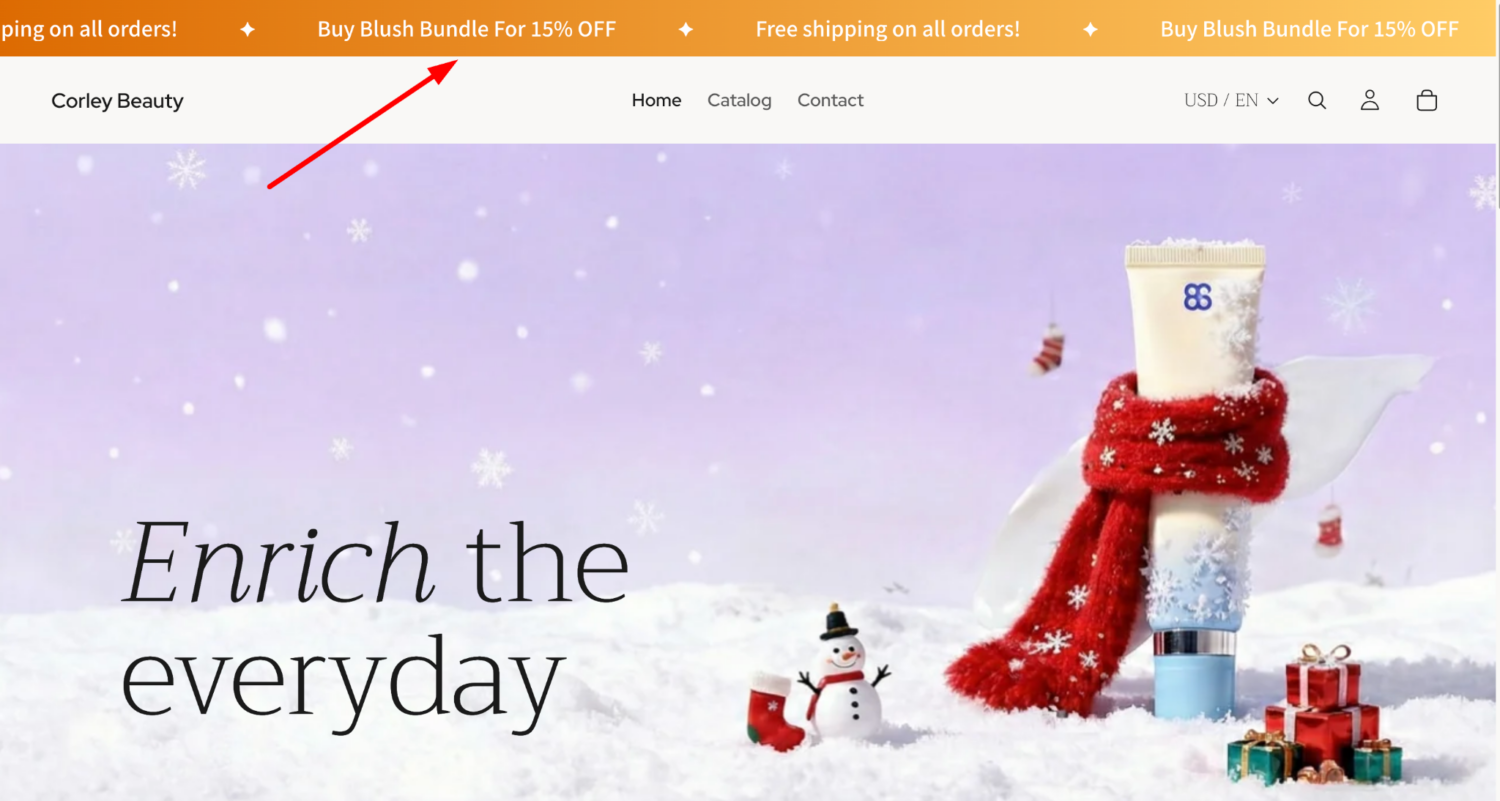
We’re excited to introduce the Announcement Bar, a new booster that displays promotional messages across your store, whether it’s active BOGOS offers, free shipping notices, or limited-time deals, to grab attention and drive more clicks.
What you’ll get:
✅ 3 display modes to fit your style: Static, Marquee, or Slider.
✅ Sync messages directly from your BOGOS offers.
✅ Control where the bar appears.
✅ Target or exclude customers by country.
✅ Fully customizable styling with a live preview.
How to set it up: Open BOGOS app > Boosters > Announcement Bar.
For more details, please view Demo on Store or watch How to set up Announcement Bar
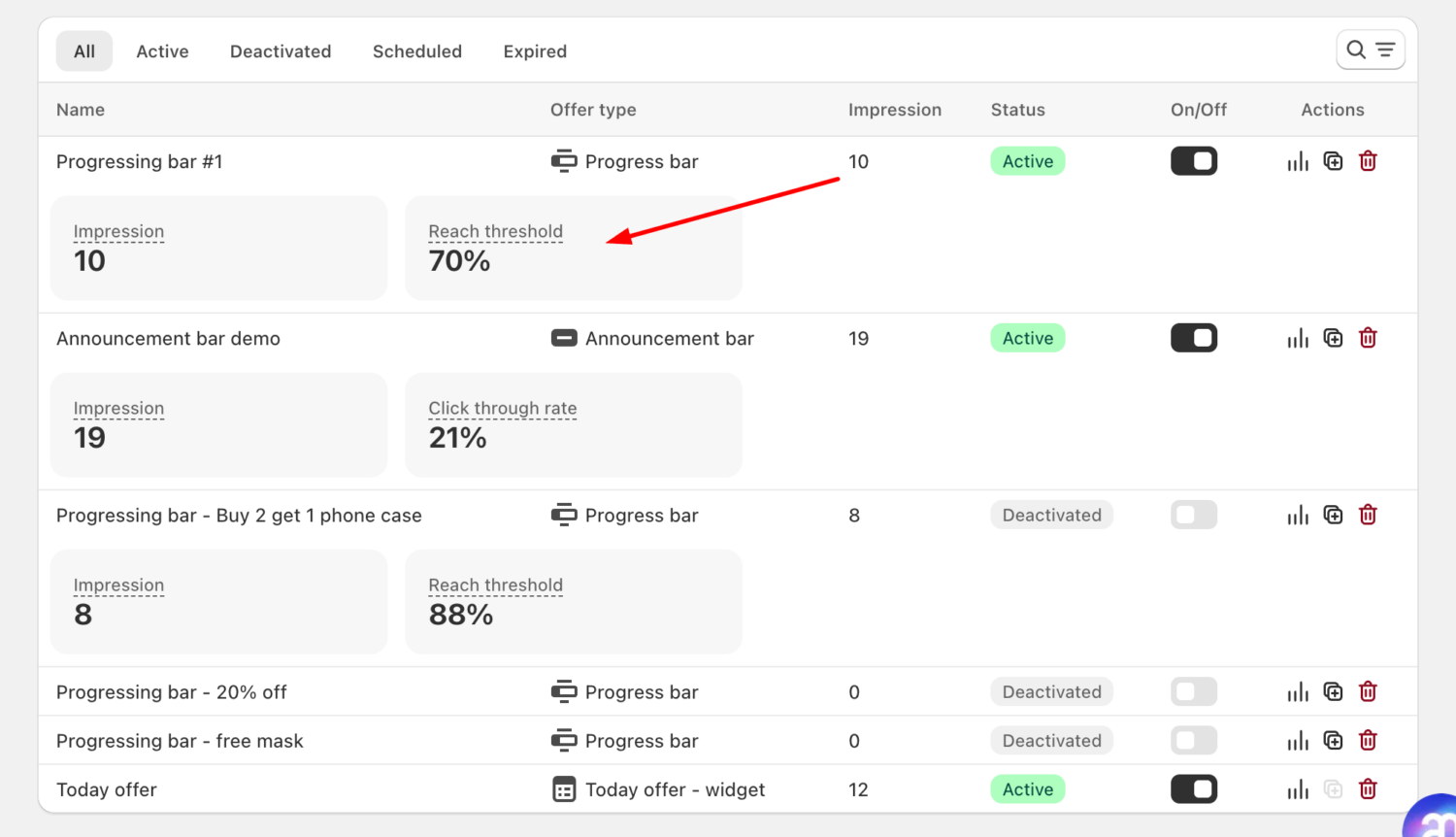
You can track how each booster is performing with Booster Analytics, a dedicated performance overview built to help you evaluate what’s working and optimize for better results.
What you can track:
✅ Progress Bar: Impressions & Reach Threshold.
✅ Announcement Bar: Impressions & Click-through Rate (CTR).
✅ Today Offer – Block: Impressions, Scroll Visibility & CTR.
✅ Today Offer – Widget: Impressions, Open Rate & CTR.
✅ Offer Page: Impressions, Bounce Rate & CTR.
⚠️ Note: Analytics shows data from the past 30 days.
How to see it: Open BOGOS app > Boosters > Click the “Analytics” icon on any booster.
For more details, read the Booster Analytics Help doc.
No more manually toggling the same offer on and off. With Recurring Time, you can set any offer to repeat automatically: daily, on specific days of the week, or monthly, perfect for flash sales, weekend promotions, or monthly campaigns.
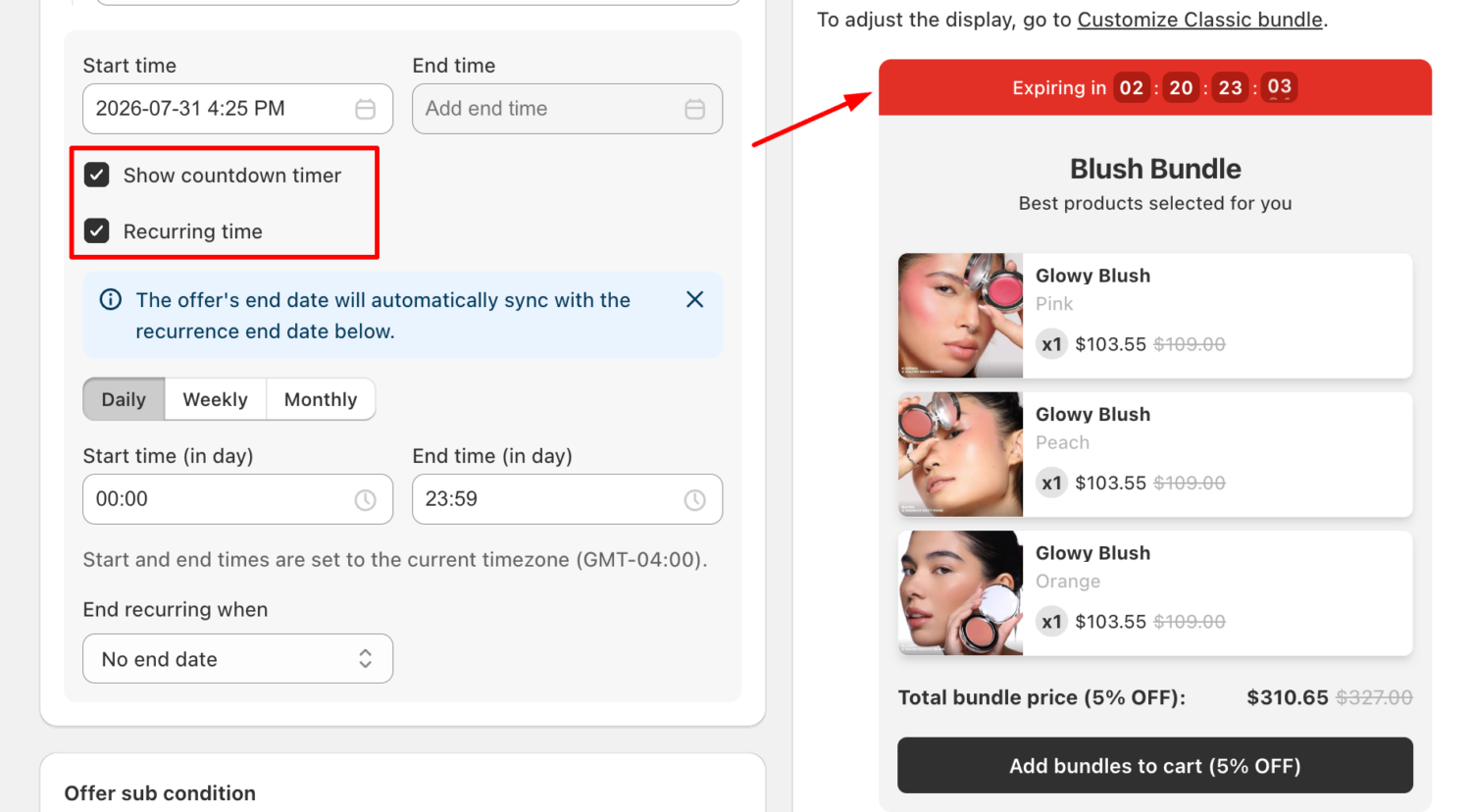
What you’ll get:
✅ 3 scheduling frequencies: Daily, Weekly, or Monthly.
✅ Set a daily active window for each session (e.g., 9:00 AM to 11:00 AM).
✅ Choose when to stop: no end date, on a specific date, or after a set number of runs.
✅ Countdown timer support during each recurring session.
Now available for: Volume Discount, Cheapest/Most Expensive Item Discount, Cart Discount, Product Discount, and Classic Bundle.
How to set it up: Open any supported offer > In “Offer information” > Enable “Recurring time”.
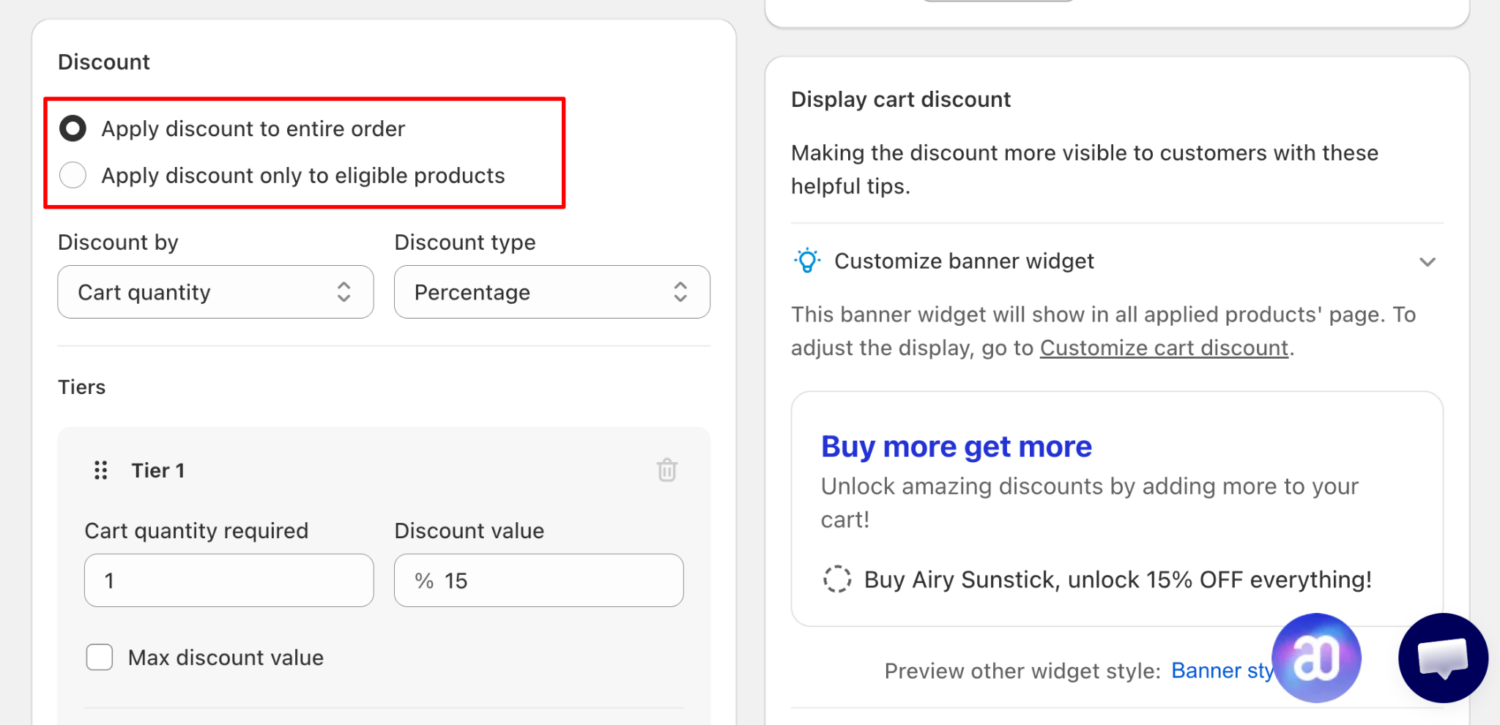
Cart Discount: Choose How Discounts Apply
When setting eligible products, you can now choose whether the discount applies to the entire order or only to eligible products.
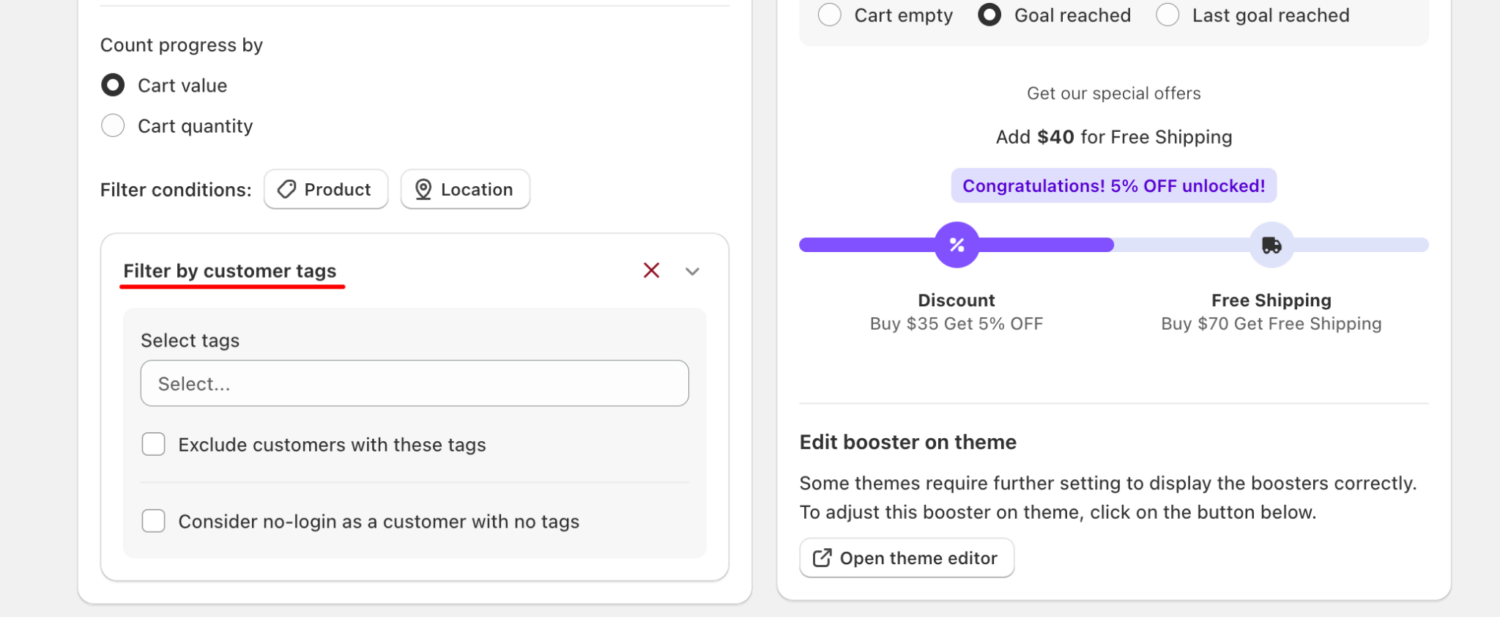
Progress Bar: Filter by Customer Tags
Show or hide the Progress Bar based on customer tags, perfect for targeting segments like VIP or wholesale customers.
Headless/Hydrogen: Full Offer Support
Both API and JS/SDK integrations now support all BOGOS offer types, giving headless stores full access to gifts, bundles, upsells, discounts, and boosters.
For more details, read the help docs: [Cart Discount] · [Progress Bar] · [Headless/Hydrogen]
Search BOGOS offers, check performance stats, find eligible products, and jump to any offer’s edit page, all right from Shopify Sidekick, without opening the BOGOS app.
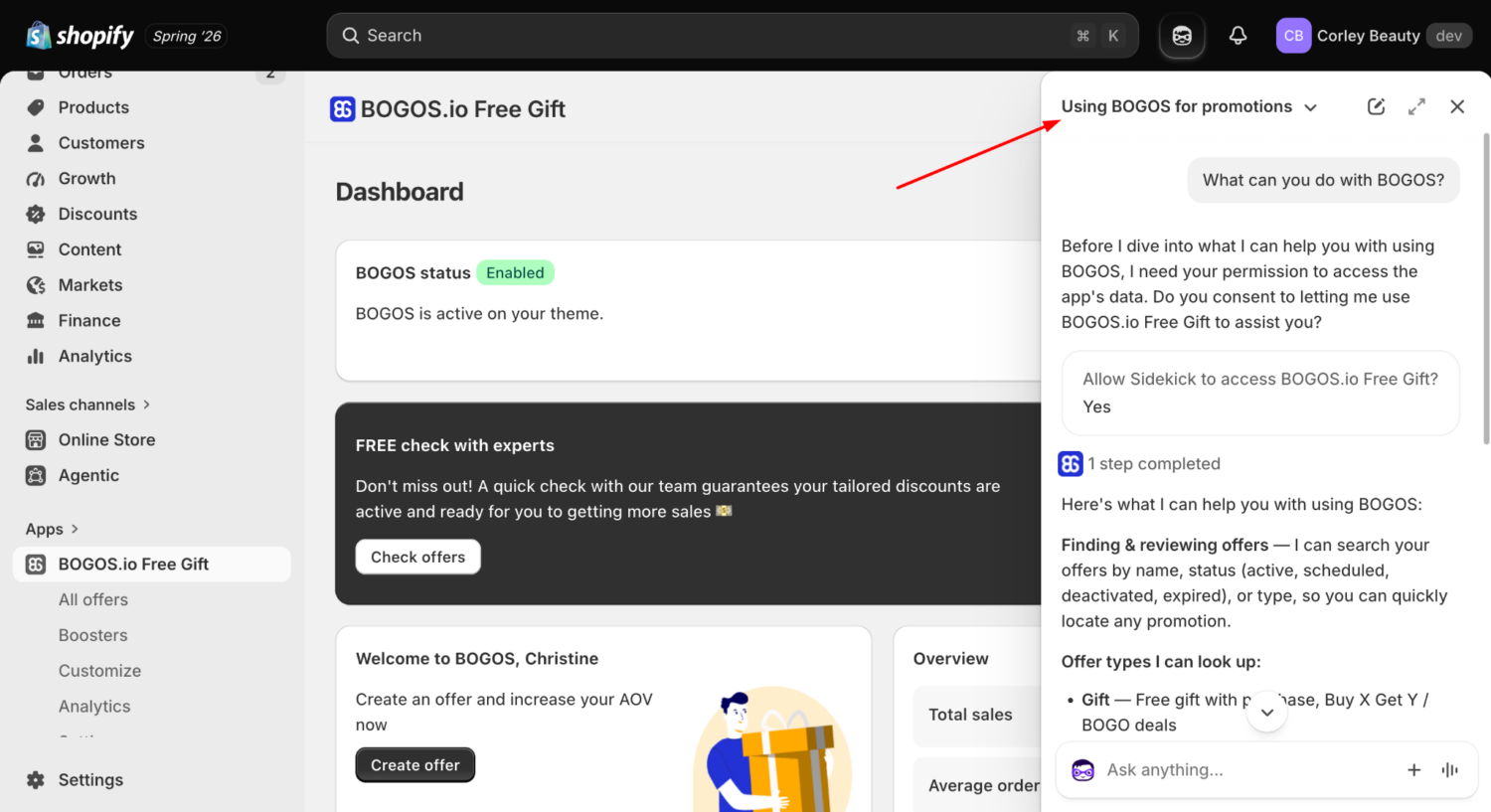
How to use: Open Sidekick > Ask anything about your BOGOS offers.
Connect with our support team via live chat within the BOGOS app. We’re here for your success!
Stay in the loop – follow us on LinkedIn and bookmark our product update page for the latest releases.

BOGOS: Free Gift & Bundle Upsell has been fully updated to address two recently disclosed PHP security vulnerabilities: CVE-2026-109618...
We’re excited to announce that BOGOS now integrates with Yotpo, making it easier for Shopify merchants to build trust...
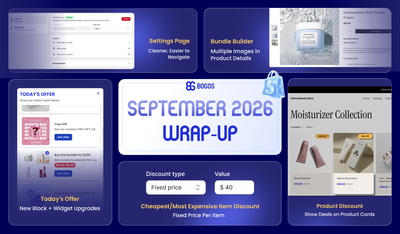
September was all about giving you more ways to show your offers and more control over how your discounts...
