


Juice Bui
•
Last updated: 14 October, 2026
BOGOS Now Integrates with Yotpo
We’re excited to announce that BOGOS now integrates with Yotpo, making it easier for Shopify merchants to build trust...
BOGOS Feature Wrap-Up: August 2026

Content Marketing Executive
Summarize this post with AI
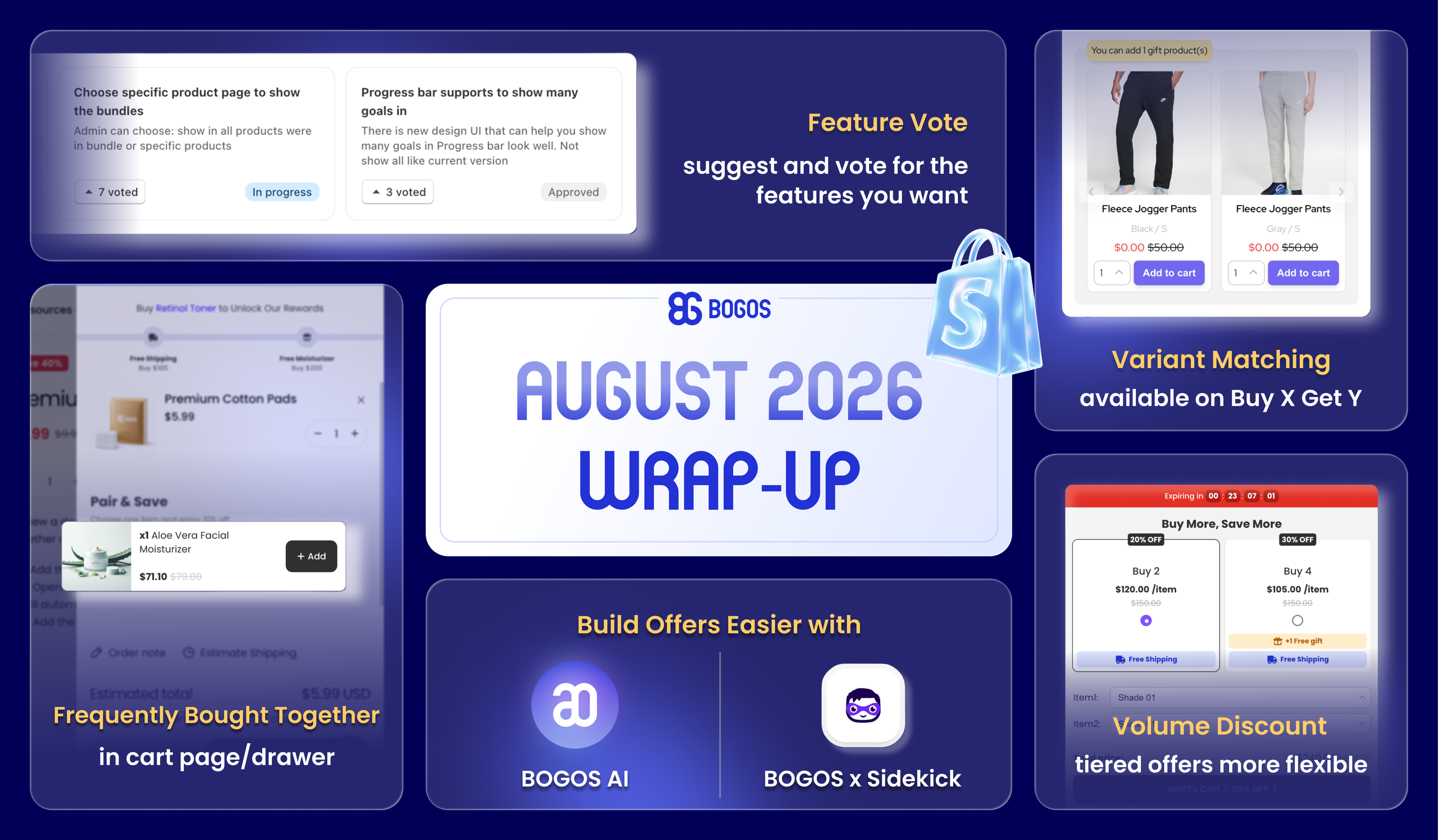
August brought BOGOS’s users bigger sales power and smarter workflows, from expanded upsell placements and flexible Volume Discount tiers to a new Feature Vote where you shape our roadmap, plus AI upgrades that let you build offers in seconds.
Let’s explore them together:
Your FBT offers are no longer limited to the product page. You can now display them on the cart page and cart drawer, catching customers when they’re ready to check out.
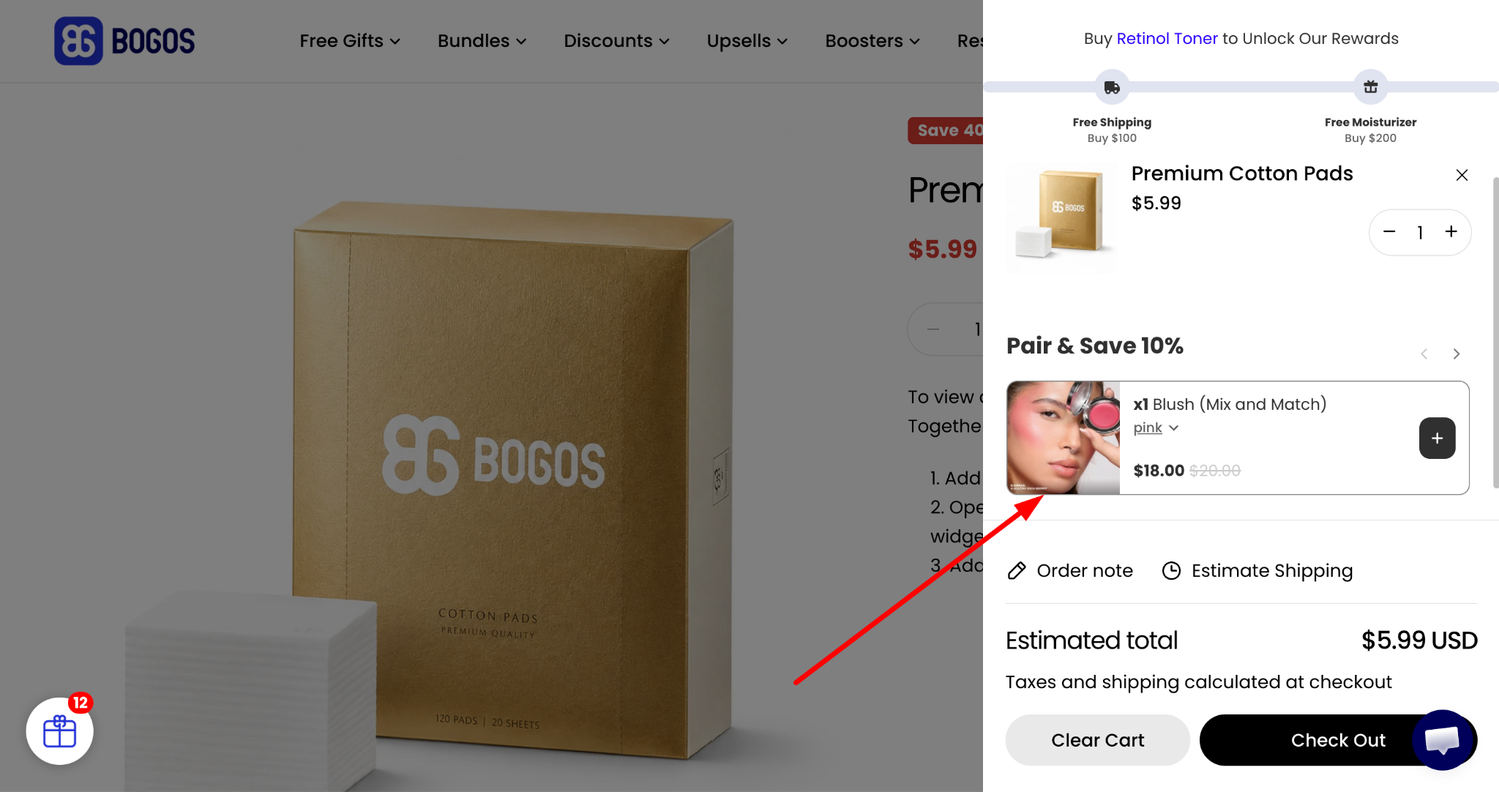
What you’ll get:
✅ Show FBT offers on the product page, cart page, cart drawer, or all three.
✅ Trigger the widget when the cart contains a trigger product (one offer shown at a time, with the first eligible offer displayed).
✅ Global customization for upsell widget on cart page and cart drawer layouts
✅ Multiple product list layouts: horizontal or vertical, carousel or collapsed.
How to set it up: Open BOGOS app > Create Offer > Frequently Bought Together > Display placement.
For more details, please read the [Frequently Bought Together] help doc.
We’ve rolled out updates and new display options for Volume Discount to make your tiered offers more flexible and more rewarding for shoppers.
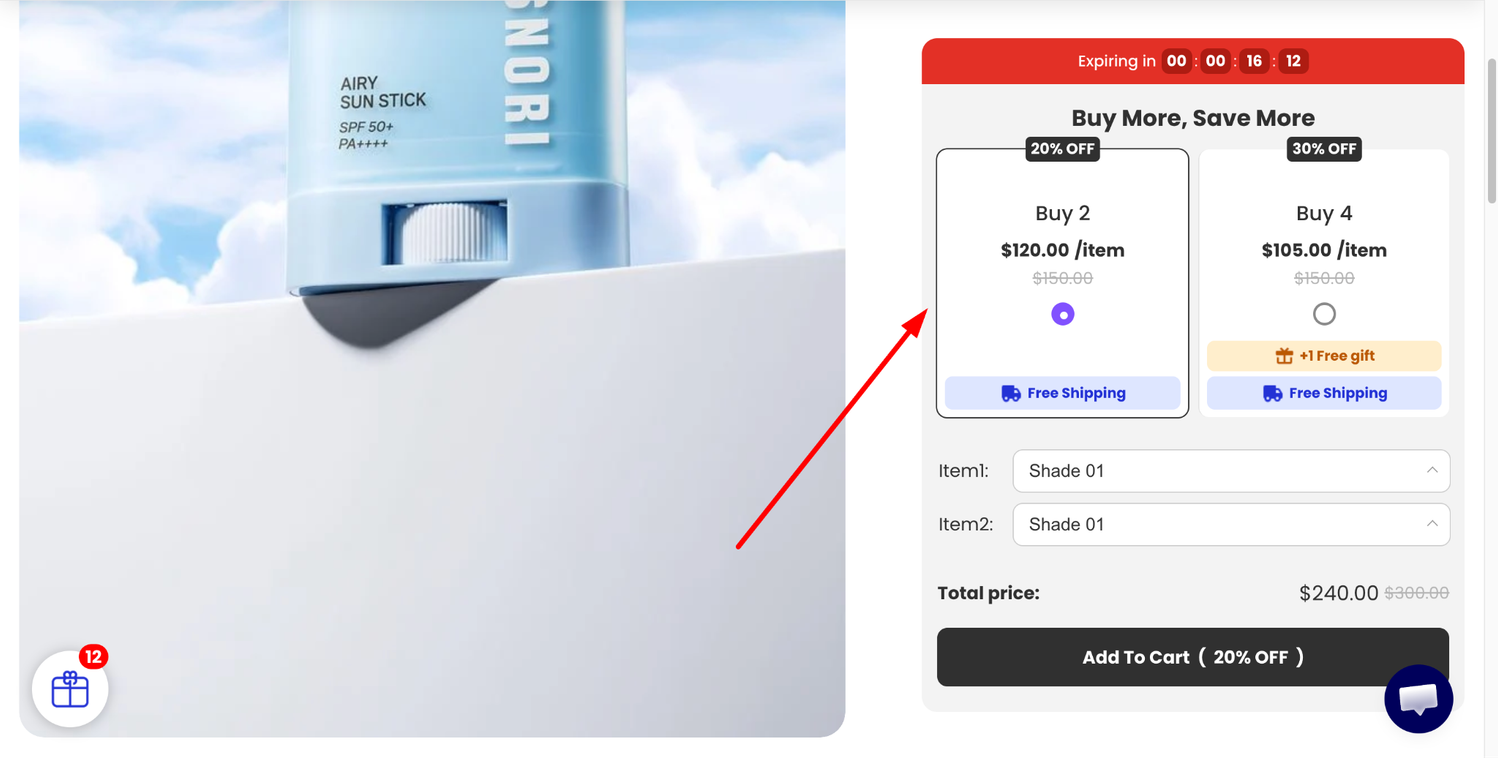
What you’ll get:
✅ Horizontal tier layout: Display 2–3 tiers side by side for easier comparison.
✅ Tier quantity logic: Choose Range, Capped, or Exact quantity to control exactly how the discount applies across cart items.
✅ New discount type: Fixed price per item, sitting alongside the renamed Fixed total price.
✅ Free gift per tier: Auto-add one or more gifts when customers hit a tier through the widget — with shipping discounts stackable on top.
How to set it up: Open BOGOS app > All Offers > Create Offers > Discount > Volume Discount > Tiers.
For more details, please read the [Volume Discount] help doc.
Selling products in multiple sizes or colors? You can now run one Buy X Get Y offer that automatically rewards a gift matching the variant of the purchased product; no need to duplicate offers for each color or size.
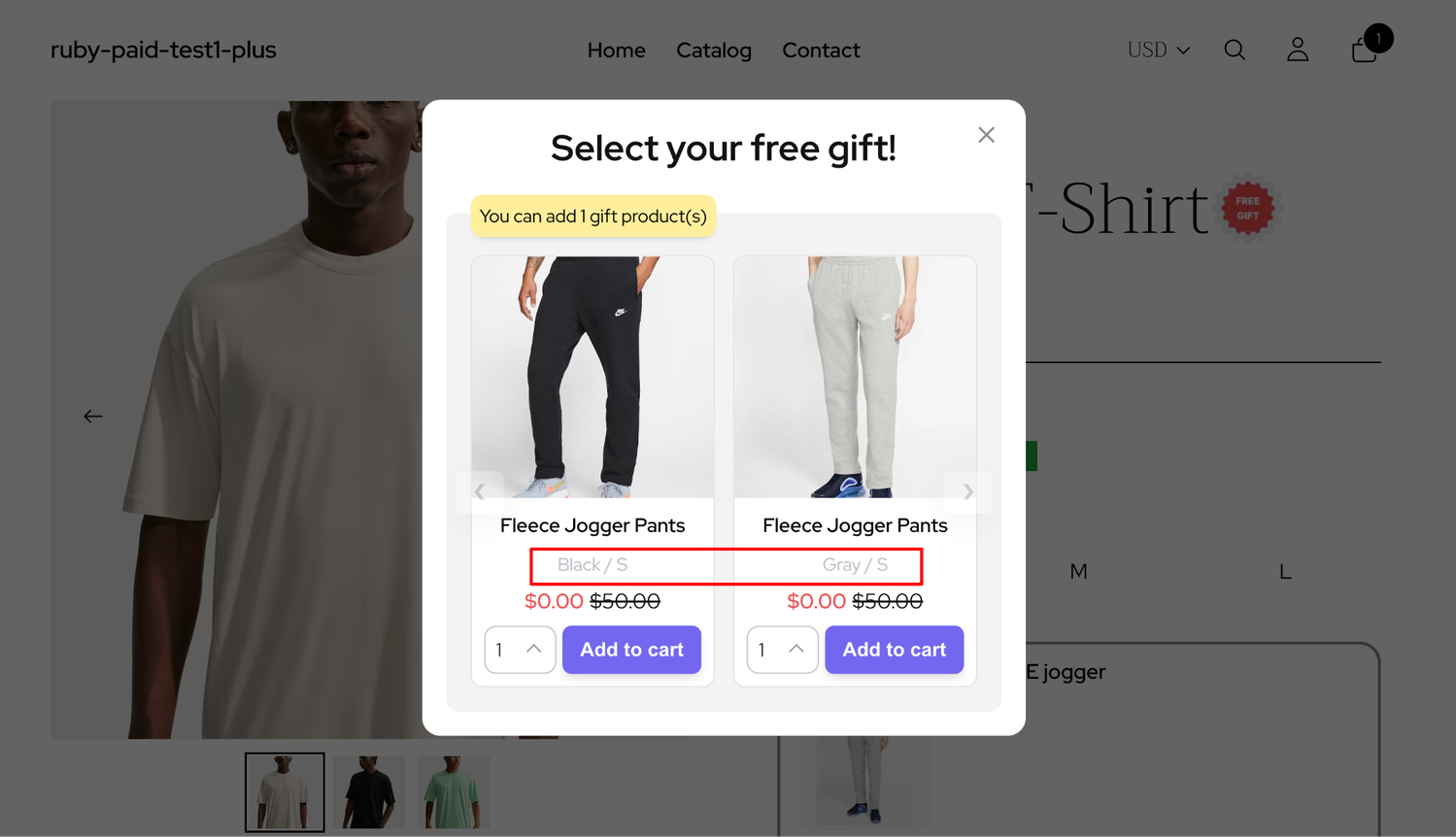
What you’ll get:
✅ One offer covers every variant (e.g., buy size S shoes, get size S socks).
✅ Pick which option (Size, Color, etc.) BOGOS should match.
✅ Handle unavailable matches gracefully; let the customer pick from remaining options, or hide the gift.
⚠️ Only available for Buy X Get Y offers with the Specific product condition.
How to set it up: Open BOGOS app > Create Gift Offer > Specific product condition > Tick Match gift with selected products > Select Gift will match variant.
For more details, please read the [Variant Matching] help doc.
Meet Feature Vote, a brand-new space inside BOGOS where you can suggest features, vote for the ideas you want most, and track your submissions from review to release.
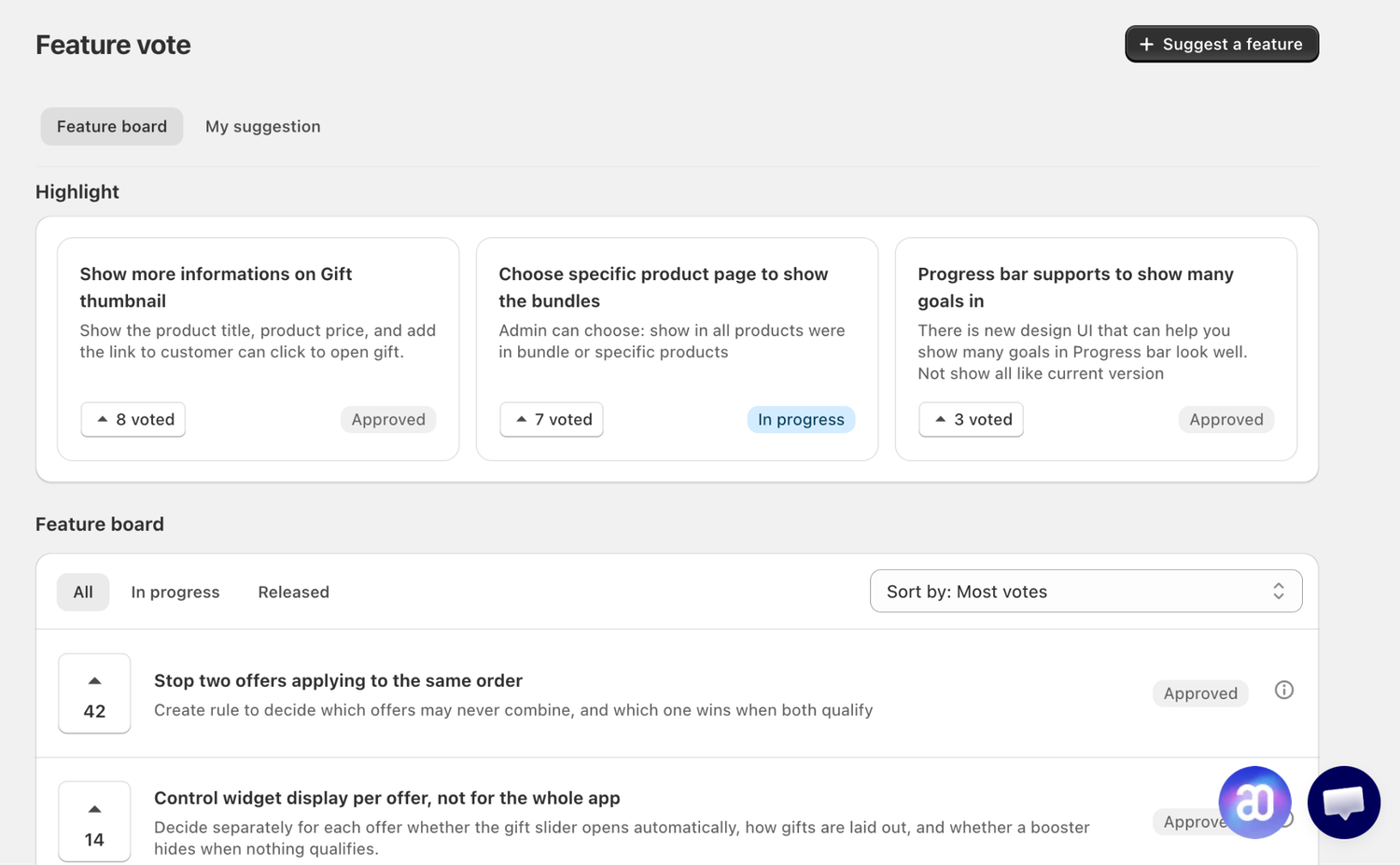
What you’ll get:
✅ Submit feature ideas directly to the BOGOS product team.
✅ Vote on suggestions from other merchants and see what’s trending.
✅ Track your own submissions through Under review → Approved → In progress → Released.
How to set it up: Open BOGOS Menu > Feature Vote > Click + Suggest a feature, or browse the Feature Board to vote.
Two AI upgrades to make offer creation faster than ever.
We’ve merged Create and Ask modes into a single assistant with four skills: Ask for a tutorial, Search for an offer, Create an offer, and Analytics.
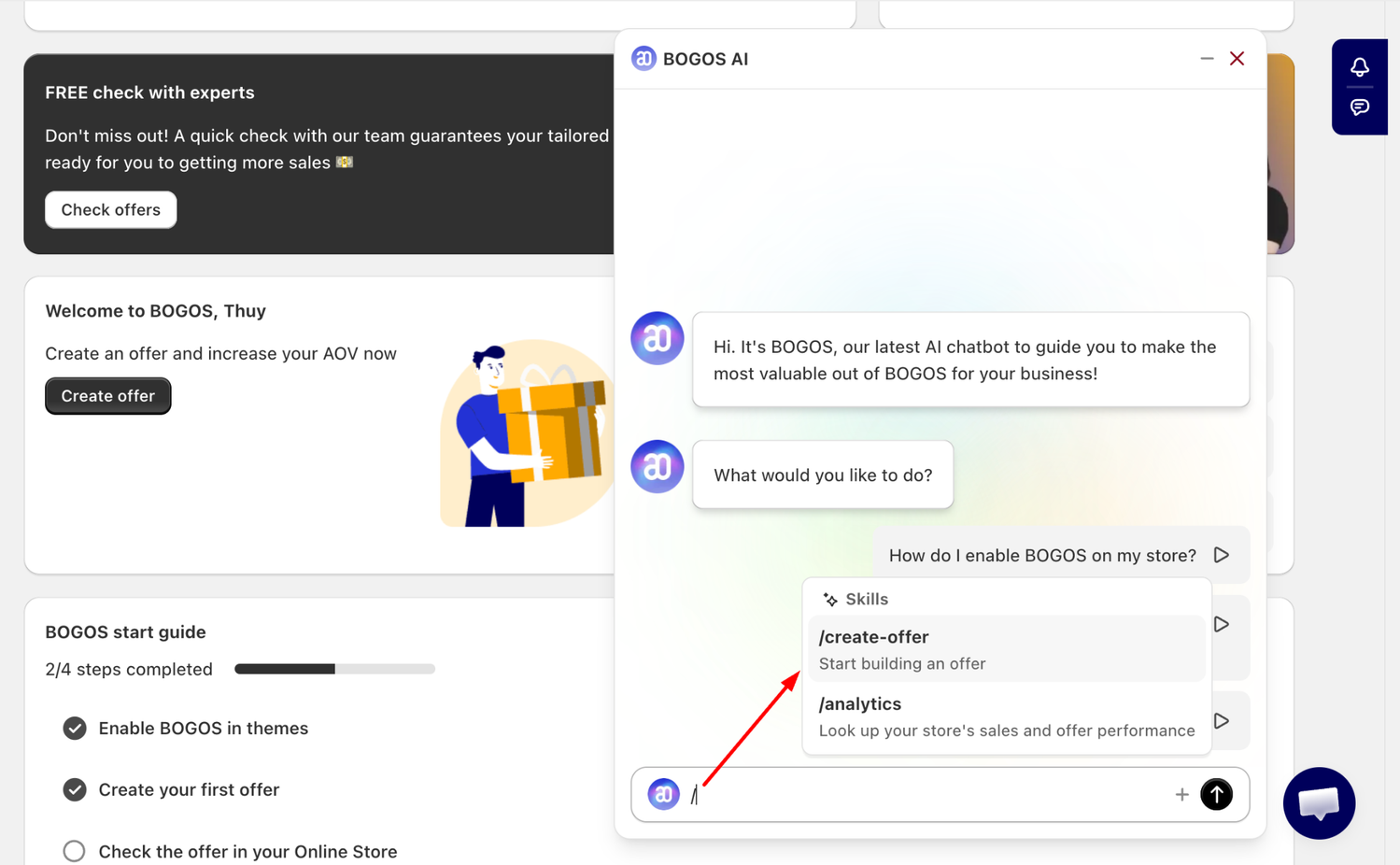
How to set it up: Click the BOGOS AI logo in your dashboard > Type your request in Ask BOGOS anything.
⚠️ Available on all BOGOS Paid plans.
Spin up essential BOGOS offers without leaving the Shopify admin, just describe the offer, approve BOGOS access, and save.
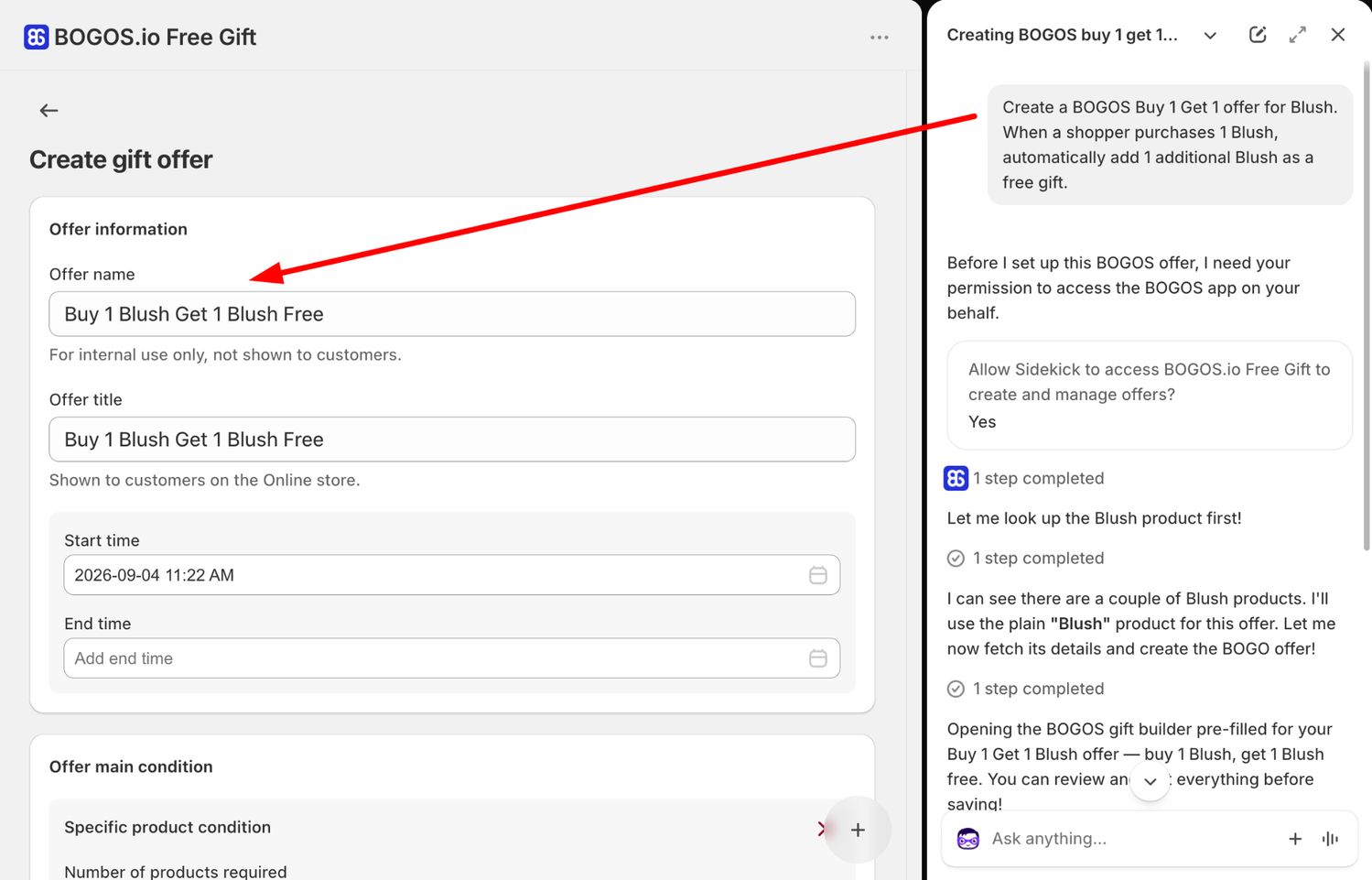
How to set it up: Open Sidekick in Shopify admin > Describe your offer > Allow Sidekick to access BOGOS > Review and save.
For more details, please read the [BOGOS AI] help doc and [Sidekick x BOGOS] help doc.
Connect with our support team via live chat within the BOGOS app. We’re here for your success!
Stay in the loop – follow us on LinkedIn and bookmark our product update page for the latest releases.

We’re excited to announce that BOGOS now integrates with Yotpo, making it easier for Shopify merchants to build trust...
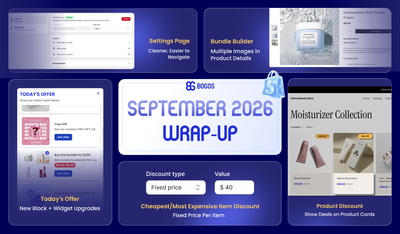
September was all about giving you more ways to show your offers and more control over how your discounts...
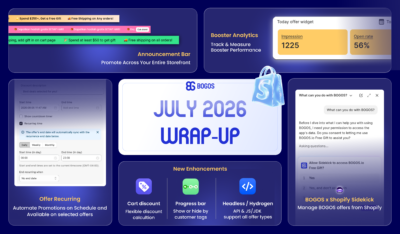
July brought a brand-new way to promote across your storefront, real performance data for your boosters, smarter scheduling for...
