

Charlie Ngo
•
Last updated: 23 October, 2026
Shopify Smart Collections: Setup, Conditions & 8 Examples (2026 Updated)
Shopify smart collections add and remove products for you based on rules, such as a tag, a price, or...

14 Best Shopify Popup Apps in 2026 (Tested & Compared)

Digital Marketing Specialist
Summarize this post with AI
Most guides to Shopify popup apps are written by companies that sell a popup app, and every one of them ranks its own product first. They also treat all popups as the same product, which they are not. A size chart popup and an email capture popup solve different problems. This guide sorts thirteen apps by the job they actually do, using data checked against live App Store listings. It was written by Charlie Ngo, Marketing Manager at BOGOS, who has spent the past three years testing Shopify promotion and conversion apps. BOGOS is our own app. It appears in one category below and we say so there.
The Shopify App Store lists more than 330 pop-up apps. They fall into eight jobs.
The sections below cover the best app for each of these jobs.
If you are new to Shopify and want to know what each type of pop-up does, read our detailed guide here: Shopify Pop-Up Guide: Types, Free Setup, and Best Apps
We check every app against the same criteria: feature depth, pricing and value, performance, customer support, review patterns, and developer track record. Our full method is published in How We Judge a Shopify app.
For this article we used four sources. Live Shopify App Store listings supplied every rating, price, and feature claim. Developer documentation confirmed how features work. Merchant reviews on the App Store supplied the complaints and the praise, read for repeated themes rather than isolated comments. The Shopify Help Center and Google Search Central supplied policy details.
We did not rank these apps one to thirteen. A ranked list implies the apps compete, and most of them do not. Blockify does not compete with Kiwi. Sorting by job is more useful than sorting by score.
Two disclosures. First, BOGOS is our own app, and it appears in the upsell and cross-sell section. We flag it again there. Second, this article used AI assistance for research and data collection. Every figure was verified by a person against the source listing, and the writing and editing are ours.
All figures were verified on 19 August 2026. App Store ratings change weekly, so check the listing before you install.
| App | Rating and reviews | Best for | Main con | Pricing |
|---|---|---|---|---|
| Pop Convert | 4.9 (8,589) | All-round email capture | English only | Free plan, then $15 to $129/mo by Shopify plan |
| SendWILL | 4.9 (7,483) | Free email capture | No A/B testing, paid plans announced | Free |
| Shopify Forms | 4.5 (671) | Staying inside Shopify | Very limited features | Free |
| Privy | 4.5 (3,969) | Popups plus email and SMS | Usage charges billed outside Shopify | From $24/mo by pageviews |
| Klaviyo | 4.7 (2,965) | Popups tied to deep segmentation | Overkill for popups alone | Free to install |
| Wheelify | 4.7 (652) | Spin-to-win games | Single-purpose | Free to install |
| Sleeknote | 3.5 (3) | Quizzes and live targeting | Almost no review history | From $69/mo by visitors |
| BOGOS | 5.0 (4,000) | Cart-triggered product offers | Does not capture emails | Free plan available |
| SP Sales Pop up | 4.9 (980) | Recent-purchase notifications | Single-purpose | Free to install |
| Qikify | 5.0 (569) | Social proof plus capture | Smaller review base | Free plan available |
| Attrac | 5.0 (1,045) | Banners and countdowns | Not a capture tool | Free plan available |
| Atomato | 5.0 (13) | Offers without interrupting | Capture costs $149.99/mo | Free – $149.99/mo |
| Kiwi Size Chart | 4.8 (1,030) | Fit guidance | Apparel-focused | Free plan available |
| Blockify | 4.9 (298) | Age verification | Single-purpose | Free to install |
Newsletter signup pop-up is the largest category and the one most merchants search for. A good app here captures the contact, syncs it cleanly to your email tool, and does not drive shoppers away.
️🏆 Best for: stores that want capture, banners, and A/B testing without the bill rising as traffic grows.
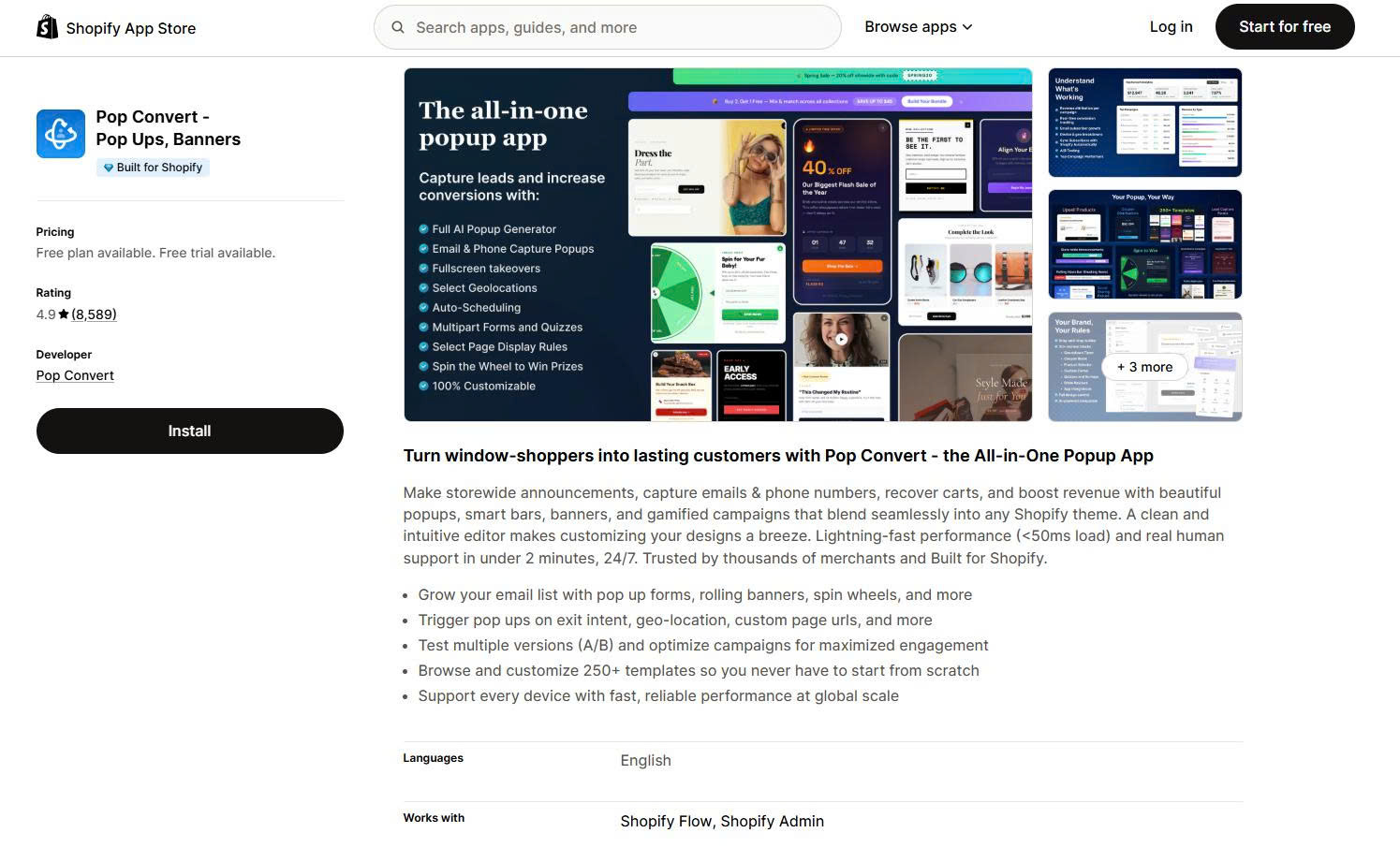
Pop Convert is the largest popup app in the category by review count. It carries the Built for Shopify badge and has been on the App Store since February 2021. It combines popups, smart bars, banners, and gamified campaigns in one tool.
The free plan covers 1,000 unique visitors and 50 subscribers per month. Paid plans run $15 on Shopify Basic, $29 on Grow, $79 on Advanced, and $129 on Plus, and one subscription covers up to five stores.
The pricing model is the reason to choose it. Most popup apps charge by pageviews or visitors, so the bill rises as your store grows. Pop Convert charges by your Shopify plan instead. A store at 5,000 monthly visitors and a store at 500,000 pay the same amount on the same Shopify plan.
Key features
Pros
Cons
What merchants say
Support speed is the most repeated theme. Merchants describe replies within minutes, and several reviews come from stores that have run the app for three years or more. Template quality and ease of setup come up often.
Complaints are rare. Of 8,589 reviews, 32 sit at one or two stars, which is the lowest proportion of any app here.
️🏆 Best for: a new store that needs email capture at no cost.
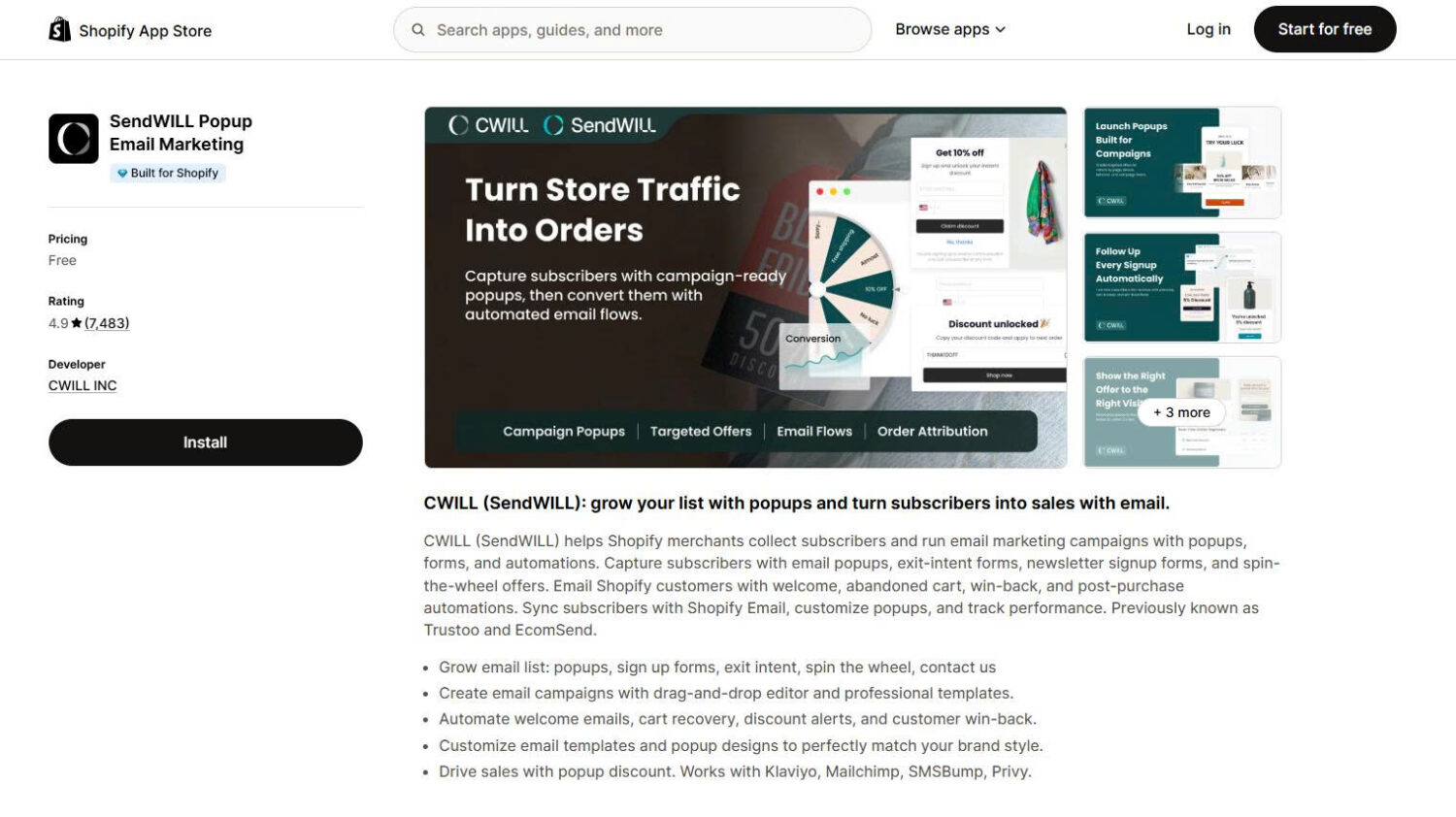
This app carries the Built for Shopify badge and has been listed since October 2022. You may know it as EcomSend. The listing was renamed to SendWILL, and before that it was called Trustoo. Most other guides still use the old name.
SendWILL is free and full-featured, which explains the review volume. It handles popups, exit intent, spin wheels, and discount codes, and it syncs subscribers into Shopify so any Shopify marketing app can use them.
One thing to know before installing. In a public reply to a merchant review dated 6 July 2026, the developer stated that email notices about paid plans went out at the end of June, with paid plans planned for launch in mid-to-late July. The listing still shows the app as free. Treat the free plan as current rather than permanent.
Key features
Pros
Cons
What merchants say
Setup speed and support quality dominate the positive reviews. Merchants report replies within minutes and name agents by name.
Three complaints repeat. Some merchants report the popup continuing to appear after uninstalling. Some report spam signups entering the customer list. UK merchants raise the missing double opt-in.
One merchant reported in June 2026 that generated discount codes were not locked to individual customers and spread publicly. The developer confirmed the problem and replied that each code now generates its own discount rule and binds to a specific customer.
️🏆 Best for: merchants who want email capture without adding a third-party app.
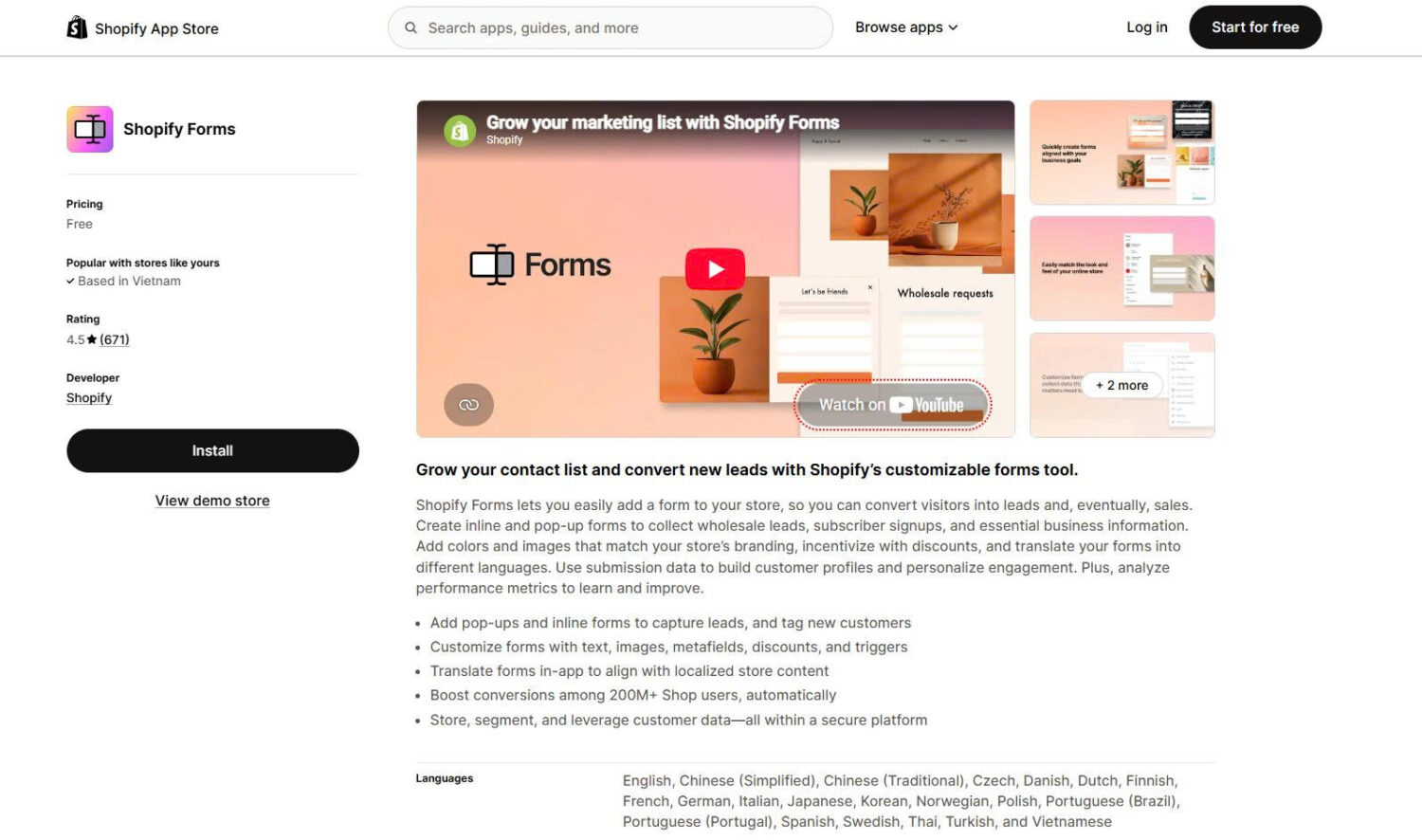
Shopify Forms is Shopify’s own capture tool, listed since November 2022. It creates inline forms and popups, applies discounts, and feeds submissions into customer profiles and Shopify Email.
It is the safest option on data handling and the weakest on features. Most competing guides leave it out entirely, which is worth noticing.
Key features
Pros
Cons
What merchants say
Merchants describe it as reliable but shallow. The common request is more control. Reviewers ask to resize the popup, to set a dismissal window of 14 to 30 days, and to move the close button away from the headline.
Positive reviews come from merchants who wanted something simple and got it.
Interactive formats ask the shopper to do something before they get the offer. Done well, they lift signup rates. Done badly, they add friction.
️🏆 Best for: Shopify brands that want more from a popup than an email signup box.
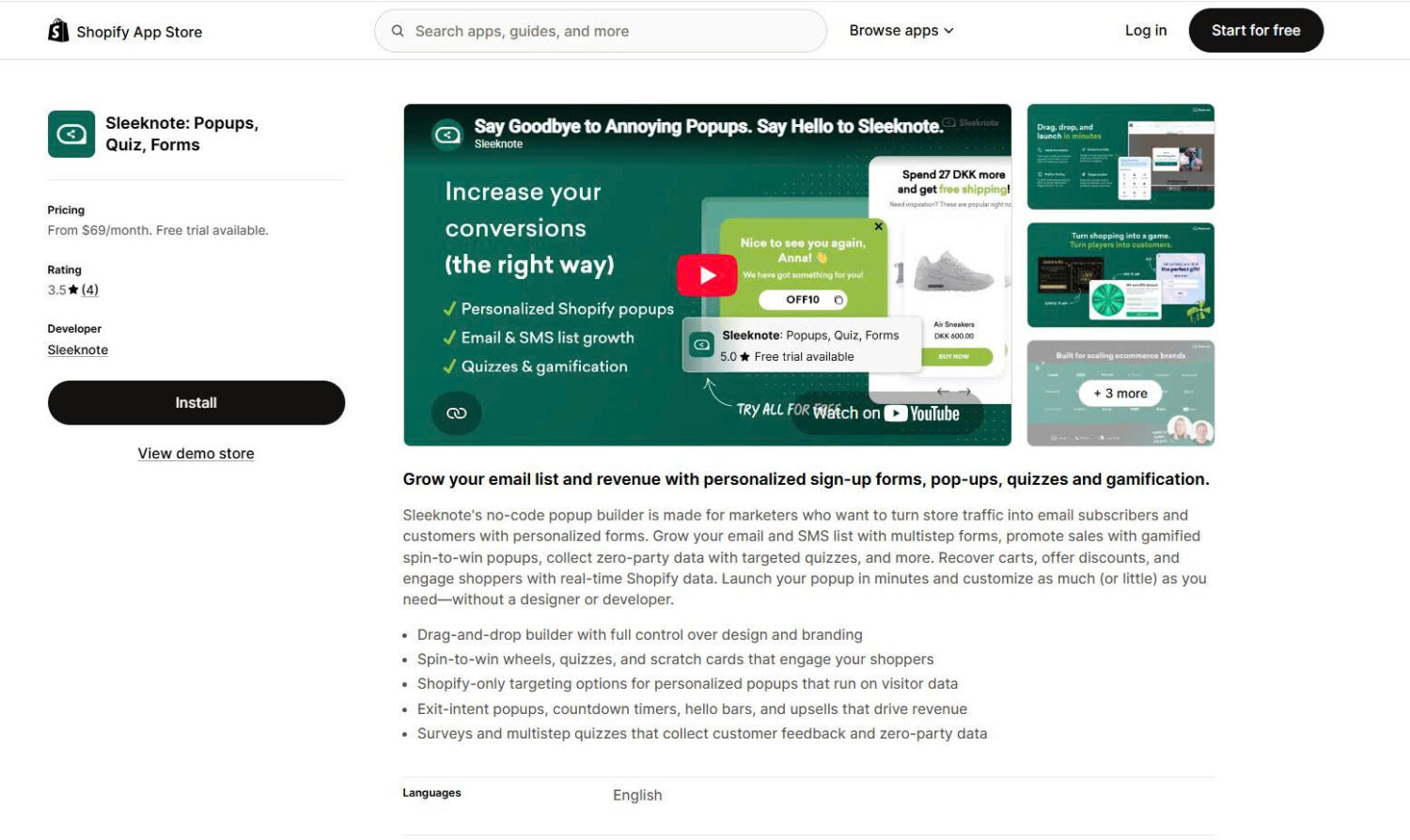
Core plans run $69 per month for 25,000 visitors and $83 for 50,000. Adding gamification raises this to $95 and $115. Pricing is metered by monthly store visitors.
Sleeknote builds popups and onsite campaigns that read your store data live. It triggers on cart value, pulls product carousels from your Shopify collections, and personalises campaigns based on what a shopper has been browsing.
The editor gives real design control, including separate mobile and desktop versions of the same campaign. Campaigns match the store rather than looking like an add-on.
Sleeknote has operated in Europe for years but arrived on the Shopify App Store in March 2025, so its review history there is short. Danish apparel brand Rains is among the merchants who have reviewed it.
Key features
Pros
Cons
What merchants say
Feedback on the App Store is limited to three reviews, so treat it as early rather than settled.
The positive reviews praise setup speed and integration. One Danish merchant highlighted that advanced targeting can now be configured inside the Shopify app without working through Sleeknote’s separate data layer. Another described the builder as intuitive enough to use without technical help.
One merchant left a one-star review in October 2025. They found setup unintuitive and could not find a cancellation button inside the app. Sleeknote replied the next day, explaining that uninstalling cancels the subscription automatically, and said the unclear flow had been flagged for a fix. Sleeknote’s CEO replies to reviews personally.
️🏆 Best for: stores that want a spin-to-win discount game.
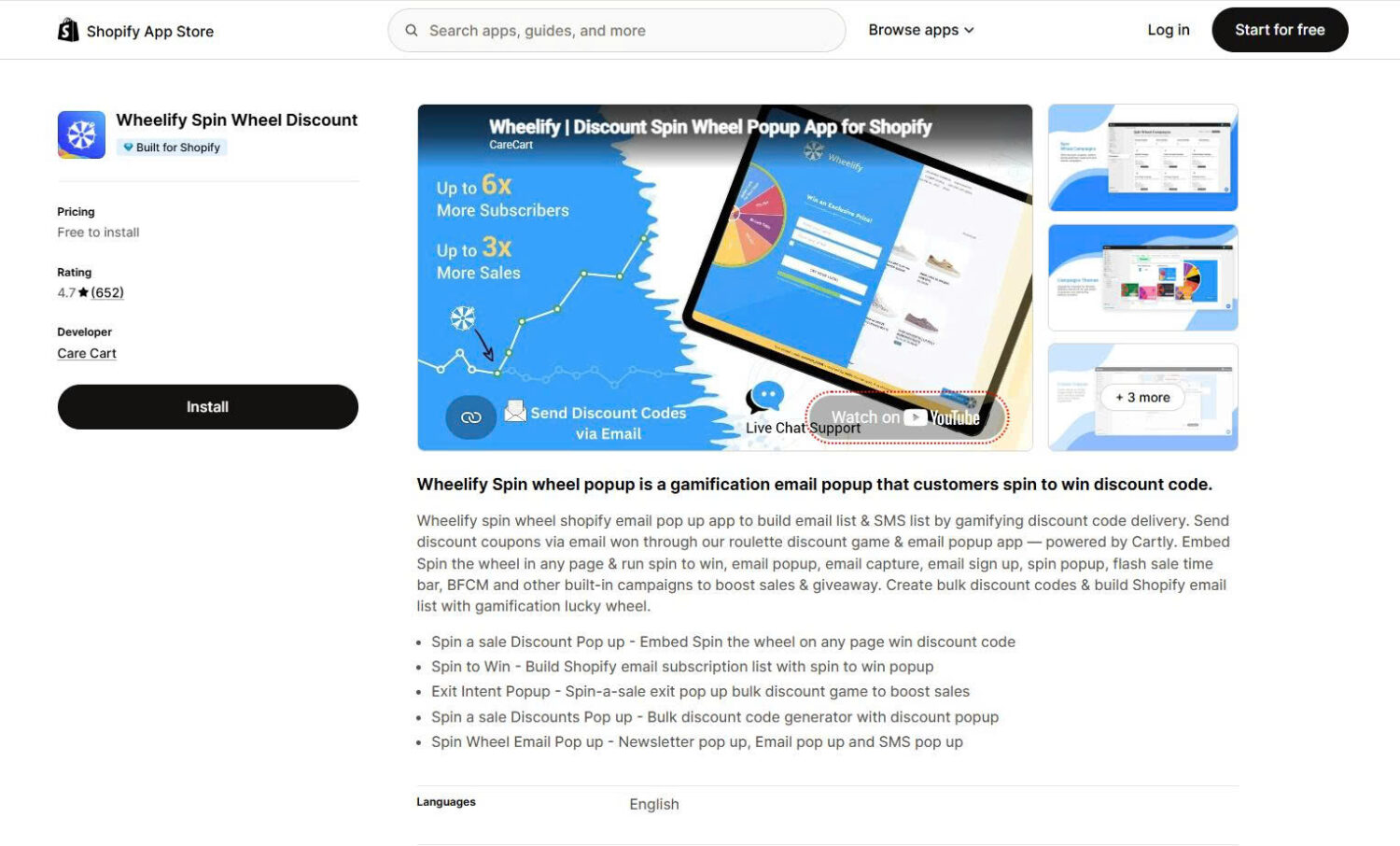
Wheelify carries the Built for Shopify badge. It does one thing. It runs a spin-the-wheel popup that trades an email address for a prize.
The wheel is configurable. You set the prizes, weight the odds, and control when the popup appears.
Key features
Pros
Cons
What merchants say
Merchants report higher signup rates than a standard email popup, and setup is described as quick. The most common criticism is fit: the format works for value-driven stores and sits awkwardly on premium brands.
These apps capture the contact and send the campaigns. You get one tool instead of two, at a higher price and with usage-based billing.
️🏆 Best for: small and mid-sized stores that want popups, email, and SMS from one supplier.
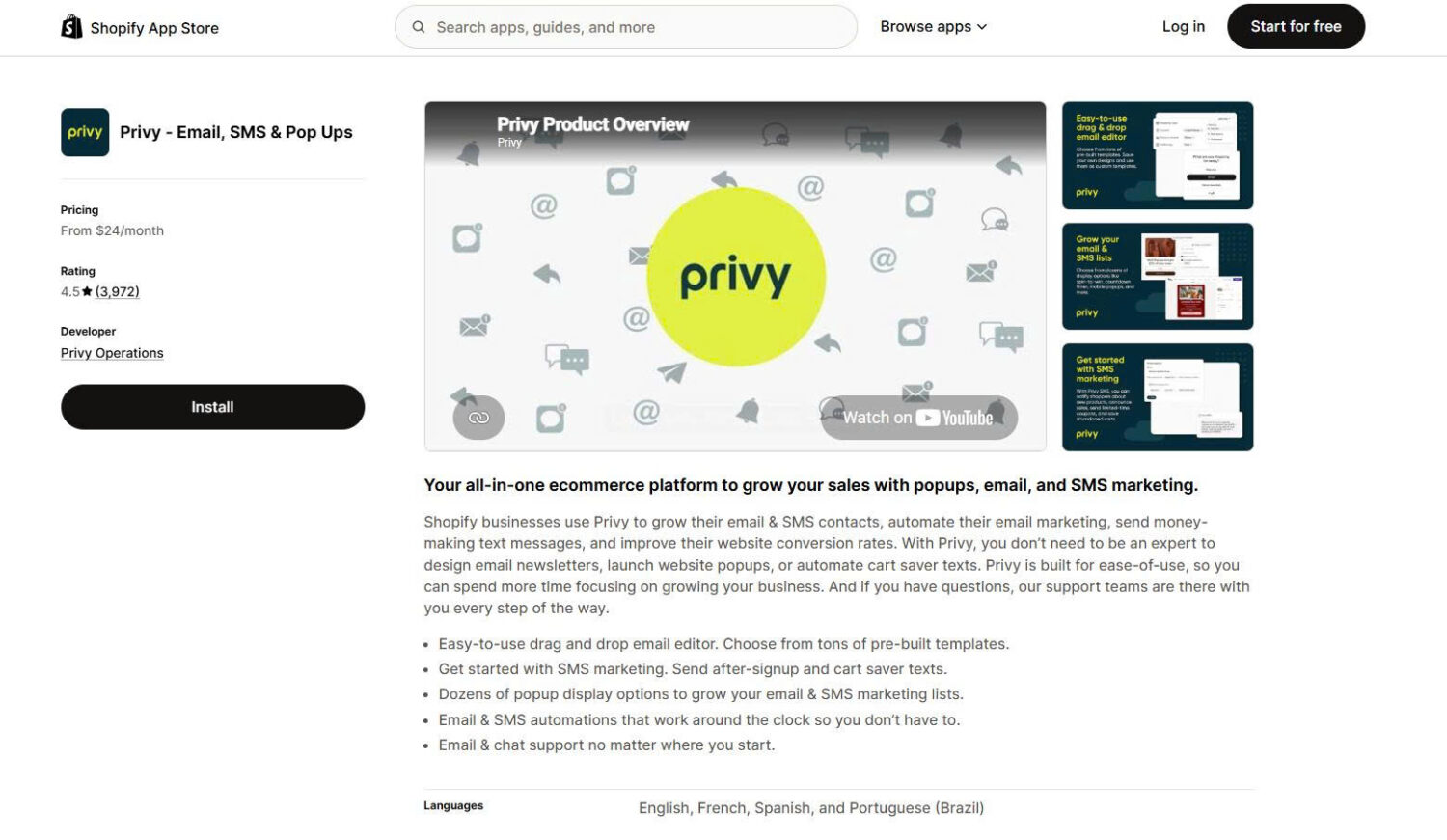
Plans start at $24 per month for popups covering 10,000 monthly pageviews, $30 for email covering 1,500 contacts, and $45 for email and SMS. Pricing is metered by pageviews, then by contacts.
Privy is one of the oldest apps in this category, listed since June 2015. It was renamed from Privy ‑ Pop Ups, Email, and SMS to Privy ‑ Email, SMS and Pop Ups, which reflects where popups now sit in its product.
Two corrections are worth making, because most guides get both wrong. Privy has no free plan. It starts at $24 per month. And several third-party sites still report review counts above 24,000. The live listing shows 3,969.
Key features
Pros
Cons
What merchants say
Support is the strongest theme in the positive reviews. Merchants name specific staff and mention weekly video calls and phone access, which is rare in this category.
Billing is the strongest theme in the negative reviews. The pattern repeats: a merchant signs up at a low monthly price and finds themselves charged more once usage is counted. One reported signing up at $15 and being billed $45. Others report price increases and difficulty cancelling.
️🏆 Best for: stores building serious email and SMS marketing, where the popup should feed straight into segmentation and revenue reporting.
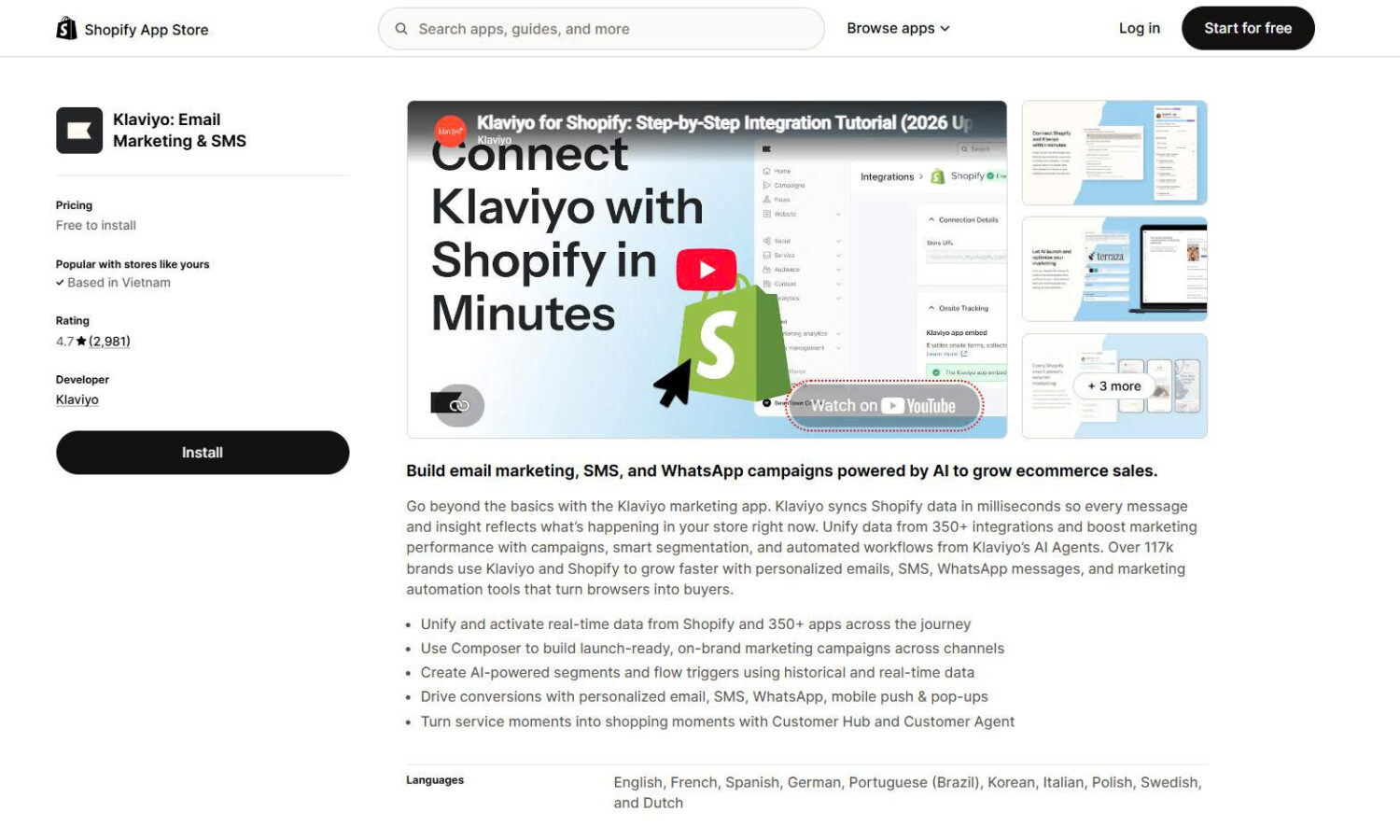
Klaviyo includes signup forms and popups inside its email and SMS platform. The popup is the entry point to the platform rather than a standalone tool.
The forms are competent rather than exceptional. They handle email and SMS capture, teaser states, and targeting. What sets them apart is where the subscriber lands: inside a profile that already holds that shopper’s full browsing and purchase history, with no sync step and no delay.
That matters if you plan to send segmented campaigns. A subscriber captured through Klaviyo can be targeted on what they viewed before signing up, which a standalone popup app cannot do. If you only need a signup box, this is more platform than the job requires.
Key features
Pros
Cons
What merchants say
Merchants describe the forms as good enough for most campaigns and value having one less app to manage. Segmentation and reporting draw the strongest praise.
Two criticisms repeat. Design control is narrower than a dedicated popup builder, so merchants who want heavy customisation pair Klaviyo with a separate popup app. And cost rises quickly with contact count, which merchants raise most often once their list passes a few thousand.
This category inverts the usual purpose. Other popups open to take something from the customer, an email address. An upsell & cross-sell pop-up opens to offer something at the moment the customer is already buying.
️🏆 Best for: stores that want a cart-triggered popup showing relevant products, rather than one that collects an email address.
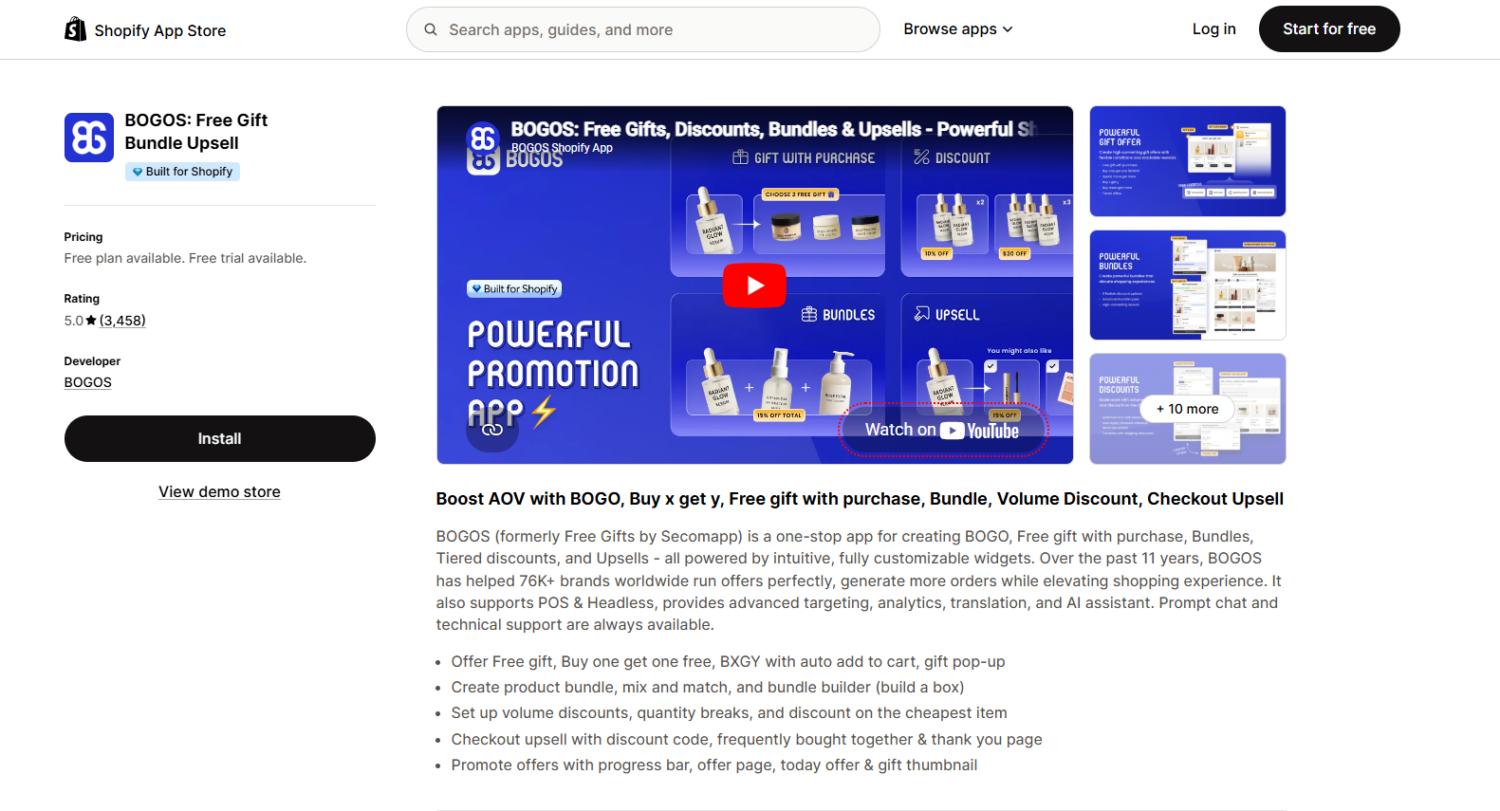
BOGOS has been on the App Store for eleven years, formerly as Free Gifts by Secomapp. It runs gift with purchase promotions. The offer reaches the customer through a gift slider, which is a popup that opens on the storefront.
You choose what triggers it. Two common triggers are a specific product entering the cart, or the cart reaching a set value.
The slider then shows products tied to what the customer already added. A shopper who adds a jacket sees the matching accessories. A shopper who crosses a spend threshold sees the items they can now claim. The offer is a gift with purchase, but the effect on the cart is upsell and cross-sell: the popup puts relevant products in front of someone who is already buying.
That is a different job from every other app in this article. Pop Convert and SendWILL open a popup to capture a contact. BOGOS opens one to move a second product into an existing cart.
Key features
Pros
Cons
What merchants say
Merchants most often mention support. Reviews name individual agents and describe live chat help during setup, which matters because offer rules take configuration.
The other repeated theme is capability beyond Shopify’s native discounts. Merchants describe using BOGOS to run gift-with-purchase offers that Shopify’s built-in discount system cannot handle on its own.
The common criticism is the learning curve. Merchants setting up complex tiered offers for the first time report needing support to get the rules right.
These popups show what other shoppers are doing rather than making an offer. They are small, sit in a page corner, and ask nothing of the visitor.
️🏆 Best for: showing recent purchases to build urgency.
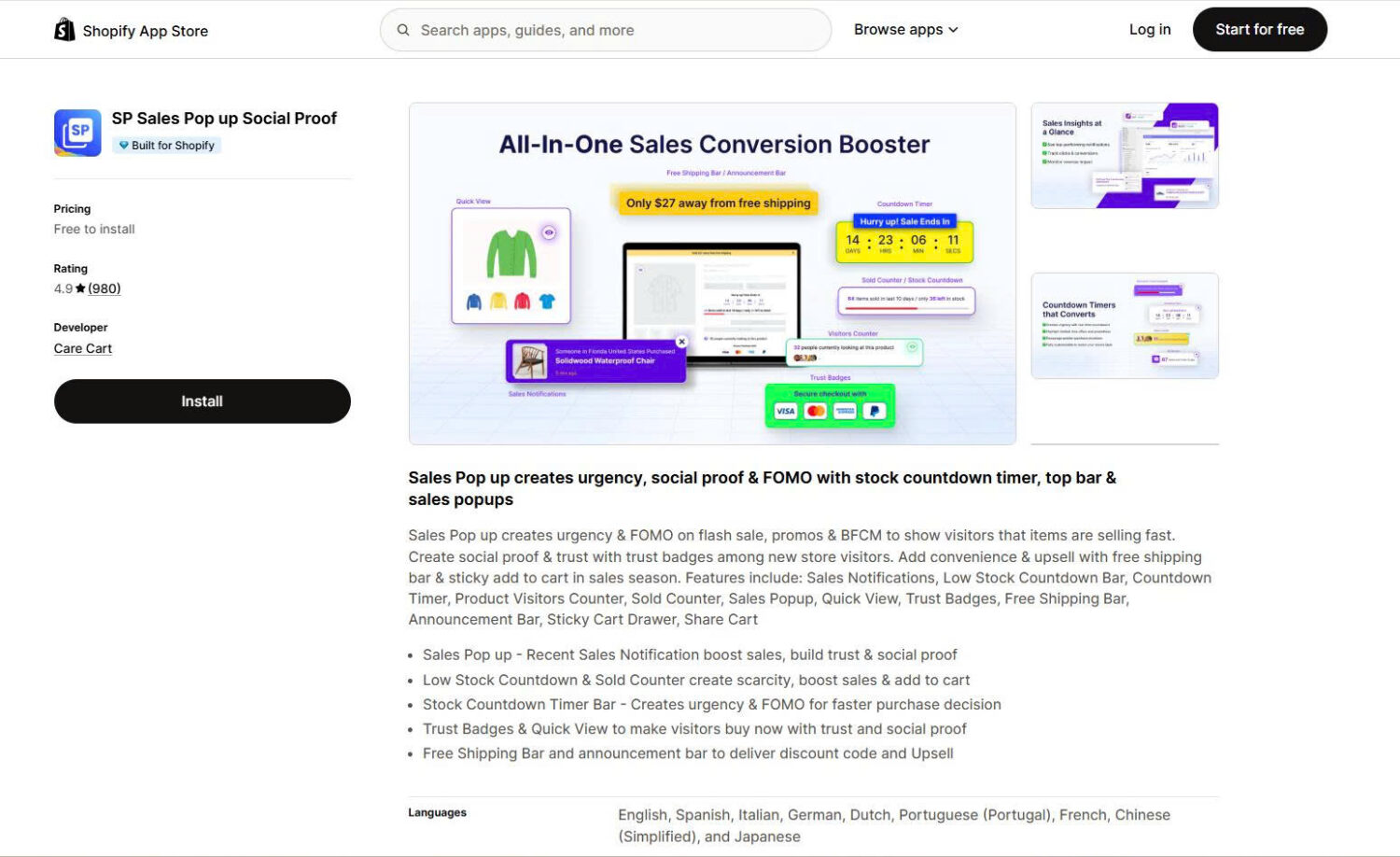
SP carries the Built for Shopify badge. It displays a small notification when someone buys a product. It pulls from real orders, so the social proof is genuine.
Key features
Pros
Cons
What merchants say
Merchants report a lift in add-to-cart rates on busy stores and describe setup as fast. The repeated caution is that low-traffic stores have nothing to display.
️🏆 Best for: social proof combined with an email capture popup in one app.
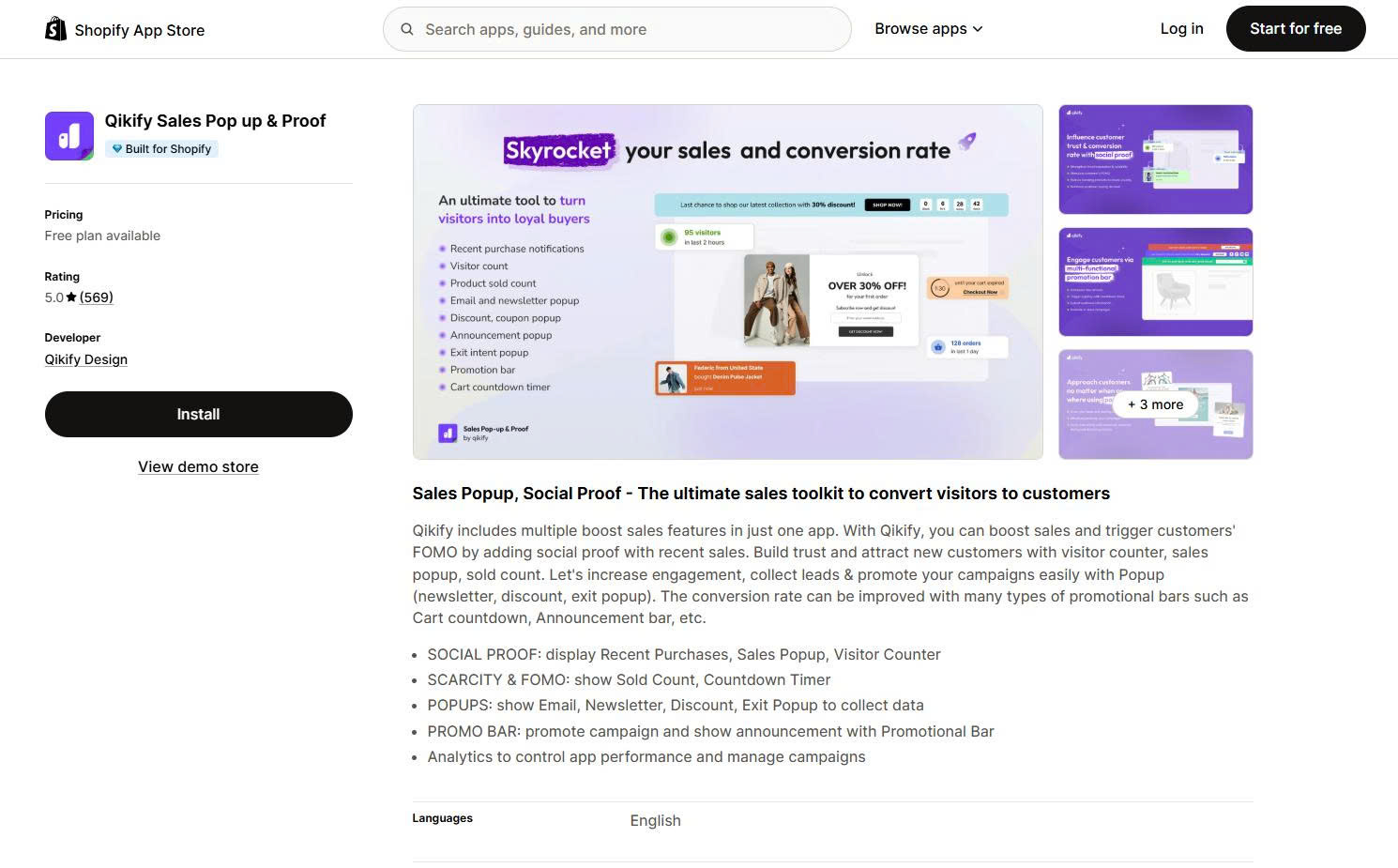
Qikify carries the Built for Shopify badge. It combines sales notifications with a newsletter popup, so one app covers two jobs.
Key features
Pros
Cons
What merchants say
Merchants value having social proof and capture in one place rather than running two apps. Support quality is the most repeated positive theme.
These formats promote something rather than collect something. The two apps below take opposite approaches. Attrac interrupts the shopper with a bar or banner. Atomato waits for the shopper to open a notification feed.
️🏆 Best for: sale banners, free shipping bars, and countdown timers.
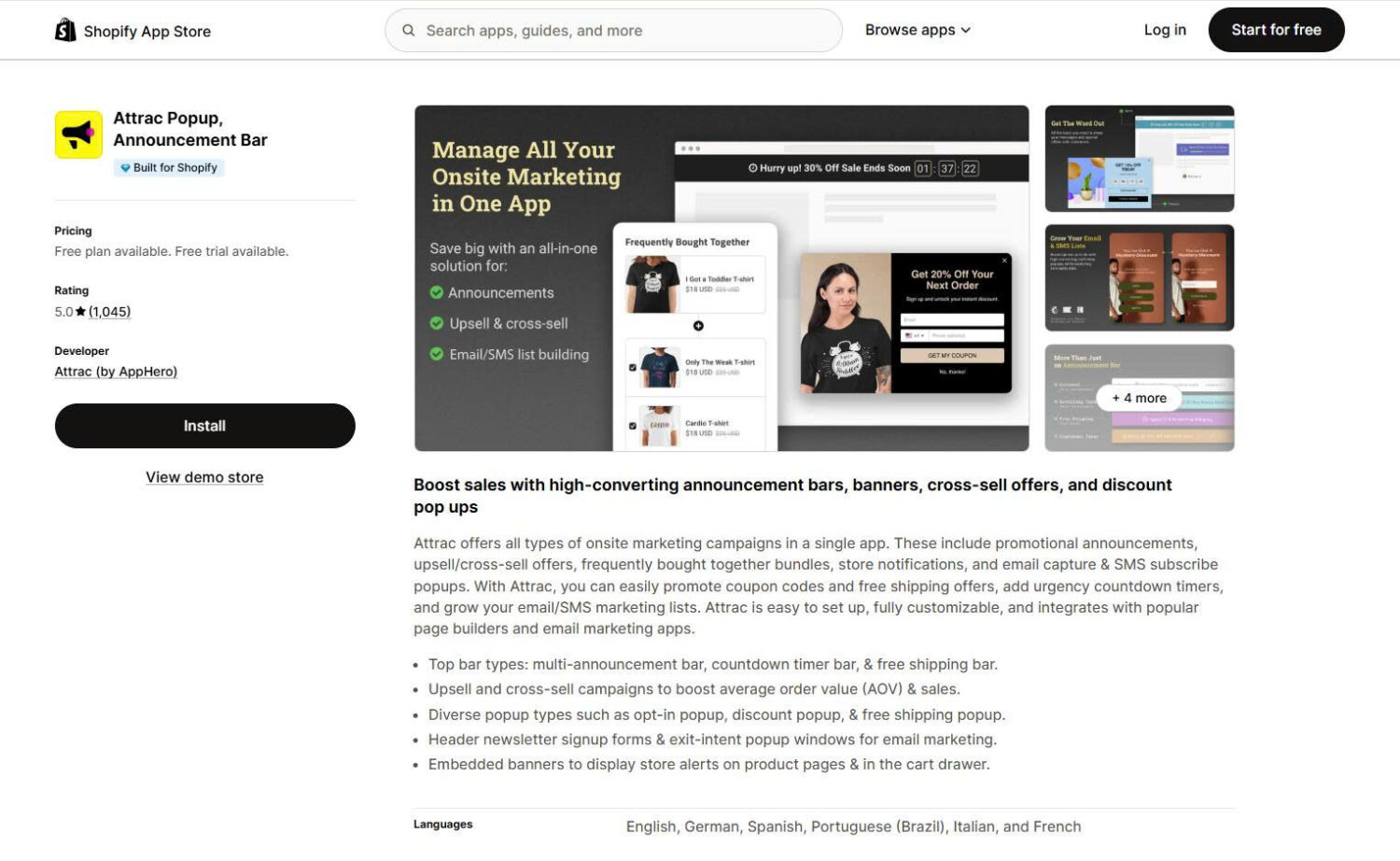
Attrac carries the Built for Shopify badge. It creates announcement bars, banners, popups, marquee headers, and countdown timers. It is the app to use when the message matters more than the signup.
Key features
Pros
Cons
What merchants say
Setup speed and design flexibility lead the positive reviews. Merchants highlight scheduling as the feature that saves the most time during sale periods. Support responsiveness comes up often.
🏆 Best for: stores that want to run offers without interrupting shoppers.
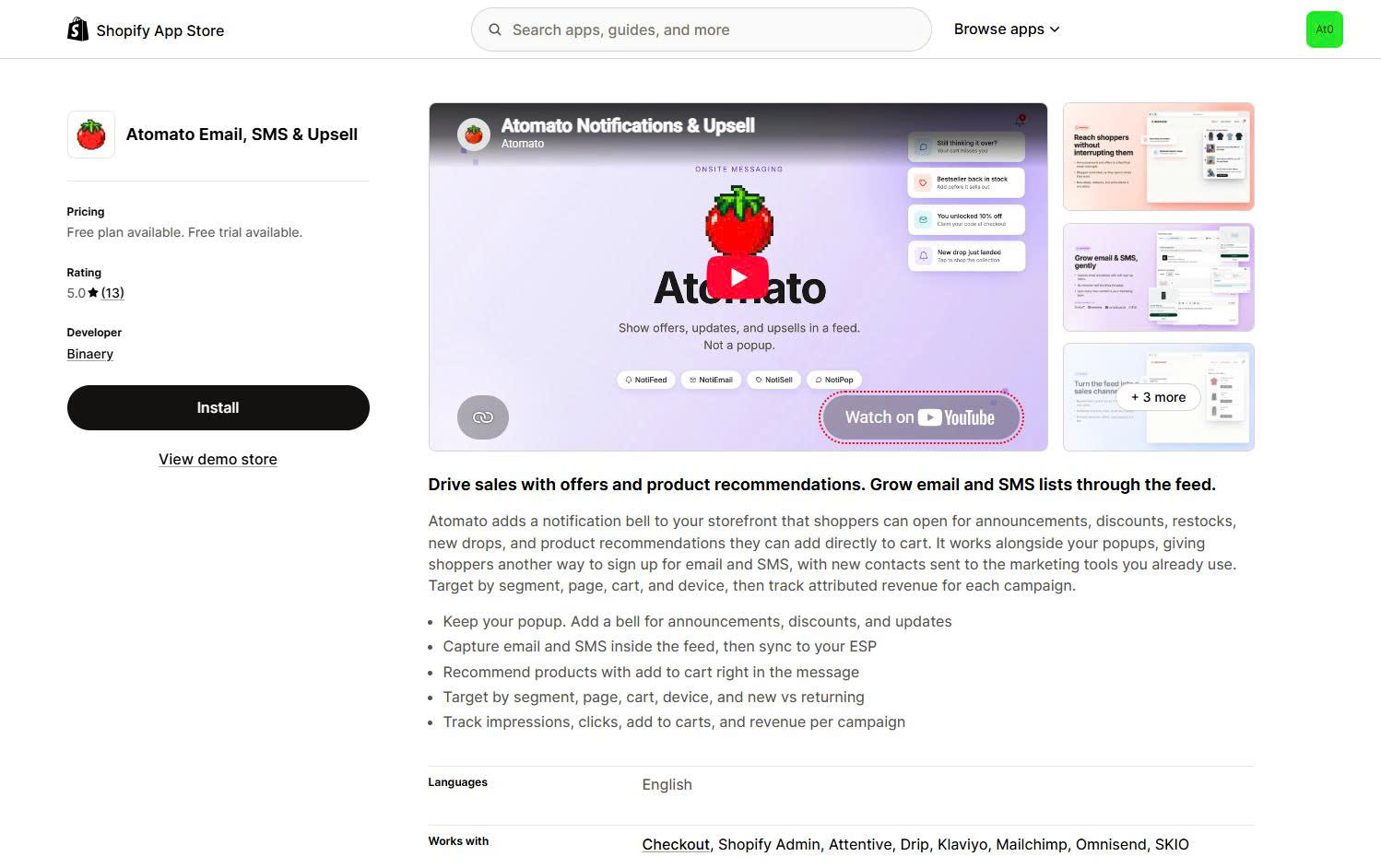
Atomato takes a different approach from every other app in this article. Instead of covering the page, it adds a notification bell to your storefront. Shoppers open it when they want to.
Inside the feed they find announcements, discounts, restocks, new product drops, and product cards they can add to cart directly. Small toast messages can also appear alongside it.
The app is designed to run next to your existing popup rather than replace it. Atomato’s own positioning is that the popup catches the shopper on arrival and the bell holds everything else.
Two things to know before you budget for it. The free plan allows one active campaign per type. Email and SMS capture sit on the $149.99 tier, along with the Klaviyo, Omnisend, and Mailchimp integrations that send those contacts anywhere useful. Despite the app name, capture is not available on the free or $49.99 plans.
Atomato launched on the App Store in June 2025, so its review history is short.
Key features
Pros
Cons
What merchants say
All 13 reviews sit at five stars, which is encouraging and also a very small sample.
The repeated theme is that shoppers choose whether to engage. One US merchant described it as a way to highlight new arrivals and promotions without being invasive, and reported capturing more than 1,200 additional emails after launching. Another saw added engagement within a day of switching the notifications on.
No complaints appear in the reviews yet. Given the launch date and the sample size, treat that as insufficient data rather than a clean record.
A size chart popup reduces returns rather than capturing leads. Apparel and footwear stores search for it under the same keyword as every other popup.
️🏆 Best for: apparel and footwear stores that want fewer returns from wrong sizes.
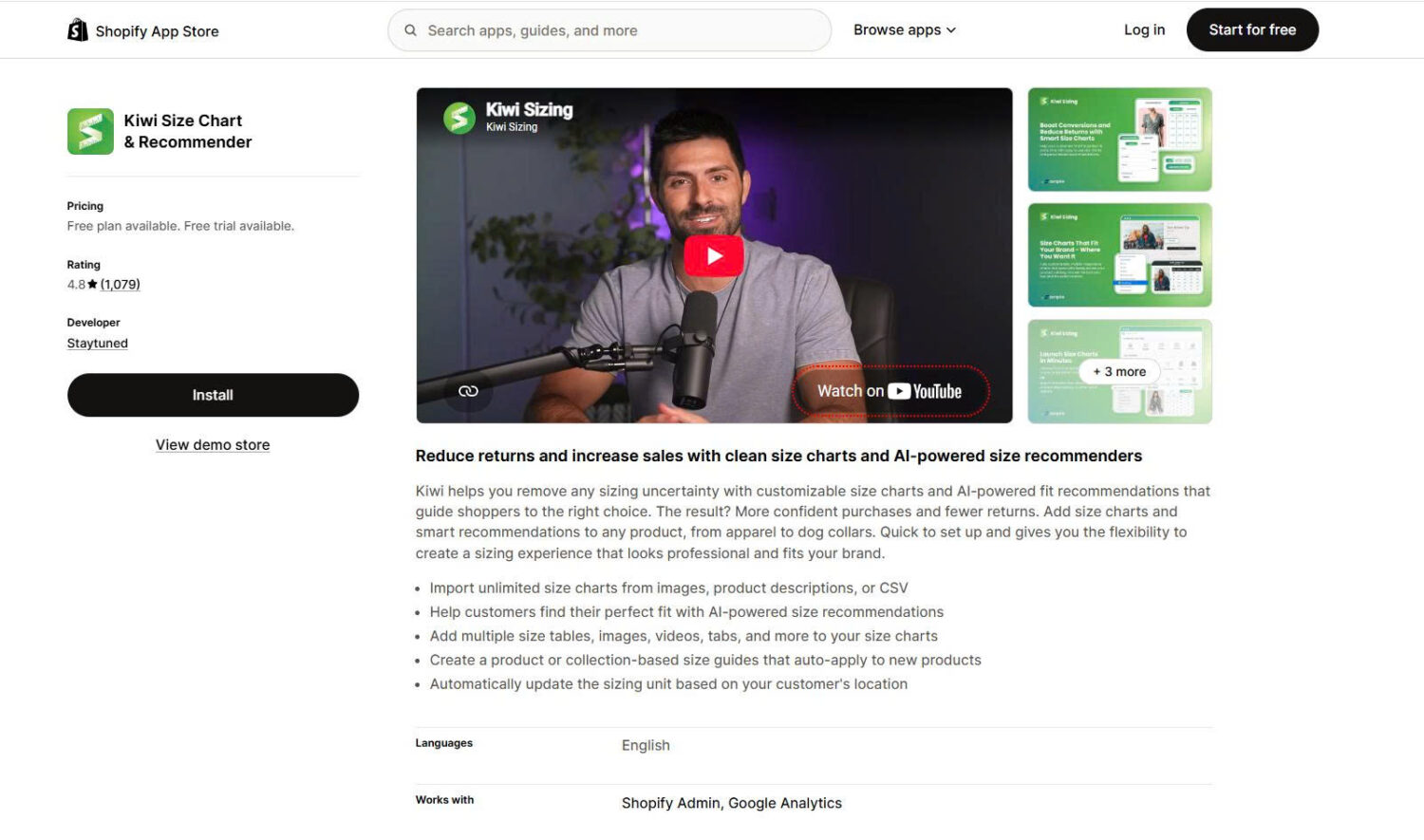
Kiwi is installed on around 42,900 Shopify stores. It opens a size chart popup from the product page. It also runs a fit finder that asks a few questions and recommends a size.
The recommender is the reason to choose Kiwi over a plain chart app. It works for products where you cannot predict body size, including footwear, outerwear, and non-apparel items like pet collars.
Key features
Pros
Cons
What merchants say
Support quality is the strongest theme, with merchants naming agents and describing fast help during setup. Reviewers repeatedly mention reduced returns and exchanges.
The most common criticism is the initial setup effort for stores with large or varied catalogues.
This is the only popup category that exists for legal reasons rather than marketing ones.
️🏆 Best for: stores selling age-restricted products.
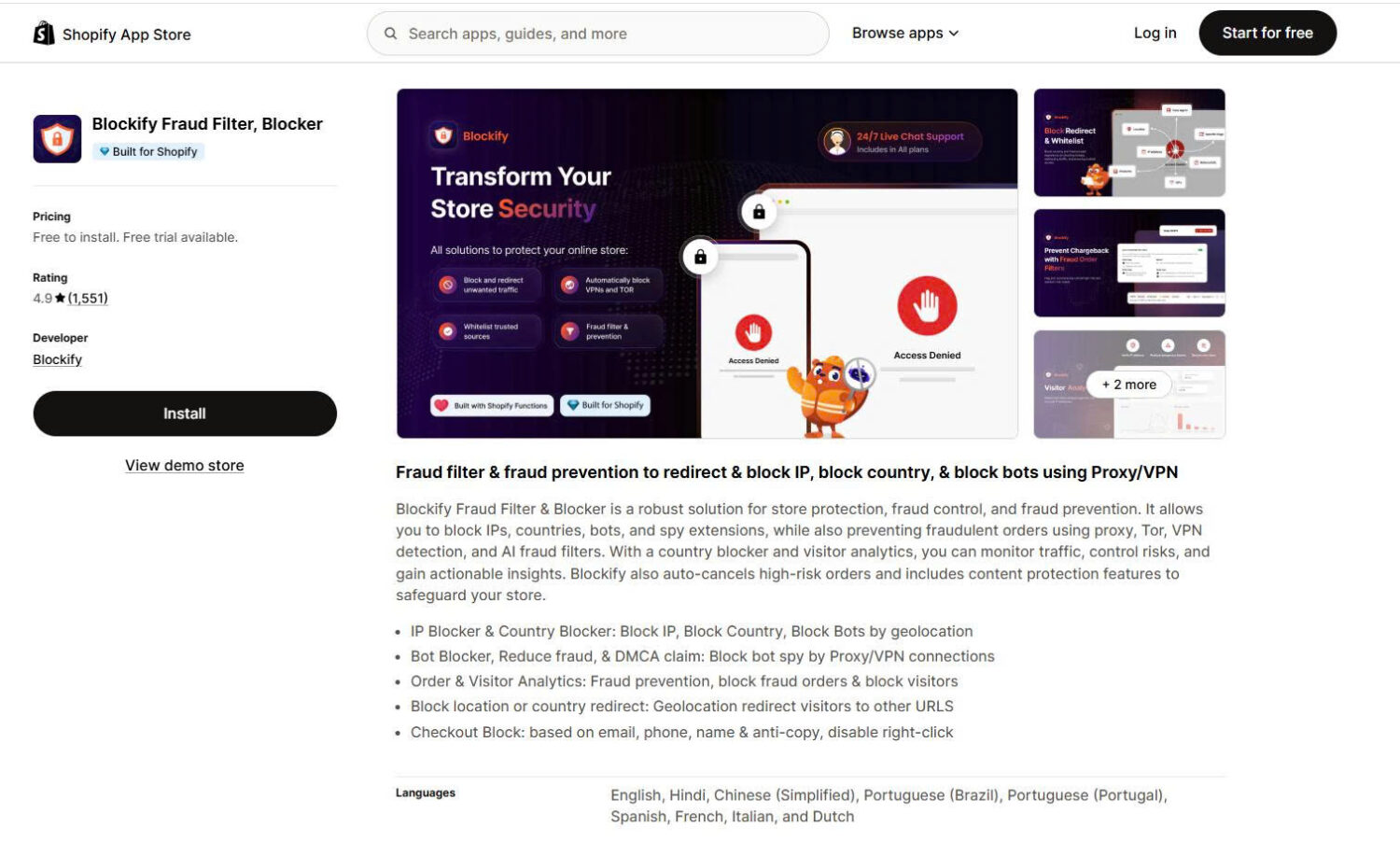
Blockify carries the Built for Shopify badge. It adds an age gate that blocks store access until the visitor confirms their age. It also handles terms and conditions acceptance.
The important difference from a marketing popup is that this one blocks. A visitor cannot browse past it.
Key features
Pros
Cons
What merchants say
Merchants in alcohol, vape, and similar categories describe it as straightforward and report that it does what compliance requires. Support responsiveness is the most repeated positive theme. Design flexibility is the most common request.
Here is the whole article in one list.
Most stores end up running two apps rather than one. Capture, upsell, and compliance are different products, and no single app covers all three well.
Popup apps are not a single product category. The right choice depends entirely on what you need the popup to do, which is why this guide sorts by job rather than ranking one to thirteen.
Start with the job. If you need contacts, look at Pop Convert, SendWILL, or Shopify Forms. If you need to lift cart value, look at BOGOS. If you need fewer returns, look at Kiwi. If you need to meet a legal requirement, look at Blockify.
Every rating, price, and feature here was checked against live Shopify App Store listings on 19 August 2026. Ratings and pricing in this category change often, and two of the largest apps here were renamed within the past year. Check the listing before you install, and we will recheck these figures periodically.
Yes. Shopify Forms is free, built by Shopify, and creates both popups and inline forms. It handles email capture, discount incentives, and exit intent.
It is limited compared with third-party apps. There is no A/B testing, no gamification, no announcement bars, and no geolocation targeting. Merchants also cannot resize the popup or control how long a dismissal lasts.
If you need basic capture and want to avoid a third-party app, Shopify Forms is enough. If you want to improve results over time, you will need something with A/B testing.
One capture popup at a time. Two popups competing for the same visitor cancel each other out.
Running different types together is fine, because they do different jobs and appear at different moments. An announcement bar, a size chart on product pages, and a cart-triggered upsell can coexist without conflict.
The rule is one popup per moment. If two would appear on the same page at the same time, set display rules so only one fires.
Only in one situation. Google has stated that pages showing intrusive interstitials give a poorer experience, and that since January 2017 pages where content is not easily accessible from mobile search results may not rank as highly. The technique it names is a popup covering the main content right after a visitor arrives from search.
The risk applies to that first mobile landing page. Delayed, scroll-triggered, exit-intent, and cart-triggered popups all sit outside it. Google also exempts popups required by law, including age verification and cookie consent.
Every popup app adds a script, so every one adds some weight. Well-built apps load asynchronously and barely affect page speed.
Two things matter more than which app you choose: how many popup apps you run at once, and the image weight inside the popup. Run a speed test before and after installing, and compare.
One caution merchants raise in reviews: some apps leave code in your theme after uninstalling. If you remove an app and still see the popup, check your theme files.
No reliable independent benchmark exists. The figures repeated online, including the common 3.09% average, trace back to studies no longer publicly available, and vendor claims of 8% to 15% come from companies selling the products they describe.
Measure against your own baseline instead. Record your rate for two weeks, then change one thing at a time. For rough context, one developer stated in July 2026 that most stores using their popup see 3% to 6%, though that is their own figure rather than independent data.

Shopify smart collections add and remove products for you based on rules, such as a tag, a price, or...

Shopify collections decide how shoppers find your products, yet many guides still describe a setup Shopify is now replacing....

A Shopify announcement bar is the thin strip at the top of your store that tells shoppers about shipping,...
