Allan Vu is a Digital Marketing expert and the driving force behind BOGOS’s blog content. With a deep understanding of eCommerce and Shopify promotions, he is passionate about helping merchants unlock the full potential of their stores.
At BOGOS, Allan creates valuable, practical content focused on strategies like Free Gifts, Buy X Get Y, product bundles, and upsell offers to empower Shopify sellers to grow their businesses effectively.
Known for his clear, insightful writing, Allan is dedicated to delivering actionable advice that makes a real difference for BOGOS’s readers.
Your customer wants to add their dog’s photo to a mug, or their child’s name to a blanket, and see it on the product before they pay. Shopify cannot build that on its own. A Shopify personalized products app adds a live design tool to your product page, then turns each order into a print-ready file and routes it to your print-on-demand supplier automatically. This guide covers the six best options for POD brands in 2026, with pricing and features verified against live App Store listings, tested and compared by Allan Vu, Digital Marketing Specialist & E-commerce expert at BOGOS.
Many app lists mix these tools with product option apps, and the two solve different jobs. This guide covers only apps built for print on demand: live preview, automatic print-ready files, and direct routing to your supplier. It does not cover plain option-field apps (see our Shopify product customization app guide for those), page builders, or POD suppliers themselves.
TL;DR
A personalized products app adds a live design tool to your product page, then turns each order into a print-ready file and sends it to your print-on-demand supplier.
Teeinblue is the strongest pick for automating order-to-print fulfillment at scale. 4.9★ (340 reviews), from $49/month plus a low per-item fee.
Zepto is the cheapest way to start and prove the model. 4.9★ (1,174 reviews), from $9.99/month, but each tier caps products and orders.
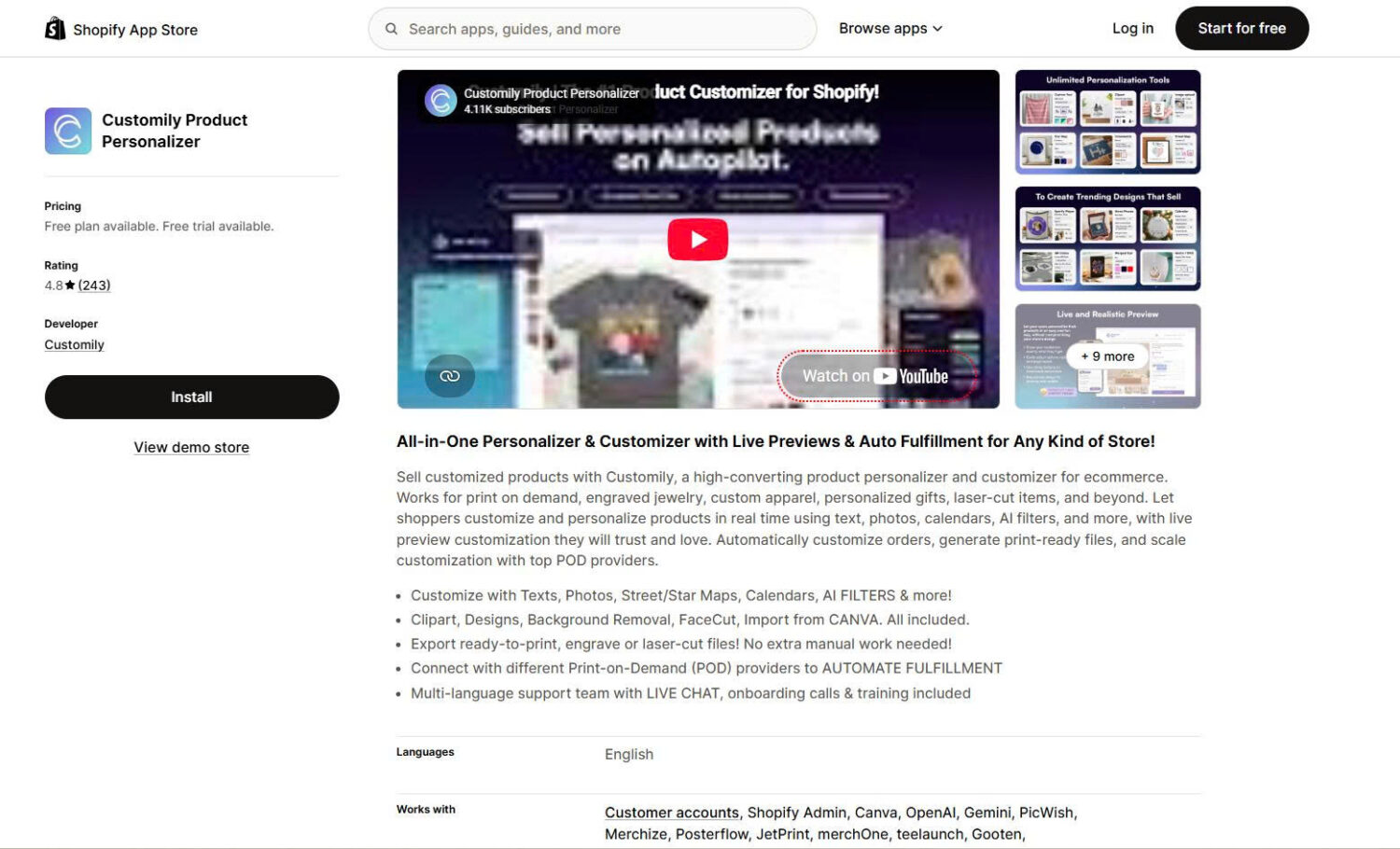
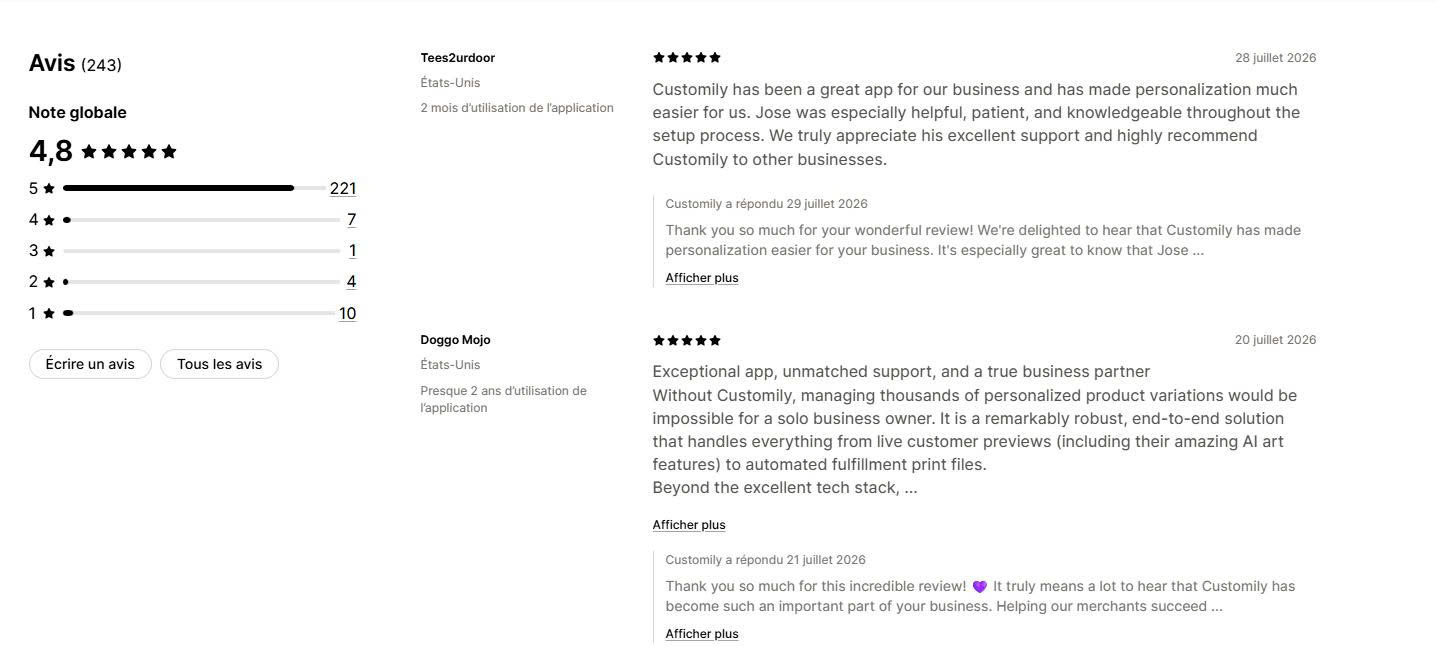
Customily offers the richest design toolkit and hands-on training. 4.8★ (243 reviews), from $49/month plus a higher per-item fee.
Zakeke wins when the sale depends on 3D and AR, though it is the most expensive here. Kickflip suits true multi-component configurators. Customix is the one genuinely free starting point.
Every rating, price, and feature below was checked against live Shopify App Store listings in August 2026.
1. How we tested these apps
The Shopify App Store lists dozens of apps that all promise the same live preview and print files. To separate them, we checked each app against its live App Store listing, its help documentation, and its recent merchant reviews in August 2026. We focused on five things:
Personalization depth and live preview: how many input types the app supports, and whether the preview looks accurate on desktop and mobile.
Print-file automation and POD integrations: whether the app generates a production-ready file automatically, and which print providers it connects to.
Real cost at volume: what the free plan actually includes, the monthly fee, and any per-item or percentage charge that grows with sales.
Performance and theme compatibility: whether the app installs through app blocks, and how it behaves during peak traffic.
Support and review patterns: response speed, technical depth, and whether the same complaint appears across many reviews.
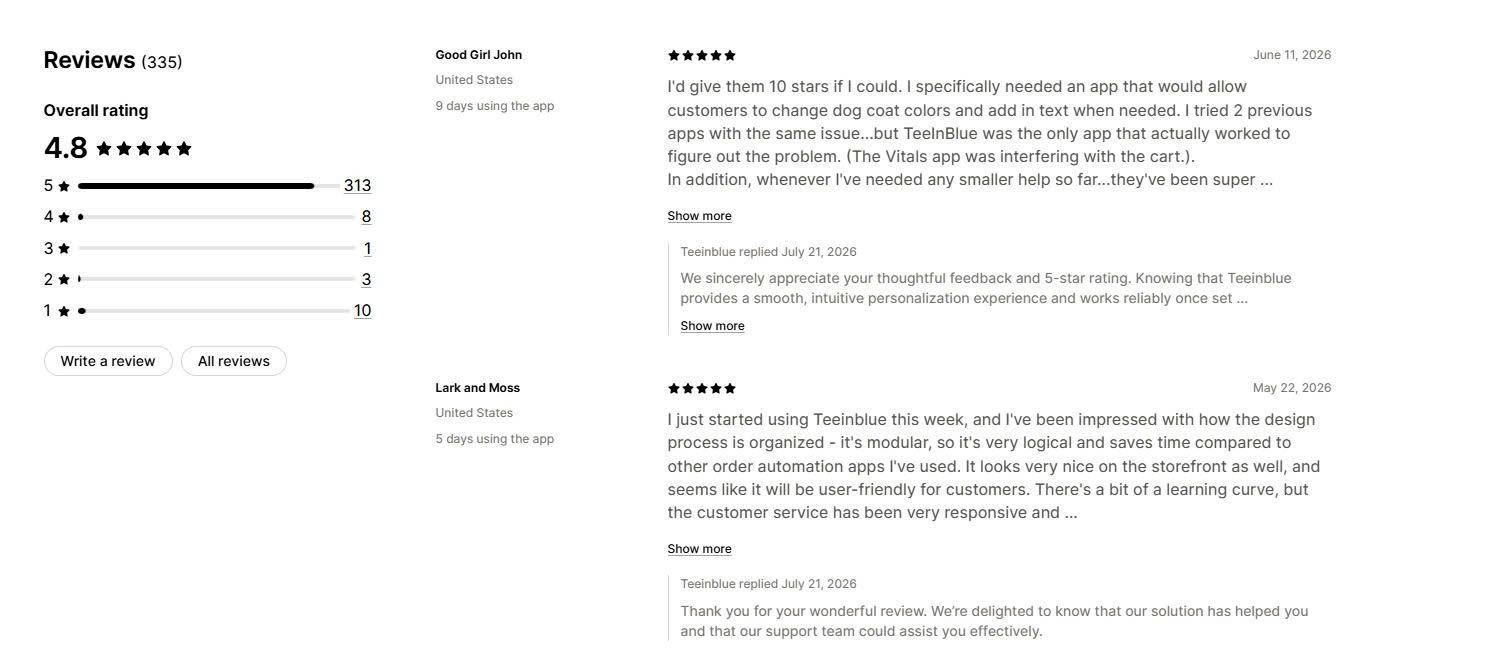
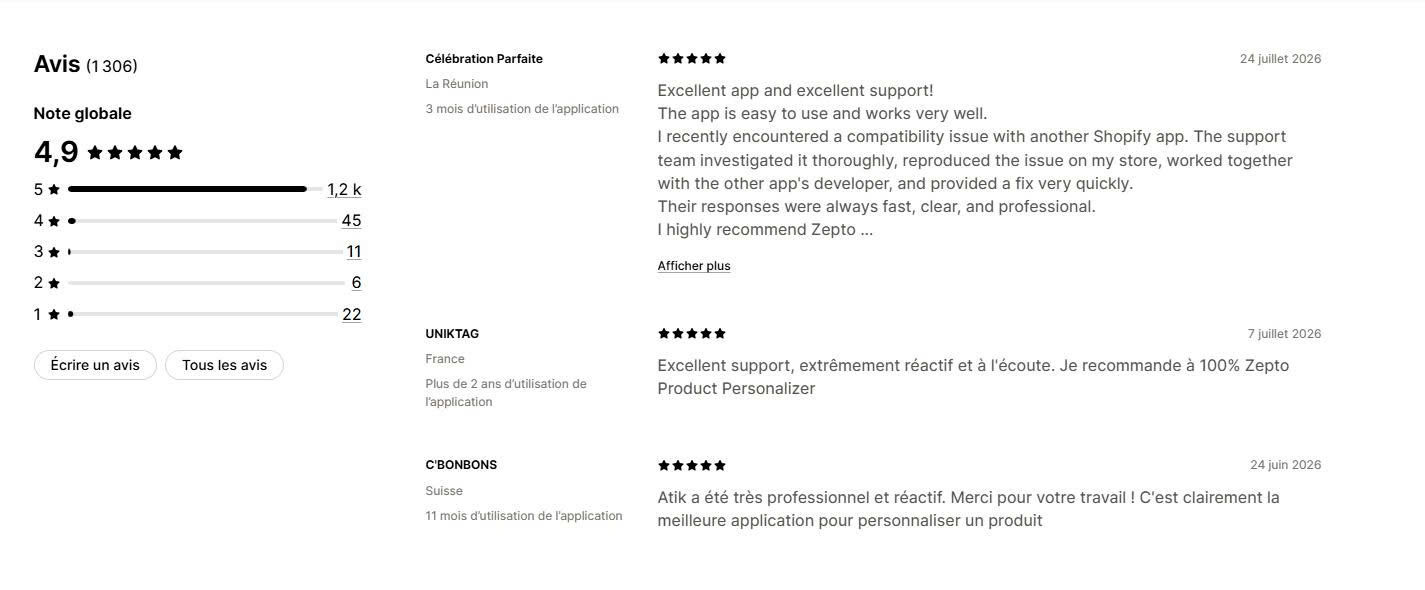
One note on ratings. Every serious app in this category sits between 4.6 and 4.9 stars, so the average hides more than it shows. We calculated the share of reviews at three stars or below instead. Teeinblue sits at 4.1%, Zepto near 4%, Customix at 3%, Customily at 6.2%, and Zakeke at 11.6%. That spread tells you more than the star rating.
Based on these criteria, the three apps we recommend most are chosen by scenario, not by rank:
Customily— best for the richest design toolkit and hands-on training.
Zepto — best for starting cheap and proving the model.
Teeinblue — best for automating order-to-print fulfillment at scale.
2. What a personalized products app should do (features to look for)
First, know which category you need. A product customization app captures extra order information with option fields, such as a gift message or a dropdown, and you fulfill the order yourself. A personalized products app turns a live design into a fulfilled print order. If you only need option fields and pack orders in-house, you want a product customization app. If your customer designs a product that a print provider makes, you want the apps below.
For a POD brand, these are the features that decide whether personalization is profitable:
Live preview. The customer sees their text, photo, or design on the product in real time, on desktop and mobile. This is the core of the experience and the reason these apps convert.
Personalization inputs. Look for text, photo upload, clipart, maps and calendars, and AI tools like background removal and face cutout. The wider the input range, the more product types you can sell.
Automatic print-ready files. The app should generate a production file at the correct specification the moment an order arrives. This removes the manual proofing step that limits how many orders a small team can handle.
POD integrations and auto-routing. Direct connections to Printful, Printify, Gelato, ShineOn, and similar providers send the order and the file through without anyone touching it.
Pricing controls. You should be able to upcharge for personalization, and you should model the real cost, since many of these apps add a per-item or percentage fee on top of the monthly price.
Order and file flow. Confirm the finished design reaches production, not just the storefront. A design that looks right on the product page and never reaches your printer creates a refund instead of a sale.
Performance and theme compatibility. Prefer apps that install through Online Store 2.0 app blocks and stay stable during peak season. Test on a duplicate theme first.
3. The 6 best Shopify personalized products apps for POD
Here is a side-by-side view of all six apps. Use the table to shortlist, then read the full review for anything that fits your store.
App
Rating & reviews
Free plan
Live preview
Print-file automation
Best for
Main drawback
Pricing from
Teeinblue
4.9★ (340)
Dev stores only
Yes
Automatic
Automating order-to-print at scale
Per-item fee on top
$49 + fees
Zepto
4.9★ (1,174)
No
Yes
Via POD integrations
Starting cheap and proven
Product and order caps per tier
$9.99
Customily
4.8★ (243)
Dev stores only
Yes
Automatic
Richest design tools and training
$0.10–$1.00 per-item fee
$49 + fees
Zakeke
4.7★ (95)
Dev stores only
Yes (2D/3D/AR)
Automatic
3D and AR visualization
Premium price, product caps
$69.90 + 1.9%
Kickflip
4.6★ (136)
No
Yes (3D)
Design files + POD
True 3D configurators
Cost rises with sales
$59 + 1.95%
Customix
4.8★ (32)
Yes
Yes
Elite tier only
A genuinely free start
New, small review base
Free / $9.99
Teeinblue and Customily are the automation-first tools. Zepto is the cheapest proven entry. Zakeke leads on 3D and AR, Kickflip on multi-component configurators, and Customix is the only genuinely free start. Below we break down each app’s features, pricing, and best-fit use case.
#1 Customily Product Personalizer
🏆 Best for: the richest design toolkit and hands-on training.
Developer: Customily
Pricing: Free for development stores. Paid from $49/month plus a per-item fee.
Rating and reviews:4.8★ (243 reviews), launched April 2020
Customily Product Personalizer lets you create and sell customized products with real-time live preview and automatic print-ready file generation. It supports both in-house fulfillment and print-on-demand workflows, so you can run personalization from product setup through to production either way. It carries the deepest design toolkit in this guide, and its support model is built around one-on-one training.
Key features:
Real-time live preview. Customers personalize with text, photos, clipart, and images and see every change on the product before they buy, across multiple product views and print areas.
Advanced personalization inputs. Beyond text and photos, it adds star and street maps, calendars, and QR codes for higher-value custom products.
AI tools and conditional logic. Background removal, face cutout, and AI image effects, plus conditional logic that shows or hides options as the customer designs.
Automatic print-ready files. Every order exports a production file for print, engraving, or laser cutting, for both in-house and POD fulfillment.
POD integrations and Canva import. Printify, Printful, Gelato, ShineOn, CustomCat, teelaunch, Gooten, Merchize, JetPrint, and Printbelle, with one-click design import from Canva.
Multi-platform selling. Beyond Shopify, Customily connects with Etsy, WooCommerce, Amazon, and other platforms from one setup.
Live training and support. Live chat, multi-lingual support, and one-on-one training come with the plan.
Pricing:
Development stores: free, with all features
Customily Plan: $49/month plus $0.10 to $1.00 per order item, so you pay only for products that use Customily. Includes a 9-day free trial.
Pros and cons:
Pro: the widest toolkit here, covering maps, calendars, QR codes, and both in-house and POD fulfillment.
Pro: partner-like support with live chat, multiple languages, and one-on-one training.
Con: the highest low-star share of the top group, at 6.2% of reviews at three stars or below.
Con: the per-item fee reaches $1.00, higher than Teeinblue’s $0.40 ceiling, so cost is harder to predict.
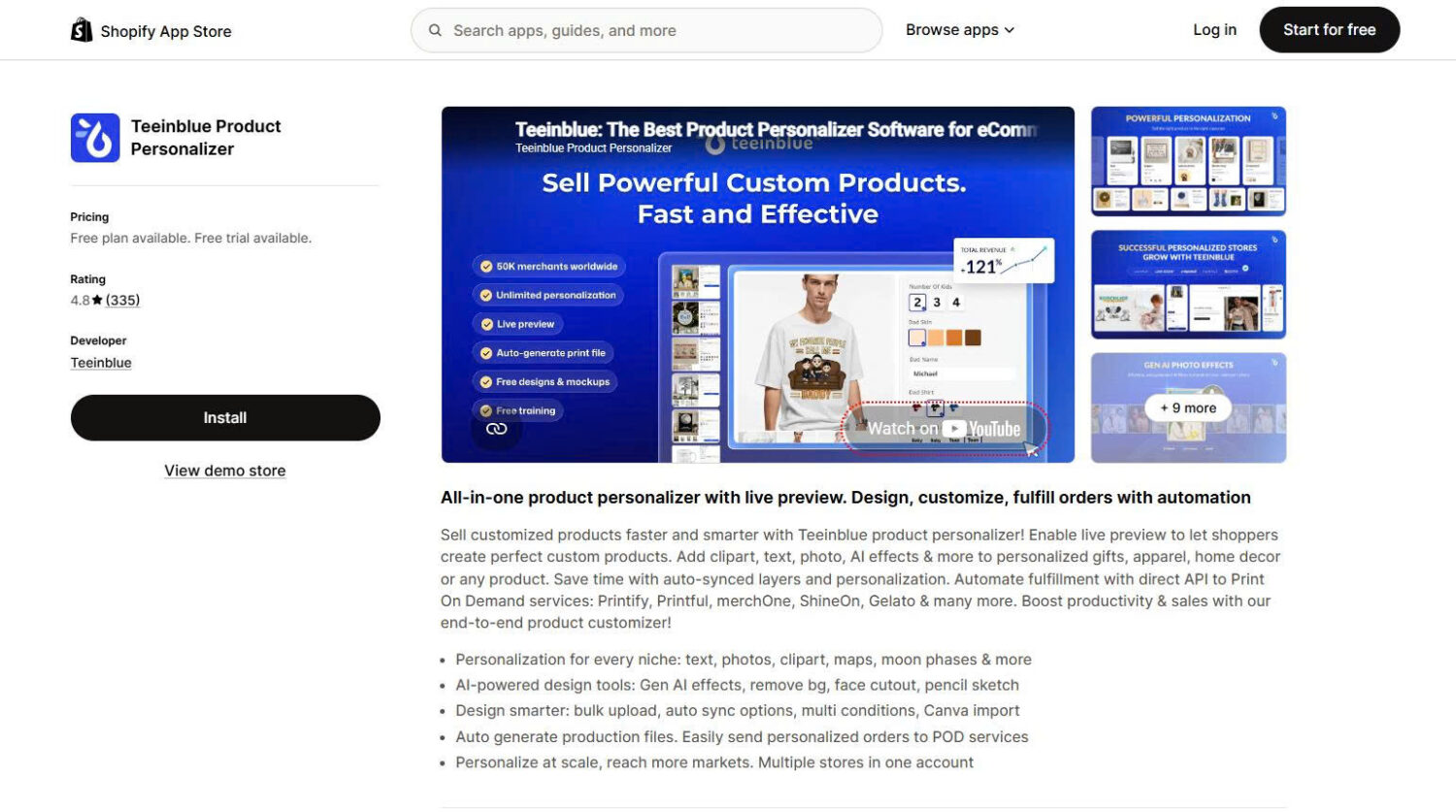
#2 Teeinblue Product Personalizer
️🏆 Best for: automating order-to-print fulfillment at scale.
Developer: Teeinblue
Pricing: Free for development stores. Paid from $49/month plus a per-item fee.
Rating and reviews:4.9★ (340 reviews), launched April 2020
Teeinblue Product Personalizer is built for one job: selling personalized products that a print provider fulfills. The customer designs on your product page with live preview, and Teeinblue generates the print-ready file and routes the order to your supplier without a manual step. It is the most POD-native app in this guide, and its per-item fee is the lowest of the automation tools.
Key features:
Automatic print-ready file generation. The moment an order arrives, the app produces a production file at the correct spec, which removes the manual work that caps how many orders a small team can process.
Direct POD connections. Printify, Printful, Gelato, ShineOn, merchOne, Merchize, CustomCat, Dreamship, Printway, Printbelle, and Prodigi, with bulk fulfillment.
Personalization built for gifting. Text, photos, clipart, maps, and moon phases, plus AI tools for background removal, face cutout, and pencil sketch effects.
Design tools that save setup time. Bulk upload, auto-synced layers, multi-condition logic, and one-click Canva import.
Multi-store from one account. Run several Shopify stores on one Teeinblue account and share product data across them.
Pricing:
Development stores: free, with all features
Blue: $49/month plus $0.10 to $0.40 per order item generated by Teeinblue, with no fee on the first 100 orders each month. Other plans include a 14-day free trial.
Pros and cons:
Pro: full order-to-print automation with the lowest per-item fee among the automation tools.
Pro: the strongest rating profile here, with only 4.1% of reviews at three stars or below.
Con: no free plan for a live store, so you pay from launch.
Con: setup has a learning curve, which reviewers mention often.
What merchants say: Reviewers describe powerful personalization, naming face cutouts, clipart, and text layers, and they say the live preview keeps customers confident about what they order. Support draws the most praise, with merchants reporting custom setup videos and help with complex logic that other apps could not solve. The most common friction is the initial learning curve, and the per-item fee is the main cost concern.
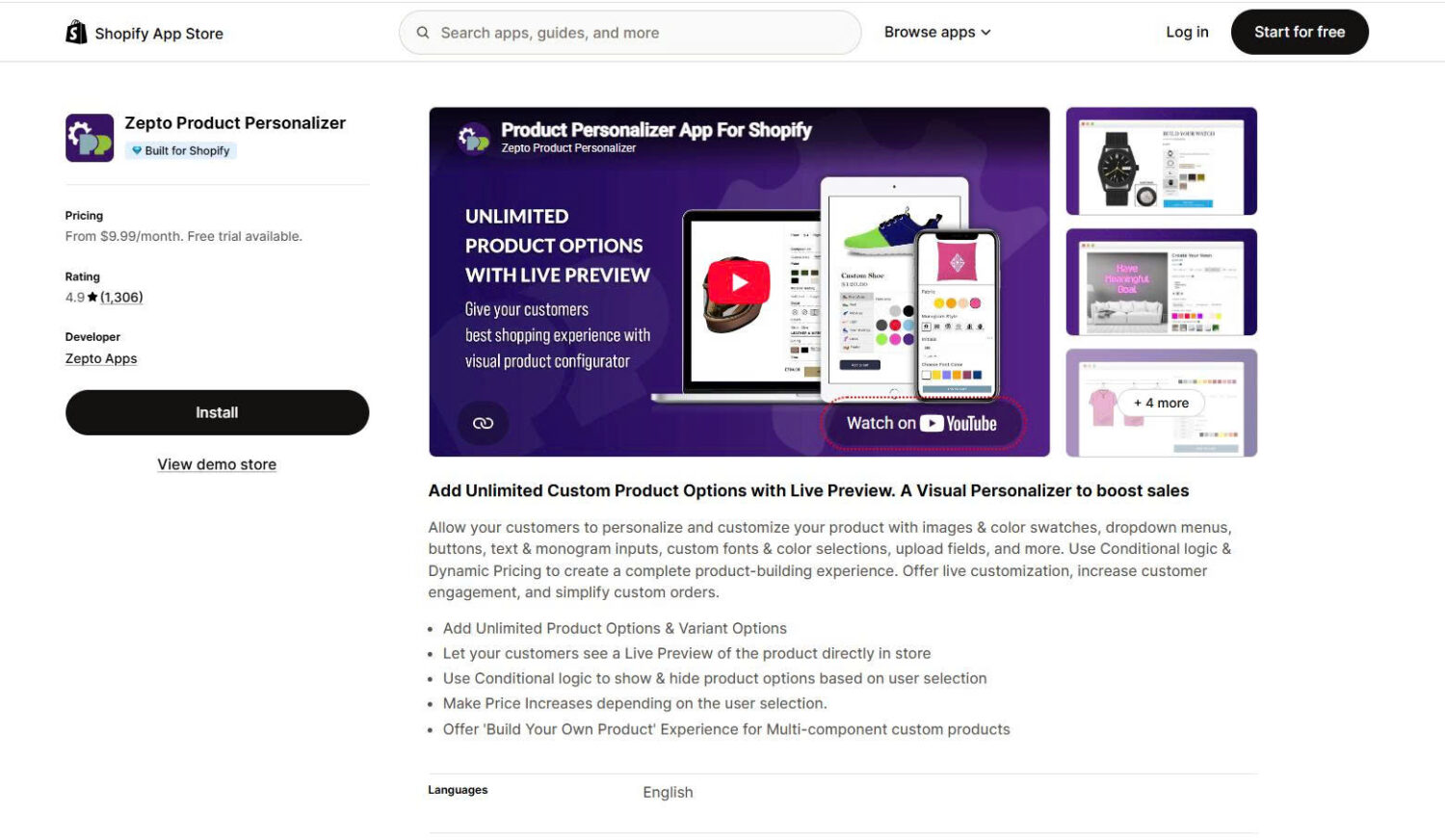
#3 Zepto Product Personalizer
️🏆 Best for: starting cheap and proving the model.
Developer: Zepto Apps
Pricing: No free plan. Paid from $9.99/month.
Rating and reviews:4.9★ (1,174 reviews), Built for Shopify, launched August 2016
Zepto Product Personalizer has built live preview for Shopify since 2016, longer than almost anything else in this category, and it has the largest review base here by a wide margin. At $9.99 a month it is the cheapest way to start selling personalized products with a proven tool. It fits jewelry, engraved gifts, monogrammed goods, and photo products, and it connects to print providers for fulfillment.
Key features:
A decade of live preview. Customers see fonts, colors, monograms, and uploaded images on the product before they buy, refined over years of iteration.
Print-on-demand integrations. Direct connections to Printful, Gelato, and ShineOn, plus PageFly for page building.
Build-your-own-product flows. Multi-component customization for products assembled from several parts, with conditional logic and dynamic pricing.
High-quality file exports. Merchants single out the quality of the artwork files their production teams receive.
SKU-level inventory. Track stock across option combinations and hide out-of-stock variants.
Pricing:
Starter: $9.99/month. Up to 50 personalizable products, 100 custom orders per month
Basic: $19.99/month. Up to 200 products, 300 custom orders per month
Pro: $29.99/month. Up to 500 products, 500 custom orders per month
Unlimited: $49.99/month. Unlimited products and orders. All plans include a 15-day free trial.
Pros and cons:
Pro: the cheapest proven entry point, with the longest track record in the category.
Pro: strong rating profile, with about 4% of reviews at three stars or below.
Con: every plan below $49.99 caps both products and monthly custom orders, which surprises growing stores in peak season.
Con: the interface is English only and more utilitarian than the newer apps.
What merchants say: Zepto has the longest merchant tenure in this guide, with reviewers reporting four, five, and six years of continuous use, the strongest longevity signal available. Praise centers on fast support that fixes theme bugs in minutes and on the quality of exported files. The most common complaint is the product and order caps, which stores hit as they grow, so check your peak-month volume against the tier limits before you commit.
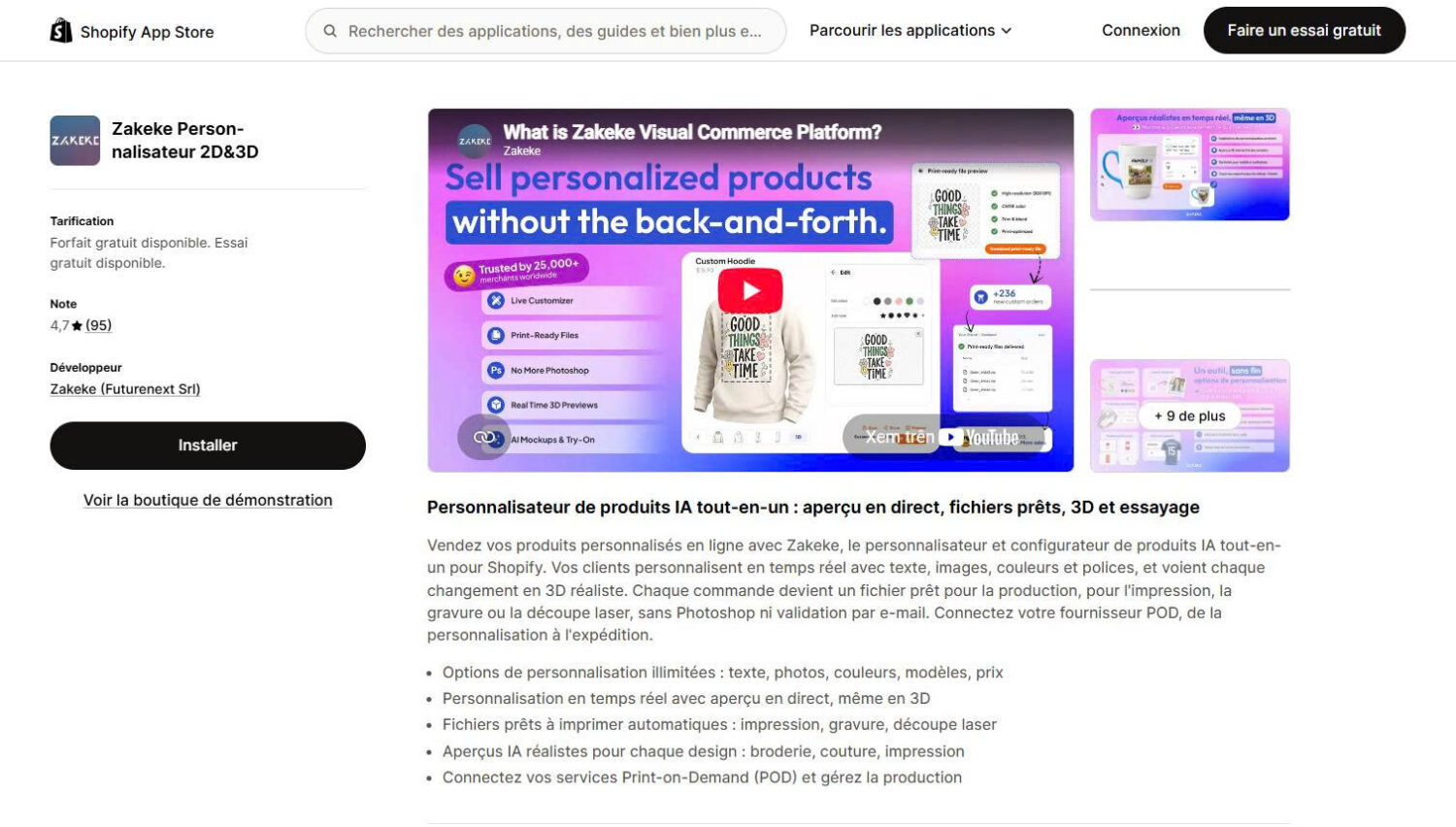
#4 Zakeke ‑ Customizer 2D & 3D
🏆 Best for: products that sell on 3D and AR visualization.
Developer: Zakeke (Futurenext Srl)
Pricing: Free for development stores. Paid from $69.90/month plus a transaction fee.
Rating and reviews:4.7★ (95 reviews), launched November 2017
Zakeke ‑ Customizer 2D & 3D adds live 2D customization, a 3D configurator, augmented reality, and virtual try-on. It is the strongest visualization tool here, and it also generates print-ready files and connects to POD providers. It fits products where seeing the item in 3D or in the room changes the buying decision, such as furniture, eyewear, and configurable goods. It is the most expensive app in this guide.
Key features:
Real-time 2D, 3D, AR, and virtual try-on. Customers rotate the product, view it in 3D, and place it in their space through the browser, with no separate app.
Automatic print-ready files. Every order converts to a production file for print, engraving, or laser cutting.
AI realistic previews. Generate lifelike previews with embroidery, stitching, and print effects.
Broad language support. The interface runs in 23 languages, the widest here.
POD connections. Link your preferred print provider to scale fulfillment.
Pricing:
Development stores: free, with all features
Starter: $69.90/month plus a 1.9% fee on products sold through Zakeke. Up to 10 published products, “Powered by Zakeke” label.
Grow: $129.90/month plus 1.7%. Up to 50 published products, white label.
Scale: $299.90/month plus 1.5%. Up to 100 published products, white label. All paid plans include a 14-day free trial.
Pros and cons:
Pro: the best 3D, AR, and virtual try-on experience in the category.
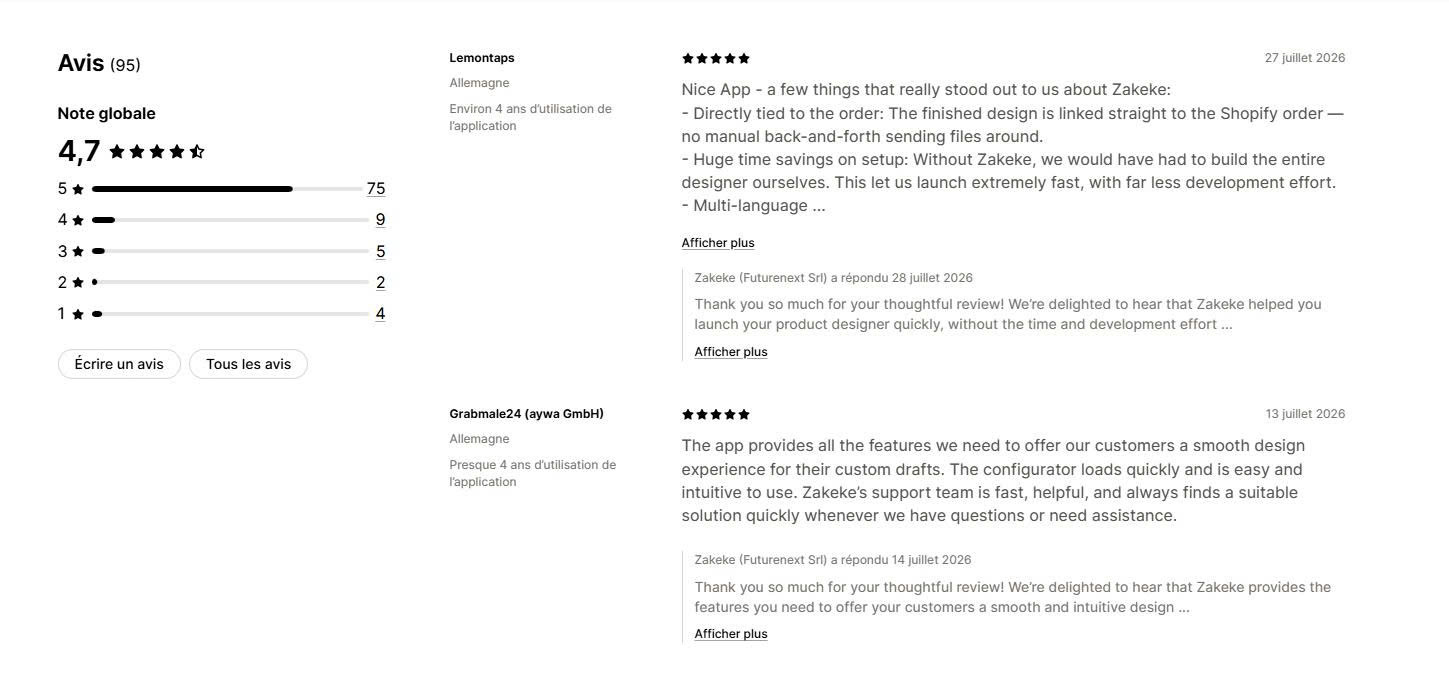
Pro: responsive multi-language support and a direct link between the finished design and the order.
Con: the highest starting price and hard product caps of 10, 50, and 100 across tiers.
Con: the weakest rating profile here, with 11.6% of reviews at three stars or below, and POD users cannot apply Zakeke’s custom Printing Methods.
What merchants say: Reviewers praise the 3D and AR features and a support team that responds quickly and works across languages. The recurring complaints are about cost, with some merchants describing the pricing as nickel-and-dime, and about a limitation where custom Printing Methods do not work alongside POD. The product caps push larger catalogs onto higher tiers quickly.
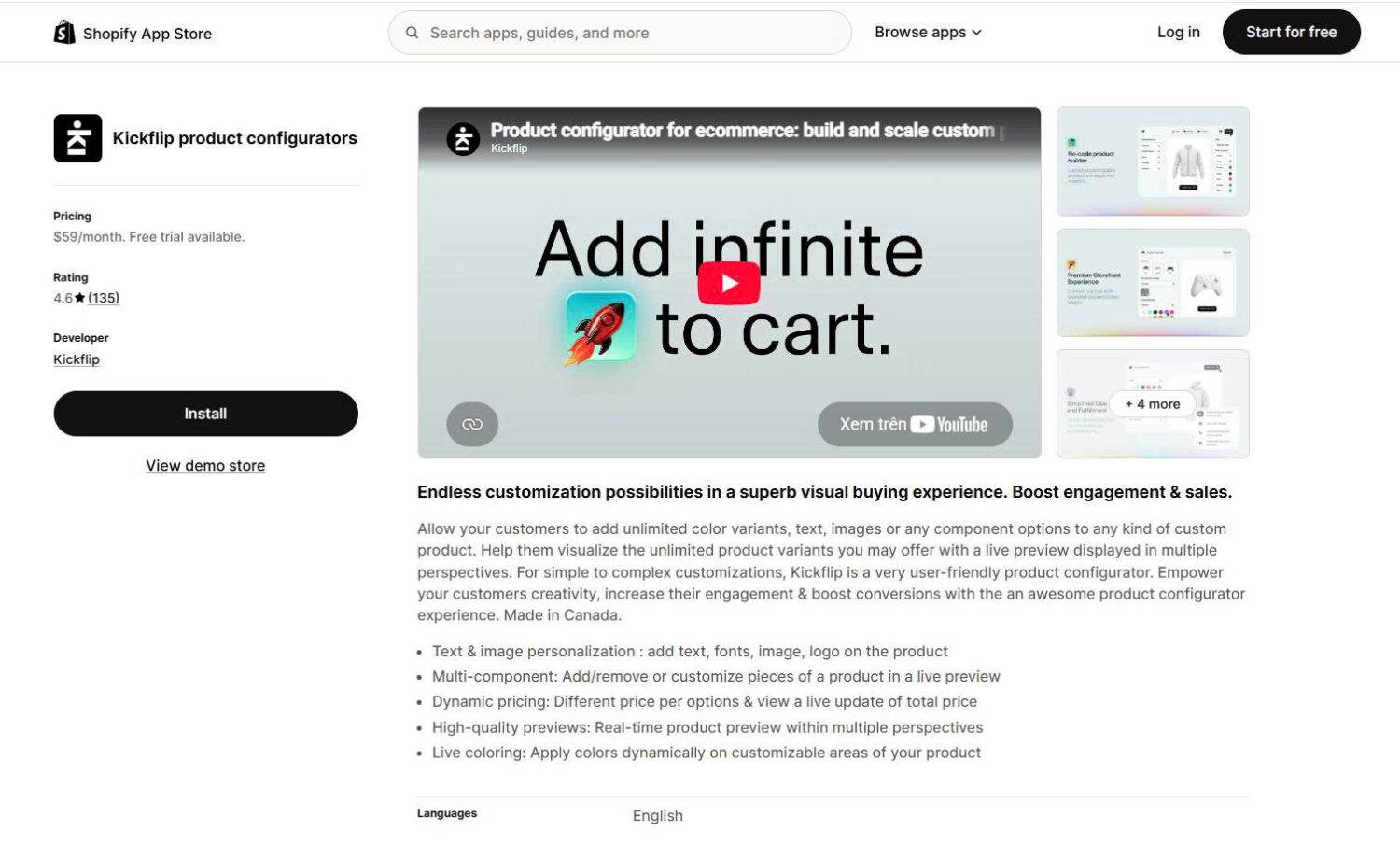
#5 Kickflip
🏆 Best for: true 3D, multi-component configurators.
Developer: Kickflip
Pricing: No free plan. Paid from $59/month plus a 1.95% transaction fee. Free trial available.
Rating and reviews:4.6★ (136 reviews)
Kickflip is a true 3D product configurator rather than a personalizer. Customers add, remove, and swap components and view the result from every angle, which suits products where the shape changes as choices are made. Brands selling custom skis, sports equipment, eyewear, and furniture use it, and that is the profile it fits.
Key features:
Genuine 3D visualization. Customers rotate the product and see components change in real time, which no personalizer in this list matches.
Multi-component configuration. Add or remove parts such as panels, straps, or sleeves, rather than only changing text and color on a fixed shape.
Dynamic pricing per component. The price recalculates as each part is selected, with upcharges on individual elements.
Design sharing and order data. Customers share finished designs, and you receive design analytics alongside the order.
Pricing:
Scale: from $59/month plus a 1.95% fee on customized product sales, decreasing at higher volumes, with custom plans for large merchants. Pricing has changed more than once, so verify the current structure on the listing before installing.
Pros and cons:
Pro: the best experience for genuinely complex, multi-part configurators.
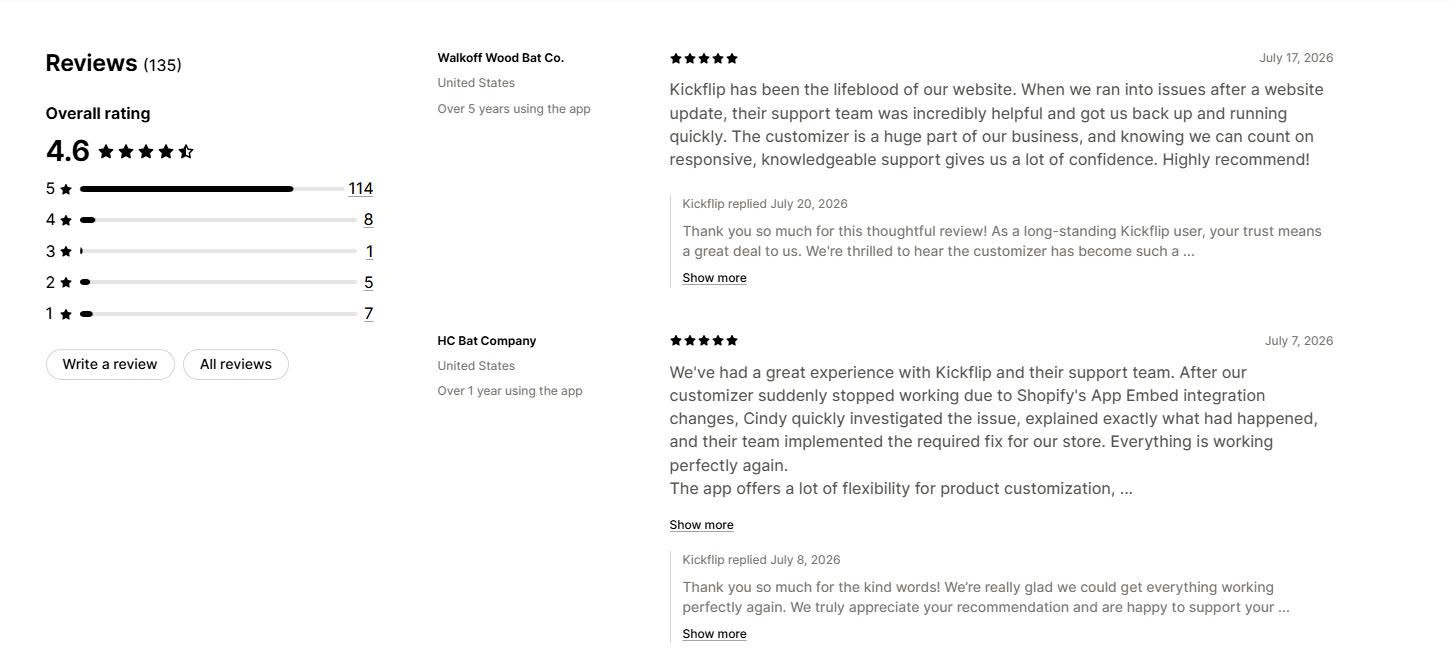
Pro: a clean interface and support team that solves code-level problems.
Con: cost rises with sales, and there is no low-cost tier for small stores.
Con: merchants below roughly $10,000 a month in customized sales often find it too expensive, and some lowered their ratings after a pricing change.
What merchants say: Merchants building complex configurators praise the interface, the support team, and the finished customer experience. The dominant complaint is cost. After Kickflip replaced its pay-as-you-grow plan with a higher subscription plus a per-transaction fee, several long-term users lowered their ratings and noted that a single tier does not suit stores on Shopify Basic. Most of the negative feedback relates to pricing rather than the product itself.
#6 Customix Product Personalizer
🏆 Best for: a genuinely free starting point.
Developer: Customix
Pricing:Free plan available. Paid from $9.99/month.
Rating and reviews:4.8★ (32 reviews), Built for Shopify, launched July 2024
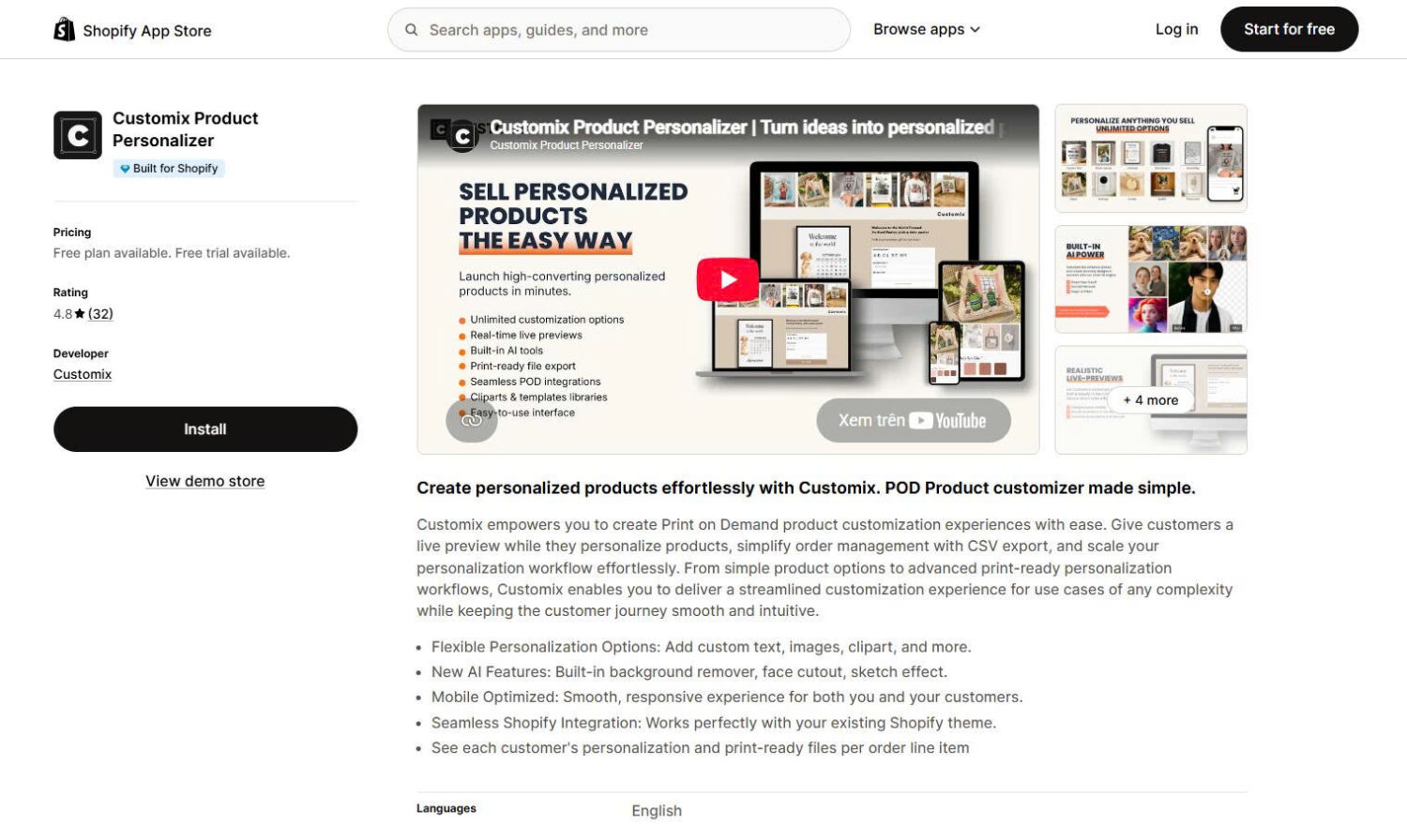
Customix Product Personalizer is the newest app here and the only one with a genuinely free plan for a live store. It gives customers live preview and personalization, exports files to your print provider, and carries the Built for Shopify badge. It suits new POD sellers who want to launch without a monthly fee, with room to grow into paid tiers.
Key features:
A free plan that works on a live store. Up to 10 products with live preview, conditional logic, image upload, free templates, and live chat support.
Flexible personalization inputs. Custom text, images, and clipart, with AI background removal, face cutout, and sketch effects on paid tiers.
POD integrations. Gelato, Prodigi, Dreamship, merchOne, Printway, Printful, Printbelle, Merchize, Printify, teelaunch, Gearment, ShineOn, Shirtee, and CustomCat.
Order management. See each customer’s personalization and print-ready file per order line item, with CSV export.
Pricing:
Free: up to 10 products, live preview, conditional logic, image upload, free templates, live chat
Starter: $9.99/month. Up to 30 products
Pro: $17.99/month. Unlimited products, AI image effects, product bundles
Elite: $29.99/month plus $0.20 per order item. Adds automatic print-ready file generation, multi-store and API access, and priority support. Paid plans include a 14-day free trial.
Pros and cons:
Pro: the only genuinely free start in this guide, with live preview included and a Built for Shopify badge.
Pro: excellent, hands-on support and a clean, mobile-friendly design tool.
Con: the newest and smallest track record here, with 32 reviews and short merchant tenure.
Con: automatic print-ready file generation sits on the top Elite tier, so full automation costs $29.99 plus a per-item fee.
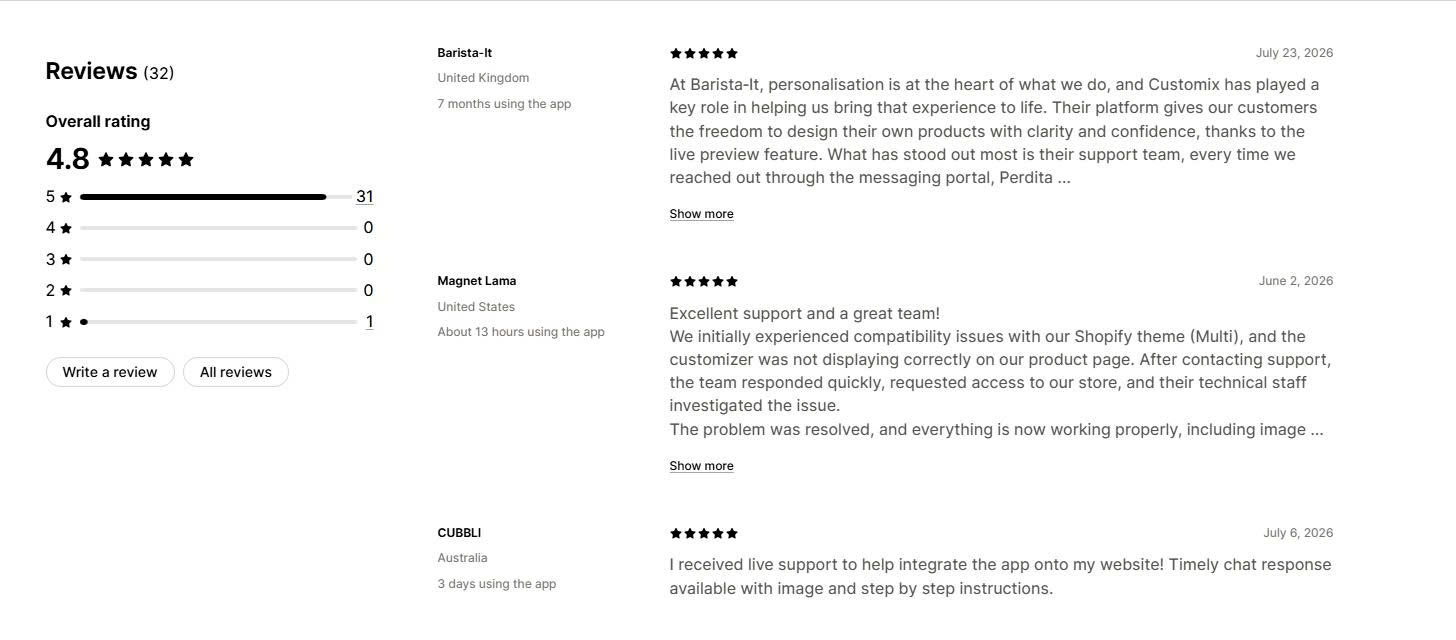
What merchants say: The review base is small but consistent. Merchants praise fast, hands-on support, naming individual agents, and report theme compatibility issues diagnosed and fixed quickly. The live preview and clean setup draw repeated mention. The honest caveats are the short history, since no merchant has run this app through many peak seasons yet, and the fact that full print-file automation requires the top tier.
4. How to choose the right personalized products app for your store
The right app comes down to your fulfillment method, your budget, and how visual your product is.
You want fully automated fulfillment as you scale. Choose Teeinblue for the lowest per-item fee, or Customily if you want the deeper design toolkit and live training.
You are starting out or watching costs. Choose Zepto at $9.99 a month for a proven tool, but check your peak volume against its product and order caps. Choose Customix if you need to start free.
Design tools and onboarding matter most. Choose Customily for Canva import, maps, calendars, and hands-on training.
The sale depends on 3D or AR. Choose Zakeke for visualization and virtual try-on, or Kickflip for products built from many components.
Conclusion
The app is only half the job. What decides whether personalization earns money is whether the customer’s design reaches your print provider automatically, because a design that looks right on the storefront and never reaches production creates a refund instead of a sale.
For most POD brands, Teeinblue is the safest automation pick, Zepto is the cheapest proven start, and Customily wins on design tools and training. Zakeke and Kickflip are worth their higher cost only when 3D and AR genuinely change the buying decision. Whichever you choose, test the full path with a real order and build on a duplicate theme first. All ratings and pricing in this guide were verified against live Shopify App Store listings in August 2026.
FAQs
What is a Shopify personalized products app?
A Shopify personalized products app lets your customers design a product on your store with live preview, then turns each order into a print-ready file for your print-on-demand supplier. It covers inputs like text, photos, clipart, and AI effects, and it sends the finished design to production automatically. Teeinblue, Zepto, and Customily are three of the strongest options in 2026.
How is it different from a product options app?
A product options app adds fields to your product page, such as a text box or a dropdown, and passes that information to the order for you to fulfill yourself. A personalized products app goes further: it shows a live design, generates a print-ready file, and routes the order to a print provider. If you fulfill in-house, an options app is enough. If a printer makes the product, you need a personalized products app.
Is there a free Shopify personalized products app?
Yes. Customix offers a genuinely free plan for a live store, covering up to 10 products with live preview and image upload. Most other strong apps reserve their free plan for development stores only, including Teeinblue, Customily, and Zakeke, so a live store pays a monthly fee. Zepto has no free plan but starts at $9.99 a month.