

Charlie Ngo
•
Last updated: 4 September, 2026
Shopify Shipping Labels: How To Buy, Print, and Manage Them (2026)
Shopify shipping labels are the carrier labels you buy and print inside your admin to get each order out...
Shopify Gift With Purchase for Multiple Criteria: How to Combine Conditions For Your GWP promotion.

Digital Marketing Specialist
Summarize this post with AI
A basic gift with purchase offer, like “spend $50, get a free gift”, uses one condition and treats every customer the same. It works for simple campaigns, but it doesn’t give you much control. What if you want to offer a free gift only to returning customers who spend $100+ on items from a specific collection? Or run a GWP campaign exclusively for US customers during BFCM? Or reward VIP-tagged customers with a premium gift that first-time shoppers don’t see?
That’s where multiple purchase criteria come in. Instead of a single trigger, you combine two or more conditions (cart value, product or collection requirements, customer tags, geographic location, order history) that must all be met before the gift is added to the cart. The result is a precisely targeted offer that goes to the right customers, under the right circumstances, without giving away margin on every order.
This guide covers the types of purchase criteria available for Shopify GWP offers, how AND and OR logic work when you combine them, which tools support multi-criteria setups (and where Shopify’s native discounts fall short), and what to pay attention to when running these promotions.
If you’re new to gift with purchase promotions, start with our “How to Set Up Free Gift With Purchase on Shopify” guide first. This article assumes you understand the basics and want more precise control over who qualifies.
Purchase criteria are the conditions a customer must meet before a free gift is added to their cart. Every GWP offer has at least one, typically a cart value threshold like “spend $75.” A multi-criteria GWP combines two or more conditions that must all be true at the same time before the gift triggers.
More precise criteria give you more control. A single-condition offer (“spend $50, get a gift”) casts a wide net that every customer who hits the threshold qualifies, regardless of what they’re buying or who they are. Adding criteria lets you narrow the audience: limit the gift to a specific collection, restrict it to a geographic region, or reserve premium gifts for repeat buyers. The tighter the targeting, the better your gift spend-to-revenue ratio.
There are two main categories of purchase criteria. Depending on the tool you use, you can combine conditions from both categories into a single GWP offer and create layered rules that control exactly who qualifies and under what circumstances.
These criteria define what must be in the cart for the gift to trigger:
These criteria define who qualifies and when or where the offer applies:
When you combine multiple purchase criteria, the logic connecting them determines who qualifies.
In practice, most multi-criteria GWP offers combine both. You use AND logic between condition types — cart value AND collection AND customer tag — while using OR logic within a single condition type — Collection A OR Collection B. For example: “Spend $100+ AND buy from the ‘Skincare’ collection or the ‘Haircare’ collection AND be a returning customer → get a free deluxe sample kit.” The AND narrows the audience; the OR broadens the product scope within that narrow audience.
Before you move on to choosing a tool, map out your conditions clearly: which criteria matter for your campaign, and how do they connect? A quick way to test your logic — write the full condition as a single sentence using “AND” and “OR.” If you can’t explain it in one sentence, the offer might be too complex for customers to understand, which hurts redemption rates.
Shopify’s native discount system handles some condition combinations, but it hits a ceiling quickly once you move beyond basic cart and product rules. Not every app covers the full range either. The table below breaks down exactly which criteria each tool supports, so you can match your campaign requirements to the right solution before you start building.
We selected these four apps because each represents a different approach to multi-criteria GWP: BOGOS for full coverage across both condition categories, Monk for deep cart & product eligibility rules, Fokkio for customer-level targeting at a budget price point, and EG Auto Add to Cart as a straightforward auto-add baseline. Together, they cover the spectrum of what’s available.
| Criteria | Shopify Native Discount | BOGOS | Monk | EG Auto Add to Cart | Fokkio |
|---|---|---|---|---|---|
| Rating & reviews | — | 5.0 ⭐ (3,400+) | 4.9 ⭐ (530+) | 4.9 ⭐ (160+) | 4.6 ⭐ (47) |
| Pricing | Free (native) | Free → $109.99/mo | From $49/mo | Free → $29.99/mo | Free plan available |
| Cart & Product Conditions | |||||
| Cart value threshold | ✅ | ✅ | ✅ | ✅ | ✅ |
| Specific product in cart | ✅ | ✅ | ✅ | ✅ | ✅ |
| Specific collection in cart | ✅ | ✅ | ✅ | ✅ | ✅ |
| Minimum quantity | ✅ | ✅ | ✅ | ✅ | ✅ |
| Maximum quantity | ❌ | ✅ | ✅ | ✅ | ❌ |
| Product tags | ❌ | ✅ | ✅ | ❌ | ✅ |
| Product vendor | ❌ | ✅ | ✅ | ❌ | ❌ |
| Exclusion rules | ❌ | ✅ | ✅ | ✅ | ❌ |
| Subscribed product | ❌ | ✅ | ✅ | ❌ | ✅ |
| Specific group of products | ❌ | ✅ | ✅ | ✅ | ❌ |
| Customer & Context Conditions | |||||
| Customer segments | ✅ (with delay) | ✅ | ❌ | ❌ | ✅ |
| Customer tags | ❌ | ✅ | ✅ | ❌ | ✅ |
| Order history | ❌ | ✅ | ✅ | ❌ | ✅ |
| Geographic location | ❌ | ✅ | ✅ | ✅ | ✅ |
| Sales channel | ❌ | ✅ | ❌ | ❌ | ✅ |
| URL / magic link | ❌ | ✅ | ❌ | ✅ | ✅ |
| Scheduling (date range) | ✅ | ✅ | ✅ | ✅ | ✅ |
| Logic & Behavior | |||||
| AND logic (combine conditions) | Partial | ✅ | ✅ | ✅ | ✅ |
| OR logic (within condition types) | ❌ | ✅ | ✅ | ❌ | ✅ |
| Auto-add gift to cart | ❌ | ✅ | ✅ | ✅ | ✅ |
| Multiple simultaneous GWP offers | Limited | ✅ | ✅ | ✅ | ✅ |
The table splits criteria into the same two categories covered above: cart & product conditions (what’s in the cart) and customer & context conditions (who the customer is, when, and where). Each app has a different strength profile.
Shopify’s native BXGY discount covers the basics like cart value, product, collection, quantity, customer segments, and scheduling. That’s enough for a straightforward multi-criteria offer like “buy 2 items from Collection A, get Product B free, only for the ‘Wholesale’ segment, active March 1–31.” If your criteria fit within those boundaries, you don’t need an app.
The ceiling appears when you need customer tags, order history, geographic location, sales channel targeting, URL triggers, product attribute filters, or exclusion rules. It also doesn’t auto-add the gift to the cart, which creates friction and lowers redemption rates. This is when you should consider a 3rd party Free Gift app
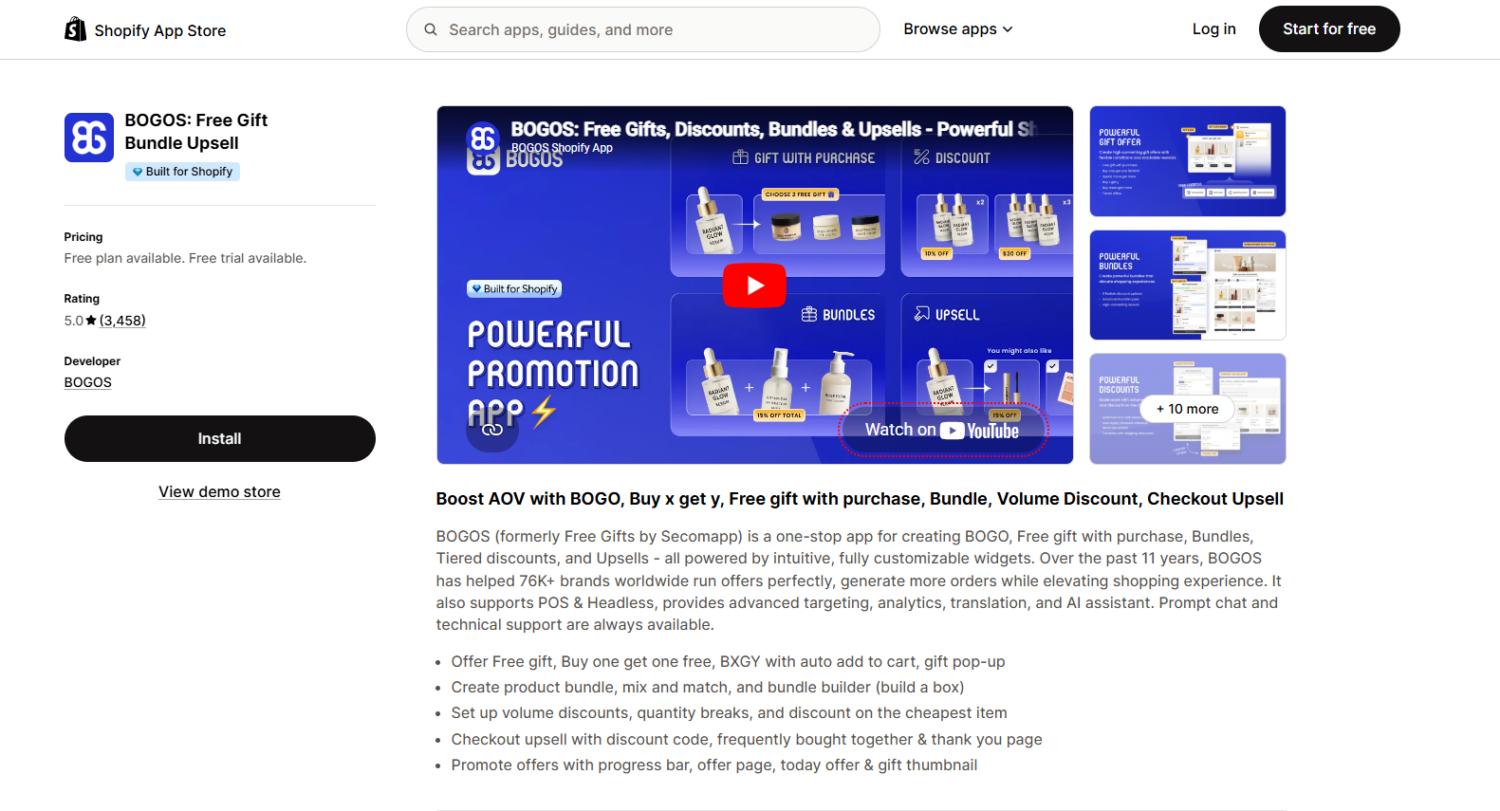
BOGOS supports every condition type in the table above — all cart & product conditions and all customer & context conditions — combinable with full AND and OR logic in a single offer rule. It’s the only app that covers both categories completely, which means you won’t hit a ceiling as your campaigns become more targeted. Beyond criteria depth, BOGOS includes built-in booster tools (progress bar, global offer block, offer page) that help communicate multi-criteria offers on-site — a feature none of the other apps in this comparison provide. BOGOS also handles other promotion types (BOGO, bundles, upsells, volume discounts) from one dashboard. 5.0★ across 3,370+ reviews. Free plan available; paid plans up to $109.99/month.
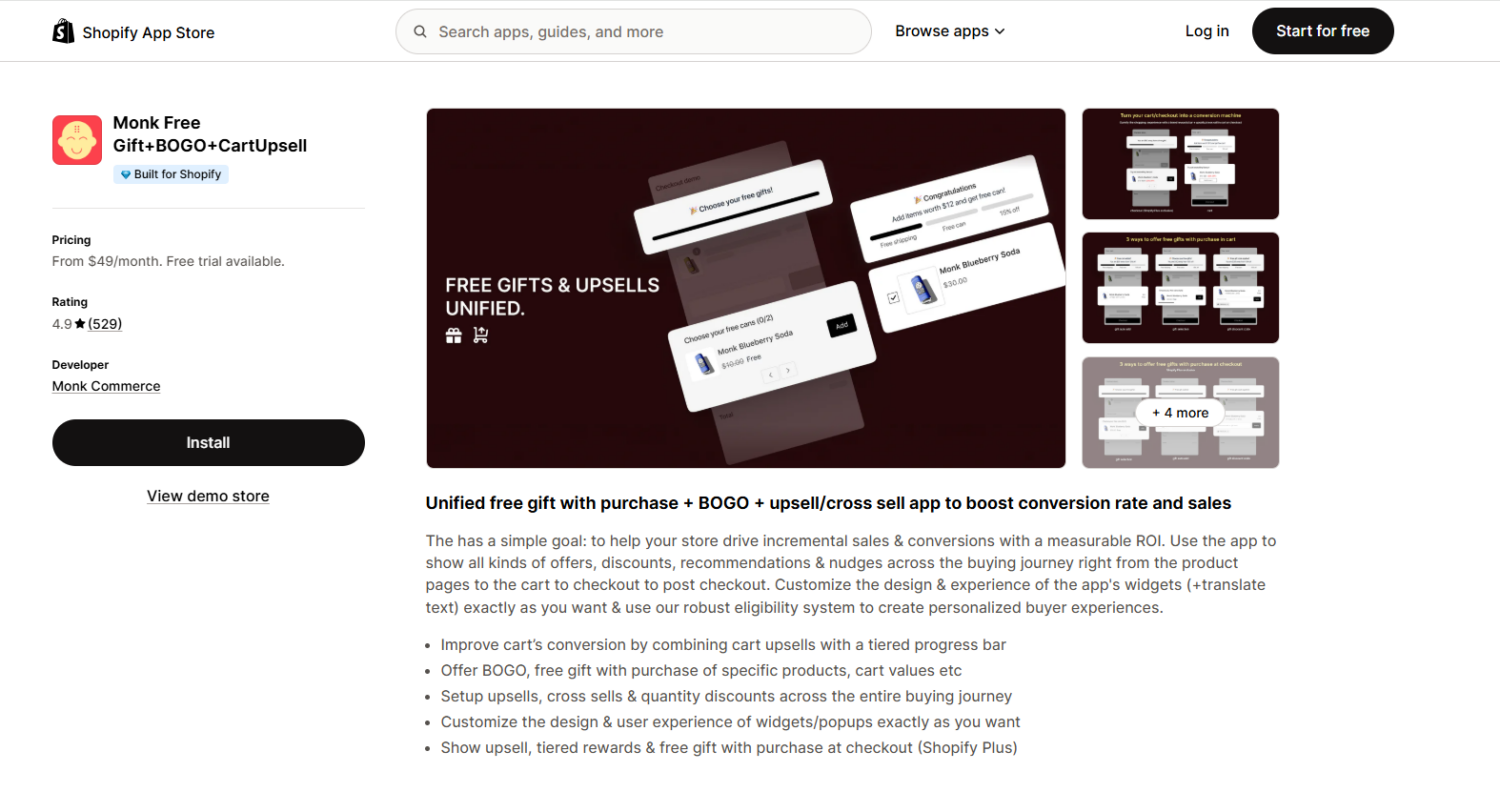
Monk matches BOGOS on cart & product conditions — product tags, vendor, exclusion rules, subscribed product, and specific product groups are all supported with full AND and OR logic. Where Monk falls short is customer & context targeting: no customer segments or tags, no geographic location, and no sales channel rules. If your multi-criteria GWP is primarily about what products are in the cart (and less about who the customer is), Monk delivers strong eligibility depth with highly customizable widget design. 4.9★ across 530+ reviews. From $49/month.
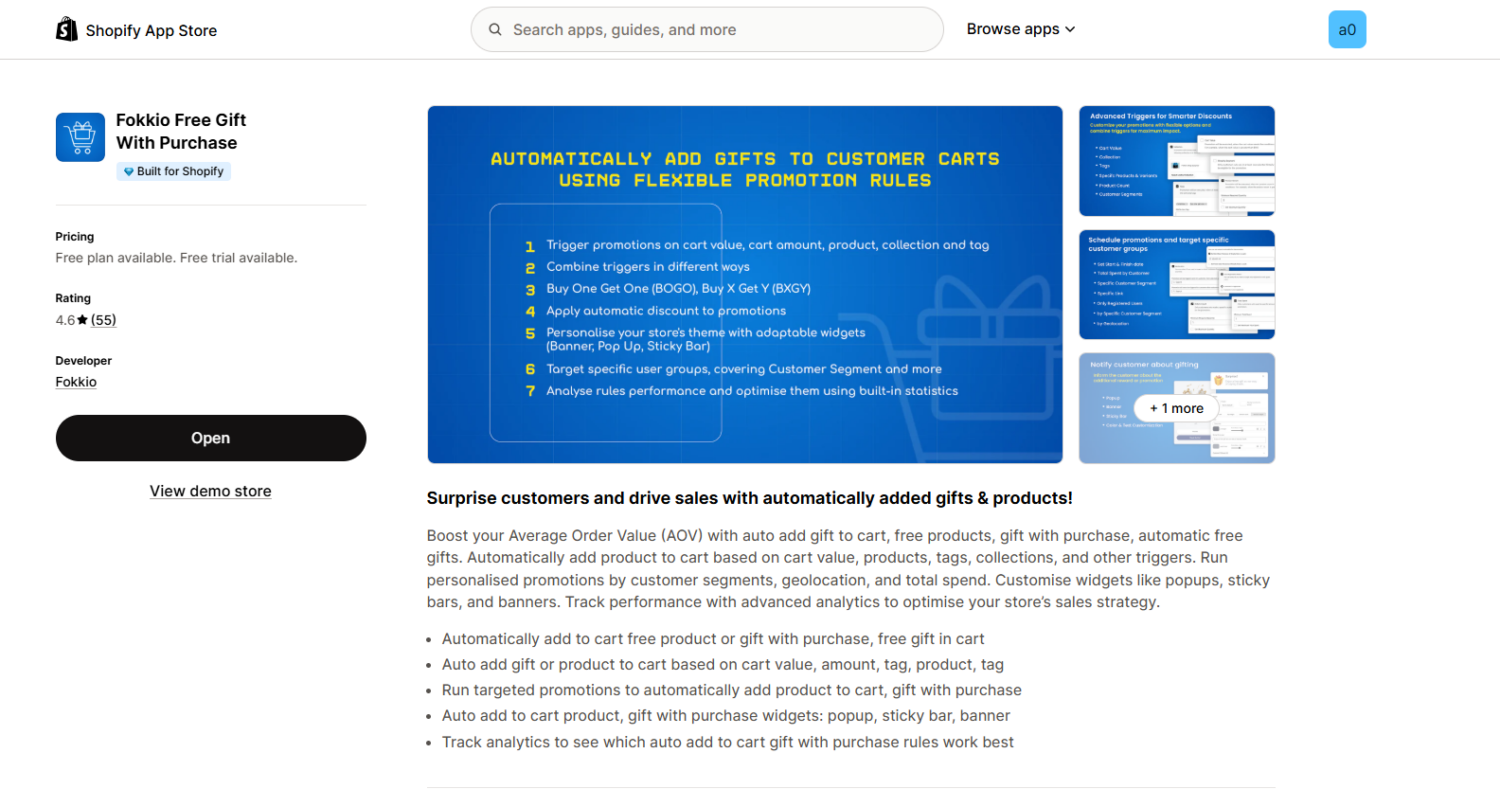
Fokkio is a newer app that offers surprisingly deep customer & context targeting at a lower price point — customer segments, customer tags, order history, geographic location, and sales channel are all supported. The trade-offs: cart & product conditions are limited to the basics (no product tags, vendor, exclusion rules, or max quantity), widget appearance customization is limited, and as a newer app with fewer reviews, there’s a higher chance of compatibility issues with heavily customized themes or stores with significant custom code. If your criteria lean more toward customer targeting than product-level rules, Fokkio is worth testing. 4.6★ across 47 reviews. Free plan available.
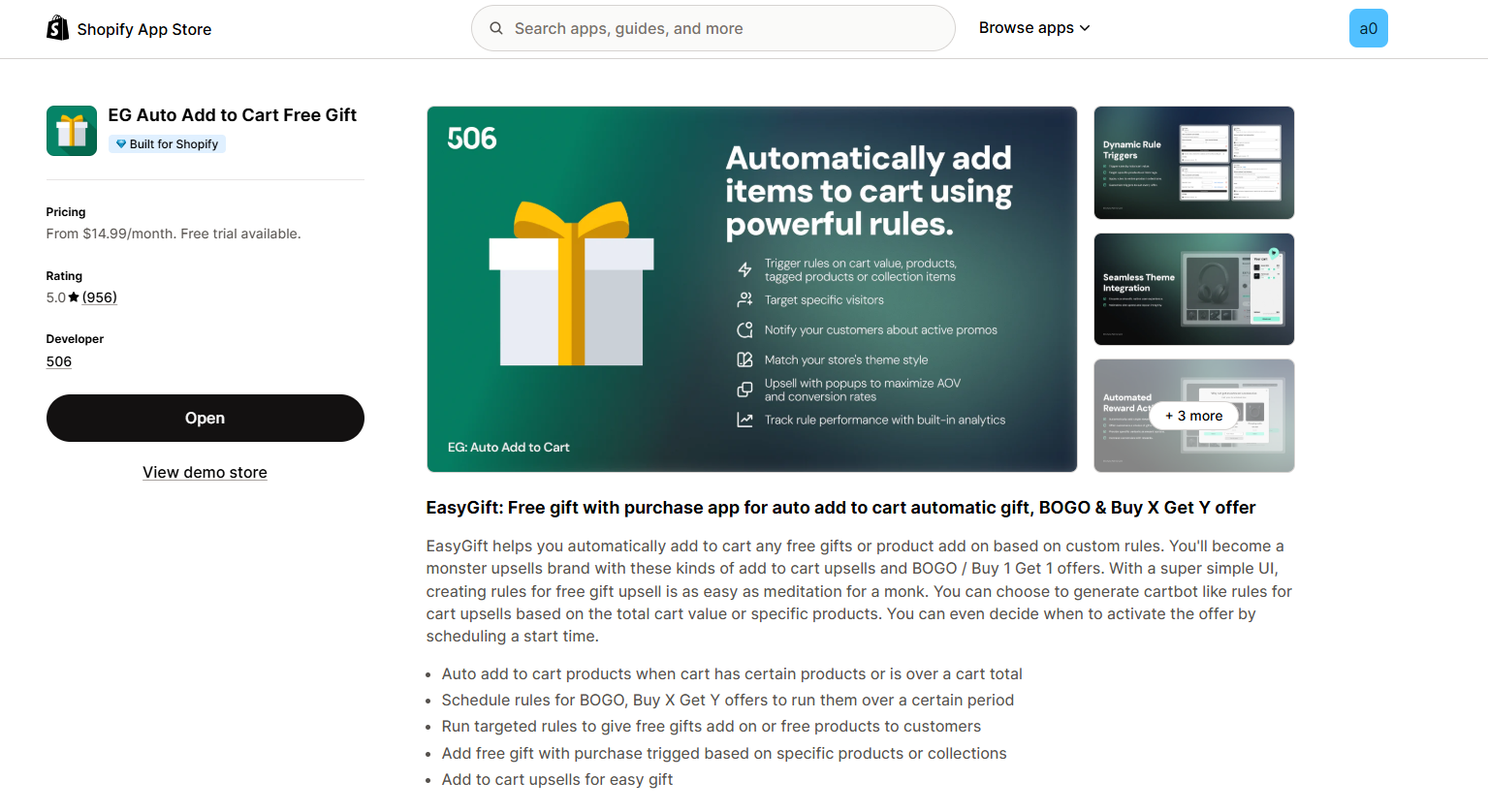
Handles basic cart & product conditions (plus maximum quantity, exclusion rules, and specific product groups) with auto-add, but has no customer or context targeting at all. A straightforward baseline if your GWP rules are simple.
⚠️ The decision rule: If you need the full range of both cart & product and customer & context conditions in one offer, BOGOS is the only app that covers everything. If your criteria are focused on cart & product rules, Monk is a strong alternative. If you need customer-level targeting on a budget and can accept basic cart conditions, Fokkio fills that gap.
For a full comparison of GWP apps beyond criteria support — including UX features, pricing breakdowns, and merchant reviews — see our “Best Shopify Free Gift With Purchase Apps” guide.
A single-condition GWP is a starting point. Multiple purchase criteria turn it into a precision tool — letting you control not just the spending threshold, but which products qualify, which customers see the offer, and where and when it applies.
The key is matching your criteria to the right tool. Shopify’s native BXGY discount handles basic combinations of cart value, product or collection targeting, customer segments, and scheduling. For deeper cart & product rules (product tags, vendor, exclusion rules), both BOGOS and Monk deliver strong eligibility depth. For the full range — including customer tags, geographic location, sales channel, and magic links on top of all cart conditions — BOGOS is the only app that covers everything in one offer rule.
Start with 2–3 conditions that align with a clear campaign goal, make sure your tool supports them, and test every condition path before going live. From there, you can layer in additional criteria as your promotion strategy matures.
Not with Shopify’s native discount tools — you can use customer segments but not tags directly, and segments update on a delay. A GWP app like BOGOS lets you combine cart value, customer tags, and other conditions in a single offer rule with real-time evaluation.
With AND logic, the customer must meet every condition — missing one means no gift. The gift should simply not appear in the cart. A well-configured app handles partial qualification gracefully: no error messages, no empty gift line items, no confusing cart behavior. If you’re using a progress bar, it should show the customer which conditions they’ve met and which they still need to hit.
Partially. Shopify’s BXGY discount lets you combine product or collection targeting with minimum quantity or purchase amount, customer segments, and scheduling. That covers basic multi-criteria setups. But you can’t add customer tags, order history, geographic location, sales channel targeting, product tag or vendor filters, or exclusion rules. If your criteria extend beyond what native BXGY supports, you’ll need a third-party app.

Shopify shipping labels are the carrier labels you buy and print inside your admin to get each order out...
Black Friday 2026 falls on November 27, and it is the biggest sales window of the year for Shopify...
Winning Black Friday and Cyber Monday 2026 on Shopify comes down to preparation, so this guide turns it into...
