

Charlie Ngo
•
Last updated: 23 October, 2026
Shopify Smart Collections: Setup, Conditions & 8 Examples (2026 Updated)
Shopify smart collections add and remove products for you based on rules, such as a tag, a price, or...
7 Best Shopify Mobile App Builders in 2026 (Tried & Tested)

Digital Marketing Specialist
Summarize this post with AI
More of your Shopify traffic comes from phones every year, and a native mobile app is one of the most direct ways to turn those visits into repeat purchases. A Shopify mobile app builder is the fastest way to get there. It converts your existing store into native iOS and Android apps without code, syncing your products, collections, pricing, and checkout in real time, so you don’t manage a second storefront.
Before you commit to a builder, a few things separate the strong tools from the rest. Check whether the app is genuinely native or a webview wrapper (this affects load speed and conversion), how the pricing works (a flat monthly fee versus a revenue or GMV success fee that grows with your sales), and whether setup and app store publishing are handled for you or left to your team.
One quick clarification: this guide covers customer-facing storefront apps, the app your shoppers download to browse and buy. It is not about the “Shopify” admin app you use to run your store from your phone. To give you the full picture, this article breaks down the 7 best Shopify mobile app builders of 2026, with tested features, pricing, and the best-fit use case for each. Let’s dive in.
There are dozens of mobile app builders on the Shopify App Store, and their marketing pages all promise the same thing. To cut through that, we installed and worked with these builders to see how they actually behave. We focused on four things:
For a full breakdown of how we evaluate and rank Shopify apps, see our “App Testing Methodology“.
Based on these criteria, the three builders we recommend most highly are:



Note on pricing and ratings: App builder pricing in this category changes often, and several tools add a success fee on top of the monthly base. Figures below reflect publicly listed pricing and Shopify App Store ratings as of July 2026. Verify the current numbers on each vendor’s site before committing.
Not all builders work the same way. Some produce genuinely native apps; others wrap your mobile site in a shell. Some hand you a DIY editor; others build and manage the app for you. Before you install one, here are the features that matter most.
Before the individual reviews, here is a side-by-side comparison of all seven builders we tested. Use this table to compare pricing, build approach, and feature depth at a glance, then read the detailed review for any app that fits your store.
| Tapcart | Appbrew | OneMobile | Appmaker | Superfans (Vajro) | Plobal Apps | Shopney | |
|---|---|---|---|---|---|---|---|
| Pricing (starts at) | From $250/mo (+ app-sales fee) | From $499/mo | From $99/mo (+ revenue-based fee) | From $999/mo (+ 1% in-app sales) | From ~$99–150/mo | From $199/mo | From $149/mo |
| Free trial / plan | Free to install; trial | Free to install; pay at launch | Free plan (no publishing); 14-day trial on paid plans | Free to install | Free trial | Free to install; trial | 30-day free trial |
| Reviews | 4.6★ (340+ reviews) | 5.0★ (50+ reviews) | 4.9★ (350+ reviews) | 4.8★ (30+ reviews) | 4.9★ (850+ reviews) | 4.8★ (147+ reviews) | 5.0★ (685+ reviews) |
| Build approach | Native shell (mirrors mobile web) | React Native (native) | Native | Native, open platform | Native | Native | Native |
| Customization | Advanced | Advanced (+ dev access) | Advanced (64+ blocks, all screens) | Advanced (+ custom code) | Medium | Advanced | Home screen full; rest templated |
| Push notifications | Unlimited | Unlimited | Unlimited, segmented, 150+ templates | Yes, segmented | Unlimited (capped on Starter) | Yes | Segmented |
| Live selling | ❌ | Video shopping | Shoppable video (BrandUp and above) | ❌ | ✅ (core strength) | ✅ | ❌ |
| Managed vs DIY | DIY | DIY (assisted) | DIY + submission handled | DIY (dev-oriented) | DIY | DIY (assisted) | DIY + launch support |
| Best for | Established self-serve builder | Native speed + AI | Built-in install acquisition + automated push and video campaigns | Full creative / custom control | Live selling + community | Retention + analytics | Budget + fast launch |
Tapcart and Appbrew lead on ecosystem maturity and native performance, respectively. Shopney, Superfans, and OneMobile are the strongest value picks, while MobiLoud stands apart as a fully managed service. Appmaker is the specialist choice when you need custom, agency-grade control.
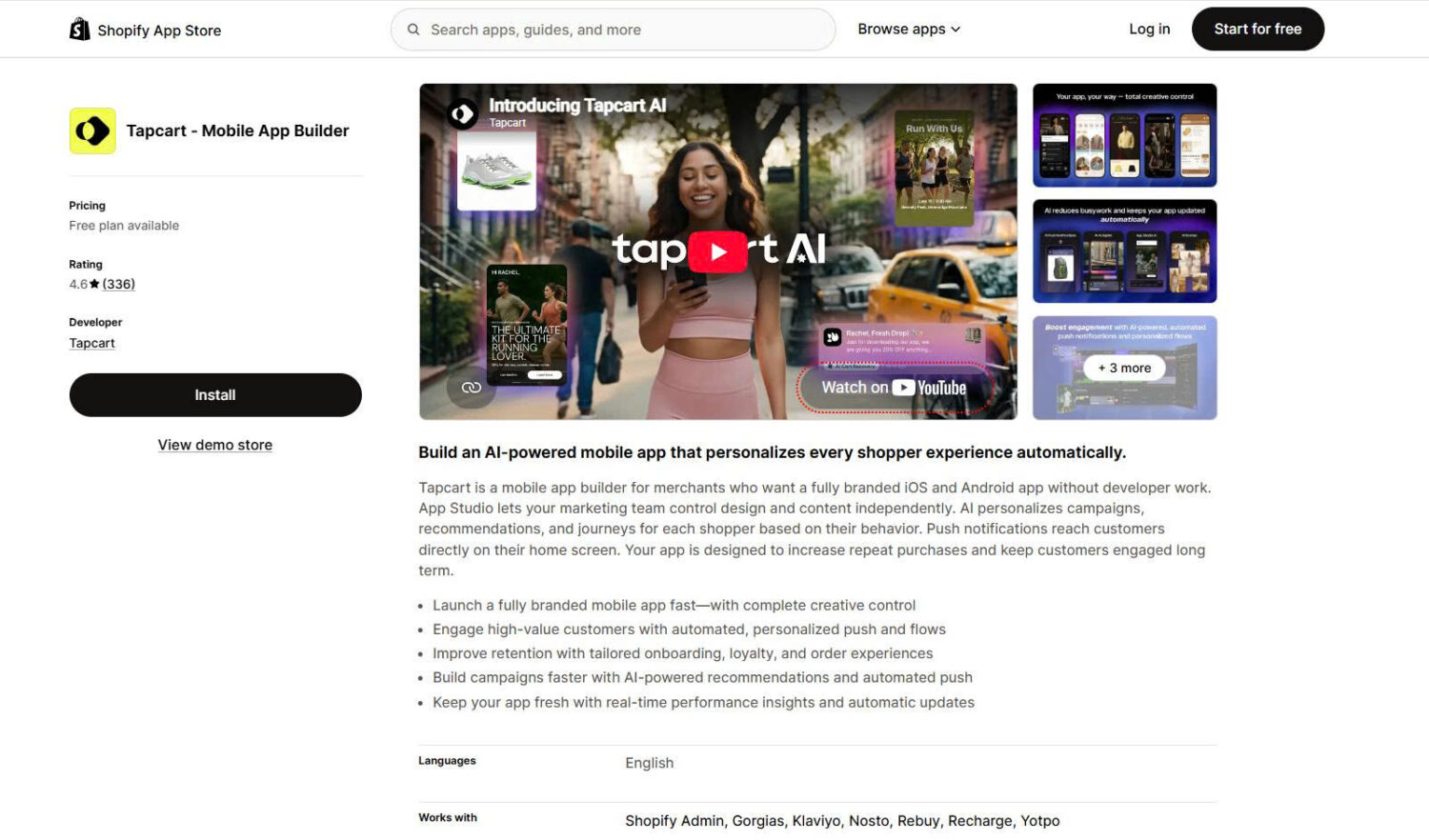
Tapcart is the most established self-serve mobile app builder for Shopify and the default name most merchants encounter first. It gives you a drag-and-drop studio to design your app’s home, product, and navigation screens, syncs everything from your store in real time, and supports deep integrations for push, loyalty, and marketing. It is aimed at brands that want a marketing team, not a developer, to run the app day to day.
Key Features:
Pricing:
Tapcart uses tiered monthly plans, and its listing also adds a percentage of app sales on top of the base fee. Publishing requires Apple ($99/year) and Google Play ($25 one-time) accounts.
What other merchants say:
Merchants praise the polish of the editor and the responsiveness of the onboarding team, and many credit the app with lifting mobile conversion. The most common complaints are the premium price and reports of being locked into 12-month contracts, along with a steeper learning curve than lighter builders.
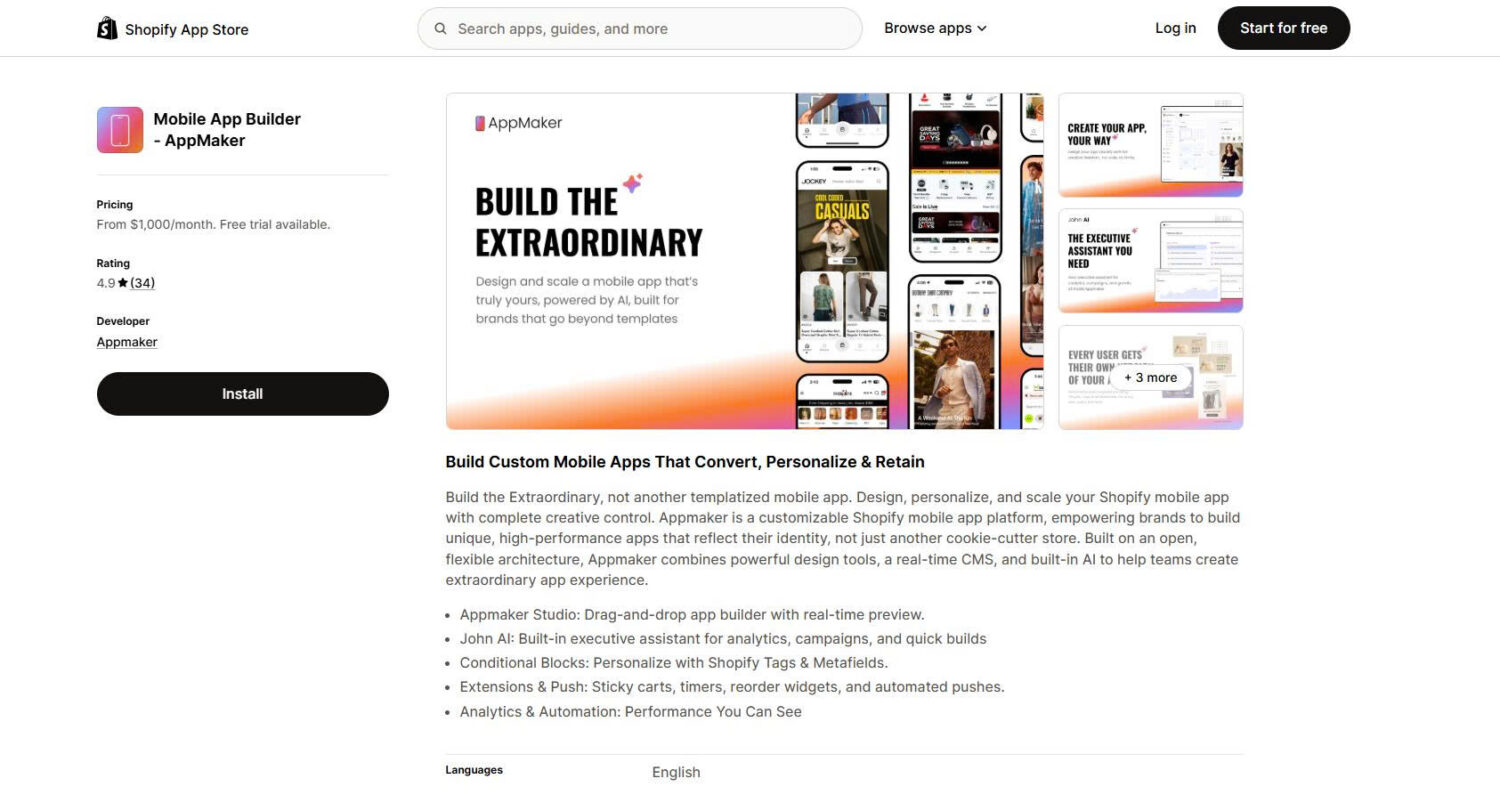
Appmaker takes a different approach from template-first builders. It is positioned as an open platform for brands that want complete creative control over the app experience, with extensible components, custom code, APIs, and integrations rather than fixed templates. It suits merchants and agencies that treat the app as a differentiated channel and are willing to invest in building it that way.
Key Features:
Pricing:
Appmaker sits at the premium end, and pricing combines a monthly fee with a percentage of in-app sales, plus one-time development fees quoted separately.
What other merchants say:
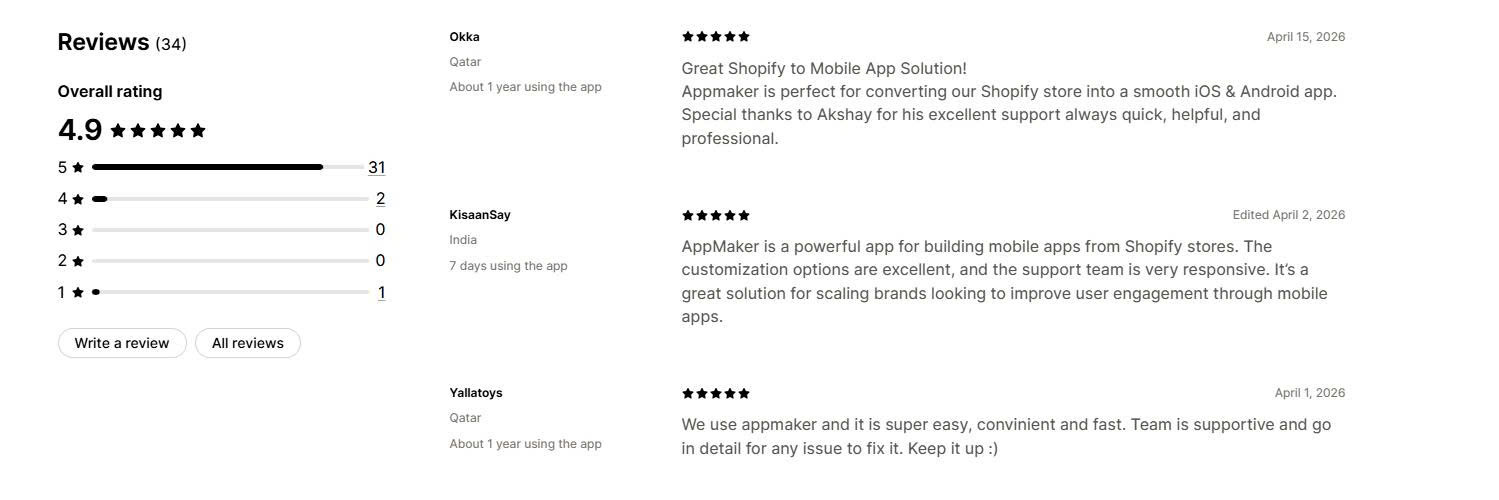
Merchants highlight the deep customization and responsive support, and the customer base skews toward high-growth D2C brands that want a bespoke app. The main considerations are the high total cost once the revenue share and development fees are included, and the fact that realizing its flexibility takes more hands-on setup than a templated builder.
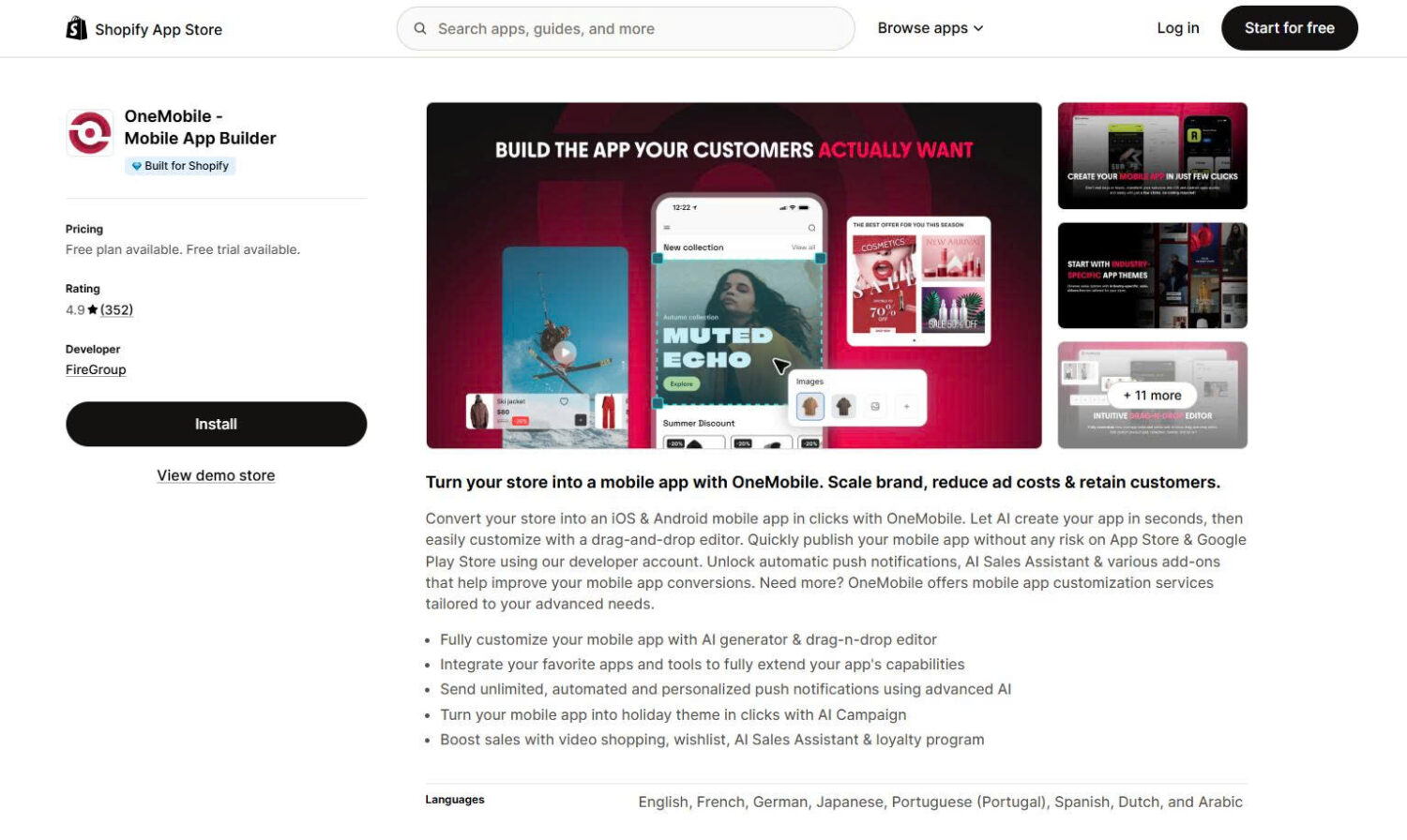
OneMobile is a no-code Shopify mobile app builder that turns your store into a high-performing mobile sales engine. It helps merchants launch native iOS and Android apps, using AI to generate a ready-to-edit draft from your store’s catalog in minutes. From there, you customize the design, automate push campaigns, and add shoppable video to turn app installs into repeat purchases.
Key Features:
Pricing:
OneMobile uses tiered plans, each pairing a low monthly base with an infrastructure fee on app revenue above that plan’s threshold. ScaleUp and BrandUp include a 14-day free trial. For merchants who prefer a hands-off setup, OneMobile also offers full app store submission under its developer account.
What other merchants say:
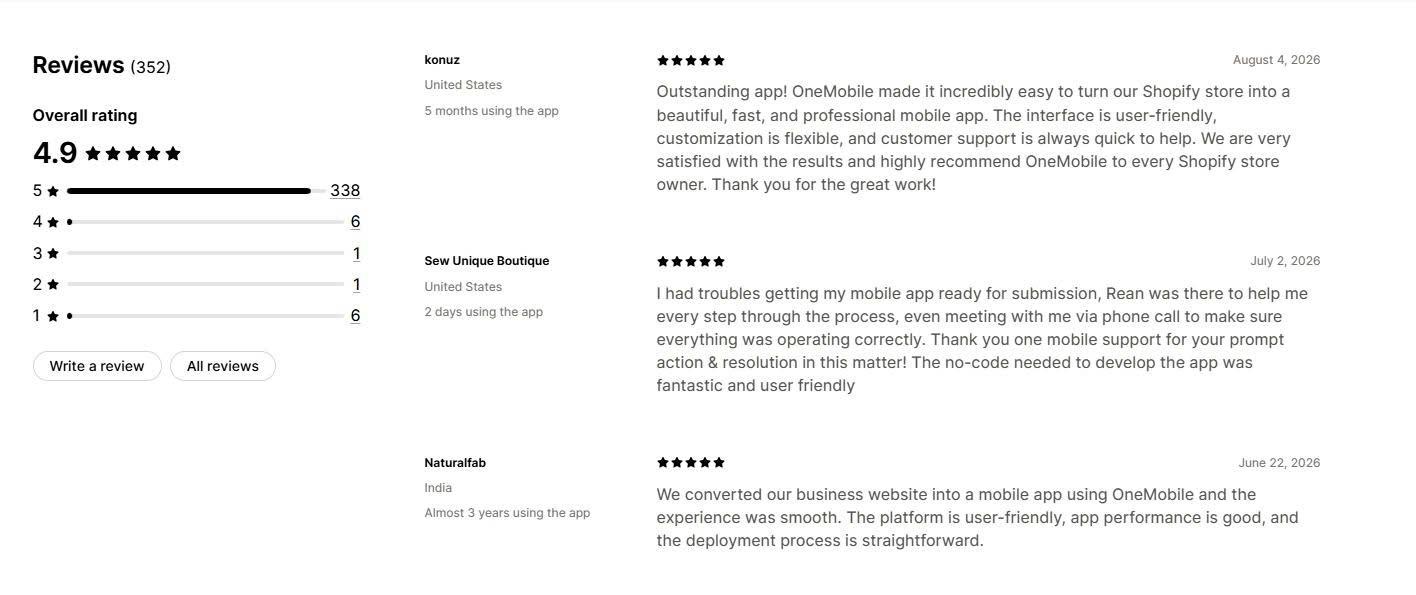
Merchants consistently praise OneMobile’s support team for resolving app submission issues in real time and helping with custom needs, and many also highlight how smooth the apps run and how simple the setup is without technical skills. The one thing to plan around is the infrastructure fee, which is worth factoring into your expected app revenue before choosing a plan.
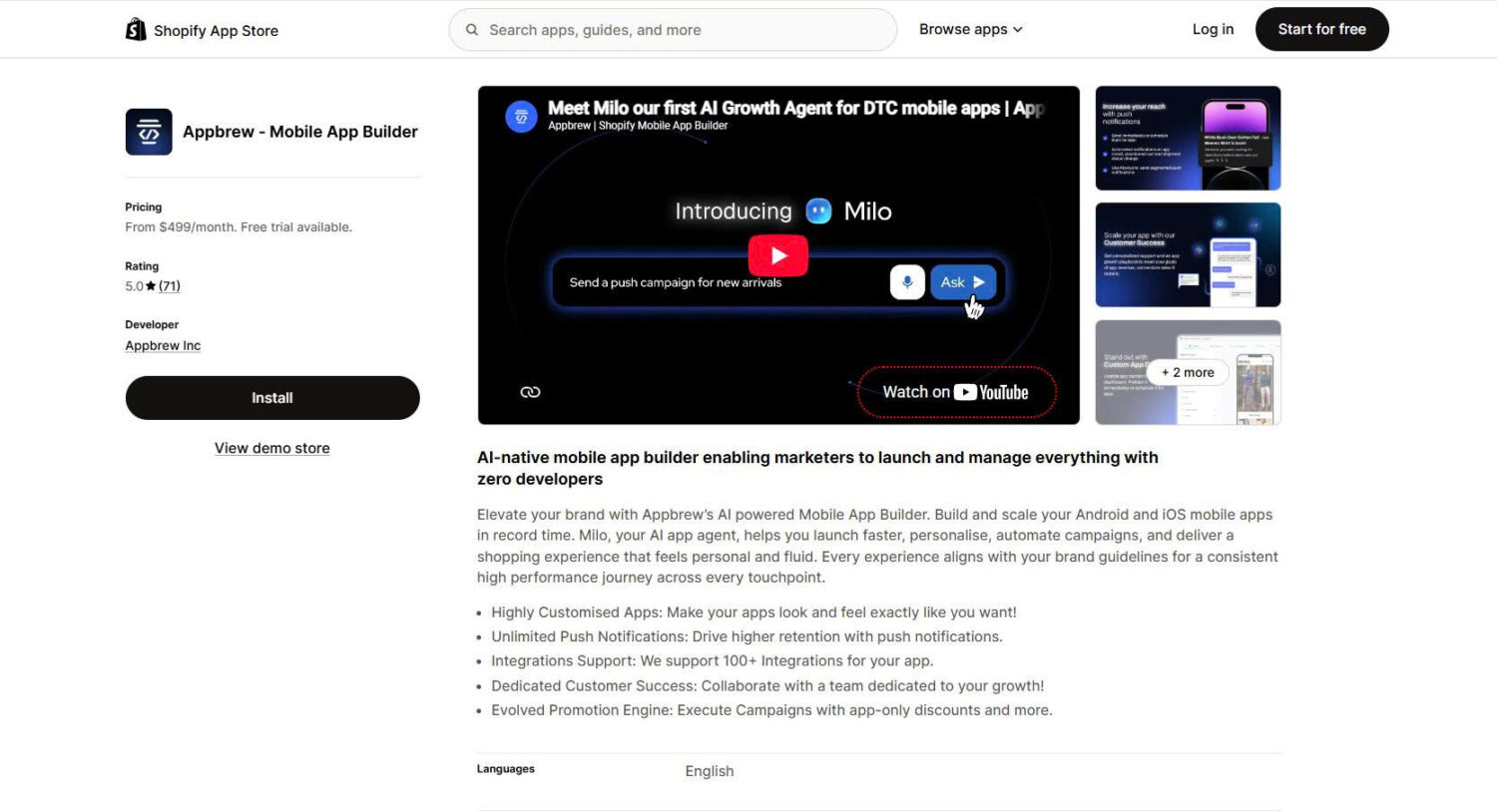
Appbrew is an AI-native builder aimed at DTC brands that care most about speed and personalization. It is built on React Native, so the apps it produces are genuinely native and load quickly, which is its main pitch against webview-based competitors. Its AI assistant helps design screens, personalize content by customer behavior, and run app-only promotions.
Key Features:
Pricing:
Appbrew is free to install, and paid plans activate once your app goes live. The Pro plan starts at $499/month, with custom Enterprise pricing above it. Apple and Google developer accounts are required to publish.
What other merchants say:
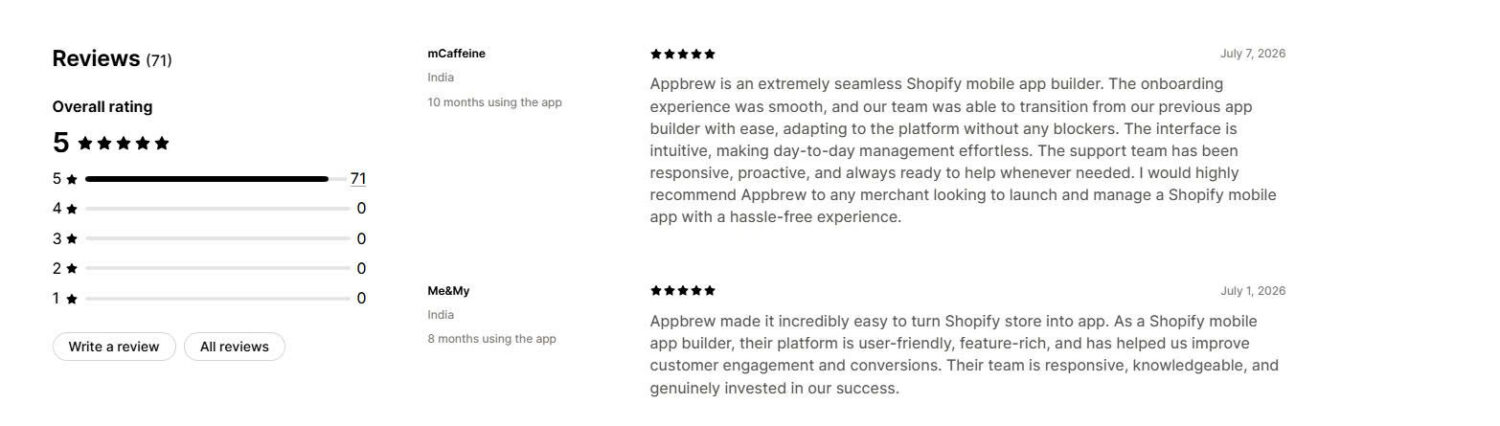
Merchants, many of them DTC brands, report strong repeat-purchase and conversion gains after launch and consistently praise the hands-on customer success team. Because it is a newer entrant, the review volume is smaller than Tapcart’s or Shopney’s, so there is less long-tail feedback to draw on.
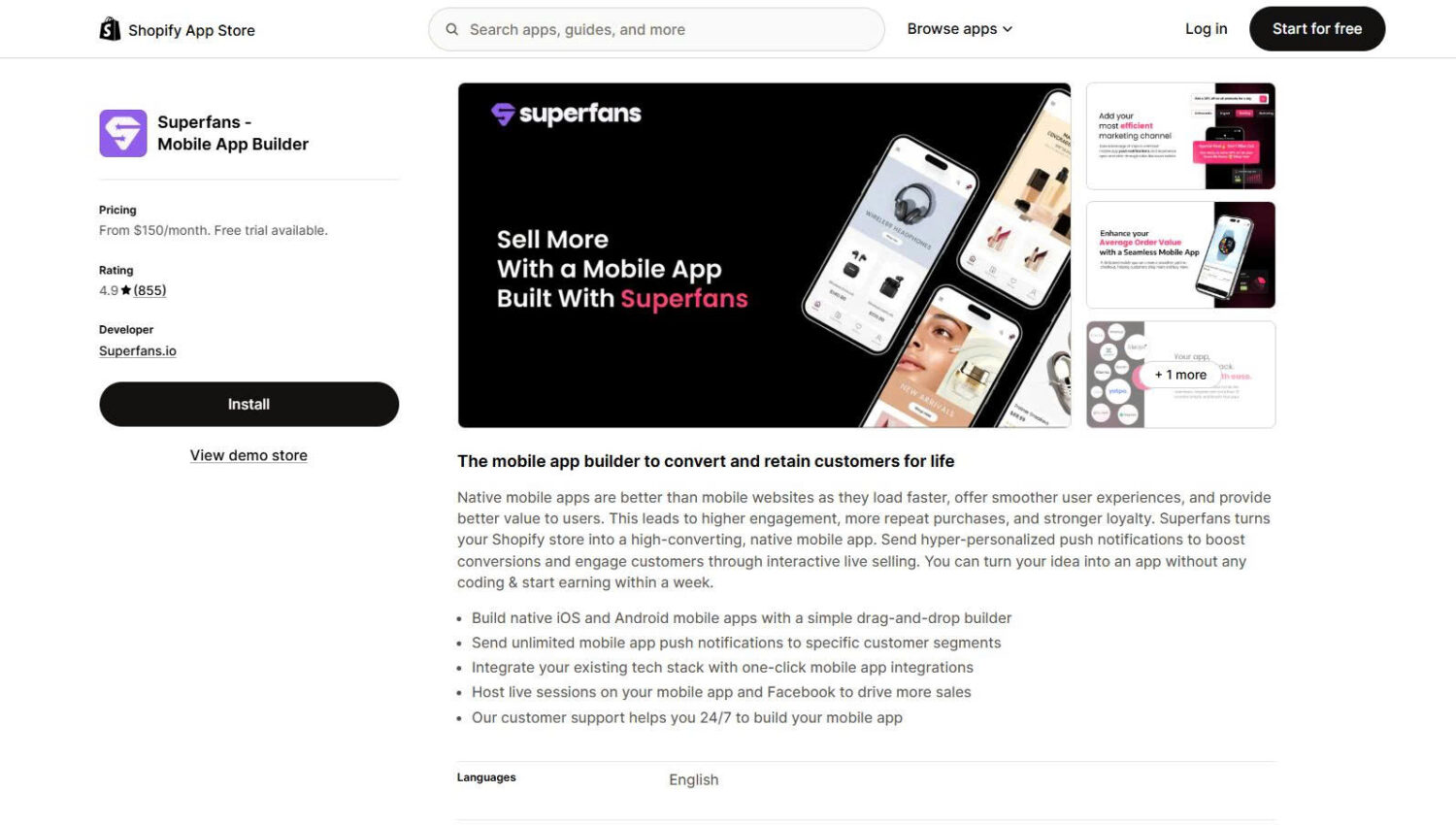
Superfans is the rebrand of Vajro, one of the oldest builders in this space and a pioneer of in-app live video commerce since 2016. It builds native iOS and Android apps with a drag-and-drop editor, but its defining strength is engagement: live selling, exclusive drops, and community features aimed at turning your best customers into repeat buyers.
Key Features:
Pricing:
Superfans uses tiered plans, and pricing has shifted with the rebrand. Entry plans start in the ~$99 to $150/month range and scale up to around $1,000/month at the top tier, with a free trial. Confirm the current tier limits, since the Starter plan restricts push campaigns.
What other merchants say:
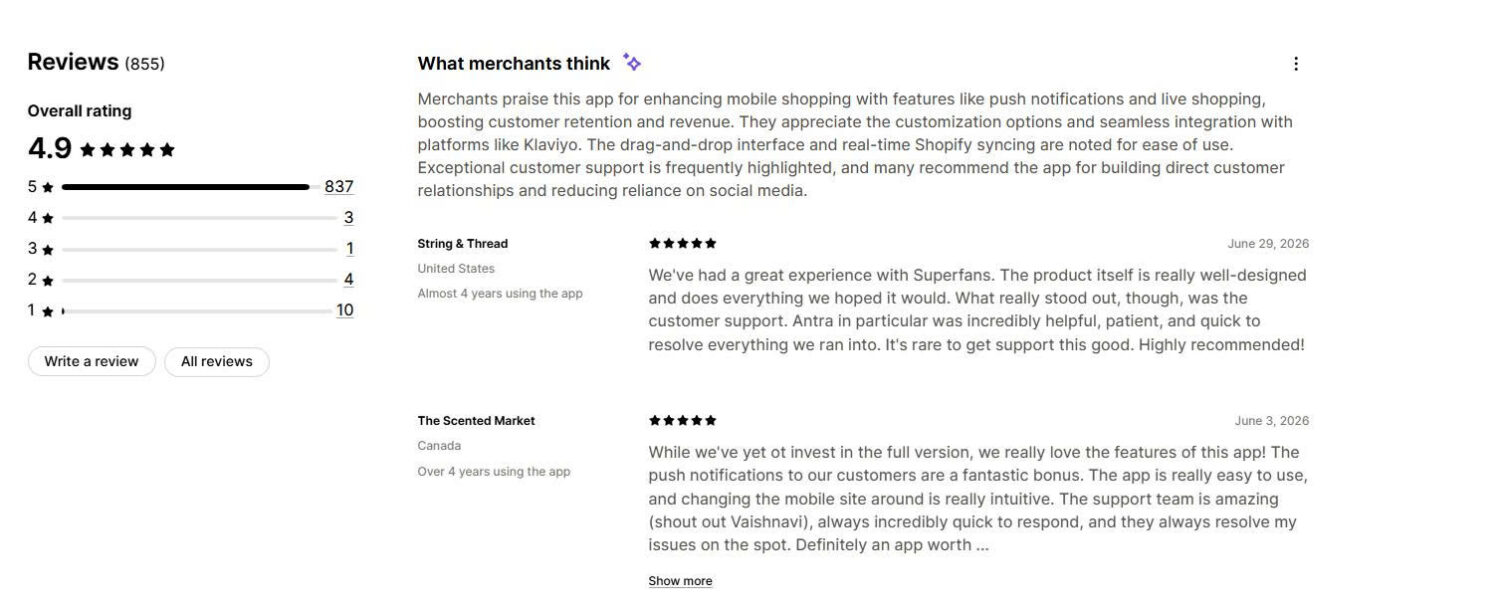
With the largest review base in this list, feedback is consistently positive on ease of setup and support, and brands that sell through live video single it out as the best fit for that use case. Reviewers looking for a highly customized, premium-feeling app tend to prefer other builders.
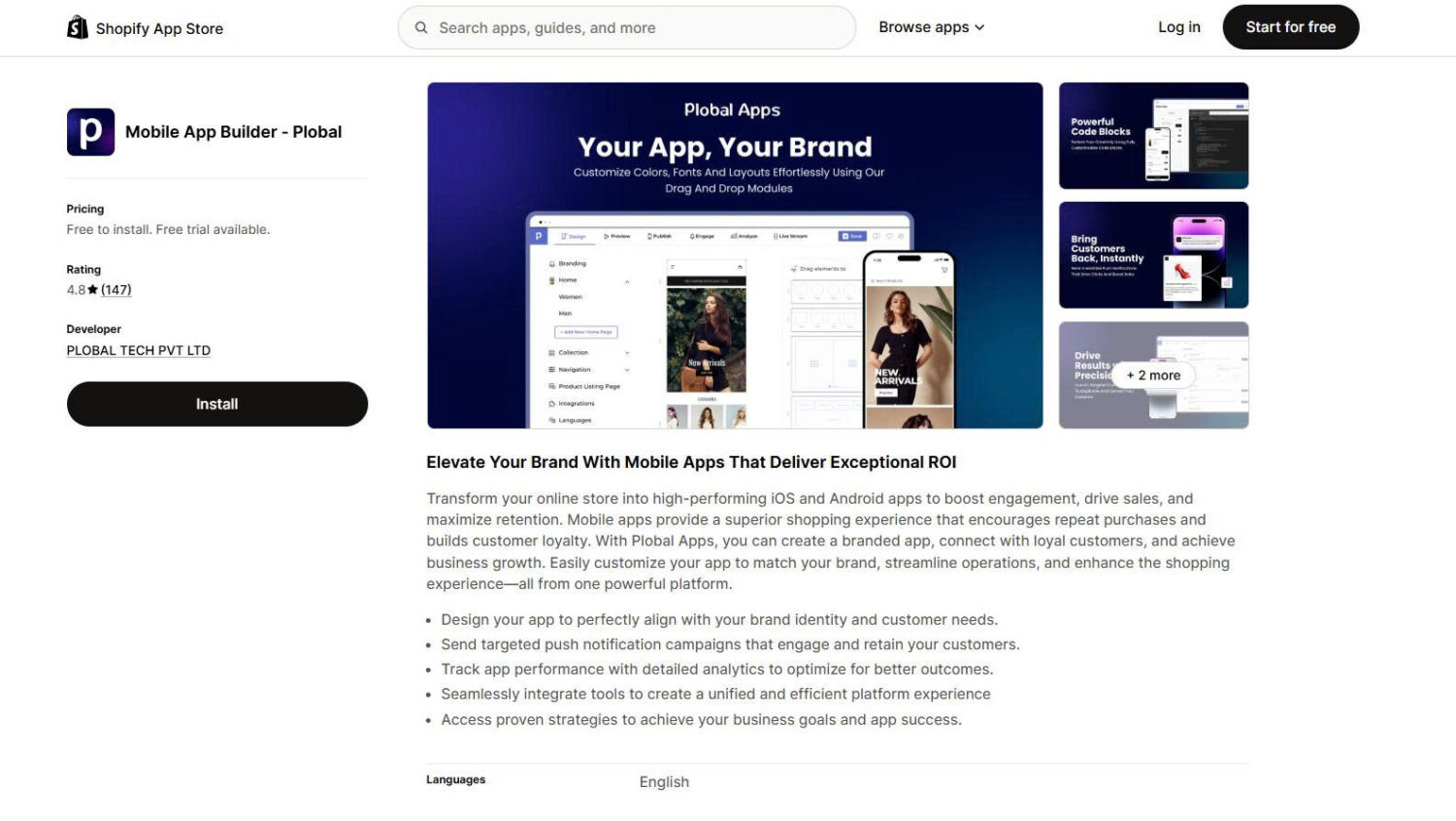
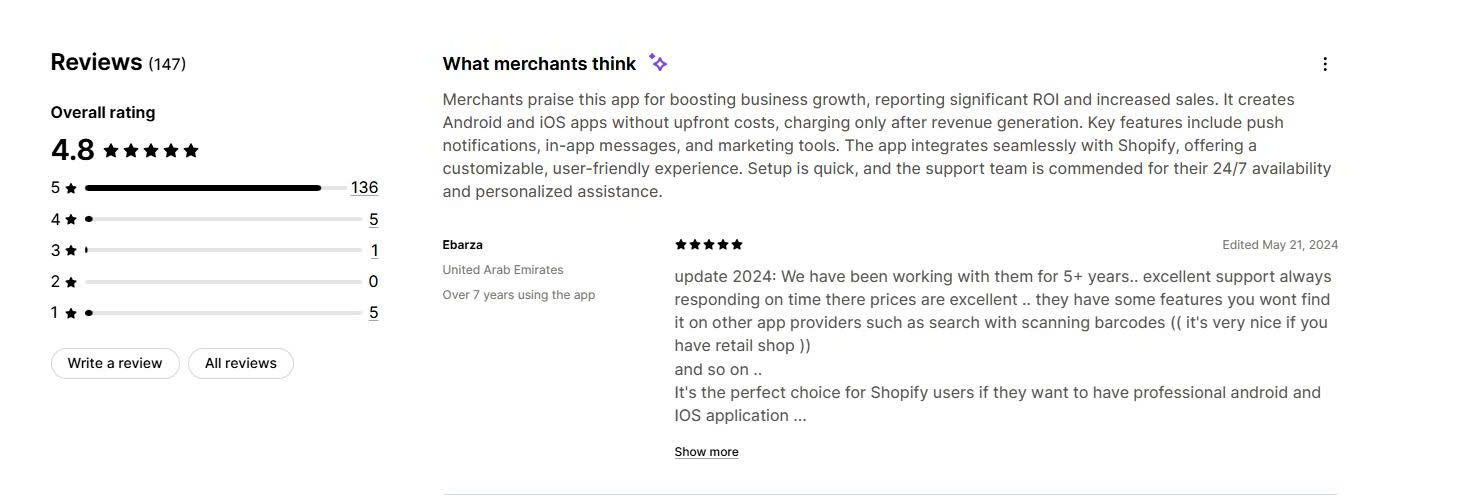
Plobal Apps is one of Tapcart’s longest-standing competitors and targets mid-market and growing brands. It builds native iOS and Android apps with a focus on retention: push notifications, loyalty, AI product recommendations, and detailed analytics. Its pricing flexibility, with both subscription and revenue-share models, is a differentiator.
Key Features:
Pricing:
Plobal starts at $199/month, with a choice between subscription and revenue-share plans, and custom quotes for larger brands. Apple and Google developer accounts are required to publish.
What other merchants say:
Long-term merchants praise the custom development support and stability of the apps, with some reporting five-plus-year relationships. The main watch-outs in reviews are occasional support responsiveness complaints and a gradually declining install base, so evaluate current support quality during your trial.
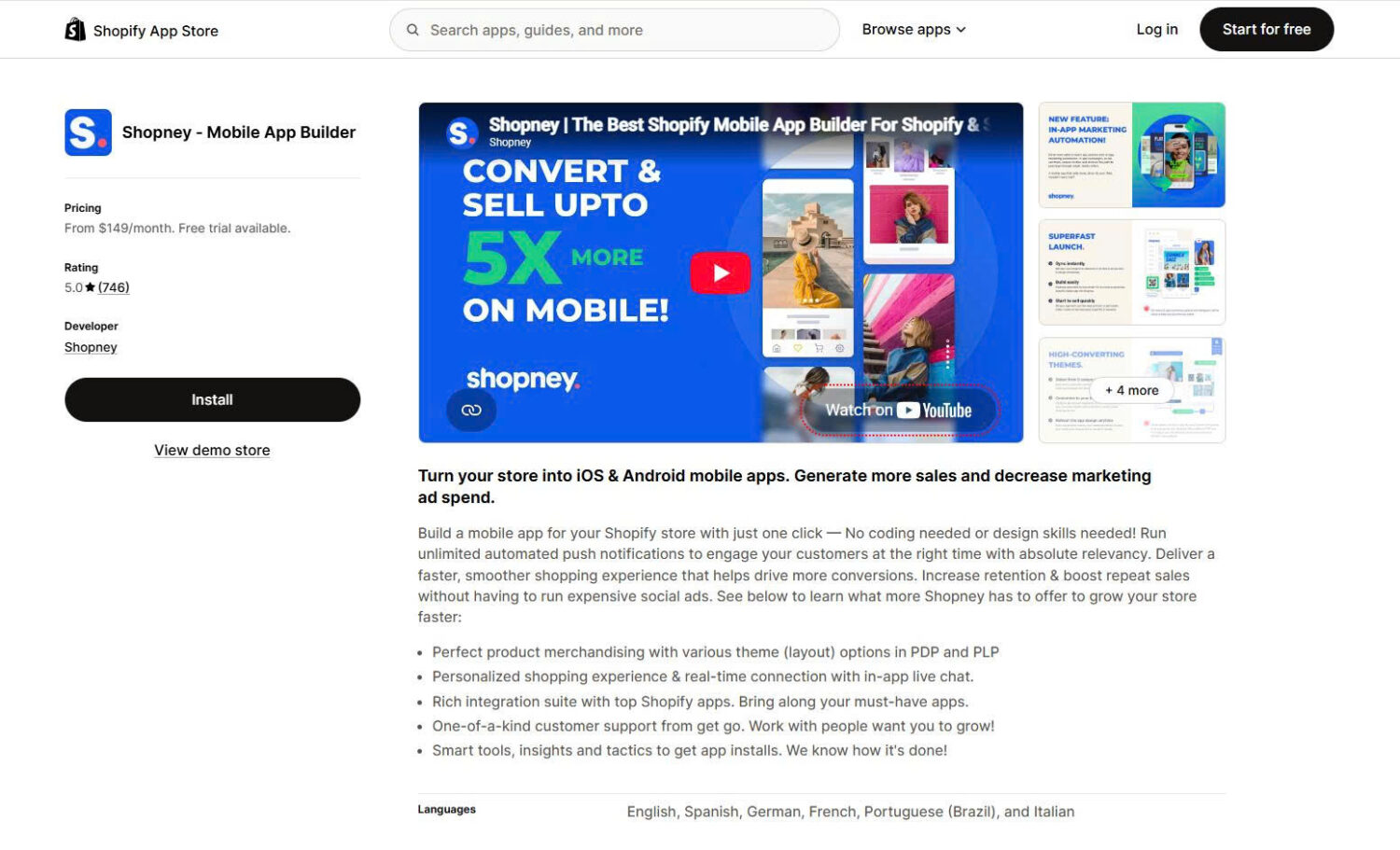
Shopney is built around getting a credible, on-brand app live quickly and cheaply, with a lot of hands-on help. You start from one of its industry-specific themes, customize it in a no-code editor, and the Shopney team assists with launch, including app store submission. It is a strong entry point for merchants who want speed and support over deep customization.
Key Features:
Pricing:
Shopney uses flat monthly tiers with no commission and a 30-day free trial. Loyalty and multi-language integrations unlock on higher tiers.
What other merchants say:
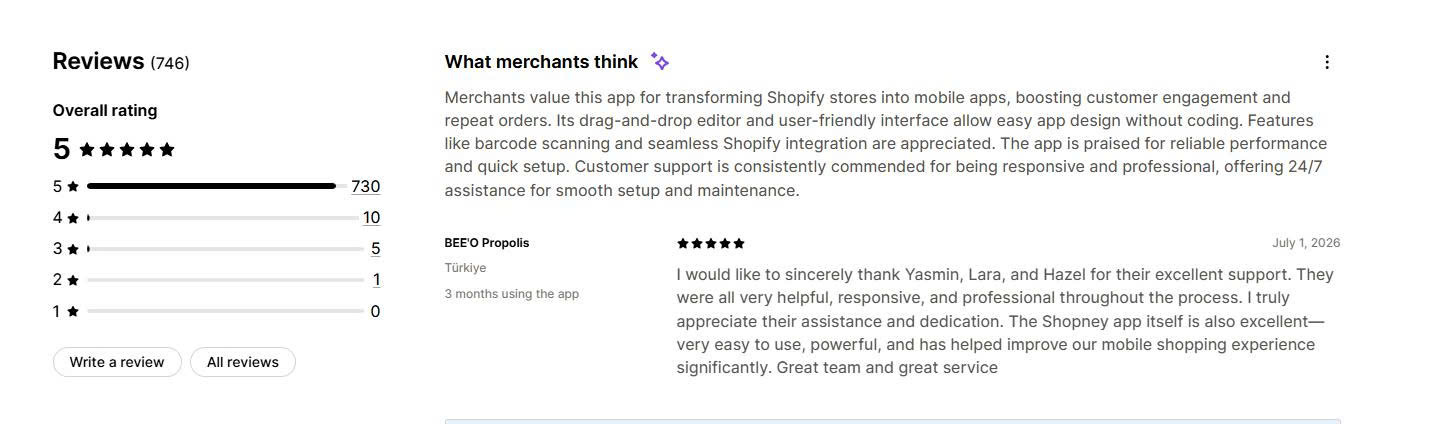
Shopney’s support team is the single most praised aspect in its reviews, with merchants repeatedly citing fast, patient help through setup and launch. The most common limitation noted is customization depth beyond the home screen, and loyalty integrations being reserved for higher plans.
Tapcart and Appbrew are the two strongest picks for brands that want a serious, well-supported app and can absorb premium pricing.
The right Shopify mobile app builder depends on three things: your budget, whether you want to run the app yourself or have it managed, and how differentiated the app needs to feel. Tapcart and Appbrew lead for established brands, Shopney, Superfans, and OneMobile deliver the best value, MobiLoud is the strongest done-for-you option, and Appmaker suits custom, agency-grade builds.
Whichever you choose, remember that the app itself is only half the work. The features that make an app pay off, native speed and well-targeted push notifications, are what turn one-time shoppers into repeat buyers, so weigh those as heavily as the monthly price.
Tapcart and Appbrew are the top picks for established brands, with Tapcart offering the most mature ecosystem and Appbrew leading on native performance. For value, Shopney and Superfans are the strongest, while MobiLoud is the best done-for-you managed option. The right one depends on your budget and whether you want a DIY or managed build.
Most builders start between $99 and $500/month, with budget options like OneMobile at $99/month (plus a revenue-based fee above a threshold) and Shopney at $149/month, and premium tools like Appbrew at $499/month. Managed services like MobiLoud add a setup fee, and enterprise or open-platform tools like Appmaker can exceed $999/month plus a percentage of in-app sales. On top of the subscription, publishing requires an Apple Developer account ($99/year) and a Google Play account ($25 one-time).
Most builders are free to install and offer free trials, but there is no strong fully free option for a live, published app. OneMobile has the lowest starting price at $99/month, though its infrastructure fee kicks in once app revenue clears a threshold. Shopney, at $149/month with no revenue share, stays the lowest flat-fee option. Watch for revenue-based pricing, where a low or free base is offset by a percentage of your app sales.
Generally yes. Native apps load faster, store payment and login details for quicker checkout, and reach customers through push notifications, which mobile web cannot. Vendor data commonly cites app conversion rates several times higher than mobile web, though results vary by brand, traffic, and how actively you use push. Apps pay off most for stores with existing traffic and a repeat-purchase base, not brand-new stores.
Yes. To publish your app on the App Store and Google Play, you need an Apple Developer account ($99/year) and a Google Play Developer account ($25 one-time), regardless of which builder you use. Some builders, especially managed services like MobiLoud and assisted ones like Shopney, handle the submission process for you, while self-serve tools may leave the review and publishing steps to your team.

Shopify smart collections add and remove products for you based on rules, such as a tag, a price, or...

Shopify collections decide how shoppers find your products, yet many guides still describe a setup Shopify is now replacing....

A Shopify announcement bar is the thin strip at the top of your store that tells shoppers about shipping,...
