Ruby is a Marketing Executive and the driving force behind BOGOS’s content. With a deep understanding of eCommerce & Shopify sales promotions, Ruby is passionate about helping merchants optimize their offers & unlock the full potential of their businesses.
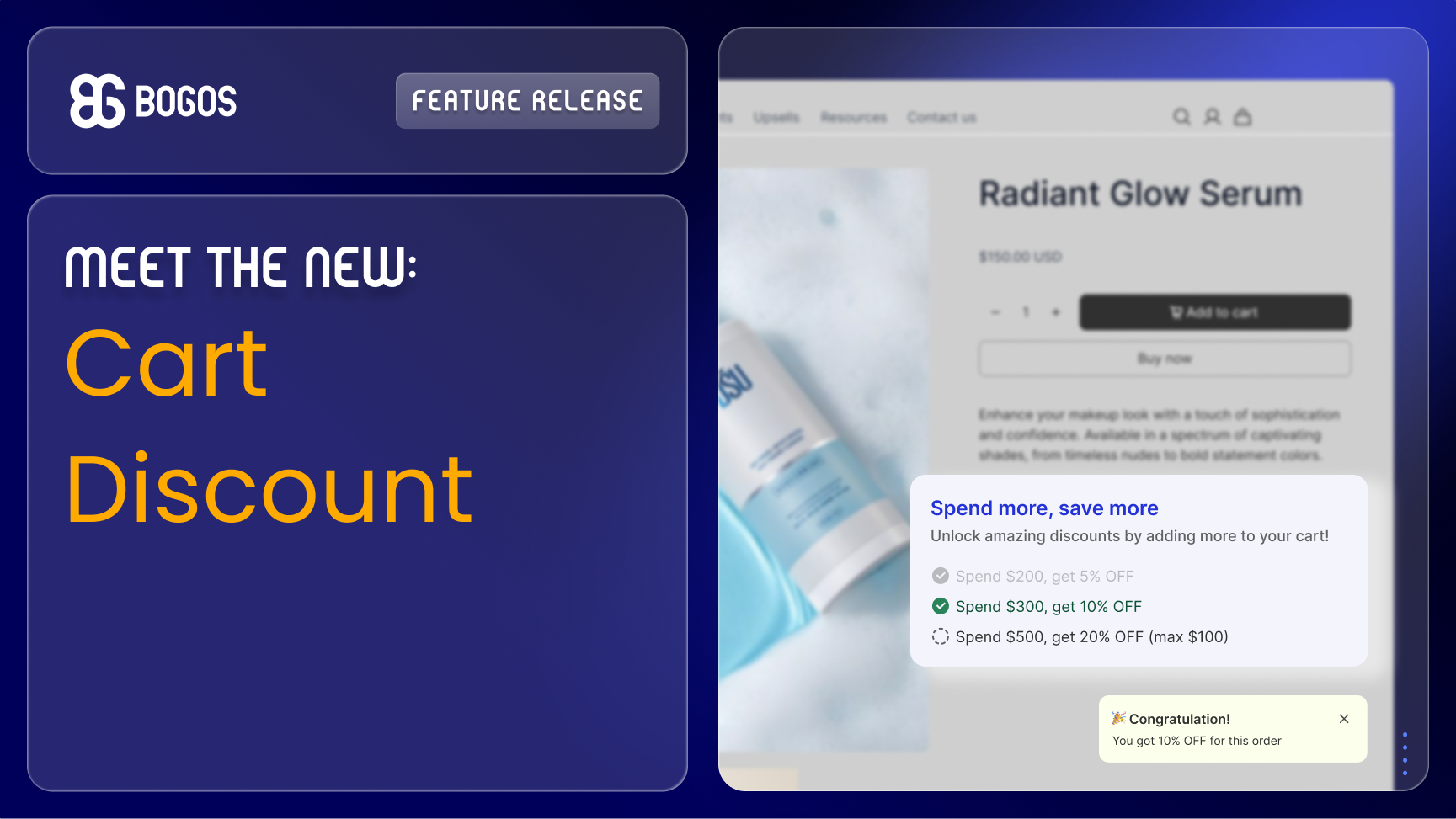
We are excited to announce that Cart Discount is now built right into BOGOS: Free Gift Bundle Upsell app – giving Shopify merchants a powerful new way to increase average order value (AOV) by rewarding customers the more they spend or buy.
What is a Cart Discount?
Unlike product-level or line-item discounts, Cart Discount applies to the customer’s total cart value. The more products they buy or the more money they spend, the bigger the discount they unlock- so customers always have a reason to keep shopping.
Cart Discount is built for merchants who want to increase AOV without complicating the shopping experience. And here are some proven ways to use it with BOGOS: Free Gift Bundle Upsell app:
Flat discount on cart value: Spend $100, get 5% off.
Flat discount on cart quantity: Buy 3 products, get $5 off.
Discount with a cap: Spend $100, get 10% off (max $10 discount).
Tiered spend rewards: Spend $100 get 10% off, spend $200 get 15% off, spend $300 get 20% off.
Fixed amount savings: Spend $100 get $10 off, spend $200 get $25 off, spend $300 get $40 off.
Exclude specific products or collections: Keep sale items or low-margin products out of the discount condition to protect your margins.
How to Set Up Cart Discount by BOGOS App
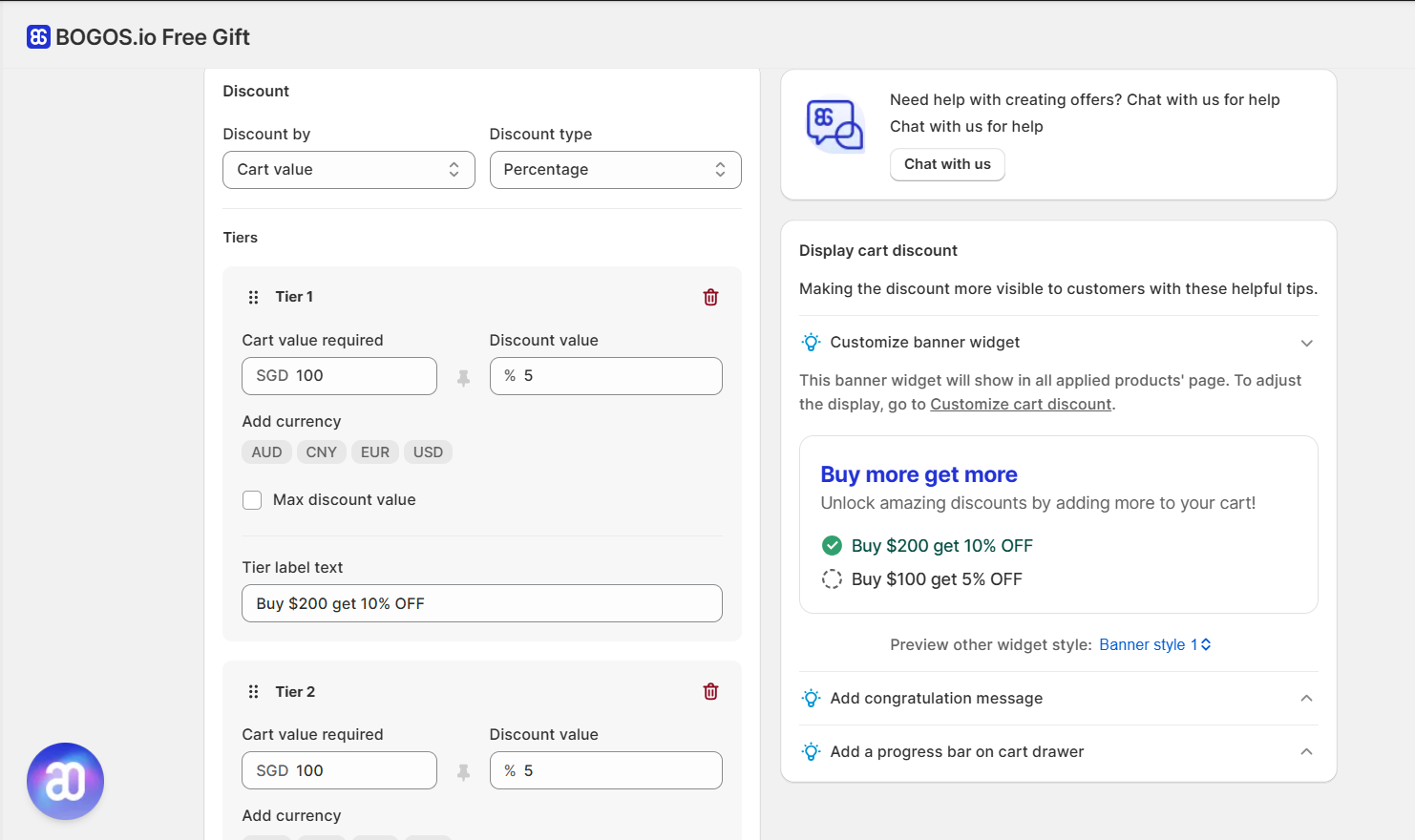
As Cart Discount is available now to all BOGOS users on all plans, Shopify merchants can set it up right away in just a few minutes:
Tip: Pair Cart Discount with the BOGOS Progress Bar to visually show customers how close they are to unlocking the next tier (proven to drive more add-to-cart actions).
Customizable Widget & Congrats Message
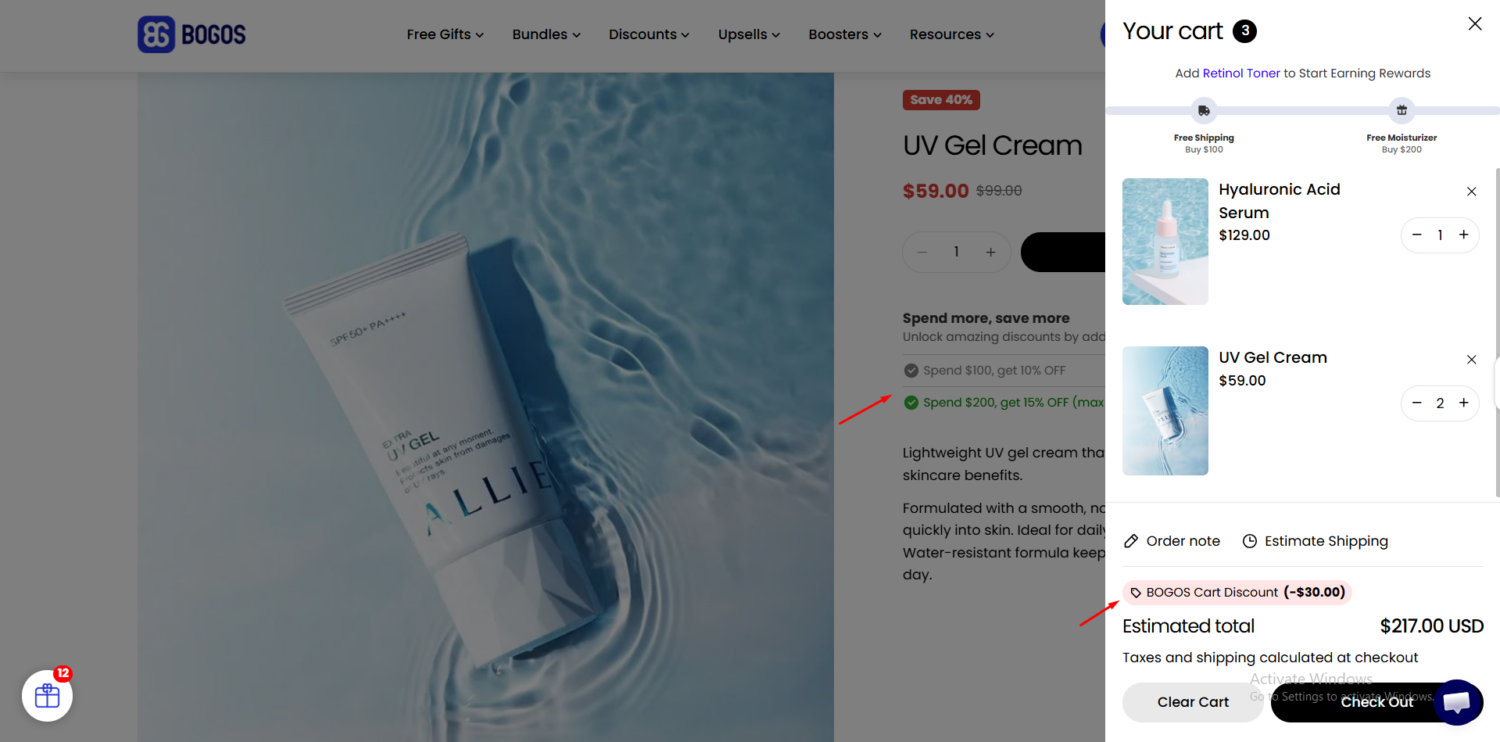
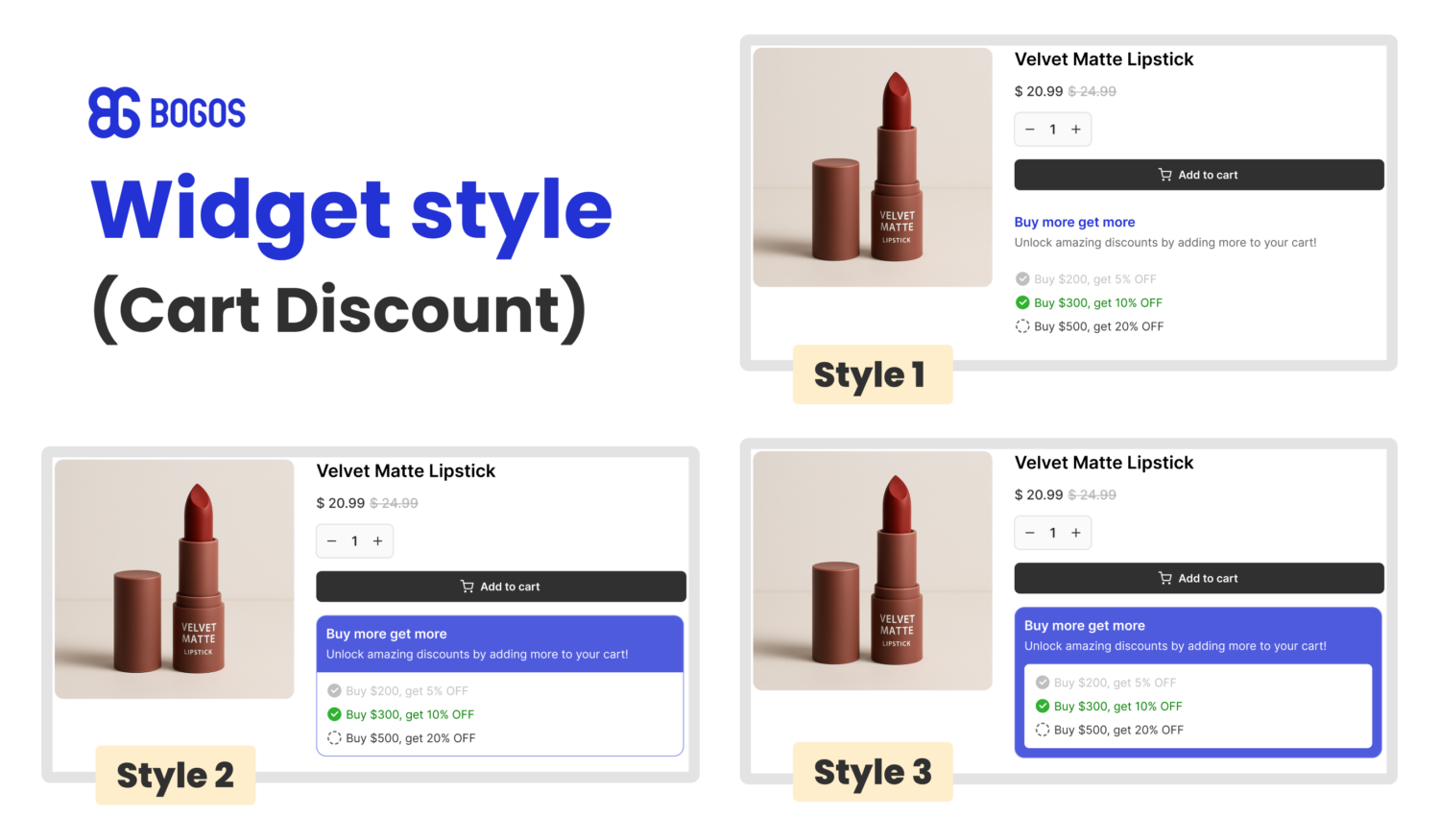
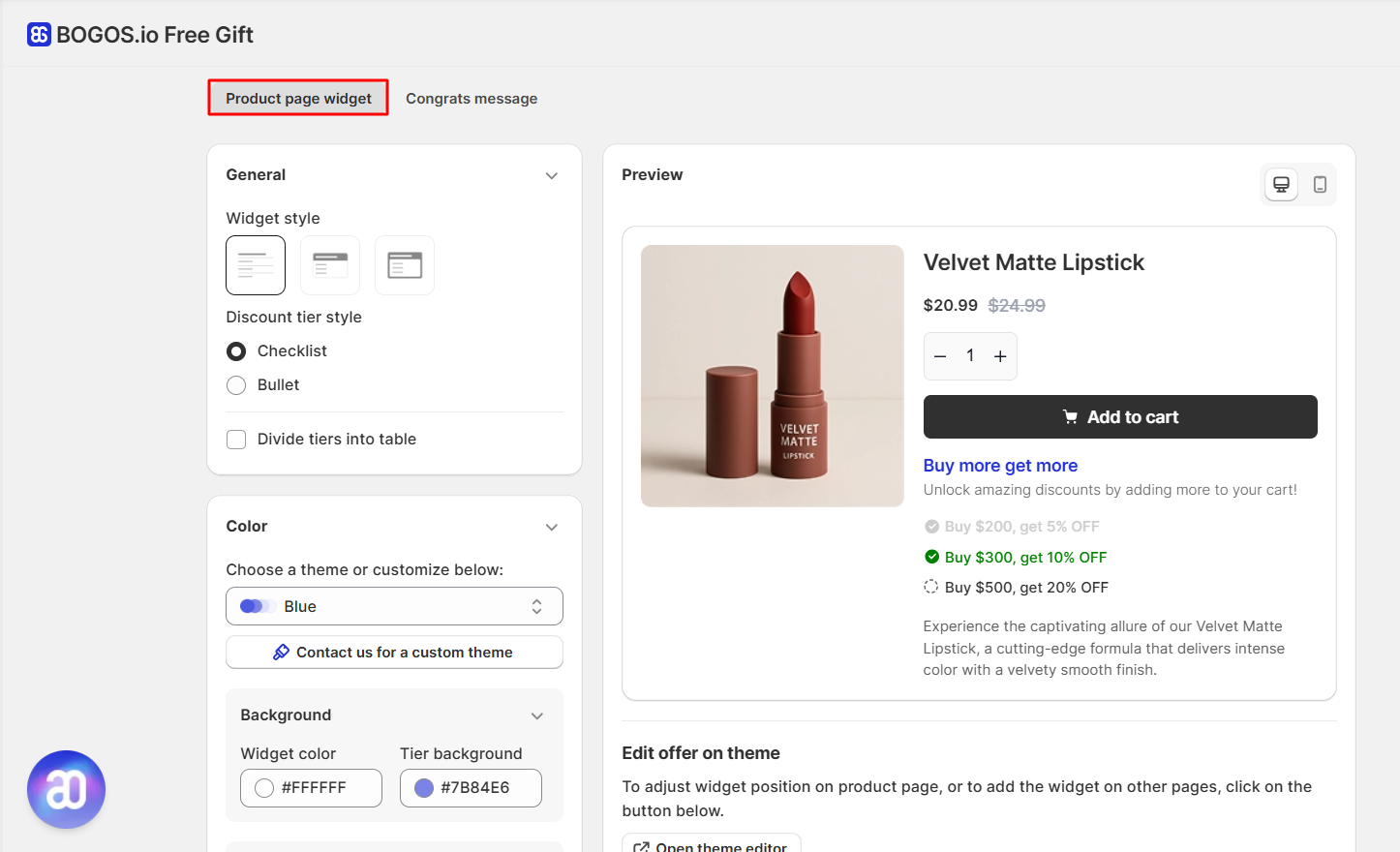
BOGOS Cart Discount comes with a fully customizable Cart Discount widget that informs customers about available discounts – motivating them to add just a little more to their cart.
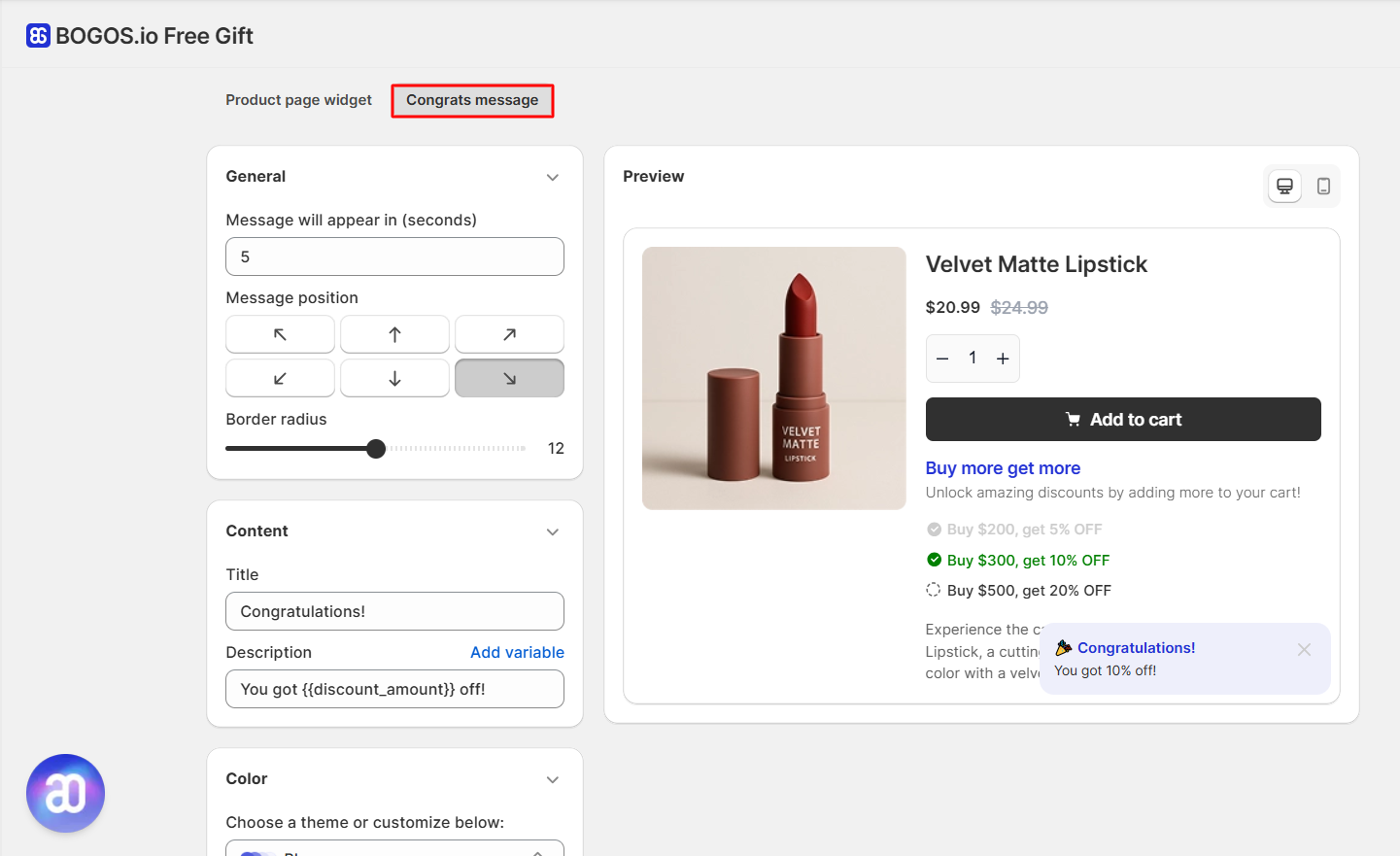
2. When a customer qualifies, a Congrats message pops up to celebrate the moment and confirm their discount is locked in.
Both can be styled to match your store’s branding (colors, layout, position, and more).